
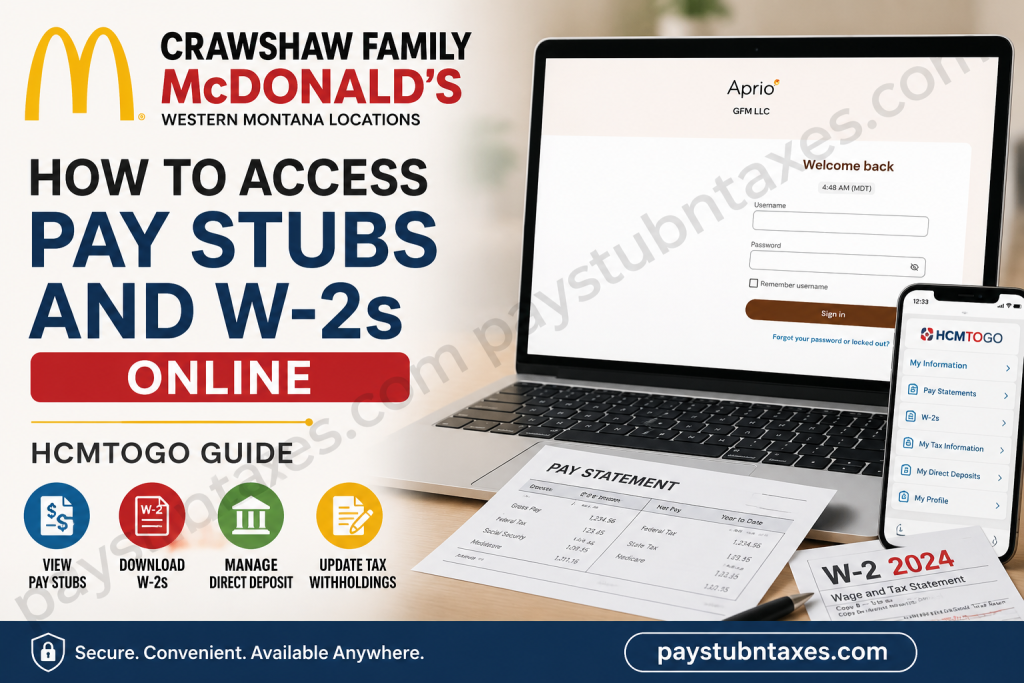
Working for the Crawshaw Family McDonald’s organization means becoming part of a locally owned business that values teamwork, leadership, and professional development. With seven McDonald’s restaurants serving communities across Western Montana—including Butte, Polson, Dillon, Anaconda, Rocker, Deer Lodge, and Ronan—the company provides employees with convenient digital tools to manage payroll and tax information. Whether you need to download your latest pay stub, retrieve your annual W-2, update direct deposit details, or review your tax withholding elections, the HCMToGo Employee Self-Service Portal enables you to complete these tasks securely from virtually anywhere. This comprehensive guide explains everything you need to know about accessing your Crawshaw Family McDonald’s pay stubs and W-2 forms online.
What Is HCMToGo?
HCMToGo is the official employee self-service payroll portal used by Crawshaw Family McDonald’s. It provides secure access to employment-related information through both a web browser and a mobile application.
Using HCMToGo, employees can:
- View and download pay stubs
- Access W-2 tax forms
- View Form 1095-C (when applicable)
- Update direct deposit information
- Change federal and state tax withholding
- Update personal information
- Manage emergency contacts
- Change passwords and security settings
Who Can Access the HCMToGo Portal?
The portal is available to employees working at Crawshaw Family-operated McDonald’s restaurants located in:
- Butte
- Polson
- Dillon
- Anaconda
- Rocker
- Deer Lodge
- Ronan
If you recently joined the company, you’ll receive a registration email containing your login credentials and account setup instructions.
Crawshaw Family McDonald’s HCMToGo Login Information
Employee Login Portal
https://secure.entertimeonline.com/ta/73534GFM.login?rnd=
Mobile App
Download HCMToGo from:
- Google Play Store
- Apple App Store
Company Short Name (Company ID): 73534gfm
How to Register Your HCMToGo Account
Before accessing payroll information, you must activate your account.
Your registration email includes:
- Login link
- Username
- Temporary password
- Company Short Name: 73534gfm
After signing in for the first time, you’ll be prompted to create a permanent password.
For the best experience, use Google Chrome when accessing the portal from a computer.
How to Access Crawshaw Family McDonald’s Pay Stubs
Once logged into HCMToGo, viewing your paycheck information only takes a few moments.
On a Computer
- Sign in to the HCMToGo portal.
- Hover over My Information.
- Select Pay Statements.
- Locate the desired pay period.
- Click the blue Pay Statement link.
- Your complete pay stub opens in PDF format.
- Download or print the document if needed.
On the Mobile App
- Open HCMToGo.
- Tap My Information.
- Select Pay Statements.
- Choose your paycheck.
- Tap Pay Statement to open the PDF.
How to Find Older Pay Stubs
If your desired paycheck isn’t immediately visible:
- Open Pay Statements.
- Select the Historical tab.
- Enter the appropriate date range.
- Click Search.
- Open the required pay statement.
This feature makes retrieving older payroll records quick and convenient.
Multiple Pay Statements? Here’s What to Do
Some employees may receive multiple pay statements during the same payroll cycle.
If this happens:
- Open the HCMToGo mobile app.
- Tap the menu icon.
- Select the circle containing your initials.
- Switch between available company profiles.
- Choose the appropriate company to locate the missing pay statement.
How to Access Your W-2 Online
HCMToGo also provides secure access to annual tax documents.
Step 1: Sign In
Log into your HCMToGo account.
Step 2: Navigate to Tax Documents
Open: My Information → W-2s
If you’re looking for healthcare tax information, select Form 1095-C instead.
Step 3: Approve Electronic Consent
Before viewing electronic tax forms, you must:
- Select Electronic Consent
- Read the disclosure
- Check the consent box
- Enter your password
- Click Save
Once enrolled, future W-2s will be available electronically.
Important: Electronic consent applies only to future forms and does not automatically make prior-year W-2s available electronically.
How to Update Direct Deposit Information
Employees can modify payroll deposit information directly through HCMToGo.
Navigate to: My Information → My Direct Deposits
From there, you can:
- Add a new bank account
- Update existing banking information
- Change routing numbers
- Modify pay card details
- Split payroll between multiple accounts
Keep in mind that payroll changes should be submitted at least five business days before your scheduled payday to ensure they take effect on the desired payroll cycle.
How to Change Federal or State Tax Withholding
If your tax situation changes, HCMToGo lets you update withholding elections electronically.
Navigate to: My Information → W-4/State Withholding Change
Then:
- Select Add.
- Choose the tax form.
- Complete the requested information.
- Save.
- Submit the form.
- Enter your password.
- Accept the electronic agreement.
Update Personal Information
Employees can also maintain their personal records online.
Navigate to: My Information → My Profile
Here you can update:
- Home address
- Email address
- Phone number
- Personal information
- Emergency contacts
Keeping this information current ensures important payroll and tax documents are delivered correctly.
Reset Your Password
Need to change your password?
Simply navigate to:
My Security → Change Password
You’ll also have the option to update your security questions for additional account protection.
Troubleshooting Login Problems
If you cannot access your account:
- Verify that you’re using 73534gfm as the Company ID.
- Double-check your username and password.
- Use Google Chrome for desktop access.
- Reset your password using the Forgot your password or locked out? option on the login page.
- Ensure you’ve completed your initial account registration.
If problems continue, speak with your restaurant manager for assistance.
Conclusion
Managing your payroll and tax documents has never been more convenient for employees of Crawshaw Family McDonald’s. Through the secure HCMToGo Employee Self-Service portal, you can access your pay stubs, download W-2 forms, view Form 1095-C, update direct deposit information, modify tax withholdings, and maintain your personal profile—all from a computer or mobile device. By enrolling in electronic document delivery and keeping your account information up to date, you’ll enjoy faster access to important payroll records whenever you need them. If you encounter any issues with your pay, W-2, or direct deposit, your restaurant manager is the best point of contact for prompt assistance, ensuring your payroll experience remains accurate, secure, and hassle-free.
Frequently Asked Questions
1. How do I log in to the Crawshaw Family McDonald’s payroll portal?
Visit the HCMToGo login page, enter your username, password, and Company ID (73534gfm), then click Sign In.
2. What is the Company ID for Crawshaw Family McDonald’s HCMToGo?
The Company ID (Company Short Name) is 73534gfm.
3. Where can I view my pay stubs?
After logging in, go to My Information > Pay Statements to view and download your current and previous pay stubs.
4. Can I download my pay stub as a PDF?
Yes. Click the Pay Statement link for the desired pay period to open and download your pay stub in PDF format.
5. How can I find older pay stubs?
Use the Historical tab within the Pay Statements section and search using a specific date range.
6. How do I access my W-2 online?
Navigate to My Information > W-2s, provide Electronic Consent if required, and download your W-2 once it becomes available.
7. Why can’t I see my W-2?
If this is your first time accessing electronic tax documents, you must complete the Electronic Consent process. Previous-year W-2s may not appear automatically.
8. Can I access my payroll information on my smartphone?
Yes. Download the HCMToGo app from the Apple App Store or Google Play Store and sign in using your credentials and Company ID.
9. How do I update my direct deposit information?
Go to My Information > My Direct Deposits to add, edit, or replace your bank account information for payroll deposits.
10. When should I submit direct deposit changes?
Submit any banking changes at least five business days before your scheduled payday to ensure they take effect on the next payroll cycle.
11. Can I update my federal or state tax withholding online?
Yes. Select My Information > W-4/State Withholding Change, complete the required form, and submit it electronically.
12. How do I update my address or phone number?
Open My Information > My Profile to update your mailing address, email address, phone number, and other personal information.
13. What should I do if I forgot my HCMToGo password?
Click the Forgot your password or locked out? link on the HCMToGo login page and follow the instructions to reset your password.
14. Why do I have multiple pay statements for one pay period?
If you work under more than one company profile, switch between company profiles within the HCMToGo app to view all available pay statements.
15. Who should I contact if I have questions about my pay or W-2?
If you have questions about your paycheck, W-2, direct deposit, or payroll setup, contact your restaurant manager first for assistance.

