
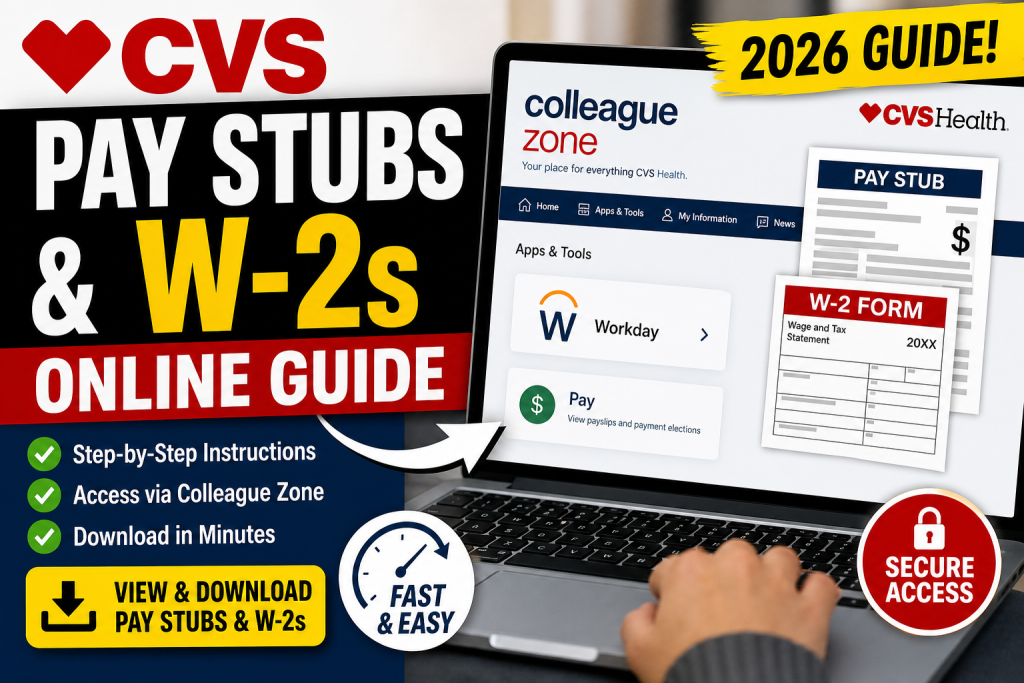
Managing your payroll records is essential for financial planning, tax filing, and employment verification. If you are a CVS employee, the Colleague Zone portal serves as your primary gateway to access pay stubs, payroll information, and important HR resources. This comprehensive guide will walk you through how to access your CVS pay stubs and W-2 forms online, using a clear and professional tone.
What Is CVS Colleague Zone?
Colleague Zone is CVS Health’s centralized employee self-service platform. It allows current employees to:
- View and download pay stubs
- Access payroll and compensation details
- Navigate to Workday for advanced HR functions
- Retrieve tax documents (W-2 forms)
- Manage personal and employment information
According to official guidance, current employees must use Colleague Zone, while former employees typically access records via MyHR.
CVS Colleague Zone Login Portal
To begin, visit the official login page:
👉 http://colleaguezone.cvs.com/
You will be redirected to the CVS Enterprise Login system.
Login Requirements
- Username: Network ID or Employee ID
- Password: Your secure CVS account password
- MFA (Multi-Factor Authentication): May be required for secure access
If you encounter issues, password reset options and support numbers are available directly on the login page.
Step-by-Step: How to Access CVS Pay Stubs
Follow these steps to view your payslips:
1. Sign In to Colleague Zone
- Go to the Colleague Zone link
- Enter your credentials
- Complete MFA verification if prompted
2. Navigate to Apps & Tools
- Scroll through the dashboard
- Locate available applications
3. Open Workday
- Click on the Workday app inside Colleague Zone
- You will be automatically signed in via SSO (Single Sign-On)
4. Access Pay Information
Inside Workday:
- Go to Pay or Benefits and Pay Hub
- Select Payslips or View Pay Statements
- Choose the desired pay period
5. Download or Print
- Click View to open your payslip
- Download as PDF or print for records
Workday displays detailed breakdowns including gross pay, taxes, deductions, and net pay.
How to Access Your CVS W-2 Forms
W-2 forms are typically accessed through Workday via Colleague Zone.
Method 1: Through Workday
- Log in to Colleague Zone
- Open Workday
- Navigate to Benefits and Pay Hub
- Click My Tax Documents
- Select the required tax year
This section contains your full W-2 history for download.
Method 2: Using Colleague Zone Search
If you cannot locate your W-2 directly:
- Use the search bar in Colleague Zone
- Type: “W-2” or “HR – Form W-2 Copies”
- Open the relevant HR article and follow the provided link
Note: You must have previously consented to electronic W-2 delivery; otherwise, it will be mailed to your address.
What Information Is Included in CVS Pay Stubs?
Your CVS pay stub provides a complete financial summary, including:
- Gross earnings and net pay
- Federal and state tax withholdings
- Social Security and Medicare deductions
- Benefits and other deductions
- Payment details and pay period
These documents are essential for tax filing, loan applications, and income verification.
Access for Former CVS Employees
If you are no longer employed at CVS:
- You cannot access Colleague Zone
- Use the MyHR portal instead
- Or contact HR for document retrieval
CVS may also send your pay stubs or W-2s via email or mail upon request.
Troubleshooting Login Issues
If you are unable to access your account:
Common Solutions
- Reset your password via the login page
- Ensure MFA is properly configured
- Try accessing from a different device
Contact Support
- Retail & MinuteClinic: 1-866-528-7272
- Corporate employees: 1-855-280-4872
Best Practices for Managing Pay Records
- Download and store pay stubs regularly
- Keep records for at least three years for tax purposes
- Verify deductions and earnings accuracy
- Maintain both digital and printed copies
Final Thoughts
Accessing your CVS pay stubs and W-2 forms through Colleague Zone is straightforward once you understand the workflow. The integration with Workday ensures a seamless, secure, and centralized experience for managing payroll and tax documents. By following the steps outlined above, you can efficiently retrieve your financial records anytime, ensuring compliance, accuracy, and peace of mind.
Frequently Asked Questions (FAQs)
1. How do I log in to CVS Colleague Zone?
Visit colleaguezone.cvs.com and sign in using your network ID or employee ID along with your password. Complete MFA if required.
2. Where can I find my CVS pay stubs?
You can find your pay stubs by logging into Colleague Zone and accessing the Workday app, then navigating to the Pay or Payslips section.
3. Can I download my CVS pay stubs as a PDF?
Yes, once you open a payslip in Workday, you can download or print it as a PDF for your records.
4. How do I access my CVS W-2 form online?
Log in to Colleague Zone, open Workday, go to the Benefits and Pay Hub, and select “My Tax Documents” to view your W-2 forms.
5. Why can’t I find my W-2 in Colleague Zone?
You may need to search “W-2” in the portal and open the HR article that links to your tax documents. Also, ensure you opted for electronic delivery.
6. What if I forgot my CVS Colleague Zone password?
Use the “Reset Password” option on the login page or contact CVS support for assistance.
7. Can former CVS employees access Colleague Zone?
No, former employees must use the MyHR portal or contact HR to obtain pay stubs and W-2 forms.
8. How long are CVS pay stubs available online?
Pay stubs are generally available for multiple pay periods, but it’s recommended to download and store them for at least three years.
9. What information is included in a CVS pay stub?
It includes gross pay, net pay, taxes, deductions, benefits, and payment details for each pay period.
10. Is Workday required to view CVS payroll information?
Yes, Workday is the system used within Colleague Zone to access detailed payroll and tax information.
11. Can I access CVS pay stubs from my phone?
Yes, you can log in to Colleague Zone and access Workday from a mobile device to view your pay information.
12. What should I do if Colleague Zone is not working?
Try resetting your password, switching devices, or contacting CVS support if the issue persists.
13. When are CVS W-2 forms available?
W-2 forms are typically available by the end of January each year, depending on IRS deadlines.
14. Can CVS email me my pay stubs or W-2 forms?
Yes, you can request documents from HR, and they may send them to your registered email.
15. Why are pay stubs important?
Pay stubs are essential for tax filing, proof of income, loan applications, and tracking your earnings and deductions.

