
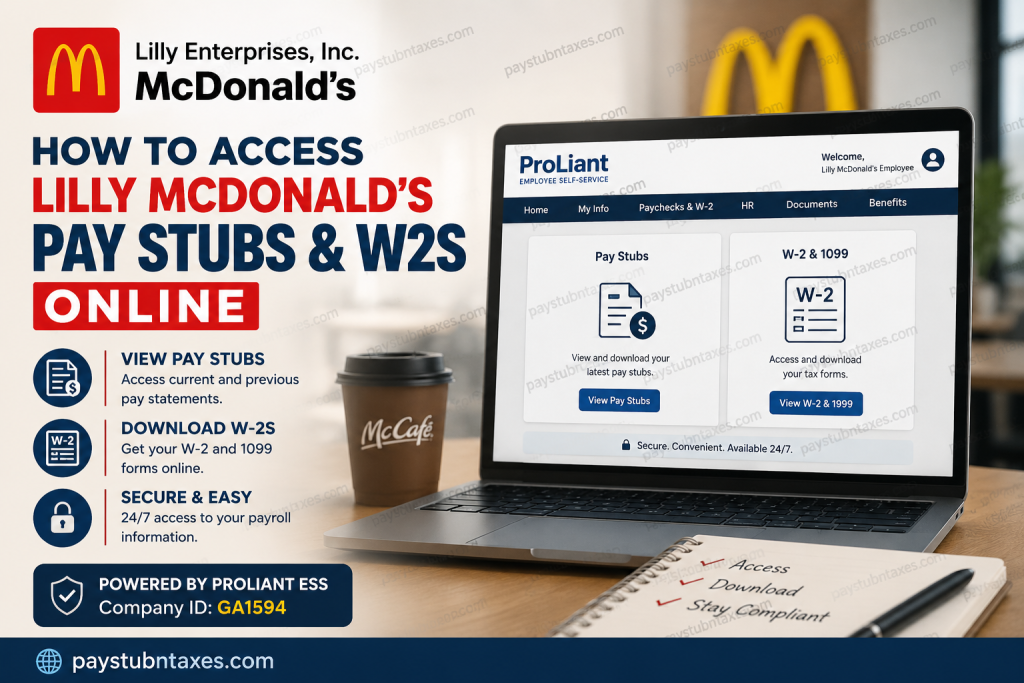
Working at a Lilly Enterprises, Inc. operated McDonald’s restaurant comes with the convenience of secure, self-service payroll management. Beginning in January 2025, Lilly Enterprises transitioned to ProLiant Employee Self-Service (ESS) as its official payroll platform, enabling employees to access pay stubs, W-2 tax forms, direct deposit information, and other payroll records from virtually anywhere. Whether you are a newly hired crew member, shift manager, or restaurant leader, this guide explains exactly how to register for ProLiant ESS, view your payroll documents, download your W-2, and resolve common login issues.
What Is ProLiant Employee Self-Service (ESS)?
ProLiant Employee Self-Service (ESS) is Lilly Enterprises’ secure online payroll portal that allows employees to:
- View current and previous pay stubs
- Download annual W-2 tax forms
- Access electronic tax documents
- Manage direct deposit information
- Update personal contact details
- View payroll history
- Receive electronic payroll notifications
- Access payroll records through both desktop and the ProLiant Mobile App
The portal is available 24/7, allowing employees to retrieve payroll information whenever needed.
Lilly McDonald’s ProLiant Login Information
Payroll Portal: https://www.readypayonline.com/Proliant/Login/Login.aspx
Company ID: GA1594
Keep your Company ID readily available during both registration and login.
How to Register for Lilly McDonald’s Employee Self-Service
If this is your first time accessing ProLiant, you’ll need to create an ESS account.
Step 1: Visit the ESS Portal
Open: https://www.readypayonline.com/Proliant/Login/Login.aspx
Click Register or Create Account.
Step 2: Enter Your Employee Information
You’ll be asked to provide:
- Company ID: GA1594
- Last Name
- Full Social Security Number
- ZIP Code associated with your residence
These details verify your identity.
Step 3: Create Your Login Credentials
Next, create:
- A unique username
- A secure password
Your password should meet ProLiant’s security requirements. The registration process also includes email verification, security questions, and two-factor authentication for enhanced account protection.
Step 4: Complete Registration
After verification, your Employee Self-Service account is ready to use.
Future logins require only your username and password.
How to View Your Lilly McDonald’s Pay Stubs
After signing in:
- Log into your ProLiant ESS account.
- Select My Info.
- Click Paychecks & W-2.
- Choose Last Check or your payroll history.
- Open the paycheck you’d like to view.
- Download or print the pay stub for your records.
Employees can review both current and previous payroll statements.
How to Download Your Lilly McDonald’s W-2 Online
Employees who elected electronic tax delivery can retrieve their W-2 online.
Simply:
- Log into ProLiant ESS.
- Select My Info.
- Open W-2 & 1099.
- Choose the appropriate tax year.
- Download or print your W-2.
The same documents are also available through the free ProLiant Mobile App under: HR → Docs → W-2 & 1099.
What If You Didn’t Choose Electronic Delivery?
Employees who did not consent to electronic tax delivery do not need to worry.
Lilly Enterprises mails paper W-2 forms before January 31 each year to the mailing address on file.
Go Paperless for Faster W-2 Delivery
ProLiant allows employees to enroll in electronic delivery for:
- W-2 forms
- 1099 forms
- Form 1095-C
- Paperless pay stubs
- Payroll email notifications
To enroll through the web portal: My Info → Paychecks & W-2 → W-2 & 1099 → Click to Enroll
You can also enroll in paperless pay statements under: My Info → Paychecks & W-2 → Statements & Notifications.
Access Through the ProLiant Mobile App
Employees who prefer using a smartphone can download the free ProLiant Mobile App from the Apple App Store or Google Play.
Using the app, employees can:
- View pay stubs
- Access W-2 forms
- Review payroll history
- Update profile information
- Receive payroll notifications
- Access HR documents
The mobile application offers nearly all of the same functionality available on the desktop version.
Need Another Copy of Your W-2?
Federal law requires employers to provide one original W-2 at no charge.
If you later request an additional printed copy after the original has already been furnished, Lilly Enterprises charges a $2.00 reissue fee to cover printing and mailing costs.
What About Form 1095-C?
Beginning with the 2025 tax year, Form 1095-C is no longer automatically mailed due to changes in federal law.
Instead:
- It is available electronically through ProLiant ESS.
- Employees may request a printed copy by contacting Lilly Enterprises.
- Requested forms are generally provided within 30 days after January 31.
Payroll Support
If you experience issues with:
- W-2 forms
- Paychecks
- Direct deposit
- ESS registration
- Payroll corrections
- Tax forms
Speak with your restaurant manager first.
You may also contact Lilly Enterprises Payroll:
Phone: 903-677-4806
Email: Miranda.Sanders@lillyent.com
Troubleshooting Login Problems
If you’re unable to access your account:
- Verify that you entered the correct Company ID (GA1594).
- Confirm that your ZIP Code matches your payroll records.
- Use your full Social Security Number during registration.
- Complete email verification and two-factor authentication if prompted.
- Reset your password if necessary.
- Contact payroll if registration cannot be completed.
Benefits of Using ProLiant ESS
Using ProLiant Employee Self-Service allows Lilly McDonald’s employees to:
- Access payroll information 24/7
- Download tax documents instantly
- Reduce paperwork with electronic delivery
- Manage personal payroll information securely
- View payroll history from any device
- Receive faster access to tax forms
- Protect payroll data with multi-factor authentication
Conclusion
Lilly Enterprises has streamlined payroll management by adopting the ProLiant Employee Self-Service platform, giving McDonald’s employees a secure and efficient way to access pay stubs, W-2 forms, and other payroll records online. By registering for ESS and opting into electronic tax delivery, employees can retrieve essential payroll documents in minutes, whether using a desktop computer or the ProLiant Mobile App. If any payroll or tax-related issues arise, Lilly Enterprises’ payroll team and restaurant management remain available to provide timely assistance.
FAQ: Lilly McDonald’s Pay Stubs & W-2s
1. How do I access my Lilly McDonald’s pay stubs online?
Log in to the ProLiant Employee Self-Service (ESS) portal, then navigate to My Info > Paychecks & W-2 > Last Check to view, download, or print your pay stubs.
2. What is the ProLiant login website for Lilly McDonald’s employees?
Employees can access the ProLiant ESS portal at:
https://www.readypayonline.com/Proliant/Login/Login.aspx
3. What is Lilly Enterprises’ ProLiant Company ID?
The Lilly Enterprises, Inc. Company ID is: GA1594
You’ll need this during account registration.
4. How do I register for a ProLiant ESS account?
Visit the ProLiant login page, click Register, then enter your Company ID (GA1594), last name, full Social Security Number, ZIP code, and create your username and password.
5. Where can I find my W-2 form in ProLiant?
After logging in, go to: My Info > W-2 & 1099
Select the appropriate tax year to download or print your W-2.
6. When will my Lilly McDonald’s W-2 become available?
Electronic W-2 forms are published in ProLiant ESS before the annual tax filing deadline, while paper copies are mailed before January 31 to employees who did not consent to electronic delivery.
7. Can I access my W-2 using the ProLiant Mobile App?
Yes. Download the free ProLiant Mobile App and navigate to: HR > Docs > W-2 & 1099
to view your electronic tax forms.
8. Can I print my pay stubs from ProLiant?
Yes. Every pay stub can be downloaded as a PDF and printed directly from your Employee Self-Service account.
9. What should I do if I forget my ProLiant password?
Use the Forgot Password option on the ProLiant login page or contact your payroll administrator if you cannot regain access.
10. Does Lilly McDonald’s offer paperless pay stubs?
Yes. Employees can enroll in paperless pay statements and email notifications through:
My Info > Paychecks & W-2 > Statements & Notifications
11. Can I update my direct deposit information through ProLiant?
Yes. Eligible employees can securely review and update payroll and direct deposit information within the Employee Self-Service portal.
12. What happens if I didn’t enroll in electronic W-2 delivery?
A paper W-2 will be mailed to your address on file before January 31 each year.
13. Is there a fee for requesting a duplicate W-2?
Yes. Lilly Enterprises charges a $2.00 fee for reissuing duplicate paper W-2 forms after the original has been provided.
14. Can former Lilly McDonald’s employees access their pay stubs and W-2s?
Former employees may still have access if their ESS account remains active. If not, they should contact Lilly Enterprises Payroll for assistance in obtaining tax documents.
15. Who should I contact if I have payroll or W-2 questions?
Start by speaking with your restaurant manager. You may also contact Lilly Enterprises Payroll:
- Phone: 903-677-4806
- Email: Miranda.Sanders@lillyent.com

