
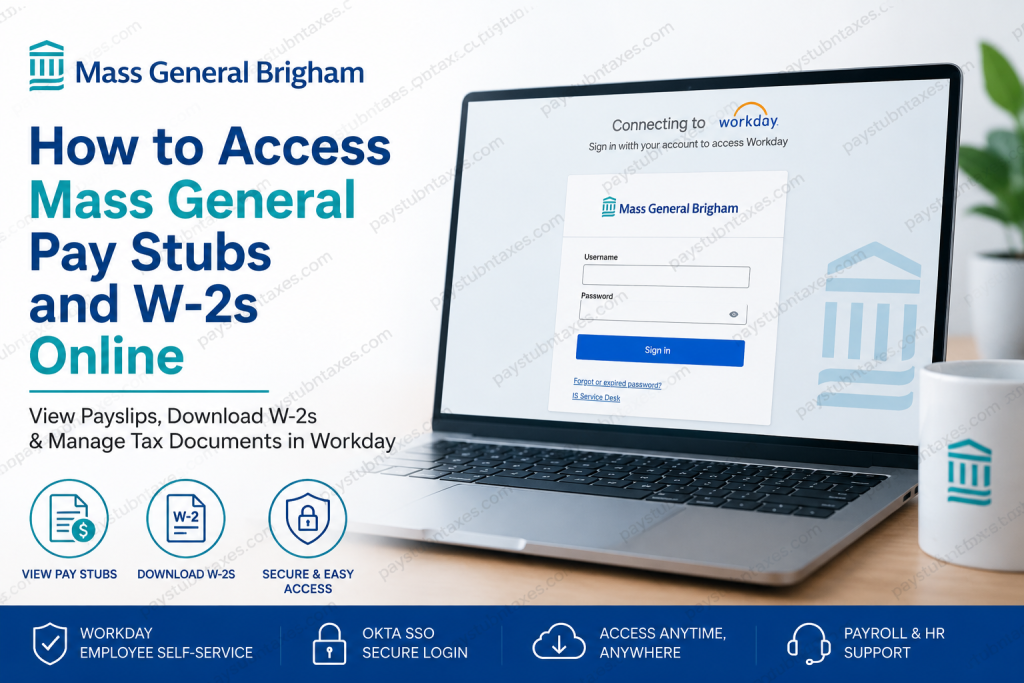
Managing your payroll and tax records should be straightforward, especially when you need immediate access to your earnings or tax documents. Fortunately, Mass General Brigham provides employees with a secure, cloud-based Workday Employee Self-Service (ESS) platform where they can access pay stubs, W-2 forms, tax elections, benefits, and other employment information from virtually anywhere. Whether you are a newly hired employee, an active team member, or a former employee looking for a copy of your W-2, this comprehensive guide explains everything you need to know about accessing your payroll information online.
About Mass General Brigham
Mass General Brigham is one of the largest integrated academic healthcare systems in the United States. The organization brings together world-renowned hospitals, physician networks, community health centers, home care services, and research institutions to deliver exceptional patient care while advancing medical education and scientific discovery.
As a nonprofit healthcare system and principal teaching affiliate of Harvard Medical School, Mass General Brigham employs tens of thousands of healthcare professionals, researchers, clinicians, and administrative staff dedicated to improving lives through innovation, education, and compassionate care.
To support this extensive workforce, Mass General Brigham uses Workday Human Capital Management (HCM) as its centralized employee platform for payroll, human resources, benefits administration, talent management, and tax documentation.
Can You Access Mass General Pay Stubs Online?
Yes. Current employees can securely access their electronic pay statements through the Mass General Brigham Workday Employee Self-Service Portal.
Inside Workday, employees can:
- View current and previous pay stubs
- Download or print payslips
- Review year-to-date earnings
- View payroll deductions
- Monitor taxes withheld
- Manage direct deposit information
- Update payroll-related personal information
- Access tax documents including W-2 forms
- Manage benefits and employment information
The employee portal also serves as a central location for many HR-related services, making it a convenient hub for employment records.
Mass General Workday Login
Workday Portal
https://www.myworkday.com/massgeneralbrigham
Employees sign in using their Mass General Brigham credentials through Okta Single Sign-On (SSO).
Your Workday account is generally activated approximately one week after your new-hire paperwork has been processed, provided that a valid email address is on file.
How to View Mass General Pay Stubs in Workday
Once logged into Workday:
- Sign in through the Workday portal using Okta SSO.
- Open the Pay application (or select View All Apps if necessary).
- Choose Payslips.
- Select the desired payroll period.
- Open the payslip to review earnings.
- Download or print a copy for your records.
Your electronic payslip typically includes:
- Pay period
- Check date
- Gross earnings
- Net pay
- Federal and state tax withholding
- Pre-tax deductions
- Post-tax deductions
- Retirement contributions
- Benefit deductions
- Year-to-date payroll totals
- Direct deposit information (when applicable)
How to Access Your Mass General W-2 Online
Mass General Brigham allows eligible employees to receive their W-2 electronically through Workday.
To locate your W-2:
- Log into Workday.
- Open the Menu.
- Select Pay.
- Open My Tax Documents.
- Choose the appropriate tax year.
- Click View/Print to download your W-2.
- Save or print the PDF for tax filing purposes.
Within the same section, employees can also update their tax form delivery preferences, choosing whether to receive electronic copies or paper forms when available.
Choosing Electronic W-2 Delivery
Employees who prefer paperless tax documents can opt into electronic delivery directly from Workday.
Inside My Tax Documents, employees can edit their Tax Form Printing Elections and choose the preferred delivery method for future W-2 forms.
Electronic delivery offers several advantages:
- Earlier access to tax documents
- Secure online storage
- Reduced paper usage
- Easy downloading whenever needed
- Convenient access during tax season
First-Time Employee Access
New employees should note:
- A valid email address must be on file.
- Workday access is generally available about one week after onboarding paperwork has been completed.
- Login authentication is handled through Okta Single Sign-On.
- Multi-factor authentication may be required depending on your security settings.
Forgot Your Password?
If you’re unable to sign in:
- Use the Forgot Password option on the login page.
- Contact the IS Service Desk for login or technical issues.
- Ensure your Okta credentials remain active.
- Complete any required multi-factor authentication prompts.
What If You Can’t Find Your W-2?
If your W-2 is unavailable in Workday:
- Confirm you’re viewing the correct tax year.
- Verify that electronic tax documents have been released.
- Check your Workday notifications.
- Contact the Payroll Office for assistance.
Former employees who require another copy of their W-2 should contact Payroll directly.
Current Employees: Benefits Support
Questions regarding benefits, retirement plans, insurance, flexible spending accounts, or other HR matters can be addressed through the Ask MyHR employee portal.
Employees who are not connected to the internal network may be required to complete two-factor authentication before accessing the portal.
Former Employees
Former employees generally no longer retain indefinite access to all employee systems.
If you need:
- A replacement W-2
- Payroll assistance
- Benefits information
You should contact the appropriate Mass General Brigham support team for assistance.
Payroll and HR Contact Information
Payroll Office
Phone: 617-726-2148
For:
- W-2 requests
- Payroll questions
- Replacement tax forms
HR Support Center
Phone: 833-275-6947
Email: askmyhr@partners.org
For:
- Benefits
- Retirement plans
- Insurance
- Employee assistance
- General HR questions
IS Service Desk
For:
- Workday login issues
- Okta authentication
- Password resets
- Email access
- Technical support
Advantages of Using Workday
Mass General Brigham’s Workday platform provides employees with a secure and centralized experience that eliminates much of the paperwork traditionally associated with payroll administration.
Key benefits include:
- 24/7 online access
- Secure cloud-based platform
- Paperless payroll records
- Instant W-2 downloads
- Mobile accessibility
- Direct deposit management
- Benefits administration
- Tax document management
- Personal information updates
- Employment record access
Conclusion
Mass General Brigham has streamlined payroll administration by leveraging Workday, giving employees secure, around-the-clock access to their pay stubs, W-2 tax forms, benefits, and employment records through a single self-service platform. Whether you need to download a recent payslip, update your tax document preferences, or retrieve a year-end W-2 for tax filing, Workday simplifies the entire process while maintaining enterprise-grade security. Should you encounter login difficulties or require assistance with payroll or benefits, dedicated HR, Payroll, and IT support teams are available to help ensure uninterrupted access to your essential employment information.
Frequently Asked Questions
1. How do I log in to the Mass General Brigham Workday portal?
Visit https://www.myworkday.com/massgeneralbrigham and sign in using your Mass General Brigham username and password through Okta Single Sign-On (SSO).
2. Where can I find my pay stubs?
After logging into Workday, open the Pay application and select Payslips to view, download, or print your payroll statements.
3. How do I access my W-2 online?
In Workday, go to Benefits and Pay, then open My Tax Documents and select the desired tax year to download your W-2.
4. Can I receive my W-2 electronically?
Yes. Employees can opt for electronic W-2 delivery by updating their Tax Form Printing Elections in the My Tax Documents section of Workday.
5. When will new employees receive Workday access?
Your Workday profile is generally available approximately one week after completing your new-hire paperwork and having a valid email address on file.
6. Can I download previous pay stubs?
Yes. Workday stores historical payslips, allowing employees to access prior payroll records whenever needed.
7. Can I print my pay stub or W-2?
Yes. Both payslips and W-2 forms can be downloaded as PDF files and printed directly from Workday.
8. What should I do if I forget my Workday password?
Use the password recovery option available through the login page or contact the IS Service Desk for assistance with your account.
9. Can I access Workday from home?
Yes. Employees can securely access Workday remotely using their Okta credentials and any required multi-factor authentication.
10. What information appears on my pay stub?
Your payslip typically includes gross pay, net pay, taxes withheld, deductions, direct deposit information, and year-to-date earnings.
11. How do I change my W-2 delivery preference?
Navigate to My Tax Documents in Workday, select Tax Form Printing Elections, and update your preferred delivery option.
12. I’m a former employee. How do I obtain my W-2?
Former employees who need a copy of their W-2 should contact the Mass General Brigham Payroll Office at 617-726-2148.
13. Who should I contact for benefits questions?
Contact the HR Support Center at 833-275-6947, email askmyhr@partners.org, or use the Ask MyHR employee portal.
14. Why can’t I log in to Workday?
Common reasons include an incorrect password, inactive account, incomplete multi-factor authentication, or technical issues. Contact the IS Service Desk if the problem persists.
15. Is Workday secure for accessing payroll information?
Yes. Workday uses secure authentication through Okta Single Sign-On (SSO) and protects employee payroll and tax information with enterprise-grade security measures.

