
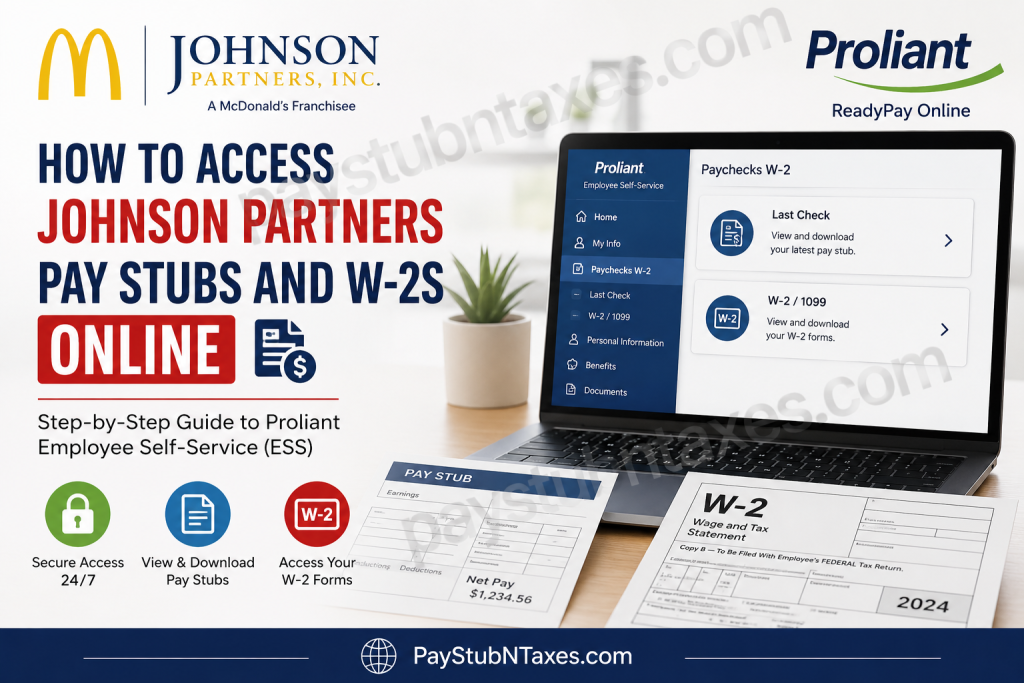
Whether you need a recent paycheck for income verification, a year-end W-2 for filing your taxes, or simply wish to review your payroll history, Johnson Partners, Inc. makes the process straightforward through the Proliant Employee Self-Service (ESS) portal. As one of the largest McDonald’s franchise operators in North Alabama, Johnson Partners enables employees to securely access payroll records anytime through the ReadyPay Online platform. This comprehensive guide explains how to register for your account, log in, download your pay stubs and W-2 forms, troubleshoot common issues, and contact the appropriate support team if you need assistance.
About Johnson Partners McDonald’s
Johnson Partners, Inc. is a locally owned and operated McDonald’s franchise organization that manages more than 25 McDonald’s restaurant locations throughout North Alabama, serving communities including Huntsville, Madison, Athens, Cullman, Decatur, Meridianville, Hartselle, Falkville, Owens Cross Roads, Moulton, and surrounding areas. Employees have access to an online payroll system through Proliant, where they can conveniently retrieve payroll documents and tax forms.
What is the Johnson Partners Employee Self-Service Portal?
The Johnson Partners Employee Self-Service (ESS) portal is powered by Proliant ReadyPay Online, allowing employees to manage important payroll information without visiting the Human Resources department.
Using the portal, employees can:
- View current and previous pay stubs
- Download W-2 tax forms
- Access payroll history
- Print payroll documents whenever needed
- Review paycheck information securely
The portal is available 24 hours a day from any internet-connected computer.
Johnson Partners ESS Login
Payroll Portal (Proliant ReadyPay Online):
https://www.readypayonline.com/Proliant/Login/Login.aspx
First-Time Registration for Employee Self-Service
New employees must register before accessing payroll records.
Step 1: Open the Proliant ReadyPay Online login page.
Step 2: Select Register.
Step 3: Enter the requested information:
- Company ID
- Last Name
- Full Social Security Number
- ZIP Code associated with your employee record
Step 4: Create your login credentials.
You’ll be asked to create:
- A unique username
- A password containing:
- At least six characters
- At least one number or one special character
Once registration is complete, you can immediately sign in using your newly created credentials.
How to Log In
- Visit the ReadyPay Online portal.
- Enter your username.
- Enter your password.
- Click Login.
After authentication, you’ll arrive at your Employee Self-Service dashboard.
How to View and Download Pay Stubs
After logging into your ESS account:
- Click My Info.
- Select Paychecks W-2.
- Choose Last Check.
- Open the desired paycheck.
- Download or print the pay stub for your records.
Johnson Partners advises completing this process on a desktop or laptop computer, as some payroll features may not function properly on mobile devices.
How to Download Your W-2
When annual tax documents become available:
- Log into the Proliant ESS portal.
- Navigate to: My Info → Paychecks W-2 → W-2 / 1099
- Select the applicable tax year.
- Download or print your W-2.
Keeping an electronic copy ensures convenient access whenever needed for tax preparation, loan applications, or financial documentation.
What Information Is Available in ESS?
Employees can typically access:
- Current pay stubs
- Previous pay statements
- Gross wages
- Net pay
- Federal tax withholding
- State tax withholding
- Social Security deductions
- Medicare deductions
- Benefit deductions
- W-2 tax forms
- Payroll history
Forgot Your Username or Password?
If you cannot sign in:
- Use the Forgot Username or Forgot Password option on the login page.
- Follow the identity verification prompts.
- Reset your credentials.
If you’re still unable to access your account, contact your restaurant manager or payroll administrator.
DailyPay Benefit
Johnson Partners employees may also be eligible for ReadyPay Today, a Proliant feature that provides access to earned wages before the scheduled payday. Employees can enroll through the Proliant desktop portal or mobile application to receive eligible earnings earlier, helping manage unexpected expenses without waiting for the next payroll cycle.
Employee Resources
In addition to payroll services, Johnson Partners provides employees with several valuable resources, including:
- Archways to Opportunity for tuition assistance and educational programs
- McDPerks employee discounts
- Doctor On Demand virtual healthcare services
- DailyPay earned wage access
- Proliant Employee Self-Service for payroll management
Common Login Problems
Incorrect Username or Password
Verify that both fields are entered correctly, paying close attention to uppercase and lowercase letters.
Registration Fails
Ensure the information entered exactly matches your payroll records, including your last name, Social Security Number, and ZIP code.
Missing Pay Stub
Recent payroll information may require additional processing time before appearing in the system.
W-2 Not Available
Annual W-2 forms generally become available after year-end payroll processing and before applicable tax filing deadlines.
Payroll Support
If you experience problems accessing your payroll records:
Step 1: Contact your restaurant manager.
If further assistance is needed:
Email: 855wecare9@gmail.com
Your manager or payroll representative can assist with:
- ESS registration
- Login problems
- W-2 delivery preferences
- Missing payroll records
- Account verification
Security Tips
To protect your payroll information:
- Never share your login credentials.
- Use a strong, unique password.
- Log out after each session, especially on shared computers.
- Update your password periodically.
- Keep your contact information current within the payroll system.
Conclusion
Johnson Partners has streamlined payroll management by providing employees with secure, around-the-clock access to pay stubs and W-2 forms through the Proliant ReadyPay Online Employee Self-Service portal. Once your account is registered, retrieving payroll records requires only a few clicks, allowing you to download earnings statements, tax documents, and payroll history whenever needed. Should you encounter any difficulties, your restaurant manager or the payroll support team can help restore access promptly, ensuring your employment records remain readily available whenever financial or tax obligations arise.
Frequently Asked Questions
1. How do I access my Johnson Partners McDonald’s pay stubs?
Log in to the Proliant ReadyPay Online Employee Self-Service portal and navigate to My Info → Paychecks W-2 → Last Check.
2. Where can I download my Johnson Partners W-2 form?
After logging into the ESS portal, select My Info → Paychecks W-2 → W-2/1099 and choose the desired tax year.
3. Which payroll system does Johnson Partners use?
Johnson Partners uses Proliant ReadyPay Online Employee Self-Service (ESS) for payroll management.
4. How do I register for the Employee Self-Service portal?
Click Register on the Proliant login page and provide your Company ID, last name, Social Security Number, ZIP code, then create a username and password.
5. What information do I need to create an ESS account?
You’ll generally need:
- Company ID
- Last Name
- Full Social Security Number
- ZIP Code
- A new username and password
6. Can I access my pay stubs from home?
Yes. The Proliant ESS portal is available online, allowing employees to securely access payroll information from home.
7. Can I download and print my pay stubs?
Yes. Every available paycheck can be viewed, downloaded as a PDF, and printed for your records.
8. Can I access the payroll portal on my mobile phone?
You can log in from mobile devices, but Johnson Partners recommends using a desktop or laptop computer when downloading pay stubs and W-2 forms for the best experience.
9. What should I do if I forget my ESS password?
Use the Forgot Password option on the Proliant login page or contact your restaurant manager for assistance.
10. Why can’t I see my latest paycheck?
Recent payroll information may take some time to appear after payroll processing. If it remains unavailable, contact your manager or payroll support.
11. When are W-2 forms available?
W-2 forms are generally published after year-end payroll processing and before the IRS filing deadline.
12. Does the ESS portal store previous pay stubs?
Yes. Employees can typically access current and historical pay statements available within their payroll account.
13. Does Johnson Partners offer early wage access?
Yes. Eligible employees may enroll in ReadyPay Today, allowing them to access earned wages before the scheduled payday.
14. Who should I contact if I have payroll questions?
You should first speak with your restaurant manager. If additional assistance is needed, contact the payroll support email provided by Johnson Partners.
15. Is the Proliant Employee Self-Service portal secure?
Yes. The portal uses secure authentication to protect employee payroll and tax information. Employees should always keep their login credentials confidential and use strong passwords.

