
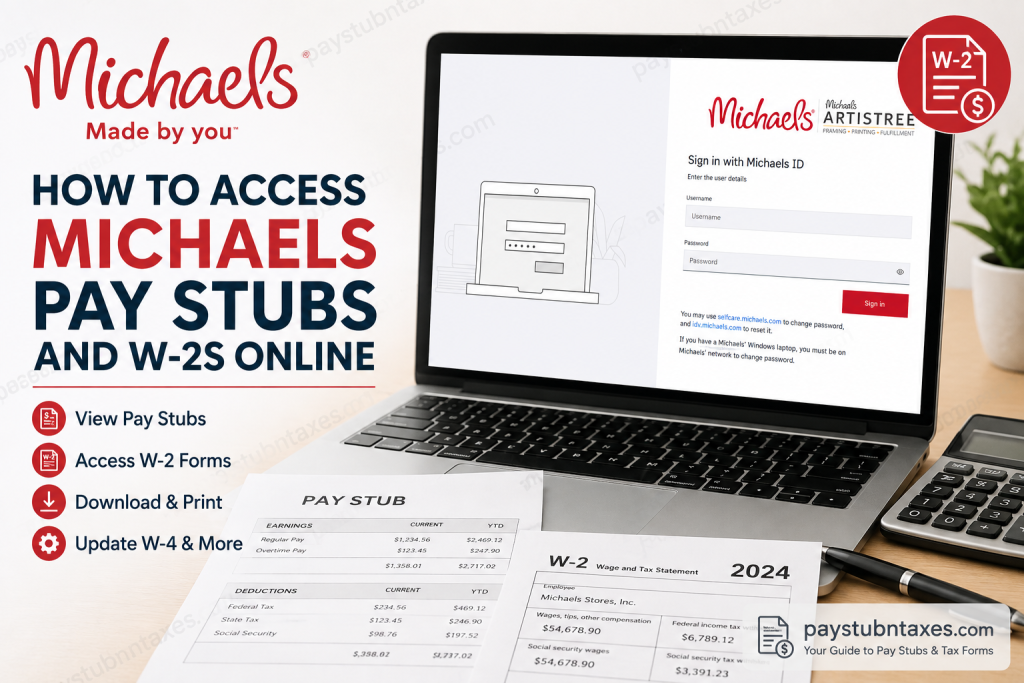
If you are a current Michaels team member, accessing your payroll and tax documents is straightforward through Workday, the company’s official Human Capital Management (HCM) platform. Whether you need to review your latest paycheck, download an older pay stub, print your annual Form W-2, or update your tax withholding information, Workday provides a secure, self-service solution that is available from both desktop and mobile devices. This comprehensive guide explains everything you need to know about accessing Michaels pay stubs and W-2 forms online, troubleshooting common login issues, and contacting Human Resources when additional assistance is required.
About Michaels
Founded in 1973 and headquartered in Irving, Texas, Michaels is North America’s leading arts and crafts retailer. The company operates more than 1,300 stores across the United States and Canada while also managing Artistree, one of the world’s largest custom framing manufacturers, and MakerPlace by Michaels, its online handmade marketplace.
To simplify employee administration, Michaels uses Workday as its primary HR and payroll platform, allowing employees to manage payroll, tax forms, benefits, personal information, and employment records from a single secure portal.
How to Access Michaels Pay Stubs Online
Current Michaels employees can access both current and historical pay statements directly through Workday.
Step 1: Open the Michaels Workday Portal
Visit the Michaels Workday login page:
https://wd5.myworkday.com/wday/authgwy/michaels/login-saml2.htmld
You’ll be prompted to sign in using your Michaels ID and password.
Step 2: Sign In
Enter:
- Michaels Username (Michaels ID)
- Password
Click Sign In.
If you’ve forgotten your password, use the password recovery options available through Michaels Identity services.
Step 3: Open the Pay Application
After signing in: Home → Pay
The Pay application serves as the central location for payroll-related information.
Step 4: View Your Pay Stub
Inside the Pay application:
- Under Payslips, your most recent paycheck appears immediately.
- Select the desired pay period to open the detailed pay statement.
Your paycheck includes:
- Gross earnings
- Net pay
- Federal taxes
- State taxes
- Pre-tax deductions
- Post-tax deductions
- Employer-paid benefits
- Taxable wages
- Withholding information
- Year-to-date earnings
- Payment information
Step 5: Print or Download Pay Stubs
To save a copy:
- Open the desired payslip.
- Select Print Payslip Image.
- Wait while Workday generates the PDF.
- Open the notification when processing finishes.
- Download or print the PDF.
If you need older pay statements:
- Return to Pay
- Select View → Payslips
- Browse all available pay periods.
Understanding Your Michaels Pay Stub
Your Workday pay statement contains several important payroll sections.
These include:
- Company information
- Employee information
- Pay period dates
- Check date
- Current earnings
- Year-to-date earnings
- Taxes withheld
- Pre-tax deductions
- Post-tax deductions
- Employer-paid benefits
- Taxable wages
- Direct deposit details
- Federal and state withholding elections
Reviewing these sections regularly helps ensure your earnings and deductions remain accurate.
How to Access Your Michaels W-2 Online
Employees who elect electronic tax delivery can retrieve their W-2 directly within Workday.
Step 1: Log in to Workday.
Step 2: Open the Pay application.
Step 3: Select My Tax Documents.
Step 4: Locate your desired tax year.
Each available W-2 appears in a list organized by tax year.
Step 5: Choose View/Print.
Your W-2 opens as a PDF where you can:
- View
- Download
- Save for tax filing
An accessible version of the W-2 is also available for employees who require it.
Can Former Michaels Employees Access W-2 Forms?
Former employees may retain limited Workday access depending on company policies and account status.
If you cannot sign in:
- Contact Michaels Team Member Services.
- Request a replacement W-2.
- Verify your mailing address.
- Confirm your employment information.
Updating Your W-4 Tax Withholding
Michaels allows employees to modify tax withholding throughout the year.
Inside Workday: Pay → Withholding Elections
Changes generally take effect beginning with the next eligible payroll.
Michaels Payroll Schedule
Michaels follows a consistent payroll calendar.
- Workweek: Sunday 12:01 AM through Saturday 12:00 Midnight
- Pay Frequency: Bi-weekly
- Payday: Every other Friday
The company does not offer payroll advances.
Workday Mobile Access
Employees may also use the Workday mobile application to:
- View pay stubs
- Download W-2 forms
- Update direct deposit
- Change personal information
- Modify tax withholding
- Review payment history
Common Workday Login Issues
Incorrect Username
Use your assigned Michaels ID rather than a personal email address unless instructed otherwise.
Forgotten Password
Reset your password through Michaels Identity Management or contact Team Member Services.
New Employee Account Not Working
New hire profiles typically become available approximately one week after onboarding paperwork has been processed.
Browser Problems
If Workday does not load correctly:
- Clear browser cache
- Enable cookies
- Try another browser
- Use an Incognito/Private browsing window
Michaels Payroll Contact Information
Team Member Services
Phone: 855-432-MIKE (6453)
Email: hrteam@michaels.com
Contact HR for assistance with:
- Workday login
- Missing paychecks
- W-2 requests
- Payroll corrections
- Direct deposit updates
- Tax withholding questions
Conclusion
Michaels has streamlined payroll and tax document management by centralizing everything within Workday. From reviewing bi-weekly pay statements and downloading historical payslips to accessing electronic W-2 forms and updating tax withholding elections, employees can complete nearly every payroll-related task through a single secure portal. Keeping your contact information current and opting for electronic tax delivery can make payroll administration even more convenient, while Team Member Services remains available to assist whenever additional support is needed.
People Also Ask
1. How do I log in to the Michaels Workday portal?
Visit the Michaels Workday login page, enter your Michaels ID and password, and click Sign In to access your employee account.
2. Where can I find my Michaels pay stubs?
After logging into Workday, open the Pay application and select Payslips to view your current and previous pay stubs.
3. Can I download my Michaels pay stub as a PDF?
Yes. Open the desired payslip in Workday and choose Print Payslip Image to generate and download a PDF copy.
4. How do I access my Michaels W-2 form online?
Log into Workday, navigate to Pay > My Tax Documents, select the applicable tax year, and click View/Print to download your W-2.
5. Does Michaels use Workday for payroll?
Yes. Michaels uses Workday as its primary Human Capital Management (HCM) and payroll platform for employee self-service.
6. When does Michaels pay employees?
Michaels pays employees bi-weekly, with paydays occurring every other Friday.
7. What is the Michaels workweek for payroll purposes?
The Michaels payroll workweek begins on Sunday at 12:01 AM and ends on Saturday at 12:00 Midnight.
8. Can I receive my W-2 electronically?
Yes. Employees can elect to receive their W-2 electronically through Workday instead of receiving a mailed paper copy.
9. Can former Michaels employees access their W-2 forms?
Former employees may have limited Workday access. If access is unavailable, they should contact Team Member Services for assistance.
10. How do I update my W-4 tax withholding at Michaels?
Log into Workday, open the Pay application, and update your Withholding Elections. Changes are reflected in a future payroll cycle.
11. Can I view old pay stubs in Workday?
Yes. Workday stores historical payslips, allowing employees to review and download previous pay statements.
12. What should I do if I forget my Michaels Workday password?
Use the Michaels password reset tools or contact Team Member Services if you cannot access your account.
13. Does Michaels offer pay advances?
No. Michaels does not offer payroll advances. Employees are paid according to the company’s regular bi-weekly payroll schedule.
14. What information appears on a Michaels pay stub?
A Michaels pay stub typically includes gross pay, net pay, taxes withheld, deductions, year-to-date earnings, direct deposit information, and pay period details.
15. How can I contact Michaels HR for payroll assistance?
You can contact Team Member Services by calling 855-432-MIKE (6453) or emailing hrteam@michaels.com for help with payroll, Workday access, pay stubs, or W-2 forms.

