
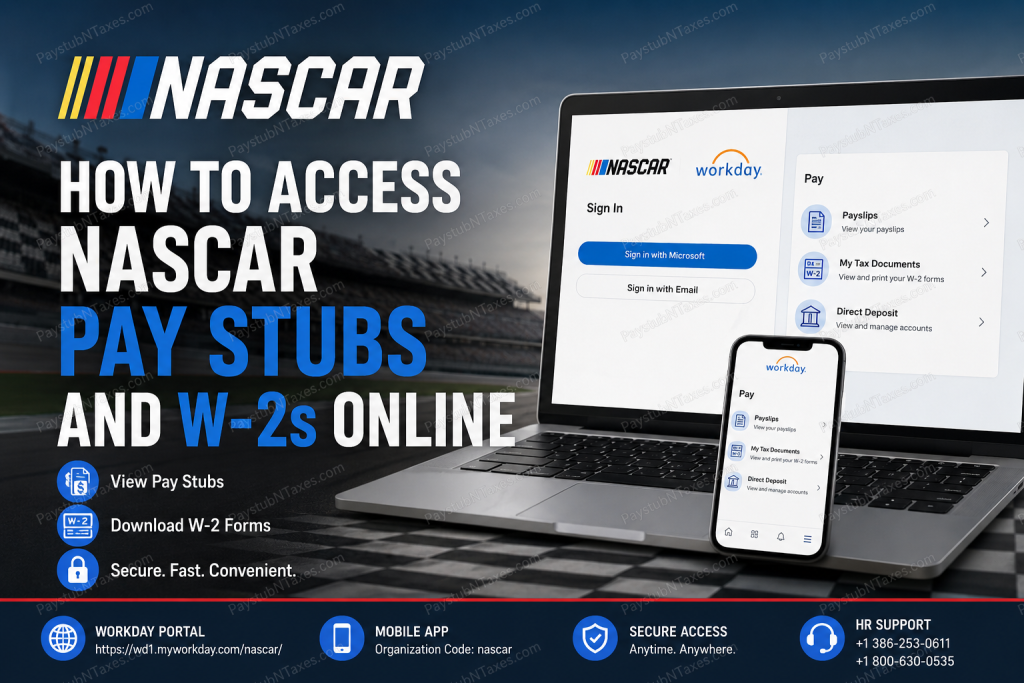
NASCAR is more than the governing body of America’s premier stock car racing series—it is a global motorsports organization that oversees more than 1,200 races annually across 11 countries while employing thousands of professionals, including corporate staff, race officials, drivers, pit crews, event personnel, and temporary workers. Behind the excitement of race weekends lies a sophisticated workforce supported by modern digital HR technology. To simplify payroll and tax document management, NASCAR provides employees, drivers, temporary event staff, and many former workers with secure online access through the Workday platform. Whether you need to review your latest paycheck, download previous pay statements, retrieve your annual Form W-2, or update payroll information, Workday allows you to complete these tasks anytime and virtually anywhere. This comprehensive guide explains exactly how to access your NASCAR pay stubs and W-2 forms online, regardless of whether you are an active employee, a temporary worker, or a former member of the organization.
NASCAR Workday Portal
NASCAR manages payroll and employee self-service functions through Workday, its cloud-based Human Capital Management (HCM) platform.
Workday Login Portal
https://wd1.myworkday.com/nascar
Workday Mobile App
- Download the Workday app from the Apple App Store or Google Play Store.
- Organization Code: nascar
The mobile application offers virtually the same payroll functionality available on the desktop portal, allowing employees to access payroll records while traveling or working at race events.
Choosing the Correct Login Option
When you open the NASCAR Workday portal, you will see two different sign-in methods.
Option 1: Microsoft SSO (Company Network Account)
Choose this option if you:
- Are a current NASCAR employee
- Have a NASCAR-issued Microsoft account
- Use your company email and password
This option authenticates through Microsoft’s secure Single Sign-On (SSO) service.
Option 2: Personal Email Login
Choose this option if you are:
- Temporary event staff
- Seasonal workers
- Former employees
- Individuals without a NASCAR-issued Microsoft account
- Supplier Portal users (when applicable)
Simply sign in using the personal email address associated with your Workday profile.
How to View NASCAR Pay Stubs
After signing into Workday, retrieving your pay statements requires only a few clicks.
Step 1: Log into the NASCAR Workday portal.
Step 2: From the homepage, open the Pay application.
Step 3: Select Payslips.
Step 4: A complete list of available payroll periods will appear.
Step 5: Choose the desired pay period.
Step 6: Open the PDF version of your payslip.
You can then:
- View earnings
- Verify deductions
- Check overtime
- Review taxes withheld
- Print your payslip
- Download it for your records
Information Available on Your NASCAR Pay Stub
Your electronic payslip generally includes:
- Employee information
- Pay period dates
- Gross earnings
- Regular wages
- Overtime pay
- Bonuses (if applicable)
- Federal tax withholding
- State tax withholding
- Social Security
- Medicare deductions
- Benefit deductions
- Retirement contributions
- Net pay
- Direct deposit information
- Year-to-date earnings
Reviewing each pay statement helps ensure payroll accuracy and allows you to identify discrepancies promptly.
How to Download Your NASCAR W-2 Form
Workday also stores annual tax documents for eligible employees.
Follow these steps:
Step 1: Sign into Workday.
Step 2: Open the Pay dashboard.
Step 3: Select My Tax Documents.
Step 4: Locate the desired tax year.
Step 5: Click View/Print.
The W-2 will open in PDF format.
You may then:
- Print your W-2
- Download a digital copy
- Save it for tax filing
- Access prior available tax years
Accessing NASCAR Workday from the Mobile App
The Workday mobile application offers nearly all payroll features available on the desktop portal.
After installation:
- Open the Workday app.
- Enter the Organization Code:
nascar - Sign in using either:
- Microsoft SSO
- Personal Email
- Navigate to the Pay section.
- Access:
- Payslips
- Tax Documents
- Direct Deposit
- Payroll Information
The mobile application is especially convenient for employees working at racetracks, traveling between events, or away from a desktop computer.
Forgot Your Password?
If you’re unable to sign in:
- Microsoft SSO users should use Microsoft’s password recovery process or contact NASCAR IT.
- Personal email users should select Forgot Password (if available) or contact Human Resources for assistance.
Avoid creating duplicate Workday accounts, as this may delay payroll access.
Who Can Access Workday?
The NASCAR Workday portal generally supports:
- Corporate employees
- Race officials
- Drivers
- Operations staff
- Administrative personnel
- Temporary event workers
- Seasonal employees
- Certain former employees
- Eligible supplier portal users
Your level of access depends on your employment status and assigned Workday permissions.
Payroll Support
If you experience problems accessing your payroll information or tax forms, contact NASCAR Human Resources.
Corporate Headquarters
Phone: +1 (386) 253-0611
Customer Care / HR Helpline
Phone: +1 (800) 630-0535
Human Resources can assist with:
- Login problems
- Password resets
- Missing pay stubs
- W-2 corrections
- Payroll discrepancies
- Employment verification
- Workday account access
Best Practices for Protecting Your Payroll Information
Because your Workday account contains sensitive financial and personal information, follow these security recommendations:
- Use a strong, unique password.
- Enable multi-factor authentication if available.
- Never share your login credentials.
- Sign out after each session, especially on shared devices.
- Keep your email address and contact information up to date.
- Download tax documents only to secure, trusted devices.
- Monitor your payroll records regularly for accuracy.
Conclusion
NASCAR’s Workday platform provides employees, drivers, temporary event staff, and eligible former workers with a secure and efficient way to manage payroll information online. Whether you need to review your latest pay stub, download a W-2 for tax season, or verify payroll details while traveling between race events, Workday centralizes these essential tasks in one user-friendly system. By selecting the correct login method—Microsoft SSO for current employees or Personal Email for temporary and former workers—you can access your payroll records quickly and securely from either the web portal or the Workday mobile app. If you encounter login difficulties or payroll-related concerns, NASCAR Human Resources is available to provide timely assistance and ensure uninterrupted access to your employment records.
Frequently Asked Questions
1. How do I access my NASCAR pay stubs online?
Log in to the NASCAR Workday portal, open the Pay application, and select Payslips to view, download, or print your pay statements.
2. Where can I download my NASCAR W-2 form?
After signing into Workday, go to Pay → My Tax Documents, select the desired tax year, and download or print your W-2.
3. What is the NASCAR Workday login URL?
The official Workday portal is: https://wd1.myworkday.com/nascar/
4. What is the Workday organization code for NASCAR?
The organization code is nascar.
5. Which login option should current NASCAR employees use?
Employees with a company-issued Microsoft account should select the Microsoft SSO login option.
6. How do temporary event staff sign in?
Temporary event staff should choose the Personal Email login option using the email address associated with their Workday account.
7. Can former NASCAR employees access their pay stubs?
Yes. Eligible former employees can typically access Workday by selecting the Personal Email login option.
8. Can I use the Workday mobile app?
Yes. Download the Workday app for iOS or Android and enter the organization code nascar during setup.
9. Can I print my NASCAR pay stubs?
Yes. Every payslip can be viewed, downloaded as a PDF, and printed directly from Workday.
10. Can I download previous years’ W-2 forms?
Yes. Available tax documents can be accessed through the My Tax Documents section in Workday.
11. What information appears on my NASCAR pay stub?
Your pay stub generally includes gross pay, deductions, taxes withheld, benefits, direct deposit details, net pay, and year-to-date earnings.
12. What should I do if I cannot log in to Workday?
Verify that you selected the correct login method (Microsoft SSO or Personal Email). If you still cannot access your account, contact NASCAR Human Resources.
13. Who do I contact for payroll or W-2 assistance?
Contact NASCAR Human Resources at +1 (386) 253-0611 or the HR Helpline at +1 (800) 630-0535.
14. Is Workday available outside the workplace?
Yes. You can securely access Workday 24/7 from any internet-connected computer or mobile device, except during scheduled maintenance.
15. Is Workday secure for accessing payroll information?
Yes. Workday uses secure authentication and encryption to protect employee payroll records and tax documents. Always sign out after using shared or public devices.

