
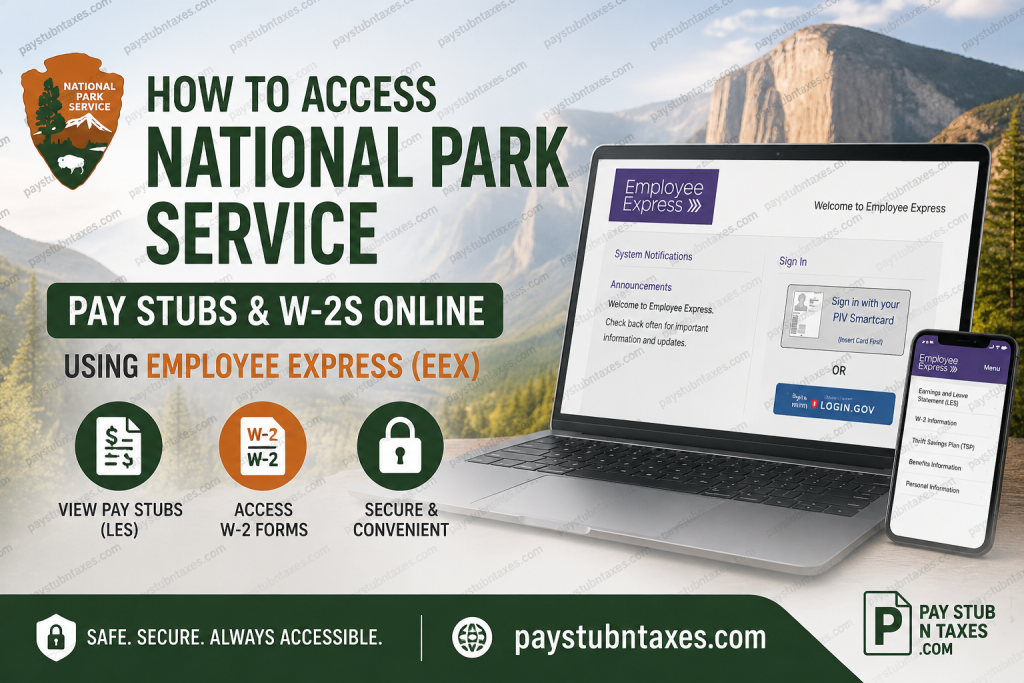
The National Park Service (NPS) has protected America’s most treasured natural and cultural landmarks since 1916. As a bureau of the U.S. Department of the Interior, the agency employs approximately 20,000 permanent, temporary, and seasonal employees who work tirelessly to preserve more than 430 national park sites across the United States. Beyond conservation, the National Park Service also supports local communities, historic preservation, and outdoor recreation initiatives that benefit millions of Americans every year. To ensure employees have secure, convenient access to payroll and tax information, the National Park Service uses Employee Express (EEX)—a federal self-service payroll platform. Through Employee Express, current employees can access their Leave and Earnings Statements (LES), W-2 tax forms, direct deposit information, tax withholding elections, benefits, and other personnel records from virtually anywhere. If you’re an active or recently separated National Park Service employee, this guide explains exactly how to access your pay stubs and W-2s online.
What Is Employee Express (EEX)?
Employee Express (EEX) is a secure payroll and personnel management system maintained for participating federal agencies. The platform enables employees to manage many payroll-related tasks without contacting Human Resources.
Using Employee Express, NPS employees can:
- View and print Leave and Earnings Statements (LES)
- Access electronic W-2 tax forms
- Update direct deposit information
- Change federal and state tax withholding
- Modify mailing addresses
- Review health insurance information
- Manage Thrift Savings Plan (TSP) elections
- Update emergency contact information
- Access payroll records from desktop or mobile devices
How to Access National Park Service Pay Stubs Online
Follow these simple steps to retrieve your Leave and Earnings Statements (LES).
Step 1: Visit Employee Express
Open your browser and go to: https://www.employeeexpress.gov
Step 2: Sign In
You can authenticate using either:
- Login.gov credentials
- PIV Smart Card (for eligible federal employees)
After authentication, Employee Express opens your payroll dashboard.
Step 3: Open Payroll Information
From the left navigation menu, select: Payroll / Personnel
Then choose: Earnings and Leave Statement
Step 4: View Your Pay Stub
Your Leave and Earnings Statement (LES) displays detailed payroll information, including:
- Gross earnings
- Net pay
- Federal taxes withheld
- State taxes
- Retirement deductions
- Health insurance deductions
- Thrift Savings Plan (TSP) contributions
- Leave balances
- Pay period information
- Year-to-date earnings
Step 5: Download or Print
Employee Express allows you to:
- Download your LES as a PDF
- Print official copies
- Review historical payroll records
Employees who enroll in paperless statements often receive electronic LES access before paper copies would normally arrive.
How to Access National Park Service W-2 Forms
Employee Express also provides electronic access to annual tax forms.
Step 1: Sign into Employee Express.
Step 2: Navigate to: Payroll / Personnel
or
View Your W-2 Information (depending on your account layout).
Step 3: Select the desired tax year.
Step 4: Download or print your W-2.
Your electronic W-2 is accepted for federal and state tax filing.
How to Go Paperless for Your W-2
Employees who prefer electronic tax documents can stop receiving mailed W-2 forms.
To enroll:
- Log into Employee Express.
- Under Payroll / Personnel, select W-2 Hard Copy On/Off.
- Choose Off.
- Click Save.
After opting out, your W-2 will be available electronically through Employee Express, and a paper copy will no longer be mailed. It becomes your responsibility to log in and retrieve your W-2 each year.
Accessing Pay Stubs After Leaving the National Park Service
Former employees are not immediately locked out of Employee Express.
Generally:
- Employees retain view-only access for approximately four weeks after separation.
- During this period, they can review and download Leave and Earnings Statements.
- Once separation processing is complete, the system automatically changes the Mail Hard Copy LES and W-2 Hard Copy indicators to Yes, ensuring future tax documents are mailed to the address on file.
Because access is temporary, it’s advisable to download any important payroll records before the viewing period expires.
Keep Your Mailing Address Current
If you separate from the National Park Service, make sure your mailing address is accurate.
Your address determines where your:
- W-2
- Final payroll correspondence
- Other tax documents
will be sent.
You can update your address through Employee Express before your account access ends or submit an address change to Human Resources.
First-Time Employee Express Login
New employees generally receive their:
- Employee Express ID
- Temporary password
within three to four weeks after their employment begins.
To activate your account, you’ll need a Personal Identification Number (PIN).
If you have not received one, request it by calling:
- 478-757-3030
- 1-888-353-9450
After receiving your PIN, you can change it online for future logins. The Employee Express help desk is available during business hours to assist with login issues.
Access Employee Express on Mobile Devices
Employee Express supports mobile-friendly access for both Android and iPhone users.
The mobile version allows employees to:
- View Leave and Earnings Statements
- Check payroll information
- Log in securely
- Access payroll records while away from the office
Simply visit the Employee Express website using your smartphone browser and sign in with your existing credentials.
Benefits of Using Employee Express
Employee Express offers several advantages over traditional paper payroll documents:
- Secure online access 24/7
- Faster access to Leave and Earnings Statements
- Paperless payroll records
- Convenient W-2 retrieval
- Printable payroll history
- Reduced risk of lost or stolen documents
- Ability to manage payroll and benefits in one place
- Mobile accessibility
Troubleshooting Employee Express Login Issues
If you’re unable to access your account:
- Verify that you’re using the correct Login.gov credentials or PIV Smart Card.
- Reset your Login.gov password if necessary.
- Ensure your PIN has been activated.
- Clear your browser cache or try another browser.
- Contact the Employee Express Help Desk if login problems continue.
Conclusion
The National Park Service makes payroll management straightforward through the secure Employee Express (EEX) portal. Whether you need to review your latest Leave and Earnings Statement, download a W-2 for tax season, update your direct deposit information, or manage payroll preferences, Employee Express provides a centralized, user-friendly solution accessible from both desktop and mobile devices. To avoid delays during tax season or after separation, regularly verify your mailing address, download important payroll records before leaving federal service, and consider enrolling in electronic W-2 delivery for faster, paperless access.
Frequently Asked Questions
1. How do I access my National Park Service pay stubs?
Log in to Employee Express at www.employeeexpress.gov, select Payroll/Personnel, and open your Leave and Earnings Statement (LES).
2. What is Employee Express (EEX)?
Employee Express is the federal government’s secure self-service payroll portal that allows NPS employees to access payroll, tax, and personnel information online.
3. What is a Leave and Earnings Statement (LES)?
An LES is the federal equivalent of a pay stub. It contains your earnings, deductions, taxes, leave balances, and net pay.
4. How do I download my National Park Service W-2?
After signing into Employee Express, select View Your W-2 Information, choose the desired tax year, and download or print your form.
5. When are W-2 forms available?
Electronic W-2 forms are typically available by the end of January for the previous tax year.
6. Can I receive my W-2 electronically instead of by mail?
Yes. In Employee Express, select W-2 Hard Copy On/Off, choose Off, and save your preference to receive only an electronic W-2.
7. Can former National Park Service employees access Employee Express?
Yes. Former employees generally retain view-only access for approximately four weeks after separation.
8. What happens to my W-2 after I leave the National Park Service?
After separation, Employee Express automatically changes your W-2 preference back to a mailed paper copy, which is sent to your address on file.
9. How do I update my mailing address?
You can update your address directly through Employee Express before separating from employment or contact Human Resources for assistance.
10. Can I access Employee Express on my smartphone?
Yes. Employee Express offers a mobile-friendly website that allows employees to securely access payroll information from compatible mobile devices.
11. What information appears on my Leave and Earnings Statement?
Your LES includes gross pay, net pay, taxes withheld, deductions, retirement contributions, leave balances, and year-to-date earnings.
12. What should I do if I cannot log in to Employee Express?
Verify your Login.gov credentials, reset your password if necessary, or contact the Employee Express Help Desk for login assistance.
13. How do new employees activate Employee Express?
New employees receive their login credentials by mail within several weeks of starting employment and must obtain a PIN before first-time access.
14. Can I print multiple years of pay stubs?
Yes. Employee Express maintains historical payroll records that you can view, download, and print.
15. What payroll information can I manage through Employee Express?
Employees can manage pay stubs, W-2s, direct deposit, tax withholding, health benefits, Thrift Savings Plan (TSP), emergency contacts, and mailing address information from one secure portal.

