
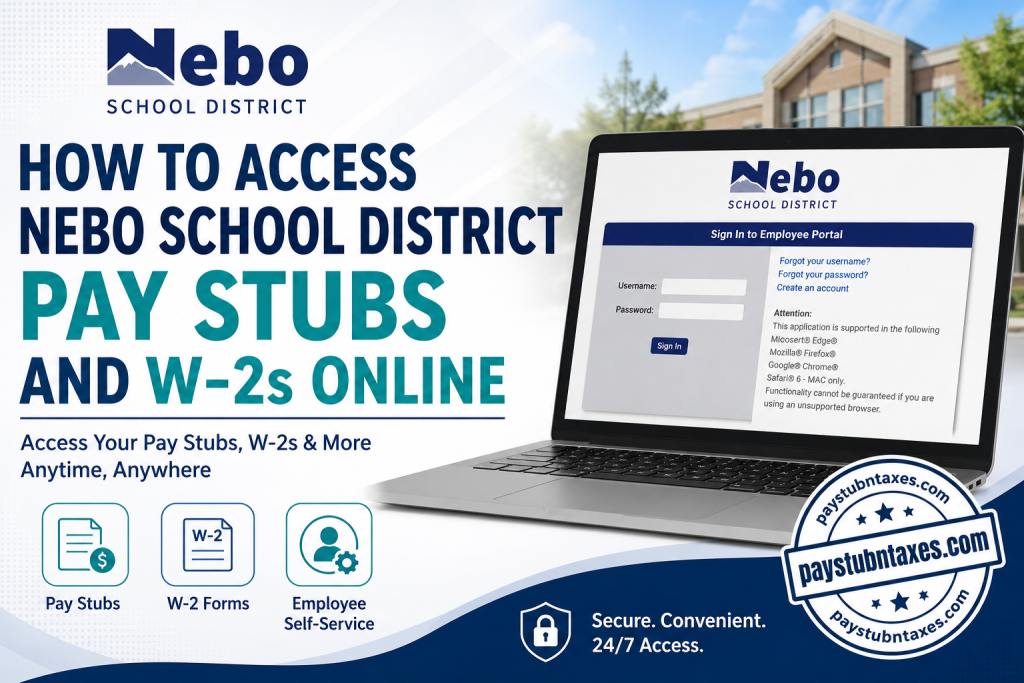
Managing payroll records should be straightforward, secure, and available whenever you need them. Fortunately, Nebo School District employees can conveniently access their pay stubs, W-2 tax forms, direct deposit details, leave balances, and other employment records through the LINQ Employee Portal. The cloud-based system provides 24/7 access to essential payroll information, eliminating the need for paper documents while streamlining numerous Human Resources processes. Whether you are a newly hired employee creating your first account or a long-serving staff member looking for historical W-2 forms, this comprehensive guide explains everything you need to know about accessing your payroll information online.
About Nebo School District
Nebo School District is one of Utah’s largest public school districts, serving communities throughout southern Utah County. The district educates more than 36,000 students across dozens of elementary, middle, junior high, high schools, and specialized education facilities. Guided by its motto, “Your Partner in Education,” Nebo School District remains committed to delivering high-quality education while supporting thousands of teachers, administrators, and support staff.
To improve efficiency and employee self-service, the district utilizes the LINQ Employee Portal, an integrated Human Resources and payroll management platform that enables employees to securely manage their employment information from virtually anywhere.
What Is the LINQ Employee Portal?
The LINQ Employee Portal (LINQ EP) is a secure online self-service platform that integrates directly with the district’s Human Resources System (HRS). Instead of relying on paper forms or visiting the payroll office, employees can conveniently access employment information from any computer or mobile device with internet access.
The portal allows employees to:
- View and download pay stubs
- Access current and previous W-2 tax forms
- Review payroll deductions
- View leave balances
- Check earnings history
- Monitor year-to-date deductions
- Update direct deposit information
- Request personal information changes
- Submit leave requests
- Review benefit enrollments
- Update tax withholding elections
- Electronically sign employment contracts
- Submit weekly time reports (when applicable)
Employees who are required to record working hours can also clock in and out directly from the portal, while supervisors can review and approve requests electronically.
LINQ Employee Portal Login
Current Nebo School District employees can sign in using:
Employee Portal: https://ep1.erplinq.com/NEBO/
After signing in, you’ll have immediate access to your payroll records, tax documents, employment information, and additional HR services.
How to Access Your Nebo School District Pay Stubs
Viewing your paycheck online only takes a few minutes.
Step 1: Open your browser and visit the LINQ Employee Portal: https://ep1.erplinq.com/NEBO/
Step 2: Enter your:
- Username
- Password
Complete the two-step verification if prompted.
Step 3: Click Sign In.
Step 4: Navigate to your payroll or paycheck history section.
Step 5: Select the desired pay period.
Step 6: Open your pay stub.
Step 7: Download or print the PDF copy for your personal records.
The portal stores historical paycheck information, allowing employees to retrieve previous payroll statements whenever needed.
How to Download Your Nebo School District W-2
Employees can also retrieve annual tax forms electronically.
After logging into LINQ Employee Portal:
- Select Print W-2s.
- Choose the desired tax year.
- Open the available W-2.
- Download the PDF.
- Print a copy for tax filing or personal records.
Historical W-2 documents remain available within the portal for convenient future access.
First-Time Registration for Employee LINQ
New employees must register before accessing payroll information.
Visit: https://ep1.erplinq.com/NEBO
During registration, you’ll be asked to provide:
- Username
- Email address
- Employee ID
- Birth date
- Last four digits of your Social Security Number
- Password
- Password confirmation
The password must:
- Contain at least eight characters
- Include at least one uppercase letter
- Include at least one numeric digit
Once registration is complete, you’ll be redirected to the login page and can immediately begin using the portal. The registration screen also requires personal security questions and answers to help recover account access if login credentials are forgotten.
Benefits of Using LINQ Employee Portal
Using the online portal offers numerous advantages, including:
- Secure 24/7 access
- Paperless payroll management
- Faster access to W-2 forms
- Historical paycheck records
- Self-service HR features
- Convenient leave management
- Electronic employment contracts
- Secure tax document storage
- Reduced paperwork
- Easy PDF downloads
Forgot Your Username or Password?
If you cannot sign in:
- Select Forgot Username or Forgot Password on the login page.
- Follow the verification instructions.
- Use your registered email account to reset your credentials.
If you continue experiencing problems, contact the district payroll or technology support team.
Need Help?
If you require assistance with your LINQ Employee Portal account, payroll records, or registration, contact:
Jim Welburn
Phone: 801-354-7424
Email: jim.welburn@nebo.edu
Melissa Marvin
Phone: 801-354-7473
Email: melissa.marvin@nebo.edu
Tips for Keeping Your Payroll Account Secure
To protect your payroll information:
- Use a strong, unique password.
- Never share your login credentials.
- Enable two-step verification whenever available.
- Sign out after each session, especially on shared devices.
- Keep your email address up to date for password recovery.
- Regularly review your payroll and tax information for accuracy.
Conclusion
The LINQ Employee Portal empowers Nebo School District employees to manage payroll and employment information with remarkable convenience. From downloading pay stubs and W-2 tax forms to monitoring leave balances, reviewing earnings history, updating direct deposit information, and submitting HR requests, the platform consolidates essential employment services into one secure, user-friendly portal. With around-the-clock access and comprehensive self-service functionality, employees can efficiently manage their payroll records whenever and wherever they need them.
Frequently Asked Questions
1. How do I access my Nebo School District pay stubs online?
Log in to the LINQ Employee Portal using your username and password, then navigate to the payroll or paycheck history section to view and download your pay stubs.
2. Where can I download my Nebo School District W-2?
After logging into the LINQ Employee Portal, select Print W-2s, choose the tax year, and download your W-2 as a PDF.
3. What is the LINQ Employee Portal?
The LINQ Employee Portal is Nebo School District’s secure employee self-service system for accessing payroll records, W-2s, leave balances, benefits, direct deposit information, and other HR services.
4. Can former Nebo School District employees access their W-2s online?
Former employees may be able to access previously available tax documents if their portal account remains active. Otherwise, they should contact the Payroll Department for assistance.
5. How do new employees register for the LINQ Employee Portal?
New employees must register by providing their Employee ID, email address, birth date, last four digits of their Social Security number, and creating a secure password.
6. Is the LINQ Employee Portal available 24/7?
Yes. Employees can securely access the portal 24 hours a day, 7 days a week from any internet-connected device.
7. Can I print my pay stubs from the portal?
Yes. Pay stubs can be viewed, downloaded, and printed in PDF format.
8. Can I view previous years’ W-2 forms?
Yes. The portal stores historical W-2 forms that can be viewed and printed whenever needed.
9. What should I do if I forget my LINQ Employee Portal password?
Use the Forgot Password link on the login page to reset your password using your registered email address.
10. Can I update my direct deposit information online?
Yes. Eligible employees can update or manage their direct deposit information through the Employee Portal.
11. Can I check my leave balances in LINQ?
Yes. The portal displays real-time vacation, sick leave, and other available leave balances.
12. Does the portal allow employees to clock in and out?
Yes. Employees whose positions require timekeeping can clock in and out directly through the LINQ Employee Portal.
13. Is my payroll information secure?
Yes. The portal uses secure login credentials and two-step verification, when enabled, to protect employee payroll and tax information.
14. Can I access the LINQ Employee Portal from home?
Yes. The portal is web-based and can be accessed from home or anywhere with a secure internet connection.
15. Who should I contact if I have problems accessing my pay stubs or W-2s?
If you need assistance with your account or payroll documents, contact the Nebo School District Payroll Department or your district HR representative for support.

