
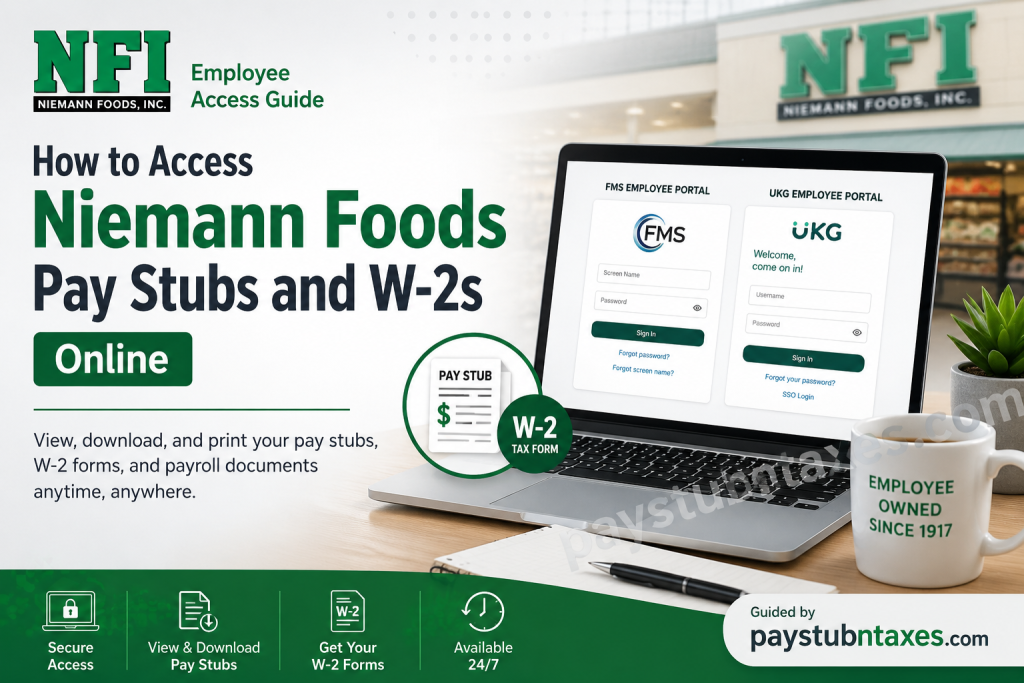
For employees of Niemann Foods, Inc. (NFI), having quick and secure access to payroll records is essential for everything from budgeting and loan applications to tax filing. Fortunately, Niemann Foods provides convenient online access to electronic pay statements and tax documents through its designated payroll platforms. Depending on your position, work location, or department, you may access your payroll information through either the FMS Employee Portal or the UKG (Ultimate Kronos Group) Employee Portal. Both systems enable employees to securely review pay history, download payroll documents, and retrieve annual W-2 tax forms whenever they are needed. This guide explains everything you need to know about accessing your Niemann Foods pay stubs and W-2s online, creating an account, troubleshooting login issues, and contacting support if assistance is required.
About Niemann Foods, Inc.
Founded in 1917 by brothers Ferd Niemann Sr. and Steve Niemann, Niemann Foods has grown from a single neighborhood grocery store into one of the Midwest’s largest independently owned supermarket companies. Today, the employee-owned organization operates more than 100 grocery stores, pharmacies, convenience stores, pet supply stores, hardware stores, and fuel stations throughout Illinois, Indiana, Iowa, Missouri, and Wisconsin.
Known for brands such as County Market, Harvest Market, County Market Express, Save A Lot, ACE Hardware, and Pet Supplies Plus, Niemann Foods continues to uphold a century-old tradition of customer service while embracing modern technology to improve the employee experience.
With thousands of employee-owners participating in the company’s Employee Stock Ownership Plan (ESOP), secure digital payroll access has become an important component of daily workforce management.
Which Payroll Portal Does Niemann Foods Use?
Niemann Foods primarily utilizes two employee payroll systems:
1. FMS Employee Portal
Most store associates can access:
- Electronic pay stubs
- W-2 tax forms
- Payroll history
- ACA tax documents
- Company documents
- Payroll-related announcements
Portal:
https://portal3.fmssolutions.com/web/guest/employee-signin
2. UKG Employee Portal
Some employees may instead use the UKG payroll system.
The UKG portal provides access to:
- Current and historical pay statements
- Tax documents
- Direct deposit information
- Personal profile
- Timekeeping (where applicable)
- Benefits information (if enabled)
Portal:
https://dcus21-prd13-ath01.prd.mykronos.com/authn/XUI/?realm=/niemannfoods_prd_01#login/
How to Access Niemann Foods Pay Stubs Through the FMS Employee Portal
Follow these steps to view your pay statements online.
Step 1: Visit the Employee Portal
Open the official FMS Employee Portal using your preferred browser.
Step 2: Sign In
Enter your:
- Screen Name
- Password
Select Sign In.
Step 3: Open the Paystub Section
After logging in successfully:
- Navigate to Paystubs
- The portal displays the current year’s payroll records first.
- Previous years can be accessed using the year navigation controls.
Step 4: View or Download Your Pay Stub
Each payroll record includes details such as:
- Pay date
- Check number
- Gross pay
- Net pay
- Pay period
- Check type
Select View to open the pay stub as a PDF document.
How to Access Niemann Foods W-2 Forms
Annual W-2 tax statements are also available through the portal.
Steps
- Log into the FMS Employee Portal.
- Select the W-2 tab.
- Choose the applicable tax year.
- Locate your tax form.
- Click View.
- Download or print the PDF for your records.
The portal organizes W-2 forms by year and allows users to search or sort records for faster retrieval.
How New Employees Can Register for the FMS Employee Portal
If you have never used the portal before, you’ll need to create an account.
Registration Steps
Visit the FMS Employee Sign-Up page.
Enter:
- Desired Screen Name
- Email Address
- Confirm Email
- Organization Client ID
- Date of Birth
- Social Security Number (used only for identity verification)
- Complete the CAPTCHA verification
After submitting the registration:
- Create a secure password.
- Set your security question and answer.
- Sign in using your newly created credentials.
Niemann Foods Organization Code
Many Niemann Foods employees use the following company code:
Organization / Company Code: 022
If the code does not work during registration, verify the correct organization ID with:
- Your Store Manager
- Human Resources
- Corporate Payroll Department
Different divisions may occasionally use separate configurations.
How to Access Pay Stubs Through UKG
Employees assigned to the UKG platform can follow these steps:
- Visit the UKG login page.
- Enter your username.
- Enter your password.
- Click Sign In.
- Navigate to My Self, then Pay
- Open Current Pay Statements.
- Download or print any pay stub you need.
If your company has enabled Single Sign-On (SSO), you may also select SSO Login from the UKG sign-in page.
Information Available on Your Niemann Foods Pay Stub
Your electronic pay statement generally includes:
- Employee information
- Employer information
- Pay period
- Pay date
- Hours worked
- Regular earnings
- Overtime earnings
- Bonuses (when applicable)
- Gross wages
- Federal tax withholding
- State tax withholding
- Social Security deductions
- Medicare deductions
- Benefit deductions
- Retirement contributions
- Net pay
- Direct deposit information
How to Update Your Employee Information
Within the FMS portal, employees can update several personal preferences, including:
- Name
- Email address
- Password
- Security question
- Time zone
Certain employment-related information may only be updated by Human Resources.
Forgot Your Password?
If you cannot log in:
- Select Forgot Password.
- Answer your security question.
- Reset your password.
- Sign in with your new credentials.
If you have forgotten your screen name, the portal also provides a Forgot Screen Name option.
Common Login Problems
You may experience login issues because of:
- Incorrect username
- Incorrect password
- Expired password
- Incorrect Organization ID
- Locked account
- Browser compatibility issues
- Network restrictions
- Temporary system maintenance
Most issues can be resolved by resetting your password or contacting support.
FMS Portal Support
For assistance with:
- Login issues
- Password resets
- Portal access
- Dashboard support
- Reporting tools
FMS Help Desk
Email: Support@fmssolutions.com
Phone: 1-877-435-9400
You may also contact your Niemann Foods Human Resources department if payroll access problems persist.
Conclusion
Niemann Foods has streamlined payroll management by offering secure online access through the FMS Employee Portal and UKG Employee Portal, enabling employees to retrieve pay stubs, download W-2 tax forms, review payroll history, and manage account settings with ease. Whether you are a newly hired associate creating your first account or a long-serving employee retrieving historical payroll records, these platforms provide convenient, around-the-clock access to essential employment documents. Should you encounter any login difficulties or registration issues, the FMS Help Desk or Niemann Foods Human Resources team can provide timely assistance, ensuring uninterrupted access to your payroll information.
Frequently Asked Questions
1. How do I access my Niemann Foods pay stubs online?
Log in to the FMS Employee Portal or UKG Employee Portal using your employee credentials. After signing in, navigate to the Paystubs section to view or download your electronic pay statements.
2. Where can I download my Niemann Foods W-2 form?
Your annual W-2 is available in the W-2 section of the FMS Employee Portal or the UKG portal. Select the appropriate tax year and download the PDF.
3. Which payroll portal does Niemann Foods use?
Niemann Foods employees generally use either the FMS Employee Portal or the UKG Employee Portal, depending on their department or work location.
4. What is the Niemann Foods FMS company code?
Many Niemann Foods employees use 022 as the company or organization code. If registration is unsuccessful, confirm the correct code with your manager or Human Resources.
5. How do I create an FMS Employee Portal account?
Visit the FMS Employee Sign-Up page, enter your email, date of birth, Social Security Number for identity verification, organization code, and create your username and password.
6. I forgot my FMS password. What should I do?
Click Forgot Password on the login page, answer your security question, and follow the prompts to create a new password.
7. Can I access previous years’ pay stubs?
Yes. The FMS portal allows employees to browse previous years’ payroll records using the year navigation controls.
8. Can former Niemann Foods employees access their W-2 online?
Former employees may have limited portal access. If you cannot log in, contact Niemann Foods Human Resources or Payroll for assistance in obtaining your W-2.
9. Can I print my pay stubs?
Yes. Both payroll systems allow you to open pay statements as PDF files that can be printed or saved for your records.
10. What information appears on a Niemann Foods pay stub?
A pay stub typically includes your gross earnings, net pay, taxes withheld, benefit deductions, retirement contributions, hours worked, and direct deposit information.
11. Can I update my personal information in the payroll portal?
Yes. Employees can update certain personal details, such as email address, password, and security settings. Some employment information must be updated through Human Resources.
12. Is my Social Security Number stored in the FMS portal?
No. Your Social Security Number is used only during account verification and is not permanently stored by the Employee Portal.
13. Why can’t I log into my payroll account?
Common reasons include an incorrect username or password, expired credentials, an incorrect organization code, browser compatibility issues, or a locked account.
14. Who do I contact for payroll portal support?
For login or technical assistance, contact the FMS Help Desk at 1-877-435-9400 or email Support@fmssolutions.com. You may also reach out to Niemann Foods Human Resources.
15. Can I access my pay stubs from a mobile device?
Yes. Both the FMS Employee Portal and UKG Employee Portal are accessible through most modern mobile browsers, allowing you to securely view and download payroll documents on your smartphone or tablet.

