
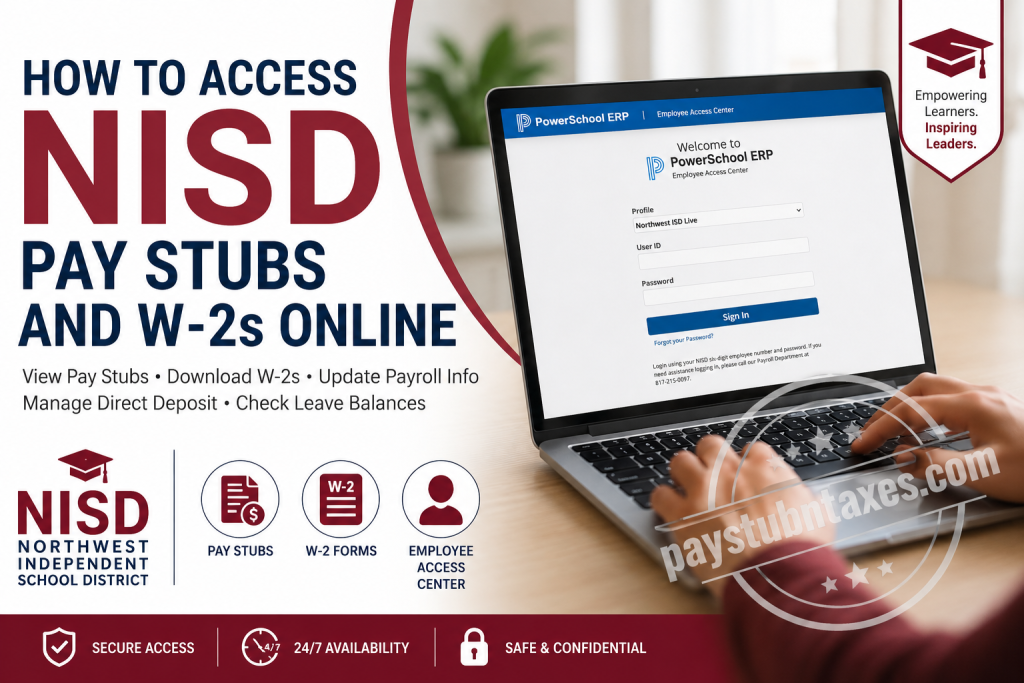
Northwest Independent School District (NISD) is one of the fastest-growing public school districts in Texas, serving more than 32,000 students across 38 campuses throughout the Dallas-Fort Worth metroplex. Renowned for academic excellence, innovative career pathways, award-winning extracurricular programs, and a steadfast commitment to student success, NISD also invests heavily in supporting its employees through modern digital payroll and human resources services. To simplify payroll management, Northwest ISD provides employees with secure online access to pay statements, W-2 tax forms, direct deposit information, tax withholding, leave balances, and personal employment records through the Employee Access Center (EAC). Whether you are an active teacher, administrator, paraprofessional, substitute, or support staff member, the portal enables you to retrieve essential payroll documents without visiting the Payroll Office. This guide explains everything you need to know about accessing your NISD pay stubs and W-2 forms online, troubleshooting login issues, and requesting replacement tax documents when necessary.
Employee Access Center (EAC)
Northwest ISD uses the PowerSchool ERP Employee Access Center (EAC) as its official employee self-service payroll portal.
Through the EAC, employees can:
- View and download current and previous pay stubs
- Access annual W-2 tax forms
- Update federal tax withholding (W-4)
- Manage direct deposit information
- Review salary information
- View leave balances
- Update demographic information
- Access historical payroll records through the Legacy Portal when applicable
Employee Access Center Login
https://eac23.nisdtx.org/erp/EmployeeAccessCenter/Web/Login.aspx
How to Log Into the NISD Employee Access Center
Accessing your payroll information only takes a few minutes.
Step 1: Visit the Employee Access Center login page.
Step 2: Choose the appropriate profile (typically Northwest ISD Live).
Step 3: Enter your:
- Six-digit NISD Employee ID
- Password
Step 4: Click Sign In.
If you experience login problems, contact the Northwest ISD Payroll Department at:
Phone: 817-215-0097
The EAC login screen specifically instructs employees to sign in using their six-digit employee number and password.
How to View NISD Pay Stubs
After signing into the Employee Access Center:
- Select Salary and Benefits
- Click Statement
- Choose the desired Check Number
- Open or print your pay stub
Each statement contains important payroll information, including:
- Gross earnings
- Net pay
- Taxes withheld
- Retirement deductions
- Insurance deductions
- Direct deposit information
- Year-to-date earnings
Employees can also review salary details, annual salary, payroll history, and work calendar information from the Salary and Benefits section.
How to Download Your NISD W-2 Online
Electronic W-2 forms are available through the Employee Access Center.
Follow these steps:
- Log into the Employee Access Center.
- Select Salary and Benefits.
- Click Tax Forms.
- Select the desired tax year.
- Click the blue W-2 link.
- Download or print your W-2 in PDF format.
Electronic W-2s become available by the same IRS deadline as printed copies. A PDF reader, such as Adobe Acrobat Reader, is required to open the document.
Choosing Electronic W-2 Delivery
Employees may elect to receive their W-2 electronically instead of by mail.
Once electronic delivery is selected:
- Future W-2s will continue to be delivered electronically.
- The preference remains active until you change it.
- If no preference is selected, a paper W-2 will continue to be mailed.
Requesting a Replacement W-2
If you need another copy of your W-2:
- Print a copy directly from the Employee Access Center whenever possible.
- If an official replacement is required, complete a Request for Replacement IRS W-2 Form and submit it to Payroll.
Replacement requests are processed on the following Friday after receipt.
Important: Payroll cannot reprint a W-2 if you previously elected electronic-only delivery because the electronic version remains available in the Employee Access Center.
Accessing Older W-2s and Pay Stubs
Employees needing payroll records before 2020 have additional options.
Current Employees
Use the Employee Access Center Legacy Link available inside the EAC.
Former Employees
Inactive employees must submit the district’s replacement request form to have older W-2s or check stubs mailed to the address on file.
Updating Direct Deposit Information
The Employee Access Center also allows employees to manage existing direct deposit accounts.
To update direct deposit:
- Open Deductions and Benefits Information
- Select EFT
- Update your banking information
- Save your changes
Please note:
- Only existing direct deposits can be modified online.
- New direct deposit accounts or inactive accounts require additional processing.
Updating Federal Tax Withholding (W-4)
Employees wishing to change their tax withholding can do so online.
Steps:
- Log into EAC.
- Select Salary and Benefits.
- Choose Tax Information.
- Click Update Tax Information.
- Complete the required fields.
- Save your changes.
This allows employees to update their federal withholding without submitting a paper W-4 form.
Additional Features Available in the Employee Access Center
Besides payroll information, the Employee Access Center includes several useful self-service tools:
- Salary history
- Annual salary details
- Leave balances
- Direct deposit management
- Tax information
- Employee demographic updates
- Certifications
- Job skills
- Education records
- Benefits information
- Payroll history
- Historical payroll records through the Legacy Portal
- “What If” paycheck calculator for estimating payroll changes
Troubleshooting Login Issues
If you cannot access your account:
- Verify your six-digit employee ID.
- Confirm your password is correct.
- Use the Forgot Password option if available.
- Contact the Payroll Department if login assistance is required.
Payroll Department
Phone: 817-215-0097
Tips for Protecting Your Payroll Information
To safeguard your personal financial information:
- Always log in using secure devices.
- Avoid sharing your Employee ID or password.
- Sign out after each session.
- Review your pay statements regularly for accuracy.
- Keep your direct deposit and tax information current.
Conclusion
Northwest ISD’s Employee Access Center provides employees with a secure, efficient, and convenient way to manage payroll information throughout the year. From viewing current pay stubs and downloading W-2 forms to updating tax withholding, managing direct deposits, and reviewing salary records, the portal centralizes virtually every payroll-related task in one location. By becoming familiar with the Employee Access Center, NISD employees can access important financial documents anytime, reduce paperwork, and ensure their payroll information remains accurate and up to date.
Frequently Asked Questions
1. How do I access my NISD pay stubs online?
Log in to the Employee Access Center (EAC) using your six-digit employee ID and password. Navigate to Salary and Benefits > Statement, then select the desired check number to view or print your pay stub.
2. Where can I download my NISD W-2 form?
After signing into the Employee Access Center, go to Salary and Benefits > Tax Forms, then select the applicable tax year and click the W-2 link to download or print your form.
3. What is the NISD Employee Access Center?
The Employee Access Center (EAC) is Northwest ISD’s secure self-service payroll portal where employees can access pay stubs, W-2s, direct deposit information, tax documents, leave balances, and salary records.
4. What login credentials do I need for the Employee Access Center?
You’ll need your six-digit NISD employee number and your assigned password to access the Employee Access Center.
5. Can former NISD employees access their W-2 forms?
Yes. Former employees can print available W-2s through the Employee Access Center if they still have access. For older records or replacement copies, they must submit a replacement request to the Payroll Department.
6. How do I get replacement W-2s from NISD?
Complete the Request for Replacement IRS W-2 Form and submit it to the Payroll Office. Requests are generally processed on the following Friday after receipt.
7. Can I access pay stubs issued before 2020?
Yes. Current employees can use the Employee Access Center Legacy Link to access older pay stubs and payroll records prior to 2020.
8. Can I receive my W-2 electronically instead of by mail?
Yes. Employees may elect electronic W-2 delivery through the Employee Access Center. Once selected, future W-2s will continue to be delivered electronically until the preference is changed.
9. Can Payroll reprint my W-2 if I selected electronic delivery?
No. If you chose electronic-only delivery, Payroll cannot issue a printed replacement because your electronic W-2 remains available within the Employee Access Center.
10. How do I update my direct deposit information?
Log into the Employee Access Center, navigate to Deductions and Benefits Information, select EFT, update your banking information, and save your changes.
11. How do I change my federal tax withholding (W-4)?
Access the Employee Access Center and select Salary and Benefits > Tax Information > Update Tax Information. Enter your updated withholding information and save your changes.
12. What information appears on my NISD pay stub?
Your pay stub typically includes gross pay, net pay, taxes withheld, retirement contributions, insurance deductions, direct deposit details, and year-to-date earnings.
13. What should I do if I cannot log into the Employee Access Center?
Verify your employee ID and password, use the password recovery option if available, or contact the Northwest ISD Payroll Department at 817-215-0097 for assistance.
14. Can I print my pay stubs and W-2 forms?
Yes. The Employee Access Center allows employees to download and print both current and historical pay stubs and W-2 tax forms whenever they are available.
15. What other payroll features are available in the Employee Access Center?
In addition to pay stubs and W-2s, employees can view salary history, annual salary information, leave balances, certifications, demographic details, education records, direct deposit information, benefits, and tax documents.

