
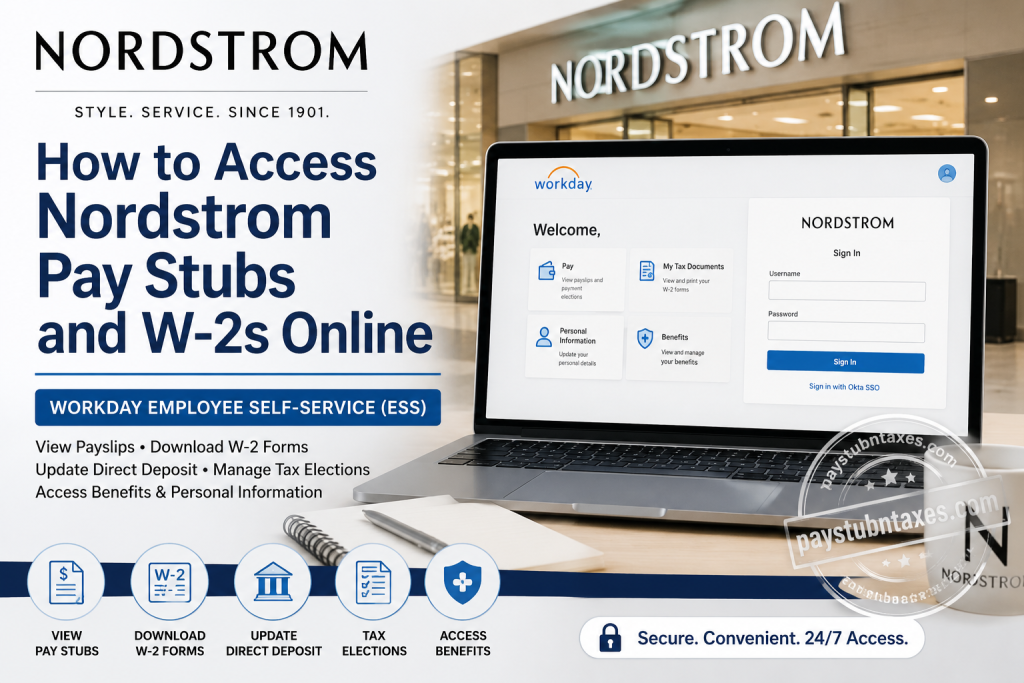
For Nordstrom employees, accessing payroll documents has become significantly more convenient through the company’s Workday Human Capital Management (HCM) platform. Whether you need to download your latest pay stub, print a previous paycheck, update your tax withholding, or retrieve your annual W-2 form for tax filing, Workday Employee Self-Service (ESS) provides a secure, centralized solution available 24/7. Nordstrom has embraced Workday as its primary Human Capital Management system to support approximately 55,000 employees across the United States. Beyond payroll, the platform enables associates to manage personal information, direct deposit, benefits, tax elections, and employment records from virtually anywhere. This guide explains everything current Nordstrom employees need to know about accessing pay stubs and W-2 forms online through Workday.
About Nordstrom
Founded in 1901 as a Seattle shoe store, Nordstrom has evolved into one of America’s premier fashion retailers while preserving its legendary commitment to customer service. Today, the company operates hundreds of Nordstrom and Nordstrom Rack locations across the United States, serving millions of customers through its stores, websites, and mobile applications. Its culture is built upon customer obsession, innovation, teamwork, ownership, respect, and continuous improvement.
What is Nordstrom Workday?
Workday is Nordstrom’s cloud-based Human Capital Management (HCM) platform that integrates Human Resources, Payroll, Benefits, Talent Management, Performance Management, and Employee Self-Service into one secure portal.
Using Workday, employees can:
- View and download pay stubs
- Access and print W-2 tax forms
- Update direct deposit information
- Modify federal and state W-4 tax withholding
- Update personal information
- Change emergency contacts
- Review employee benefits
- Access employment information
Because Workday is cloud-based, eligible employees can securely access their payroll information from any device with an internet connection.
Nordstrom Workday Login
Workday Login Portal
https://wd501.myworkday.com/nordstrom/login-saml2.flex
Employees sign in using their Nordstrom Okta Single Sign-On (SSO) credentials.
If prompted, complete any required multi-factor authentication (MFA) before accessing Workday.
How to View Nordstrom Pay Stubs Online
Once you’ve signed into Workday:
Step 1: Log into the Nordstrom Workday portal using your Okta credentials.
Step 2: From the Workday homepage, select Pay.
Step 3: Under the Pay section, click Payslips.
Step 4: A list of your available pay periods will appear.
Step 5: Select the desired paycheck.
Step 6: Click the attached PDF to open your pay stub.
Step 7: Download, print, or save the document for your records.
The Workday interface allows employees to quickly locate both current and previously issued pay statements in one convenient location.
Information Included on Your Nordstrom Pay Stub
Your electronic payslip typically includes:
- Employee name
- Employee ID
- Pay period
- Payment date
- Gross earnings
- Regular hours
- Overtime earnings (if applicable)
- Bonuses or incentives
- Pre-tax deductions
- Benefit deductions
- Federal tax withholding
- State tax withholding
- Social Security tax
- Medicare tax
- Retirement contributions
- Direct deposit details
- Net pay
- Year-to-date earnings
How to Access Nordstrom W-2 Forms Online
When annual tax documents become available, employees can retrieve them directly from Workday.
Step 1: Log into Workday.
Step 2: Open the Pay dashboard.
Step 3: Select My Tax Documents.
Step 4: Locate the appropriate tax year.
Step 5: Click View/Print beside your W-2.
Step 6: The W-2 will open in PDF format.
Step 7: You may:
- Download the W-2
- Print a paper copy
- Save it for electronic filing
Workday stores W-2 forms under My Tax Documents, allowing employees to retrieve them whenever needed.
How to Update Direct Deposit
Employees can modify their banking information through Workday.
Navigate to: Workday → Pay → Payment Elections
From there, you can:
- Add a new bank account
- Update routing number
- Change account number
- Modify payment allocation
- Remove outdated accounts
Always verify your banking information carefully before submitting any changes.
How to Update W-4 Tax Withholding
Tax withholding elections can also be managed within Workday.
Navigate to: Pay → Tax Elections
Employees can:
- Update federal W-4
- Modify state withholding
- Adjust filing status
- Change additional withholding amounts
- Update dependent information
Changes generally take effect in the next available payroll cycle.
Update Personal Information
Workday also allows employees to maintain accurate HR records.
You can update:
- Home address
- Mailing address
- Phone number
- Email address
- Emergency contacts
- Marital status (where applicable)
- Preferred name
Keeping this information current helps ensure timely delivery of tax documents and payroll communications.
Benefits Available Through Workday
Nordstrom employees may also use Workday to:
- Review health insurance
- View dental benefits
- Check vision coverage
- Review retirement plans
- Access life insurance information
- Monitor paid time off balances
- Review benefit enrollment
- Update beneficiaries during eligible periods
Forgot Your Workday Password?
If you’re unable to sign in:
- Use the password recovery options available through Nordstrom’s Okta login page.
- Follow your organization’s account recovery process.
- If necessary, contact your manager or Nordstrom IT support for assistance with account access.
Former Nordstrom Employees
Former employees may have different procedures for obtaining payroll records and tax documents.
If you no longer have Workday access:
- Use the Former Employee option available on the login page (when applicable).
- Contact Nordstrom Human Resources or Payroll for assistance in retrieving historical pay records or W-2 forms.
Nordstrom Payroll Contact Information
Nordstrom Benefits Center
Phone: 1-844-487-5595
Hours: Monday-Friday
7:00 AM – 9:00 PM (Central Time)
Tips for Secure Workday Access
For better account security:
- Always use your official Nordstrom credentials.
- Enable multi-factor authentication whenever available.
- Never share your password.
- Sign out after using public or shared computers.
- Keep your contact information updated.
- Review your pay statements regularly for accuracy.
Conclusion
Nordstrom’s adoption of Workday has streamlined payroll and human resources services by giving employees secure, self-service access to essential employment records. From downloading pay stubs and W-2 forms to updating direct deposit details, tax elections, and personal information, Workday simplifies routine administrative tasks while ensuring sensitive data remains protected. By familiarizing yourself with the platform’s features, you can manage your payroll information efficiently and access important documents whenever you need them.
Frequently Asked Questions
1. How do I access my Nordstrom pay stubs online?
Sign in to the Nordstrom Workday portal using your Okta SSO credentials, open the Pay application, and select Payslips to view, download, or print your pay statements.
2. Where can I find my Nordstrom W-2 form?
Your annual W-2 is available in Workday under Pay → My Tax Documents, where you can view, download, and print it once it has been issued.
3. What login credentials do I need for Workday?
Use your Nordstrom-issued username and password through the company’s Okta Single Sign-On (SSO) system.
4. Can I download my pay stubs as PDF files?
Yes. Each payslip is available in PDF format and can be downloaded or printed directly from Workday.
5. How do I update my direct deposit information?
Navigate to Pay → Payment Elections in Workday to add, edit, or remove your bank account information.
6. Can I update my W-4 tax withholding online?
Yes. Workday allows employees to update their federal and state tax withholding elections through the Tax Elections section.
7. Can I access Workday from home?
Yes. Employees can securely access Workday from any computer or mobile device with an internet connection.
8. Does Nordstrom offer a Workday mobile app?
If enabled for your account, you can access your payroll information using the official Workday mobile application.
9. What information appears on my pay stub?
Your pay stub typically includes gross earnings, net pay, taxes withheld, benefit deductions, retirement contributions, direct deposit details, and year-to-date totals.
10. Can former Nordstrom employees access their W-2 forms?
Former employees may have access through the former employee portal or may need to contact Nordstrom Human Resources or Payroll for assistance.
11. How often are pay stubs uploaded to Workday?
Pay statements are generally posted each payroll cycle after payroll has been processed.
12. Can I update my home address in Workday?
Yes. Employees can update their address, phone number, emergency contacts, and other personal information through Employee Self-Service.
13. Is my payroll information secure in Workday?
Yes. Workday uses encrypted connections, secure authentication, and enterprise-level security measures to protect employee information.
14. What should I do if I cannot log in to Workday?
First, verify your Okta credentials and use the password recovery option if needed. If the issue continues, contact your manager, HR, or the Nordstrom Benefits Center.
15. How can I contact Nordstrom for payroll or benefits assistance?
For payroll, benefits, or Workday support, contact the Nordstrom Benefits Center at 1-844-487-5595, Monday through Friday from 7:00 AM to 9:00 PM Central Time.

