
Northside Independent School District (Northside ISD) is the largest school district in the San Antonio metropolitan area and one of the largest public school districts in Texas. Headquartered in Leon Valley, the district serves more than 106,000 students across a vast 355-square-mile service area encompassing San Antonio, Helotes, Leon Valley, Shavano Park, Grey Forest, and surrounding communities. Renowned for its commitment to academic excellence, innovative learning, and employee development, Northside ISD also provides its workforce with secure digital tools to manage payroll and human resources efficiently. To simplify payroll administration, Northside ISD employees can access their pay information, tax documents, benefits, and personal employment records through the Munis Employee Self Service (ESS) portal. Whether you need to download a recent pay stub, retrieve your annual W-2, update your tax withholding, or modify your direct deposit details, the ESS platform offers a centralized and secure solution available around the clock. This guide explains everything current Northside ISD employees need to know about accessing their pay stubs and W-2 forms online.
What Is the Northside ISD Employee Self-Service (ESS) Portal?
The Munis Employee Self Service (ESS) portal is Northside ISD’s online payroll and human resources system. It allows employees to securely manage important employment information without contacting Human Resources for routine requests.
Using the portal, employees can:
- View and print pay stubs
- Access current and previous W-2 forms
- Review Year-to-Date earnings
- Update personal information
- Change federal tax withholding (W-4)
- Update direct deposit information
- Review benefits information
- Monitor leave balances and time-off history
The system is designed to provide employees with immediate access to payroll records whenever they need them.
Northside ISD Employee ESS Login
Employee Self-Service Portal Website: https://ess.nisd.net/ess/login.aspx
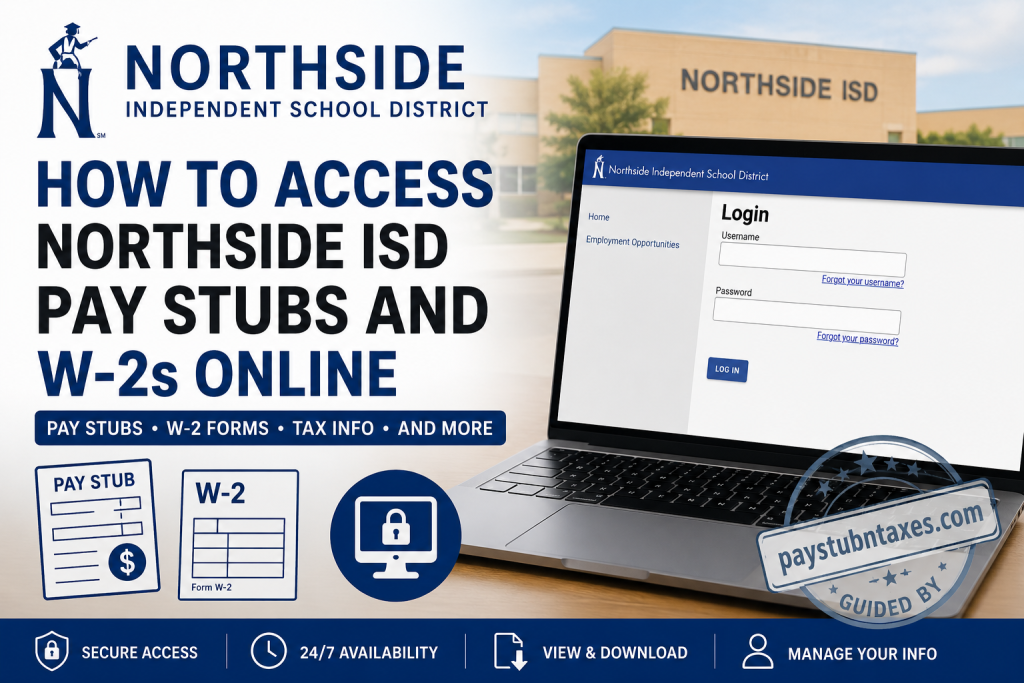
The login page requires:
- Username
- Password
If you have forgotten your credentials, the login page includes convenient links to:
- Forgot your username?
- Forgot your password?
New employees should use the New Users Page to obtain first-time login instructions and default credentials.
How to Log Into Northside ISD ESS
Follow these steps:
- Visit the Northside ISD Employee Self Service portal.
- Enter your Username.
- Enter your Password.
- Click Log In.
- After authentication, your employee dashboard will open.
From the dashboard, you can access payroll, tax documents, benefits, and personal information.
How to View Northside ISD Pay Stubs
Current employees can review every paycheck issued through the Employee Self Service portal.
Steps to access pay stubs
- Log into Employee Self Service.
- Open Pay/Tax Information.
- Select Paychecks.
- A complete list of available payroll records will appear.
- Click Details beside any paycheck.
- Review earnings, deductions, taxes, leave balances, and net pay.
- Print or save your pay stub for future reference.
The portal maintains historical paycheck information, making it easy to retrieve older payroll records whenever necessary.
How to Download Your Northside ISD W-2 Form
Employees can obtain electronic copies of their annual wage and tax statements directly through ESS.
Steps
- Sign in to Employee Self Service.
- Navigate to Pay/Tax Information.
- Select W-2.
- Choose the tax year from the dropdown menu.
- Click View W-2 Image.
- Download, print, or save the document for your records.
Electronic W-2 access provides a convenient alternative to requesting paper copies from Payroll.
View Year-to-Date Payroll Information
Employees can also monitor cumulative payroll activity throughout the year.
To access YTD information:
- Open Pay/Tax Information.
- Select Year-to-Date Information.
- Choose the desired calendar year.
The report displays:
- Gross earnings
- Taxable wages
- Federal withholding
- State deductions (where applicable)
- Retirement deductions
- Employer contributions
- Other payroll totals
This feature is particularly useful when preparing financial documents or estimating annual income.
Update Your W-4 Tax Information
Northside ISD employees may update their federal tax withholding elections online.
To make changes:
- Go to Pay/Tax Information.
- Select W-4.
- Click Edit.
- Update your withholding information.
- Confirm the required certification statements.
- Submit the request.
Submitted tax changes are routed to Human Resources for approval before they become effective.
Update Personal Information
Employee Self Service also allows employees to maintain accurate personal records.
Available updates include:
- Home address
- Mailing address
- Telephone number
- Email address
- Emergency contacts
- Beneficiary information
- Tax delivery preferences
Keeping this information current helps ensure timely payroll processing and benefits administration.
Direct Deposit Management
Eligible employees can use ESS to manage direct deposit information.
Depending on payroll policies, you may be able to:
- Add new bank accounts
- Modify existing accounts
- Update routing numbers
- Change deposit allocation
Any submitted changes are processed according to Northside ISD payroll schedules.
View Leave Balances
Employee Self Service also provides convenient access to accrued leave information.
Employees can review:
- Vacation balances
- Sick leave
- Floating holidays
- Earned and used leave history
- Calendar view of leave activity
This feature helps employees monitor available leave throughout the year.
First-Time Users
If this is your first time accessing Employee Self Service:
- Visit the New Users Page.
- Follow the instructions for obtaining your username and temporary password.
- Complete the initial login process.
- Change your password if prompted.
- Verify your personal information after signing in.
New employees should complete these steps before attempting to access payroll documents.
Forgot Your Username or Password?
If you cannot sign in:
- Use the Forgot Username link.
- Use the Forgot Password link.
- Follow the Password Help instructions.
- If you still cannot access your account, contact the Northside ISD HelpDesk.
NISD HelpDesk
Phone: 210-397-7700
Benefits of Using Employee Self-Service
The Northside ISD ESS portal offers numerous advantages:
- Secure 24/7 access
- Instant paycheck retrieval
- Electronic W-2 access
- Convenient tax updates
- Self-service personal information management
- Reduced paperwork
- Faster payroll administration
- Easy access from home or work
Conclusion
Northside ISD’s Munis Employee Self Service (ESS) portal streamlines payroll and HR management by placing essential employment resources in one secure online location. From downloading pay stubs and W-2 forms to updating tax withholding, personal information, direct deposit details, and leave records, employees can complete many routine tasks independently without waiting for administrative assistance. By becoming familiar with the ESS portal, Northside ISD employees can manage their payroll information efficiently, securely, and whenever it is most convenient.
Frequently Asked Questions
1. How do I access my Northside ISD pay stubs online?
Log in to the Northside ISD Munis Employee Self Service (ESS) portal and select Pay/Tax Information, followed by Paychecks to view or print your pay stubs.
2. Where can I download my Northside ISD W-2 form?
After signing into ESS, navigate to Pay/Tax Information, select W-2, choose the desired tax year, and download or print your W-2.
3. What is the Northside ISD ESS portal?
Employee Self Service (ESS) is Northside ISD’s secure payroll and HR portal where employees can manage pay, taxes, benefits, leave balances, and personal information.
4. What login credentials do I need for ESS?
You will need your assigned Northside ISD employee username and password.
5. I’m a new employee. How do I access ESS for the first time?
Visit the New Users Page from the ESS website and follow the instructions for obtaining your initial username and password.
6. Can I print my Northside ISD pay stubs?
Yes. Each paycheck can be opened, downloaded as a PDF, and printed directly from the ESS portal.
7. Can I view pay stubs from previous years?
Yes. ESS stores payroll history, allowing employees to access eligible historical paychecks.
8. How do I update my W-4 tax withholding?
Log in to ESS, select Pay/Tax Information, choose W-4, update your withholding information, and submit the changes for approval.
9. How long does it take for W-4 changes to become effective?
Submitted tax changes must first be reviewed and approved by Human Resources before they are processed.
10. Can I update my home address through ESS?
Yes. The Personal Information section allows you to update your address, phone number, email address, emergency contacts, and other personal details.
11. Can I change my direct deposit information online?
Yes. Eligible employees can manage their direct deposit information through the Employee Self Service portal.
12. Can I view my Year-to-Date earnings?
Yes. The Year-to-Date Information section provides a summary of your cumulative earnings, deductions, and tax withholdings for each calendar year.
13. Can I check my leave balances in ESS?
Yes. Employees can review vacation, sick leave, floating holidays, and other accrued leave balances within the Time Off section.
14. What should I do if I forget my ESS password?
Use the Forgot Password link on the ESS login page or contact the Northside ISD HelpDesk for assistance.
15. Who do I contact if I cannot log in to Northside ISD ESS?
For login assistance or technical support, contact the Northside ISD HelpDesk at 210-397-7700.

