
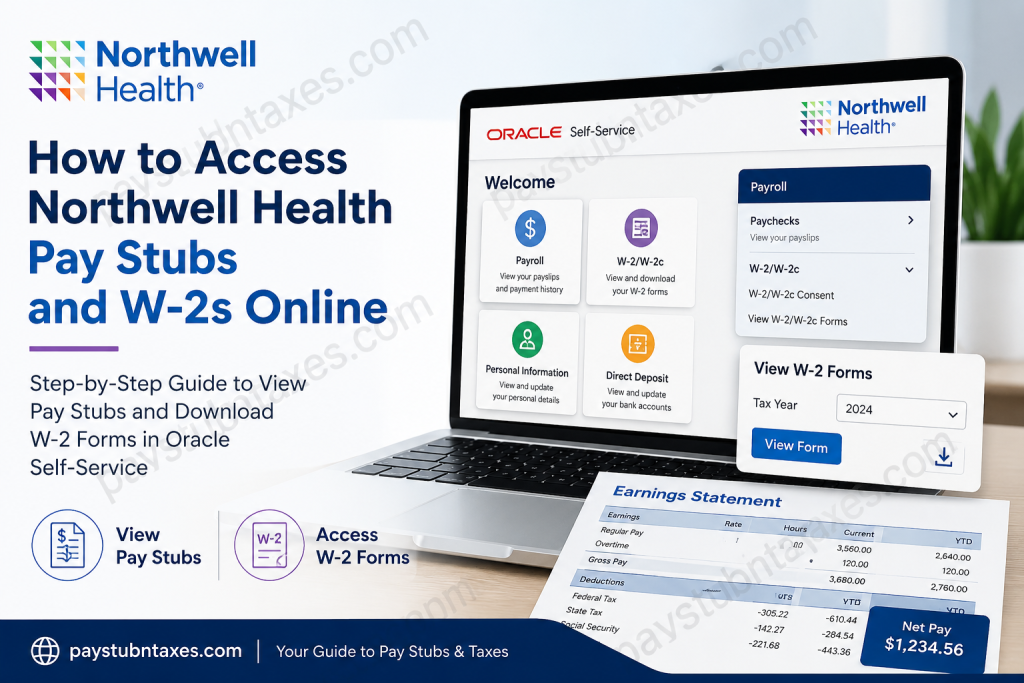
Northwell Health is New York State’s largest healthcare provider and private employer, employing more than 105,000 team members across 28 hospitals and over 1,000 outpatient facilities throughout New York and Connecticut. The organization is renowned for delivering world-class patient care while fostering a workplace culture built upon excellence, innovation, inclusivity, integrity, and continuous professional growth. To streamline human resources and payroll administration, Northwell Health uses Oracle Human Capital Management (Oracle HCM) as its primary employee self-service platform. Through the Oracle Self-Service portal, active employees can securely access their pay stubs, tax documents, direct deposit information, payroll history, and annual W-2 forms from virtually anywhere with an internet connection. This comprehensive guide explains how current and former Northwell Health employees can access their pay statements and W-2 forms quickly and securely.
Northwell Health Employee Payroll Portal
Northwell Health employees can access payroll services through the Oracle Self-Service portal.
Oracle Employee Self-Service Portal
Portal: https://eppr.fa.us2.oraclecloud.com/fscmUI
Sign in using your:
- Universal ID
- Password (Single Sign-On)
If you experience sign-in difficulties, contact the Northwell Health Service Desk at:
Phone: (718) 470-7272, (516) 470-7272, or (631) 470-7272.
How to View Your Northwell Health Pay Stubs
After signing into Oracle Self-Service:
- Select the Payroll tile from the homepage.
- If the Payroll tile is not immediately visible, click the Home icon.
- Choose Paychecks.
- Select the paycheck you wish to review.
- View, download, or print your pay stub as needed.
Your pay statement typically includes:
- Gross earnings
- Net pay
- Federal, state, and local tax withholdings
- Retirement deductions
- Health insurance deductions
- Paid time off balances (where applicable)
- Direct deposit information
- Payroll dates
How to Access Your Northwell Health W-2 Online
Northwell Health allows employees to receive W-2 forms electronically after providing IRS-required consent.
Step 1: Review Your Electronic Consent
After logging in:
- Click Payroll
- Expand W-2/W-2c
- Select W-2/W-2c Consent
If your screen states:
“You currently receive W-2 or W-2c paper forms by mail.”
You may choose electronic delivery by:
- Checking the consent box
- Clicking Submit
After submission, you’ll receive a confirmation email.
Step 2: Already Receiving Electronic W-2 Forms
If the system indicates:
“You currently receive W-2 or W-2c forms electronically.”
No further action is necessary.
Your consent remains active every year until you withdraw it.
Step 3: Withdraw Electronic Consent
If you prefer paper copies in future years:
- Open W-2/W-2c Consent
- Check Withdraw Consent
- Click Submit
You will receive a confirmation email, and future W-2 forms will be mailed to your home address.
Step 4: View and Download Your W-2
When W-2s become available:
- Open the Payroll tile.
- Expand W-2/W-2c.
- Select View W-2/W-2c Forms.
- Choose the desired tax year.
- Click View Form.
- Download or print your W-2.
Employees can also review IRS filing instructions directly from the portal.
When Are Northwell Health W-2 Forms Available?
Northwell Health follows federal IRS deadlines.
Generally:
- Electronic W-2 forms become available during late January.
- Paper W-2s are mailed no later than January 31.
- Employees who opted into electronic delivery receive an email notification once their W-2 is available.
- Active employees can print their own W-2 directly from Oracle Self-Service.
What Happens After Leaving Northwell Health?
Former employees typically lose access to Oracle Self-Service after separation.
In most cases:
- Human Resources prints former employees’ W-2 forms.
- W-2s are mailed to the employee’s last recorded home address.
- Ensure your mailing address is updated before leaving employment to avoid delays.
Benefits of Oracle Employee Self-Service
Using Oracle Self-Service allows employees to:
- Access current and previous pay stubs
- Retrieve annual W-2 tax documents
- Update direct deposit information
- Review payroll deductions
- Manage tax withholding elections
- Access payroll history
- Print payroll records whenever needed
- Securely manage employment information online
Troubleshooting Login Problems
If you cannot access your account:
Verify your credentials
Ensure you are entering:
- Your Universal ID
- Your current network password
Reset your password
Use the password reset option available on the sign-in page if you have forgotten your credentials.
Contact the Service Desk
If login issues persist, contact:
Northwell Health Service Desk
Phone:
- (718) 470-7272
- (516) 470-7272
- (631) 470-7272
Support staff can assist with:
- Locked accounts
- Password resets
- Multi-factor authentication issues
- Oracle login problems
- Universal ID assistance
Final Thoughts
Northwell Health has modernized payroll administration by implementing Oracle Human Capital Management, providing employees with secure, convenient, and around-the-clock access to essential payroll information. Whether you need to review your latest paycheck, download historical earnings statements, update your tax preferences, or retrieve your annual W-2, Oracle Self-Service centralizes these tasks within a single, user-friendly platform. To ensure uninterrupted access to your payroll records, keep your Universal ID credentials secure, maintain an up-to-date mailing address, and review your electronic W-2 consent preferences before tax season. By taking advantage of the self-service tools available, Northwell Health employees can efficiently manage their payroll and tax documentation throughout the year.
Frequently Asked Questions
1. How do I log in to the Northwell Health payroll portal?
Visit the Oracle Employee Self-Service portal and sign in using your Universal ID and password (Single Sign-On).
2. Where can I find my Northwell Health pay stubs?
After logging in, click the Payroll tile and select Paychecks to view, download, or print your pay statements.
3. How do I access my W-2 form online?
Go to Payroll → W-2/W-2c → View W-2/W-2c Forms, choose the tax year, and click View Form.
4. Do I need to consent to receive my W-2 electronically?
Yes. IRS regulations require employees to provide electronic consent before receiving W-2 forms online.
5. Do I have to submit electronic W-2 consent every year?
No. Once you consent to electronic delivery, your preference remains active until you withdraw it.
6. Can I change back to receiving a paper W-2?
Yes. You can withdraw electronic consent in the W-2/W-2c Consent section of Oracle Self-Service, and future W-2s will be mailed to your home address.
7. When are Northwell Health W-2 forms available?
Electronic W-2s are generally available in late January, and paper copies are mailed by January 31, in accordance with IRS deadlines.
8. Will I receive a notification when my W-2 is ready?
Yes. Employees enrolled in electronic delivery receive an email notification once the current year’s W-2 becomes available.
9. Can I access previous years’ W-2 forms?
Yes. Oracle Self-Service allows eligible employees to select previous tax years from the drop-down menu.
10. What information is included on my pay stub?
Your pay stub includes gross pay, net pay, tax withholdings, deductions, retirement contributions, benefits, and direct deposit details.
11. What should I do if I forget my Oracle password?
Use the password reset option on the sign-in page or contact the Northwell Health Service Desk for assistance.
12. Can former Northwell Health employees access Oracle Self-Service?
Generally, no. Former employees usually receive printed W-2 forms by mail after employment ends.
13. What should I do if I do not receive my W-2?
Contact Northwell Health Human Resources or the Service Desk to verify your mailing address and request a replacement if necessary.
14. Can I print my pay stubs and W-2 forms?
Yes. Oracle Self-Service allows employees to download and print both pay statements and W-2 tax forms.
15. Who should I contact for payroll or login issues?
If you experience login or payroll issues, contact the Northwell Health Service Desk at (718) 470-7272, (516) 470-7272, or (631) 470-7272 for assistance.

