
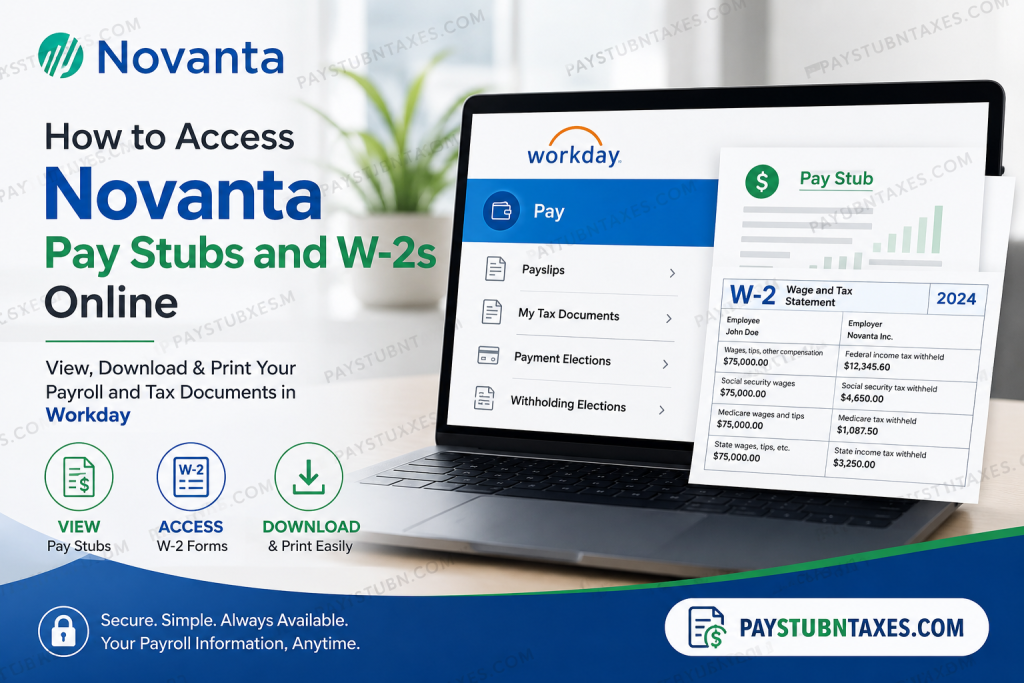
Managing your payroll documents should be effortless, particularly in an organization that champions innovation and operational excellence. If you are a current employee of Novanta, you can conveniently access your pay stubs, tax documents, direct deposit information, and payroll preferences through the company’s Workday Self-Service portal. Whether you need to download your latest payslip, print your annual Form W-2, or update your tax elections, Workday centralizes these essential HR and payroll functions in one secure location. Former employees should note that once Workday access has been terminated, Human Resources will mail W-2 forms to the home address on file. Therefore, it is important to ensure that your mailing address remains accurate before leaving the company.
About Novanta
Novanta is a global technology company specializing in mission-critical solutions for the medical, life sciences, and advanced industrial sectors. The company engineers highly sophisticated technologies that power precision medicine, advanced surgery, robotics, automation, and precision manufacturing. Listed on the NASDAQ under the ticker symbol NOVT, Novanta has established itself as a trusted partner for original equipment manufacturers (OEMs) requiring exceptional precision, reliability, and performance.
Innovation remains the cornerstone of Novanta’s culture. Through the Novanta Growth System, continuous improvement initiatives, and a collaborative workplace, employees contribute to technologies that improve lives while solving some of the world’s most complex engineering challenges. The company also places considerable emphasis on employee development, diversity, inclusion, sustainability, and community engagement.
Novanta Workday Portal
Workday Login Portal
https://wd5.myworkday.com/novanta/login.flex
The login page provides two authentication methods:
- Direct Login – Sign in using your assigned Workday username and password.
- SSO Login – Sign in using Novanta’s Single Sign-On (SSO) authentication if your account is configured for corporate authentication.
Select the appropriate login method before proceeding.
How to View Novanta Pay Stubs in Workday
After successfully signing into Workday:
Step 1: Log in to the Novanta Workday portal.
Step 2: From the Workday homepage, click your Profile icon.
Step 3: Select Pay.
Step 4: Click Payslips.
Step 5: A complete list of your available payroll statements will appear.
Step 6: Choose the desired pay period.
Step 7: Click the PDF icon beside the pay period.
Step 8: Your pay stub will open in PDF format, allowing you to:
- View
- Download
- Save
The Workday Pay application also allows employees to access payslips directly from the Pay dashboard if it has been added to their homepage configuration.
How to Access Your Novanta W-2 Online
When annual tax documents become available—typically in late January—active employees can retrieve their W-2 electronically through Workday.
Follow these steps:
Step 1: Sign in to Workday.
Step 2: Open the Pay dashboard.
Step 3: Select My Tax Documents.
Step 4: Locate your available W-2.
Step 5: Click View/Print.
Step 6: Your W-2 will open in PDF format.
Step 7: You may:
- Print your W-2
- Download a copy
- Save it for tax filing
Employees generally receive a Workday notification or email once W-2 forms have been published.
What If You Are a Former Employee?
Former Novanta employees generally lose access to the Workday Self-Service portal after separation.
In that situation:
- Human Resources prints the W-2 form.
- The form is mailed to the employee’s home mailing address on record.
- Updating your mailing address before leaving the company helps prevent delivery issues.
Additional Payroll Services Available in Workday
Besides viewing pay statements and W-2 forms, Workday enables employees to manage numerous payroll and HR functions, including:
- Direct deposit information
- Federal and state tax withholding elections
- Personal contact information
- Emergency contacts
- Employment details
- Benefits enrollment
- Payroll history
- Compensation information
- Tax documents
- Payment elections
Common Workday Login Problems
If you experience difficulty accessing Workday, consider the following troubleshooting tips:
Forgotten Password
Use the password reset option or follow your company’s password recovery process.
SSO Authentication Issues
Verify that you are selecting the correct login method (Direct Login versus SSO Login).
Browser Problems
Clear your browser’s cache and cookies or try another supported browser.
Multi-Factor Authentication
Complete any required identity verification before logging in.
Account Lockout
After multiple unsuccessful login attempts, your account may become temporarily locked. Follow the password reset guidance shown on the login page before attempting another sign-in.
Payroll Security Best Practices
To keep your payroll information secure:
- Use a strong, unique password.
- Never share your login credentials.
- Enable Multi-Factor Authentication whenever available.
- Always log out after using Workday.
- Avoid accessing payroll records on public Wi-Fi without a secure connection.
- Regularly review your direct deposit and tax information.
When Are Novanta W-2 Forms Available?
Novanta generally makes electronic W-2 forms available in late January, consistent with IRS filing deadlines.
Current employees can print the form directly from Workday, while former employees receive a mailed copy from Human Resources if they no longer have system access.
Contact Novanta Human Resources
If you need assistance with payroll, Workday access, or tax forms, contact Novanta Human Resources.
Corporate Headquarters
Phone: +1 (781) 266-5700
You may also submit inquiries through Novanta’s Careers or Contact portal for regional HR assistance.
Conclusion
Novanta’s adoption of Workday streamlines payroll management by providing employees with secure, round-the-clock access to pay stubs, W-2 forms, tax documents, and other essential employment records. Whether you need to review a recent payslip, print your annual W-2, update your direct deposit information, or modify your tax elections, Workday delivers a centralized and user-friendly experience. By familiarizing yourself with the platform’s payroll features and maintaining accurate personal information, you can ensure uninterrupted access to the documents you need throughout your employment.
Frequently Asked Questions
1. How do I access my Novanta pay stubs online?
Log in to the Novanta Workday portal, select Pay, then click Payslips to view, download, or print your payroll statements.
2. What is the Novanta Workday portal?
Workday is Novanta’s Human Capital Management (HCM) platform where employees manage payroll, benefits, tax forms, personal information, and employment records.
3. How do I log in to Novanta Workday?
Visit the Workday login page and choose either Direct Login using your Workday credentials or SSO Login if your organization uses Single Sign-On.
4. Where can I find my W-2 form in Workday?
After logging in, go to Pay → My Tax Documents, where your available W-2 forms are stored.
5. When are Novanta W-2 forms available?
Electronic W-2 forms are generally published in late January each year.
6. Can I download and print my W-2?
Yes. Workday allows employees to view, download, save, and print W-2 forms in PDF format.
7. What should former employees do to receive their W-2?
Former employees who no longer have Workday access will receive a paper W-2 mailed to their home address by Human Resources.
8. Can I access my old pay stubs?
Yes. Active employees can access available historical payslips stored within Workday.
9. How do I update my direct deposit information?
Log into Workday and navigate to the Pay section to manage your payment elections and direct deposit information.
10. Can I change my tax withholding in Workday?
Yes. Federal and state tax withholding elections can be updated through the payroll section in Workday.
11. What should I do if I forget my Workday password?
Use the password reset option on the login page or contact your company’s IT or HR support for assistance.
12. Why is my Workday account locked?
Multiple unsuccessful login attempts may temporarily lock your account. Reset your password or contact IT support to regain access.
13. Can I use Workday on my mobile device?
Yes. Employees can access Workday through the Workday mobile app or a supported mobile web browser, if enabled by Novanta.
14. Is my payroll information secure in Workday?
Yes. Workday uses enterprise-grade security, encryption, and authentication measures to protect employee payroll and personal information.
15. How can I contact Novanta Human Resources?
You can contact Novanta’s corporate headquarters at +1 (781) 266-5700 or reach out through the company’s Careers or Contact page for payroll and HR assistance.

