
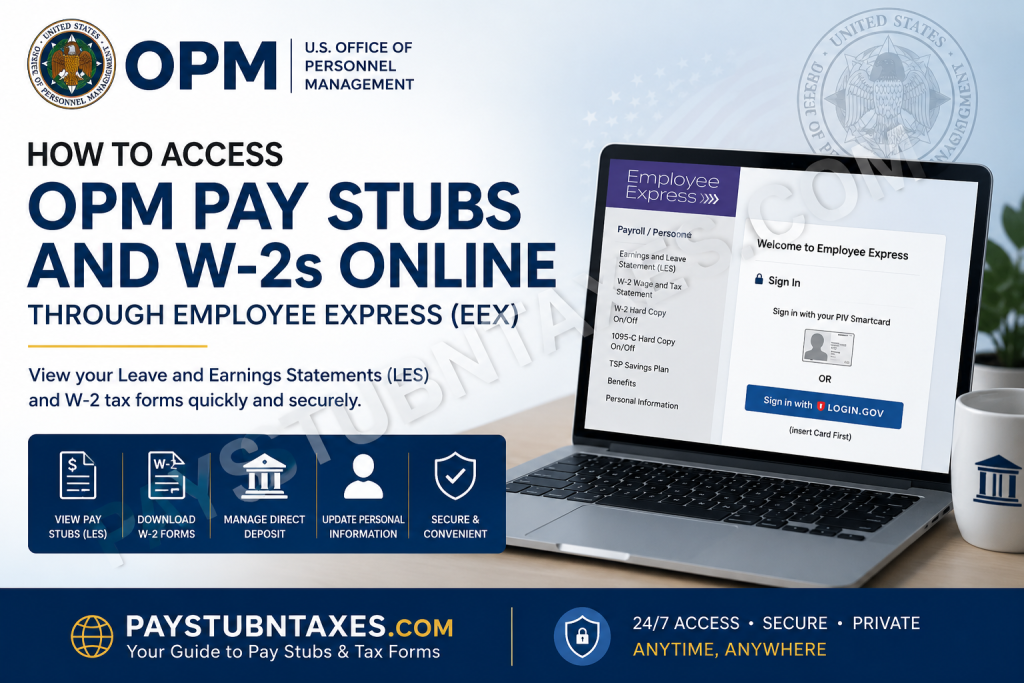
Federal employees depend on timely access to their payroll records, whether to verify earnings, apply for loans, file taxes, or manage personal finances. Fortunately, employees of the U.S. Office of Personnel Management (OPM) can conveniently view and download their pay stubs and tax forms online through the Employee Express (EEX) self-service portal. Employee Express is a secure payroll and personnel management platform that allows federal employees and annuitants to access their Leave and Earnings Statements (LES), W-2 tax forms, direct deposit information, tax withholdings, benefits elections, and much more—all from a computer or mobile device.
What Is the U.S. Office of Personnel Management (OPM)?
The United States Office of Personnel Management (OPM) is the federal government’s principal human resources agency. Established in 1979, OPM oversees federal workforce policies and administers numerous employee benefit programs, including:
- Federal Employees Health Benefits (FEHB)
- Federal Employees’ Group Life Insurance (FEGLI)
- Civil Service Retirement System (CSRS)
- Federal Employees Retirement System (FERS)
Today, OPM continues to serve millions of federal employees, retirees, and their dependents across the United States.
What Is Employee Express (EEX)?
Employee Express (EEX) is a secure online self-service system maintained by OPM Human Resources Solutions. The platform empowers employees to manage payroll and personnel information without needing assistance from human resources offices.
Through Employee Express, you can:
- View Leave and Earnings Statements (LES)
- Download W-2 tax forms
- Update direct deposit information
- Change tax withholdings
- Manage financial allotments
- Update emergency contacts
- Review benefits information
- Access Thrift Savings Plan (TSP) details
- Update your address and personal information
The platform is available 24 hours a day and can be accessed from virtually anywhere with an internet connection.
How to Access OPM Pay Stubs Online
Your federal pay stub is known as a Leave and Earnings Statement (LES). It contains detailed information about your salary, deductions, taxes, leave balances, and retirement contributions.
Step 1: Visit Employee Express
Go to: https://www.employeeexpress.gov/
You can sign in using:
- Login.gov credentials
- PIV Smartcard (if applicable)
Step 2: Sign In to Your Account
Enter your:
- Login ID
- Password or Login.gov credentials
- Multi-factor authentication code if prompted
New employees generally receive their login information and identification credentials within several weeks after beginning employment.
Step 3: Access Your Earnings Statements
After signing in:
- Navigate to Payroll/Personnel.
- Select Earnings and Leave Statement (LES).
- Choose the desired pay period.
- View, download, or print your pay stub.
Information Available on Your OPM Pay Stub
Your Leave and Earnings Statement typically includes:
- Gross pay
- Net pay
- Federal and state tax deductions
- Retirement contributions
- TSP contributions
- Health insurance deductions
- Annual leave balances
- Sick leave balances
- Pay period information
- Year-to-date earnings
Keeping copies of your LES documents is highly advisable because they may be required when applying for unemployment benefits, mortgages, or other financial services.
How to Access OPM W-2 Forms Online
Federal employees can receive their Form W-2 electronically through Employee Express.
Steps to Download Your W-2:
Step 1: Visit: https://www.employeeexpress.gov/
Step 2: Log into your Employee Express account.
Step 3: Under Payroll/Personnel, select: W-2 Wage and Tax Statement
Step 4: Choose the tax year you wish to access.
Step 5: Download or print your W-2 form.
W-2 forms are generally made available electronically by the end of January each year.
How to Consent to Electronic W-2 Delivery
Employees who prefer paperless tax forms can suppress the mailing of printed W-2s.
To Turn Off Paper W-2 Delivery:
- Sign in to Employee Express.
- Under Payroll/Personnel, select:
W-2 Hard Copy On/Off
- Choose Off.
- Click Save.
Once you opt out of paper delivery, you become responsible for accessing and printing your electronic W-2 through Employee Express.
Forgot Your Employee Express PIN or Password?
If you cannot log in, you can request a new PIN.
Employee Express Help Desk:
Phone: 478-757-3030
Toll-Free: 1-888-353-9450
Email: eexhelp@opm.gov
The help desk is available:
Monday through Friday, 7:00 a.m. to 7:00 p.m. Eastern Time.
Can You Access Employee Express on Mobile?
Yes. Employee Express provides mobile-friendly access for smartphones and tablets.
Using the mobile version, employees can:
- View Leave and Earnings Statements
- Check pay information
- Access payroll records while traveling
- Log in securely from compatible devices
The mobile platform supports both Android and iPhone devices.
Other Features Available in Employee Express
Besides pay stubs and W-2 forms, Employee Express allows employees to manage:
- Federal and state tax withholding elections
- Direct deposit information
- Financial allotments
- Address changes
- Health insurance elections
- Emergency contact information
- Federal Employee Benefits Statements (FEBS)
- Thrift Savings Plan contributions
- Personnel records
It serves as a centralized portal for managing virtually every aspect of a federal employee’s payroll and benefits administration.
Why You Should Download Your Pay Stubs and W-2s Regularly
Maintaining copies of your payroll records can save considerable time and frustration. Your pay stubs and W-2s may be required for:
- Filing income tax returns
- Applying for mortgages
- Vehicle financing
- Immigration applications
- Government assistance programs
- Employment verification
- Retirement planning
- Unemployment claims
As the old adage goes, “An ounce of prevention is worth a pound of cure.” Downloading and safely storing your payroll documents each year is a simple habit that can spare you unnecessary headaches later.
Final Thoughts
The Employee Express portal makes accessing OPM pay stubs and W-2 forms remarkably straightforward. Whether you need to review your Leave and Earnings Statement, download your tax documents, update direct deposit information, or modify your tax withholding elections, Employee Express provides a secure and convenient one-stop solution. By familiarising yourself with the platform and keeping your login credentials current, you can ensure uninterrupted access to your payroll information whenever the need arises. After all, in today’s increasingly digital world, having your financial records at your fingertips is not merely convenient—it is indispensable.
Frequently Asked Questions
1. What is Employee Express (EEX)?
Employee Express is OPM’s secure self-service portal that allows federal employees to manage payroll and personnel information online.
2. How do I view my OPM pay stubs?
Sign in to Employee Express, go to Payroll/Personnel, and select Earnings and Leave Statement (LES).
3. Where can I download my W-2 form?
You can download your W-2 from the W-2 Wage and Tax Statement section in Employee Express.
4. When are W-2 forms available in Employee Express?
Electronic W-2 forms are generally available by the end of January each year.
5. Can I access Employee Express from my mobile phone?
Yes. Employee Express offers a mobile-friendly version compatible with most smartphones.
6. What information is included on my Leave and Earnings Statement (LES)?
Your LES includes gross pay, net pay, tax deductions, leave balances, retirement contributions, and year-to-date earnings.
7. Can I stop receiving a paper W-2?
Yes. You can opt out of paper delivery by selecting W-2 Hard Copy On/Off in Employee Express and turning the option off.
8. What happens if I opt out of receiving a paper W-2?
You become responsible for accessing and printing your electronic W-2 through Employee Express.
9. What should I do if I forget my Employee Express password or PIN?
Contact the Employee Express Help Desk at 1-888-353-9450 or 478-757-3030.
10. How long is the Employee Express Help Desk available?
The help desk operates Monday through Friday from 7:00 a.m. to 7:00 p.m. Eastern Time.
11. Can retired federal employees use Employee Express?
Some annuitants and retirees may continue to access Employee Express depending on their agency participation.
12. What other information can I manage through Employee Express?
You can manage direct deposit, tax withholdings, health benefits, emergency contacts, financial allotments, and address changes.
13. Is Employee Express secure?
Yes. Employee Express uses secure authentication methods, including Login.gov and PIV Smartcard access.
14. Why should I save copies of my pay stubs and W-2s?
These documents may be needed for tax filing, mortgage applications, employment verification, and financial planning.
15. What website do I use to access OPM payroll information?
The official Employee Express website is: https://www.employeeexpress.gov

