
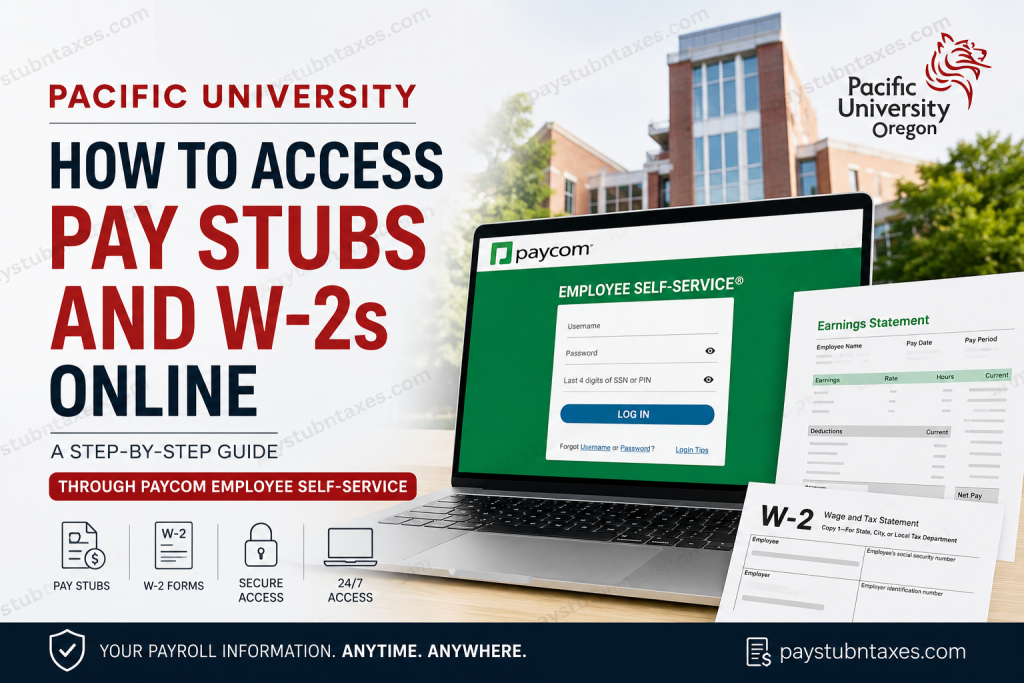
Pacific University, one of Oregon’s most respected private institutions, serves nearly 3,900 students through a diverse portfolio of undergraduate, graduate, and professional programs. With campuses in Forest Grove, Hillsboro, Eugene, and Woodburn, the university has cultivated a reputation for academic excellence, innovation, and community engagement. Pacific University’s mission is to inspire students to think critically, care deeply, create boldly, and pursue justice in a global society. To streamline payroll administration and provide employees with secure, around-the-clock access to employment records, Pacific University utilizes Paycom Employee Self-Service (ESS). Through Paycom, faculty members, staff employees, and student workers can conveniently access pay stubs, W-2 forms, tax documents, direct deposit information, benefits data, and payroll-related resources from virtually anywhere. This comprehensive guide explains how Pacific University employees can access their pay stubs and W-2 forms online through Paycom.
Pacific University Payroll Portal Overview
Pacific University uses Paycom Employee Self-Service as its official payroll and human resources platform. The system enables employees to:
- View current and historical pay stubs
- Access annual W-2 tax forms
- Review year-to-date earnings and deductions
- Manage direct deposit accounts
- Update tax withholding information
- Monitor paid time off balances
- Access payroll schedules
- Receive payroll notifications and alerts
Because Paycom is cloud-based, employees can log in through a web browser or the Paycom mobile application.
How to Log Into Pacific University Paycom
Option 1: Access Through Paycom Website
Visit the Paycom Employee Self-Service portal:
Employee Login:
https://www.paycomonline.net/v4/ee/ee-login.php
Alternatively:
- Visit https://www.paycom.com
- Click Employee
- Enter your:
- Username
- Password
- Last four digits of your Social Security Number
- Click Log In
If you are signing in from a new device, Paycom will require Two-Factor Authentication (2FA). Employees can choose to receive a verification code through:
- Text message
- Phone call
After entering the six-digit verification code, select Remember this Device if desired and complete the login process.
Option 2: Use Single Sign-On (SSO)
Some Pacific University employees may be able to authenticate using the Single Sign-On option available on the Paycom login screen. Simply enter your company domain and client code when prompted.
How to View Pacific University Pay Stubs
Once logged into Paycom:
- Navigate to the Payroll tile
- Select View Pay Stubs
- Choose the desired payroll year
- Browse available paychecks
- Click Check Listings to view detailed payroll information
- Select a paycheck to open its earnings statement
Employees can review:
- Gross earnings
- Federal and state tax deductions
- Benefit deductions
- Retirement contributions
- Net pay
- Direct deposit allocations
You may also print or download individual pay stubs directly from the portal.
View Year-to-Date Earnings
Paycom provides a Year-to-Date Totals section that allows employees to monitor annual payroll activity.
To access it:
- Open Payroll
- Select View Pay Stubs
- Click the Year-to-Date Totals tab
The report displays:
- Total earnings
- Employee taxes
- Employer taxes
- Deductions
- Net income
This feature is especially useful when preparing taxes or verifying annual compensation.
How to Access Pacific University W-2 Forms Online
Paycom stores year-end tax documents electronically, allowing employees to retrieve forms whenever needed.
Steps to View W-2 Forms
- Log into Paycom
- Open the Payroll section
- Select Year-End Tax Forms
- Locate the applicable tax year
- Click the View icon
- Download or print your W-2 form
In addition to W-2 forms, Paycom may also provide access to:
- Form 1099
- Form 1095-C
- Other year-end tax documents
Employees can retain electronic copies for tax preparation, financial applications, or personal records.
Access Paycom Through the Mobile App
Pacific University employees can manage payroll information from mobile devices using the Paycom app.
Download Paycom
- Apple App Store
- Google Play Store
The mobile application includes nearly all features available on the desktop platform, including:
- Pay stub access
- W-2 retrieval
- Tax setup management
- Time-off requests
- Direct deposit updates
- Payroll notifications
Update Tax Withholding Information
Employees can modify federal, state, and local tax withholding elections directly within Paycom.
To update tax settings:
- Open Payroll
- Select Tax Setup
- Modify withholding allowances
- Click Sign and Update
- Electronically sign the update
Changes are typically reflected in future payroll cycles.
Review Payroll Schedules
The Paycom Payroll Processing Schedule provides visibility into:
- Pay period start dates
- Pay period end dates
- Payroll processing timelines
- Check issue dates
This feature helps employees anticipate upcoming payroll deposits and plan accordingly.
Forgot Your Paycom Username or Password?
Forgot Username
Use the Forgot Username link on the Paycom login page or contact Human Resources for assistance.
Forgot Password
Click Forgot Password on the login screen and follow the password recovery prompts.
Pacific University Human Resources Contact Information
If you experience login issues, payroll discrepancies, W-2 access problems, or account-related concerns, contact Pacific University Human Resources.
Human Resources Office
Location:
Frye Building, 21st Avenue
Forest Grove, Oregon
Office Hours:
Monday–Friday: 9:00 a.m. – 4:00 p.m.
Email:
HRAccount@pacificu.edu
Phone:
503-352-3116
Paycom Support Contact
Katrina Gust
Email: katrina.gust@pacificu.edu
Employees may also attend HR Zoom drop-in sessions for general payroll and benefits questions.
Benefits of Using Paycom Employee Self-Service
Pacific University employees enjoy several advantages through Paycom:
- 24/7 access to payroll records
- Secure multi-factor authentication
- Immediate access to W-2 forms
- Mobile payroll management
- Direct deposit management
- Electronic tax withholding updates
- Historical payroll reporting
- Simplified document retrieval
By centralizing payroll and HR functions within one platform, Paycom significantly reduces administrative delays while improving employee access to critical employment information.
Final Thoughts
Pacific University’s Paycom Employee Self-Service platform provides a secure, efficient, and user-friendly method for accessing pay stubs, W-2 forms, and other payroll-related records. Whether you are a faculty member, staff employee, or student worker, Paycom gives you immediate access to your earnings history, tax documents, direct deposit information, and payroll schedules from any location. Keeping your Paycom credentials current and enabling two-factor authentication will ensure uninterrupted access to your payroll information whenever you need it.
Frequently Asked Questions
1. How do I access my Pacific University pay stubs online?
Log in to Paycom Employee Self-Service, open the Payroll section, and select View Pay Stubs to review or print your pay records.
2. Where can I find my W-2 form?
After logging into Paycom, navigate to Payroll > Year-End Tax Forms and select the applicable tax year.
3. What login information do I need for Paycom?
You need your username, password, and the last four digits of your Social Security Number.
4. Can I access Paycom from my smartphone?
Yes. Download the Paycom app from the Apple App Store or Google Play Store and log in using your employee credentials.
5. Does Paycom use two-factor authentication?
Yes. When logging in from a new device, Paycom requires verification via text message, phone call, or email.
6. Can I print my pay stubs from Paycom?
Yes. Open the desired pay stub and use the print or download option available within the system.
7. How far back can I view my pay stubs?
Paycom typically stores historical pay records, allowing employees to access previous pay stubs by selecting the appropriate year.
8. Can I download my W-2 as a PDF?
Yes. Paycom allows employees to view, download, and print W-2 forms in electronic format.
9. What should I do if I forget my Paycom password?
Click the Forgot Password link on the Paycom login page and follow the account recovery instructions.
10. What should I do if I forget my username?
Use the Forgot Username option or contact Pacific University Human Resources for assistance.
11. Can I update my tax withholding information in Paycom?
Yes. Navigate to Payroll > Tax Setup, update your withholding preferences, and electronically sign the changes.
12. Can I view year-to-date earnings and deductions?
Yes. The Year-to-Date Totals section provides a detailed summary of earnings, taxes, deductions, and net pay.
13. Can student workers use Paycom?
Yes. Faculty, staff, and student employees can access payroll information through Paycom Employee Self-Service.
14. What tax forms are available in Paycom?
Employees may access W-2 forms, 1099 forms (if applicable), and 1095-C tax documents through the Year-End Tax Forms section.
15. Who do I contact if I cannot access my payroll records?
Contact Pacific University Human Resources at HRAccount@pacificu.edu or call 503-352-3116 for assistance with payroll and account access issues.

