
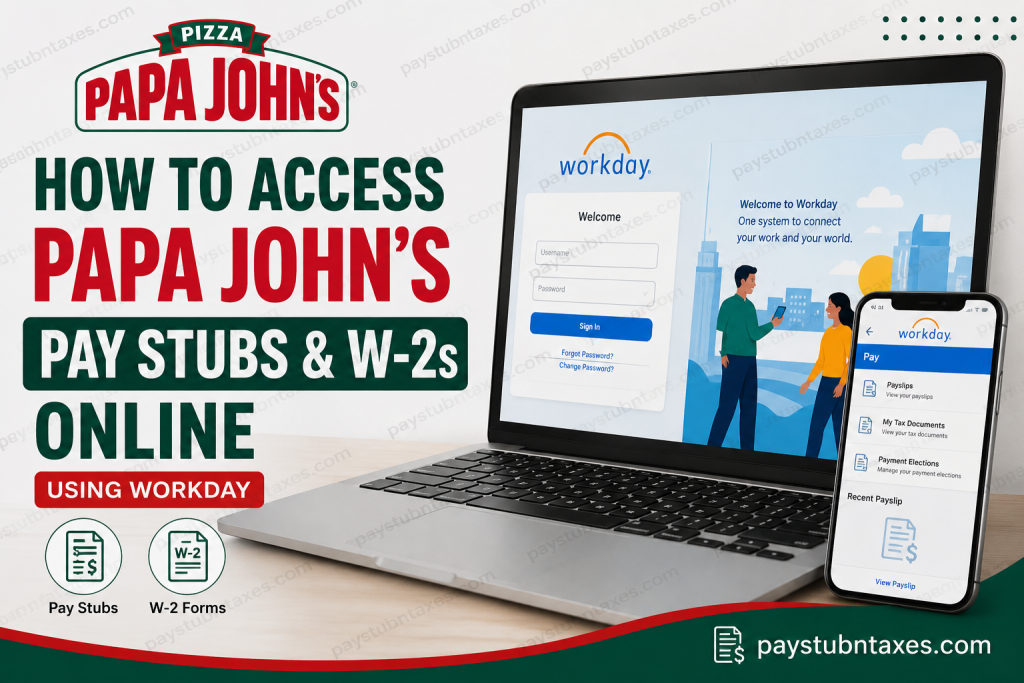
In today’s increasingly digitized workplace, employees expect seamless access to payroll records, tax documents, and employment information at their fingertips. Fortunately, many corporate and franchise locations of Papa John’s utilize Workday, a sophisticated human capital management platform that enables team members to access pay stubs, W-2 forms, and other employment records anytime and virtually anywhere. Whether you are a current employee reviewing your latest paycheck or preparing for tax season, this comprehensive guide explains precisely how to access your Papa John’s pay stubs and W-2s online with ease.
About Papa John’s
Papa John’s is one of the world’s most recognized pizza chains, operating thousands of locations across dozens of countries. Founded in 1984, the company has grown into one of the largest pizza delivery brands globally, employing thousands of team members in corporate offices, distribution centers, and restaurants. Its culture emphasizes internal growth, entrepreneurial spirit, and a commitment to rewarding performance.
Importantly, Papa John’s refers to its employees as team members, underscoring its belief that exceptional customer experiences stem from strong teamwork.
Does Papa John’s Use Workday?
Yes. Papa John’s corporate operations and many franchise locations use Workday as their Human Resources and payroll platform. Through Workday, eligible employees can securely access:
- Pay stubs (payslips)
- W-2 tax forms
- Personal information
- Tax elections
- Direct deposit details
- Employment records
However, because some independently owned franchises may use different payroll systems, employees should verify with their manager or People Services if they are uncertain which system their location uses.
Papa John’s Workday Login Portal
Current employees can access Workday through the official portal:
Workday Login:
https://www.myworkday.com/papajohns/login.htmld
You may also access Workday through the mobile application available on the Apple App Store and Google Play.
How to Log In to Papa John’s Workday
The login process differs slightly depending on your role within the company.
If You Previously Logged In to Papa John’s Systems
Use your existing Papa John’s credentials, such as:
- ServiceNow account
- Extranet account
- SLICE credentials
First-Time Users
If you have never logged in before, you may need to:
- Reset your password.
- Complete account activation.
- Configure multi-factor authentication (MFA).
- Change your password after the first login.
Username Formats for Papa John’s Workday
Your username may vary depending on your role:
Delivery Drivers & In-Store Team Members
Format: employeeID@teampapa.com
Example: 123456@teampapa.com
Shift Leads & Manager Designates
Format: firstname_lastname@teampapa.com
General Managers (GMs) & Operations Managers (OMs)
Format: firstname_lastname@papajohns.com
How to Access Papa John’s Pay Stubs Online
Accessing your pay stubs through Workday is straightforward and generally takes only a few moments.
Step-by-Step Instructions
- Log in to Workday.
- Navigate to the Pay section.
- Select Payslips.
- Choose the pay date or check number you wish to view.
- Open, download, or print your pay stub.
Your electronic pay stub typically includes:
- Gross pay
- Net pay
- Taxes withheld
- Deductions
- Hours worked
- Year-to-date earnings
- Direct deposit information
Alternative Navigation to Find Payslips
Depending on your Workday layout, you may also:
- Click your Profile icon.
- Select View Profile.
- Choose More if the Pay tab is not visible.
- Click Pay.
- Select Payslips.
- View or print your desired pay statement.
How to Access Papa John’s W-2 Online
W-2 forms become available annually, generally no later than January 31, in accordance with IRS regulations.
Steps to View Your W-2
- Sign in to Workday.
- Open the Pay application.
- Click More.
- Select My Tax Documents.
- Choose the tax year.
- Open, download, or print your W-2 form.
This allows you to file your federal and state taxes efficiently without waiting for a paper copy.
Accessing Workday on Mobile Devices
The Workday mobile app provides secure access from virtually anywhere.
To Set Up the App
- Download the Workday app from the App Store or Google Play.
- Enter the organization ID: papajohns
- Sign in with your Papa John’s credentials.
- Enable biometric authentication (Face ID or fingerprint) for enhanced security.
The mobile app offers:
- Quick access to payroll information
- Secure authentication
- Notifications and alerts
- Convenient self-service features
What If You Cannot Access Your Pay Stubs or W-2?
If you experience login issues:
Current Team Members
Submit a People Services Request for assistance.
Common problems include:
- Forgotten password
- Locked account
- Multi-factor authentication issues
- Incorrect username
- Franchise system differences
Former Employees: Can You Access Workday?
Former employees may retain limited access to Workday depending on company policy and their employment status. If access has expired, contact People Services to request copies of:
- Final pay stubs
- W-2 forms
- Employment verification documents
Security Tips for Workday Users
To safeguard sensitive payroll and tax information:
- Enable multi-factor authentication.
- Use strong passwords.
- Avoid public Wi-Fi when accessing payroll records.
- Log out after each session.
- Keep your contact information up to date.
Final Thoughts
Papa John’s has embraced digital workforce management by leveraging Workday to streamline payroll and tax document access. Whether you need to review earnings, print a pay statement, or retrieve a W-2 during tax season, Workday provides a secure and user-friendly solution that places essential employment information squarely at your fingertips. By familiarizing yourself with the platform’s navigation and security features, you can manage your payroll records efficiently and avoid unnecessary administrative hurdles. In an era where convenience is king, Workday ensures that Papa John’s team members can access critical information whenever the need arises.
FAQ: Papa John’s Pay Stubs and W-2s Online
1. Does Papa John’s use Workday for payroll?
Yes. Papa John’s corporate locations and many franchise restaurants use Workday to manage payroll, tax forms, and employee records.
2. Where do I log in to access Papa John’s pay stubs?
Employees can access payroll information through the Workday portal at:
https://www.myworkday.com/papajohns/login.htmld
3. How do I view my pay stub in Workday?
After logging in, go to Pay > Payslips, then select the pay date or check number to view your pay stub.
4. How can I download my Papa John’s W-2 online?
Log in to Workday and navigate to Pay > More > My Tax Documents, then select the applicable tax year.
5. When are W-2 forms available?
W-2 forms are generally issued by January 31 each year in compliance with IRS regulations.
6. What username do delivery drivers use for Workday?
Delivery drivers and in-store team members typically use:employeeID@teampapa.com
7. What if I forgot my Workday password?
Employees can reset their password or submit a People Services Request for assistance.
8. Can former employees access their W-2s online?
Former employees may retain limited Workday access. If access has expired, they should contact People Services for assistance.
9. Is there a Workday mobile app for Papa John’s employees?
Yes. Employees can download the Workday app from the Apple App Store or Google Play Store.
10. What is Papa John’s Workday organization ID?
The organization ID for the Workday mobile app is:
papajohns
11. Can I print my pay stubs from Workday?
Yes. Workday allows employees to view, download, and print pay statements directly from the portal.
12. Why can’t I see my pay stub in Workday?
Possible reasons include payroll processing delays, account issues, or franchise-specific payroll systems.
13. Is Workday secure for accessing payroll information?
Yes. Workday uses encryption, multi-factor authentication, and biometric login options for enhanced security.
14. Can franchise employees use the same Workday portal?
Many franchises use Workday, but some independently owned locations may use different payroll systems. Confirm with your manager if unsure.
15. Who should I contact if I cannot access my pay stubs or W-2?
Current employees should submit a People Services Request for support with login or payroll-related issues.

