
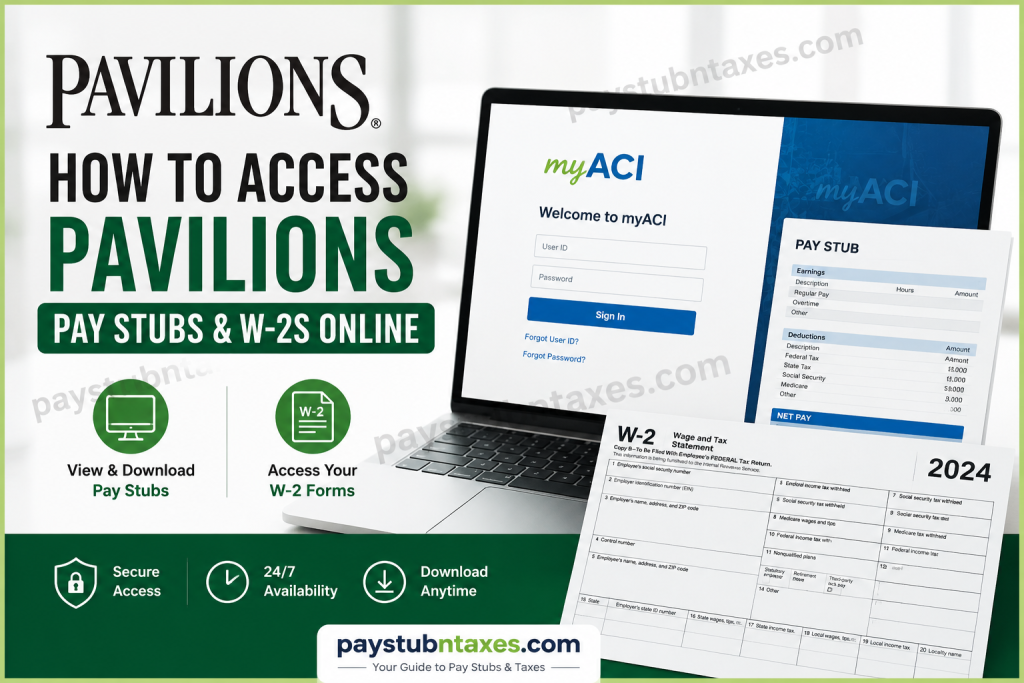
Pavilions has long been recognized as one of Southern California’s most distinguished supermarket brands, offering an elevated grocery shopping experience that combines premium products, exceptional service, and innovative retail concepts. As a subsidiary of Albertsons Companies, Pavilions provides its associates with convenient digital tools that simplify payroll and tax document management. Whether you are a current employee looking to review your latest earnings statement or a former associate attempting to obtain a W-2 form for tax filing purposes, Pavilions offers secure online platforms that allow you to access these documents quickly and efficiently. This comprehensive guide explains how to access Pavilions’ pay stubs and W-2 forms online, troubleshoot common login issues, and locate the support resources available to employees.
Understanding Pavilions Payroll and Tax Document Systems
Pavilions utilizes two separate online platforms for employee payroll and tax records:
myACI Portal
The myACI platform serves as the primary human resources and employee self-service portal for active associates. Through this system, employees can:
- View and download pay stubs
- Access compensation information
- Review employment details
- Manage personal information
- Monitor training records
- View benefit information
- Check absence balances
ADP Self-Service Portal
Pavilions employees can access W-2 tax statements through the ADP self-service platform. ADP provides a secure environment where employees can retrieve and download tax documents electronically whenever needed.
How to Access Pavilion’s Pay Stubs Online
Current employees can obtain pay statements through the myACI portal.
Step 1: Visit the myACI Login Page
Navigate to: https://myaci.albertsons.com
This secure employee portal can be accessed from both company devices and personal computers.
Step 2: Sign In to Your Account
Depending on your position, enter the appropriate credentials:
Corporate, Pharmacy, Backstage, and Supply Chain Associates
Use your LDAP username.
Retail Associates
Use your Employee ID.
After entering your username:
- Enter your password.
- Complete Multi-Factor Authentication (MFA) if prompted.
- Click Sign In.
Step 3: Navigate to Payroll Information
Once logged in:
- Select MyHR.
- Locate payroll-related tiles.
- Click My Pay Statements.
Step 4: View Your Pay Stub
Inside the Pay Statements section:
- Choose the desired pay date.
- Open the PDF statement.
- Download or print the document for your records.
Your pay stub typically includes:
- Gross earnings
- Net pay
- Federal and state tax withholdings
- Deductions
- Benefit contributions
- Paid time off balances
- Year-to-date earnings
First-Time Login Instructions for New Employees
Newly hired associates must complete an account setup process before accessing payroll information.
Access myACI
Visit: https://myaci.albertsons.com
Then:
- Select Company Single Sign-On.
- Enter your Employee ID or LDAP credentials.
- Use the temporary password assigned during onboarding.
Temporary Password Format
If a password was not provided, the default temporary password generally follows this pattern:
- First letter of first name (uppercase)
- First letter of last name (uppercase)
- Two-digit birth month
- Two-digit birthday
- First three digits of Social Security Number
- @ symbol
Example
Name: Robert H
Birth Date: June 1
SSN: 222-11-0000
Temporary Password: RH0601222@
After signing in, employees must:
- Create a new password.
- Configure security questions.
- Complete identity verification.
- Re-login using the new credentials.
How to Access Pavilions’ W-2 Forms Online
Pavilions provides electronic tax forms through ADP.
Step 1: Visit ADP
Go to: https://my.adp.com
Step 2: Register for an Account
If you are a first-time user:
- Click Create Account.
- Select I Have a Registration Code.
- Enter the registration code: Safeway-reg1
- Verify your identity using your personal information.
- Create a username and password.
- Complete the security verification process.
Step 3: Access Tax Statements
After logging in:
- Select Pay & Taxes.
- Click Tax Statements.
- Choose the applicable tax year.
- Open your W-2 form.
- Download or print the document.
How Former Employees Can Obtain Their W-2
Former Pavilions associates who previously registered with ADP may continue accessing W-2 forms through their existing ADP accounts.
If access has been lost:
- Visit the ADP login page.
- Use the password recovery tools.
- Contact ADP support if identity verification is required.
Employees who never enrolled in electronic tax delivery may receive paper W-2 forms by mail at the address on file.
Benefits of Electronic Pay Stubs and W-2 Access
Using digital payroll services provides numerous advantages:
Instant Availability
Documents can be accessed 24 hours a day without waiting for mailed copies.
Improved Security
Electronic records reduce the risk of misplaced or stolen paperwork.
Convenient Tax Preparation
W-2 forms can be downloaded directly into many tax preparation systems.
Historical Records
Employees can maintain organized archives of previous payroll and tax documents.
Mobile Accessibility
Both myACI and ADP can be accessed from smartphones, tablets, and desktop computers.
Common Login Problems and Solutions
Forgotten Password
Use the password reset option on the login page and follow the verification prompts.
Multi-Factor Authentication Issues
Ensure that:
- Your phone number is current.
- Authentication applications are functioning properly.
- You have internet connectivity.
Locked Account
Multiple failed login attempts may temporarily lock access. Wait for the lockout period to expire or contact support.
Browser Compatibility Problems
Try:
- Clearing browser cache and cookies.
- Using a different browser.
- Opening a private or incognito window.
Pavilions Payroll Support Contacts
myACI Technical Support
Service Desk: 877-286-3200
Employees experiencing login difficulties, password issues, or account access problems should contact the Service Desk for assistance.
Associate Experience Center
Phone: 888-255-2269
Representatives can assist with HR-related inquiries, benefits information, and employee self-service support.
Final Thoughts
Pavilions has streamlined payroll and tax document access through its secure myACI and ADP platforms, enabling employees to manage their earnings statements and tax forms with remarkable convenience. Active associates can quickly retrieve pay stubs through the myACI portal, while W-2 forms remain accessible through ADP’s self-service platform. By taking advantage of these digital resources, employees can maintain accurate financial records, simplify tax preparation, and access important employment information whenever needed.
Frequently Asked Questions
1. How do I access my Pavilion’s pay stubs online?
You can access your pay stubs through the myACI portal by signing in and navigating to MyHR > My Pay Statements.
2. What is the myACI website for Pavilion’s employees?
The official employee self-service portal is myACI.albertsons.com.
3. Can I view my pay stubs from my phone?
Yes. The myACI portal can be accessed through a mobile browser, allowing employees to view payroll information from smartphones and tablets.
4. What login credentials do I need for my ACI?
Retail associates use their Employee ID, while Corporate, Pharmacy, Backstage, and Supply Chain associates use their LDAP credentials.
5. How do new employees log in to myACI for the first time?
New hires use a temporary password assigned during onboarding and then create a permanent password after their first login.
6. Where can I find my Pavilion’s W-2 form?
W-2 forms are available through the ADP self-service portal at my.adp.com.
7. What is the ADP registration code for Pavilions employees?
The registration code is Safeway-reg1.
8. Can former Pavilion employees access W-2 forms online?
Yes. Former associates who previously registered with ADP may continue accessing W-2 forms through their ADP accounts.
9. What should I do if I forget my myACI password?
Use the password reset option on the login page or contact the Service Desk for assistance.
10. Why am I being asked for Multi-Factor Authentication (MFA)?
MFA provides additional account security when accessing myACI outside the company network.
11. What information appears on a Pavilion’s pay stub?
Pay stubs typically show gross pay, net pay, taxes withheld, deductions, benefits contributions, and year-to-date earnings.
12. Can I print my pay statements?
Yes. Pay statements can be downloaded as PDF files and printed directly from myACI.
13. When are W-2 forms available online?
W-2 forms are generally available through ADP by the end of January each year, in accordance with federal tax reporting deadlines.
14. Who do I contact for payroll login assistance?
Employees can contact the Pavilions Service Desk at 877-286-3200 for technical support.
15. Is it safe to access pay stubs and W-2 forms online?
Yes. Both myACI and ADP use secure authentication and encryption technologies to protect employee payroll and tax information.

