
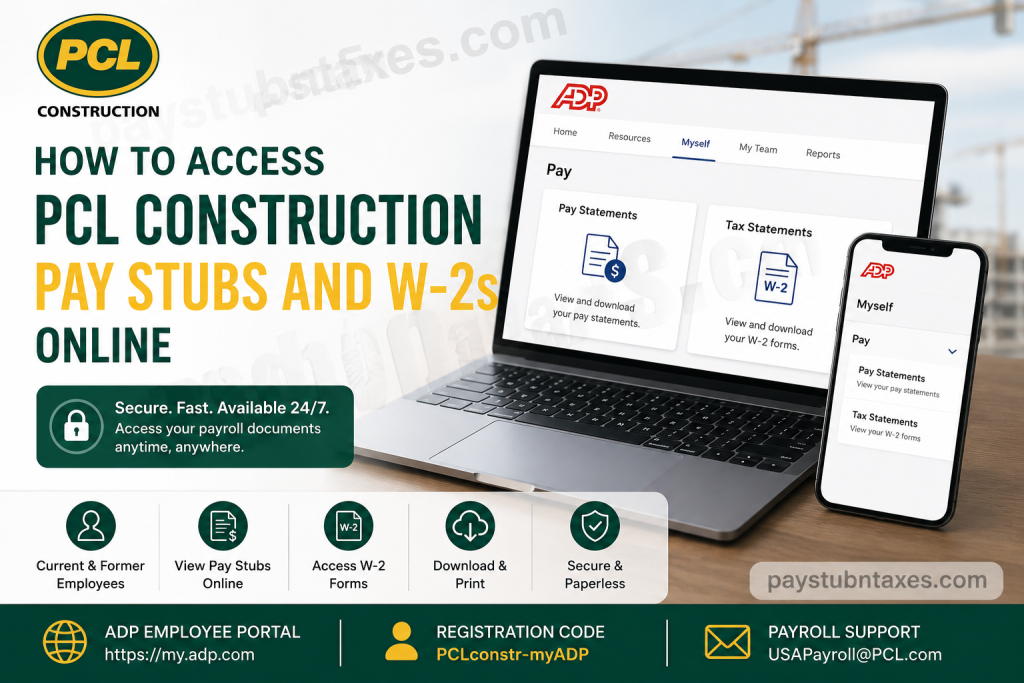
PCL Construction is one of North America’s leading construction organizations, delivering projects that range from modest renovations to multi-billion-dollar developments across Canada, the United States, Australia, and the Caribbean. As a 100% employee-owned company, PCL has cultivated a culture of innovation, accountability, and excellence, empowering its workforce to contribute directly to the company’s continued success. To simplify payroll administration and provide employees with convenient access to important tax and payroll documents, PCL utilizes the ADP Employee Portal (myADP) for all U.S.-based employees. Through this secure platform, both current and former employees can view, download, and print their pay statements and W-2 forms anytime and from virtually anywhere.
About PCL Construction
Founded more than a century ago, PCL has become one of the most respected construction enterprises in North America. The company specializes in:
- Civil infrastructure
- Heavy industrial projects
- Commercial buildings
- Healthcare facilities
- Manufacturing facilities
- Aviation projects
- Data centers and mission-critical infrastructure
PCL’s operations span 31 major centers across several countries, and the company consistently earns recognition for its safety standards, innovation, and sustainable building practices.
Why PCL Uses ADP
The ADP platform enables employees to:
- Access pay statements 24/7
- Download W-2 tax forms
- View previous years’ payroll records
- Print payroll documents instantly
- Go paperless
- Access records from a computer, tablet, or mobile device
Additionally, former employees retain access to their payroll records for up to three years following separation from the company.
How to Register for PCL’s ADP Employee Portal
If you are a first-time user, follow these steps:
Step 1: Visit the ADP Website
Go to: https://my.adp.com
Step 2: Create an Account
Click: New User? Get Started
Then select: I Have a Registration Code
Step 3: Enter the Registration Code
Type: PCLconstr-myADP
Then click Continue.
Step 4: Verify Your Identity
Enter:
- First Name
- Last Name
- Date of Birth
You may also be asked to provide:
- Email address
- Phone number
ADP uses this information to verify your identity.
Step 5: Create Login Credentials
Create:
- User ID
- Password
- Security Questions
Your password must contain:
- At least 8 characters
- At least one letter
- At least one number
Step 6: Activate Your Account
ADP will send an activation email.
Open the email and click the verification link to complete the setup process.
How to Access PCL Pay Stubs Online
After signing in:
Step 1: Select: Myself
Step 2: Choose: Pay
Step 3: Click: Pay Statements
You can then:
- View your latest pay stub
- Access prior pay statements
- Download statements as PDFs
- Print copies for your records
- Review year-to-date earnings and deductions
ADP also allows employees to compare recent pay statements and review detailed earnings categories.
How to Download and Print Pay Statements
- Open the desired pay statement.
- Click:
Download Pay Statement
- Save the PDF to your device.
- Open and print the document if necessary.
How to Access PCL W-2 Forms Online
To locate your W-2:
Step 1: Sign in to: https://my.adp.com
Step 2: Navigate to: Myself → Pay → Tax Statements
Step 3: Select the tax year.
Step 4: Click: View Statement
You can then:
- Download your W-2
- Print your W-2
- Save copies for tax filing purposes
Go Paperless for W-2 Forms
Employees who prefer electronic delivery can opt into paperless tax statements.
Benefits include:
- Faster access
- Reduced paper clutter
- Secure document storage
- Immediate availability
You can enable paperless delivery directly from your ADP dashboard.
Can Former Employees Access PCL Pay Stubs and W-2s?
Yes.
Former employees can continue accessing their ADP accounts for three years after their last payroll document date.
You can still:
- Download W-2 forms
- View pay statements
- Update contact information
- Access tax withholding information
When Are New Pay Statements Available?
PCL pay statements are generally available:
After midnight (12:00 a.m. Eastern Time) on payday.
If your latest statement does not appear, contact payroll support.
Troubleshooting ADP Login Problems
Forgot Password
Click: Forgot Your ID/Password
Follow the prompts to reset your credentials.
Locked Out of Your Account
Wait five minutes and try again.
If the issue persists, contact payroll support.
Unable to Find Your W-2
Check:
- Correct tax year selected
- Registration completed successfully
- Email verification completed
If the issue remains unresolved, contact PCL Payroll.
PCL Payroll Contact Information
Payroll Support Email:
USAPayroll@PCL.com
The payroll team can assist with:
- W-2 questions
- Login issues
- Account lockouts
- Missing pay statements
- Registration assistance
Benefits of Using ADP for PCL Employees
The ADP portal offers numerous advantages:
✅ Secure access anytime
✅ Mobile-friendly platform
✅ Downloadable PDF documents
✅ Three years of payroll history
✅ Electronic W-2 delivery
✅ Convenient access for former employees
✅ Year-to-date payroll summaries
Final Thoughts
PCL Construction has made accessing payroll and tax records remarkably straightforward through the ADP Employee Portal. Whether you need your latest pay stub, a previous year’s W-2, or historical payroll information after leaving the company, the platform provides secure, around-the-clock access from virtually any device. By registering with the code PCLconstr-myADP, employees can manage their payroll documents efficiently, reduce paperwork, and ensure that important tax information is always within reach.
Frequently Asked Questions
1. Where can I access my PCL Construction pay stubs online?
You can access your pay stubs by logging into the ADP Employee Portal at https://my.adp.com.
2. What is the registration code for PCL’s ADP account?
The registration code is: PCLconstr-myADP
3. How do I register for the PCL ADP Employee Portal?
Visit my.adp.com, click Get Started, choose I Have a Registration Code, and enter PCLconstr-myADP.
4. How do I view my pay statements?
After logging in, go to: Myself → Pay → Pay Statements
5. How do I access my W-2 form?
Navigate to: Myself → Pay → Tax Statements
Then select the tax year and click View Statement.
6. Can I download my pay stubs as PDFs?
Yes. ADP allows employees to download and print pay statements in PDF format.
7. When are new pay statements available online?
New pay statements become available after midnight (12:00 a.m. Eastern Time) on payday.
8. Can former employees access their W-2s and pay stubs?
Yes. Former employees can continue accessing their ADP accounts and payroll records for up to three years after separation.
9. What should I do if I forgot my ADP password?
Click Forgot Your ID/Password on the login page and follow the instructions to reset your credentials.
10. What if my ADP account is locked?
Wait approximately five minutes and try again. If the issue persists, contact PCL Payroll.
11. Can I receive my W-2 electronically?
Yes. Employees can opt into paperless tax statements through the ADP portal.
12. Can I access ADP on my mobile device?
Yes. ADP is fully accessible from smartphones, tablets, and computers.
13. Why can’t I see my latest pay statement?
If your latest pay statement is unavailable after payday, contact PCL Payroll for assistance.
14. Who do I contact for payroll or W-2 questions?
You can contact PCL Payroll at:
USAPayroll@PCL.com
15. How long does ADP keep my payroll records?
ADP generally maintains pay statements and W-2 records for three years, allowing both current and former employees to access historical payroll information.

