
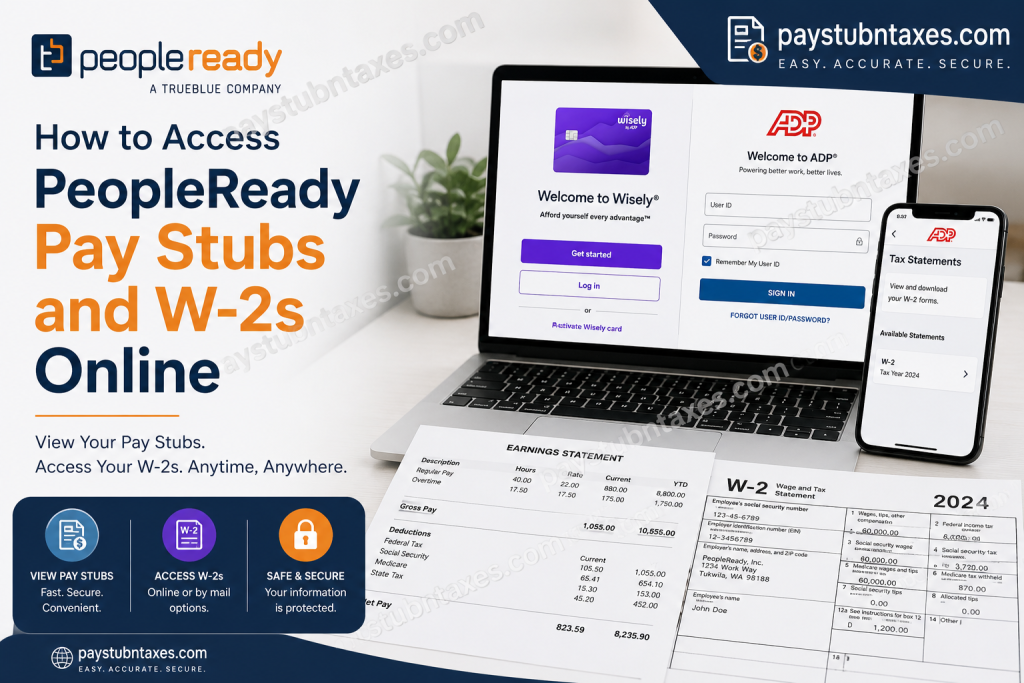
Whether you are working a single shift through JobStack or building a long-term career with PeopleReady, having quick and secure access to your payroll records is essential. Fortunately, PeopleReady has streamlined the process by providing digital access to pay stubs and tax forms through the myWisely and ADP platforms, enabling associates to view their earnings and tax information anytime and anywhere. As one of America’s leading staffing companies, PeopleReady connects businesses with thousands of workers across construction, manufacturing, logistics, retail, and hospitality industries. The company has spent more than three decades simplifying the connection between people and work through innovative technology and local support teams. In this comprehensive guide, you’ll learn exactly how to access your PeopleReady pay stubs, retrieve your W-2 forms, and resolve common login issues.
How Do I Access My PeopleReady Pay Stubs Online?
PeopleReady allows all associates to access electronic pay statements online, regardless of whether they receive payment via direct deposit, paper check, or Wisely Pay Card.
PeopleReady Pay Stub Login Portal
Website: https://www.mywisely.com/app/main/login
Steps to View Your Pay Stub
Step 1: Visit the MyWisely login page.
Step 2: Click Log In.
Step 3: Enter your:
- Username
- Password
Step 4: After signing in, select: Account → Pay Statements
Step 5: Choose the pay period you wish to view.
Step 6: Download or print your pay stub for your records.
What Information Appears on My Pay Stub?
Your PeopleReady pay stub includes:
- Gross earnings
- Hours worked
- Federal tax withholdings
- State tax deductions
- Social Security and Medicare taxes
- Year-to-date earnings
- Year-to-date withholdings
- Payment method information
The online pay stub always displays accurate year-to-date earnings and withholding information.
What Is the Wisely Pay Card?
The Wisely Card is a reloadable prepaid pay card that PeopleReady offers as one of its payment options. It does not require a bank account or a credit check.
Benefits of the Wisely Card
- Early access to direct deposits
- Balance and transaction monitoring
- Savings envelopes
- Card lock and unlock features
- Apple Pay and Google Pay integration
- Spending alerts
- Travel protection and geofencing
- Cash-back rewards
- Secondary cards for family members
How Long Does It Take to Receive My Pay?
Depending on your assignment and payment method, you may receive payment as follows:
Daily Pay Assignments
Usually paid within 24 hours after timesheet submission.
JobStack Assignments
Payment may arrive within minutes after hours are confirmed.
Weekly Assignments
Typically paid by the close of business on the following Monday after approved timesheet submission.
Direct Deposit
Funds may take 2–3 business days to appear in your bank account.
How to Access Your PeopleReady W-2 Online
PeopleReady issues annual W-2 tax forms electronically through ADP.
ADP W-2 Login Portal
Website: https://my.adp.com
First-Time Registration Instructions
Step 1: Visit: https://my.adp.com
Step 2: Click: Register Now
Step 3: Choose: Find Me
Step 4: Verify your identity by entering information such as:
- First Name
- Last Name
- Date of Birth
- Social Security Number
Step 5: Create your:
- User ID
- Password
Step 6: If you cannot locate your account, select:
I Have a Registration Code
Enter the organizational registration code: TrueB-W2
How to Go Paperless for Faster W-2 Access
After creating your ADP account:
- Log in.
- Select Go Paperless.
- Consent to receive electronic tax forms.
Employees who opt into electronic delivery receive an email notification when their W-2 becomes available.
When Will My W-2 Become Available?
Electronic W-2
Available no later than January 31.
Paper W-2
Mailed beginning January 31 if electronic delivery was not selected.
Reissued W-2 Forms
Generally unavailable until after February 15.
How to Update Personal Information for W-2 Delivery
To ensure timely delivery of your tax documents:
- Update your information in the JobStack app, or
- Contact your local PeopleReady office.
Personal information changes should ideally be completed by December 27 to avoid mailing delays.
Forgot Your ADP Username or Password?
Visit: https://my.adp.com
Then click:
- Forgot User ID
- Forgot Password
ADP will verify your identity and help you regain access to your account.
Need Help Accessing Your W-2?
PeopleReady W-2 Hotline
Phone: 1-800-722-5840
Hours: Monday–Friday
Time: 8:00 A.M. – 5:00 P.M. Central Time
Need Help With Pay Issues?
For payroll discrepancies, missing hours, or incorrect pay information, contact your local PeopleReady office as soon as possible. Associates working under PeopleReady Skilled Trades may also contact the payroll team designated by their local office.
Final Thoughts
PeopleReady has embraced digital payroll technology, making it remarkably easy for associates to manage their earnings and tax records without the inconvenience of paper statements. Through the myWisely and ADP portals, employees can securely access pay stubs, download W-2 forms, monitor payment status, and update personal information in just a few clicks. By registering for both platforms and opting into paperless delivery, you can ensure that your payroll and tax documents remain available whenever you need them—whether you’re preparing for tax season, applying for a loan, or simply keeping your financial records organized.
Frequently Asked Questions
1. How do I access my PeopleReady pay stubs online?
Visit https://www.mywisely.com/app/main/login and sign in to your MyWisely account to view and download your pay stubs.
2. Can I access pay stubs without a Wisely card?
Yes. All PeopleReady associates can access online pay stubs through MyWisely, even if they are paid by direct deposit or paper check.
3. What information is shown on my pay stub?
Your pay stub displays gross pay, taxes withheld, deductions, hours worked, and year-to-date earnings and withholdings.
4. How do I access my PeopleReady W-2 online?
Log in to ADP at https://my.adp.com and navigate to the Tax Statements section.
5. What is the ADP registration code for PeopleReady employees?
The organizational registration code is: TrueB-W2
6. When will my electronic W-2 be available?
Electronic W-2 forms are generally available no later than January 31 each year.
7. When are paper W-2 forms mailed?
Paper W-2 forms begin mailing on January 31 if you did not enroll in electronic delivery.
8. How do I sign up for paperless W-2 delivery?
After logging into ADP, select the Go Paperless option and provide your consent.
9. How do I update my personal information?
Update your information through the JobStack app or contact your local PeopleReady office.
10. What should I do if I forgot my ADP password?
Use the Forgot User ID or Forgot Password links on the ADP login page.
11. What payment methods does PeopleReady offer?
PeopleReady offers:
- Direct Deposit
- Wisely Pay Card
- Paper Check (where permitted by state law)
12. How soon can I get paid by PeopleReady?
Many assignments offer next-day pay, while weekly assignments follow the pay schedule listed in the job description.
13. Who should I contact if my pay stub is incorrect?
Contact your local PeopleReady office immediately if you notice missing hours or payroll discrepancies.
14. What is the PeopleReady W-2 hotline number?
Call: 1-800-722-5840
Monday through Friday, from 8:00 AM to 5:00 PM Central Time.
15. Can former employees access their W-2 forms online?
Yes. Former PeopleReady employees can continue to access their W-2 forms through their ADP account.

