
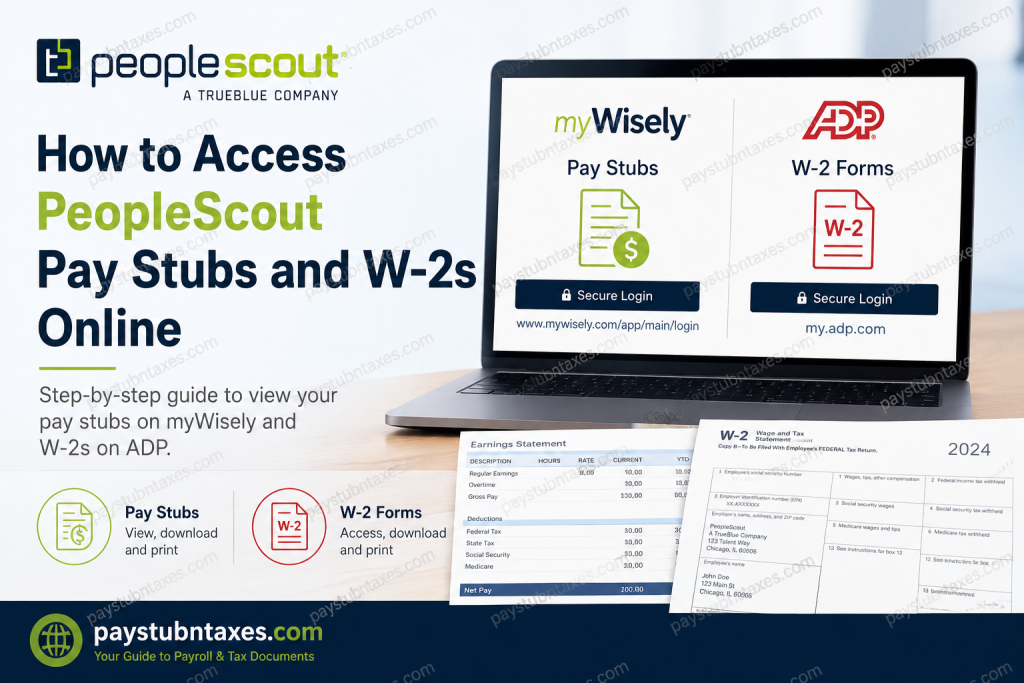
Managing payroll documents efficiently has become an essential part of modern employment. Whether you need a recent paycheck for income verification, are preparing your annual tax return, or simply want to review your earnings history, PeopleScout provides secure online access to both pay stubs and W-2 tax forms. As a global talent solutions leader and a subsidiary of TrueBlue, PeopleScout leverages trusted digital platforms to ensure employees can conveniently retrieve their payroll information anytime and anywhere. This comprehensive guide explains exactly how to access your PeopleScout pay stubs and W-2 forms online, troubleshoot common issues, and obtain support when needed.
About PeopleScout
PeopleScout, a TrueBlue company, is a globally recognized provider of talent solutions, specializing in:
- Recruitment Process Outsourcing (RPO)
- Managed Service Provider (MSP) solutions
- Total Workforce Solutions
- Talent Advisory Services
- AI-powered recruitment technology through Affinix™
For more than three decades, PeopleScout has helped organizations across numerous industries connect with exceptional talent through innovative workforce solutions and advanced recruitment technologies.
How to Access Your PeopleScout Pay Stubs Online
PeopleScout employees can conveniently view their pay statements online through the myWisely portal, regardless of whether they are paid by direct deposit or through a Wisely Pay Card.
Pay Stub Login Portal
Website: https://www.mywisely.com/app/main/login
Steps to Access Your Pay Stubs
- Visit the myWisely login page.
- Enter your username and password.
- Complete any security verification steps.
- Navigate to the Pay Statements or Pay History section.
- View, download, or print your pay stubs.
What Information Appears on Your Pay Stub?
Your online pay statement generally includes:
- Gross earnings
- Net pay
- Federal and state tax withholdings
- Deductions and contributions
- Year-to-date (YTD) earnings
- Year-to-date tax information
- Pay period dates
- Employer information
Online pay stubs display accurate year-to-date earnings and withholding information, making them useful for tax filing and financial verification purposes.
Accessing Pay Stubs Without a Wisely Pay Card
One of the most convenient aspects of the PeopleScout payroll system is that employees do not need a Wisely Pay Card to view their pay statements online.
Even employees who receive payment through:
- Direct Deposit
- Paper Check
- Other approved payment methods
can still access their pay stubs through the myWisely portal.
Download the myWisely Mobile App
The myWisely app is available for:
- Apple App Store
- Google Play Store
The app allows employees to:
- Check balances
- Review recent transactions
- View pay history
- Set up notifications
- Monitor spending trends
- Access payroll information on the go.
How to Access Your PeopleScout W-2 Online
PeopleScout provides electronic access to W-2 tax forms through the ADP self-service portal.
W-2 Portal
Website: https://my.adp.com
Employees who elect electronic delivery receive an email notification once their W-2 becomes available.
How to Register for ADP
If you are a first-time user, follow these steps:
Step 1: Visit: https://my.adp.com
Step 2: Click: Register Now
Step 3: Choose: Find Me and answer the identity verification questions.
Step 4: Create:
- User ID
- Password
- Security information
Step 5: If the automatic verification process does not locate your account, select: I Have a Registration Code and enter: Organizational Registration Code: TrueB-W2
Complete the registration process and log in to access your tax documents.
How to Receive Your W-2 Electronically
To receive your W-2 online:
- Log in to ADP.
- Navigate to Tax Statements.
- Select Go Paperless.
- Confirm your electronic delivery preference.
Employees enrolled in paperless delivery often receive access to their W-2 as soon as it becomes available.
When Are W-2 Forms Available?
Electronic W-2 Forms
Generally available by January 31 each year.
Paper W-2 Forms
Mailed beginning January 31 for employees who did not elect electronic delivery.
Replacement W-2 Forms
Reissues typically become available after February 15.
How to Update Personal Information
To avoid delays in receiving your tax documents, employees should update their personal information before year-end.
You can update information through:
- JobStack
- Your local PeopleScout or TrueBlue team
Information that should remain current includes:
- Mailing address
- Email address
- Phone number
- Name changes
Updating your information before December 27 is highly recommended to ensure accurate tax document delivery.
Forgot Your ADP Login Information?
If you cannot remember your credentials:
- Visit https://my.adp.com
- Select:
- Forgot User ID
- Forgot Password
- Complete identity verification.
- Reset your login credentials.
Need Help Accessing Your W-2?
If you continue experiencing difficulties accessing your tax forms, contact the W-2 support center.
W-2 Call Center
Phone: 1-800-722-5840
Hours:
Monday – Friday
8:00 A.M. – 5:00 P.M. Central Time
Support representatives can assist with:
- Login problems
- Registration issues
- Missing W-2 forms
- Replacement copies
- General tax form inquiries.
Benefits of Going Paperless
Choosing electronic payroll documents offers several advantages:
✅ Faster access to tax forms
✅ Enhanced security
✅ Reduced risk of lost documents
✅ Easy downloading and printing
✅ Environmentally friendly recordkeeping
✅ Convenient access from any device
Final Thoughts
PeopleScout has simplified payroll management by providing employees with secure, self-service access to pay statements and tax documents. Through the myWisely portal and ADP platform, employees can retrieve pay stubs, download W-2 forms, update personal information, and manage their payroll records with remarkable ease. By registering for electronic delivery and keeping your personal information up to date, you can ensure uninterrupted access to your payroll documents and avoid unnecessary delays during tax season.
Frequently Asked Questions
1. How do I access my PeopleScout pay stubs online?
You can access your pay stubs by logging into the myWisely portal at www.mywisely.com/app/main/login.
2. Do I need a Wisely Pay Card to view my pay stubs?
No. All employees can access online pay stubs, even if they are paid by direct deposit or another payment method.
3. Where can I find my PeopleScout W-2?
Your W-2 is available through the ADP portal at my.adp.com.
4. What is the PeopleScout ADP registration code?
The organizational registration code is TrueB-W2.
5. When are PeopleScout W-2 forms available?
Electronic and mailed W-2 forms generally become available by January 31 each year.
6. How do I register for an ADP account?
Visit my.adp.com, select Register Now, and follow the identity verification process.
7. Can former employees access their W-2 online?
Yes. Former employees can continue accessing their W-2 forms through their ADP accounts.
8. What if I forget my ADP password?
Use the Forgot User ID or Forgot Password link on the ADP login page.
9. Can I print my pay stubs and W-2 forms?
Yes. Both myWisely and ADP allow employees to download and print documents.
10. How do I receive my W-2 electronically?
Log in to ADP and enroll in Go Paperless to receive electronic W-2 notifications.
11. What if I need to update my mailing address?
Update your information in JobStack or contact your local team before year-end.
12. What should I do if my W-2 never arrives?
Contact the W-2 Call Center at 1-800-722-5840.
13. When can I request a replacement W-2?
Replacement W-2 forms are generally available after February 15.
14. Is the myWisely mobile app available?
Yes. The app can be downloaded from the Apple App Store and Google Play Store.
15. Who do I contact for W-2 assistance?
Call the PeopleScout W-2 support line at 1-800-722-5840, Monday through Friday from 8:00 A.M. to 5:00 P.M. Central Time.

