
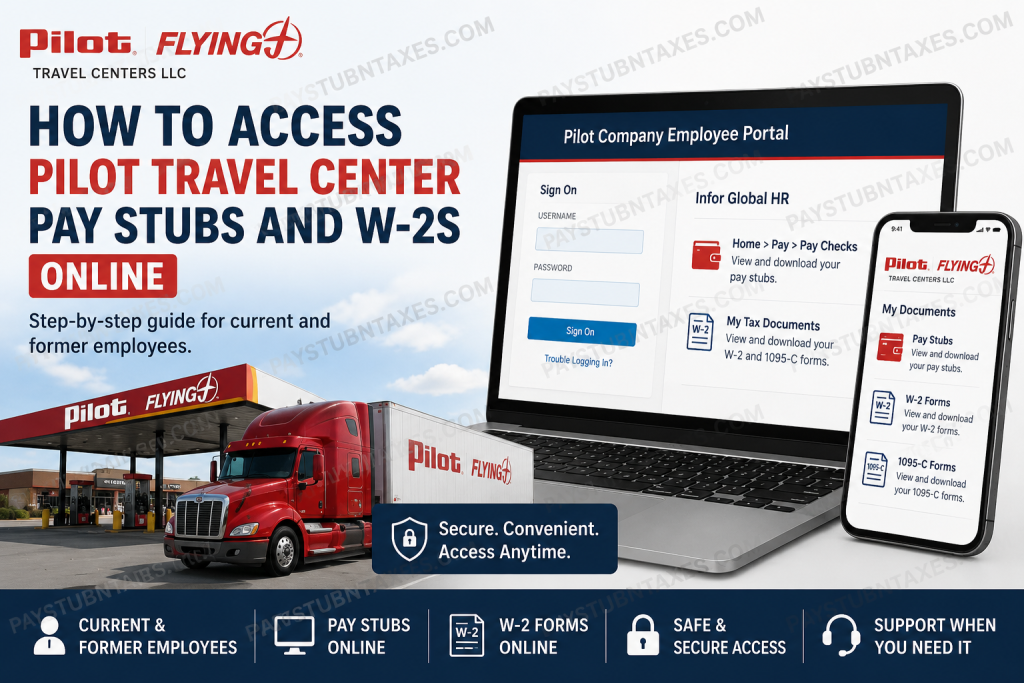
For thousands of employees across the United States and Canada, accessing payroll documents has become considerably easier thanks to Pilot Company’s digital self-service platforms. Whether you need to download your latest pay stub, retrieve a previous W-2 form, or elect electronic tax delivery, Pilot Flying J offers secure online access through its Infor Global HR (GHR) and MHC Software Document Self-Service portals. In this guide, you’ll learn exactly how current and former Pilot team members can access their pay statements and tax forms online.
About Pilot Flying J
Pilot Flying J is North America’s largest travel center operator, serving more than one million guests every day through over 750 locations across the United States and Canada. Headquartered in Knoxville, Tennessee, the company operates under several well-known brands, including Pilot Travel Centers, Flying J Travel Plaza, ONE9 Fuel Network, and Mr. Fuel.
Founded by James Haslam II in 1958, the company has evolved from a single gas station in Virginia into one of the largest travel-center networks in North America. Today, Pilot employs more than 26,000 team members and continues to expand its footprint while maintaining its longstanding commitment to integrity, customer service, and employee satisfaction.
How Current Employees Access Pilot Pay Stubs Online
Current team members can access pay statements through the Infor Documents Self-Service Portal.
Portal Login:
Pilot Company Employee Portal at https://pilotco.pilotcompany.com/new/
Step-by-Step Instructions
- Visit the Pilot Company Employee Portal.
- Sign in using your Pilot Company username and password.
- Do not include any domain prefixes such as: pilotcorp\pfjstores
- After signing in, open the Infor Global HR (GHR) application.
- Ensure the Employee profile is selected.
- Navigate to: Home → Pay → Pay Checks
- Select the desired pay statement.
- Download, print, or save your pay stub as a PDF.
Pilot’s payroll platform also allows employees to receive electronic notifications and password-protected copies of pay statements via email.
How to Enable Pay Stub Email Notifications
Employees can elect to receive email notifications whenever a new paycheck becomes available.
Steps:
- Open the Pay tile in Infor GHR.
- Select: Additional Pay Resources → WebChecks
- Log in using the same credentials used for Infor GHR.
- Under My Delivery Settings, select WebChecks.
- Choose: Web Delivery Option → Yes
- Enter one or two email addresses.
- Click Submit.
A green check mark beside “Web” confirms that your delivery settings have been successfully authorized.
How Current Employees Access W-2 Forms Online
Pilot makes W-2 forms available electronically no later than January 31, 2027.
Portal:
Steps:
- Sign into the Employee Portal.
- Launch Infor Global HR (GHR).
- Select My Tax Documents.
- The system redirects you to MHC Software Document Self-Service.
- Click: My Documents → W-2
- Select the tax year.
- Download or print your W-2 form.
How to Enroll in Electronic W-2 Delivery
Employees who prefer online delivery instead of receiving a paper copy by mail must authorize electronic delivery.
Steps:
- Open My Delivery Settings.
- Click the blue ElecW2 link.
- Select Click HERE to get authorized.
- Click Print Test.
- Open the PDF test document.
- Select Yes when asked if the document printed successfully.
- Read the consent agreement.
- Click I Agree.
- Enter your email address.
- Click Submit.
When a green check mark and the word Authorized appear, your enrollment is complete.
How to View Your W-2 After Authorization
Once electronic delivery has been activated:
- Log in to the MHC portal.
- Select: View My Documents → My ElecW2
- Choose the desired tax year.
- Download or print the form for your records.
How Former Employees Access Pilot W-2 Forms
Former team members no longer use company credentials.
Former Employee Portal:
Pilot Documents Self-Service Portal
Registration Steps
- Visit the MHC Self-Service Portal.
- Click Register User.
- Enter your:
- Social Security Number
- Email Address
- Password
- Complete account verification.
- Log in and access: My Documents → W-2
Pilot states that all current and former U.S. team members who opted out of electronic delivery will receive paper W-2 forms by U.S. mail no later than January 31, 2027.
Can You Receive Paper Copies Instead?
Yes. Employees have two options:
Option 1: Receive W-2 forms electronically.
Option 2: Receive paper copies by mail.
Employees who do not authorize electronic delivery automatically continue receiving paper tax forms through the U.S. Postal Service.
What Information Can Be Accessed Online?
The Pilot self-service portals allow employees to access:
- Current pay stubs
- Historical pay statements
- W-2 tax forms
- 1095-C forms
- Delivery preferences
- Email notification settings
- Payroll resources
- Tax document history
Troubleshooting Login Problems
If you cannot access your account:
Current Employees
- Verify your Pilot username and password.
- Avoid using old domain prefixes.
- Clear browser cookies and cache.
- Try using another browser.
Former Employees
- Verify your email and password.
- Confirm your Social Security Number was entered correctly during registration.
- Use the Forgot Your Password? option if necessary.
Pilot Payroll and W-2 Support
If you need assistance accessing your pay statements or tax forms, contact:
Technology Solution Center
Phone: 865-474-HELP (4357)
Payroll Support Email:
📧 Payroll.Help@pilotcompany.com
Final Thoughts
Pilot Flying J has significantly streamlined payroll and tax document management by integrating Infor Global HR and MHC Software Document Self-Service. Whether you’re an active employee needing your latest paycheck information or a former team member retrieving a prior-year W-2, the entire process can now be completed online within minutes. By enabling electronic delivery and maintaining updated contact information, employees can ensure quick, secure, and uninterrupted access to their essential payroll documents.
Frequently Asked Questions
1. How do I access my Pilot Flying J pay stubs online?
Log into the Pilot Company Employee Portal, open Infor Global HR, and go to Home → Pay → Pay Checks.
2. Where can current employees view their W-2 forms?
Current employees can access W-2 forms through Infor Global HR under My Tax Documents.
3. How do former employees get their W-2 forms?
Former employees must register on the MHC Documents Self-Service Portal using their Social Security Number and email address.
4. When will Pilot release 2026 W-2 forms?
Pilot will make electronic W-2 forms available no later than January 31, 2027.
5. Can I receive my W-2 electronically?
Yes. Employees can authorize electronic W-2 delivery through the ElecW2 settings in MHC Software Document Self-Service.
6. Will I still receive a paper W-2?
Yes. Employees who do not opt into electronic delivery will receive a paper W-2 by U.S. mail.
7. How do I download my pay stubs?
After opening the pay statement, use the download or print option to save a PDF copy.
8. Can I access old pay stubs online?
Yes. Historical pay statements are generally available through the employee self-service portal.
9. What if I forgot my former employee portal password?
Use the Forgot Your Password link on the MHC login page to reset your password.
10. Do I need company credentials to access the former employee portal?
No. Former employees create their own MHC login credentials during registration.
11. Can I receive email notifications when my pay stub is available?
Yes. Employees can enable WebChecks email notifications in their delivery settings.
12. Is the Pilot employee portal mobile-friendly?
Yes. The portal can be accessed from smartphones, tablets, and desktop computers.
13. What information do I need to register as a former employee?
You will need your Social Security Number and a valid email address.
14. Can I print my W-2 directly from the portal?
Yes. W-2 forms can be downloaded, saved, and printed at any time after they become available.
15. Who should I contact if I cannot access my payroll documents?
Contact the Technology Solution Center at 865-474-HELP (4357) or email Payroll.Help@pilotcompany.com.

