
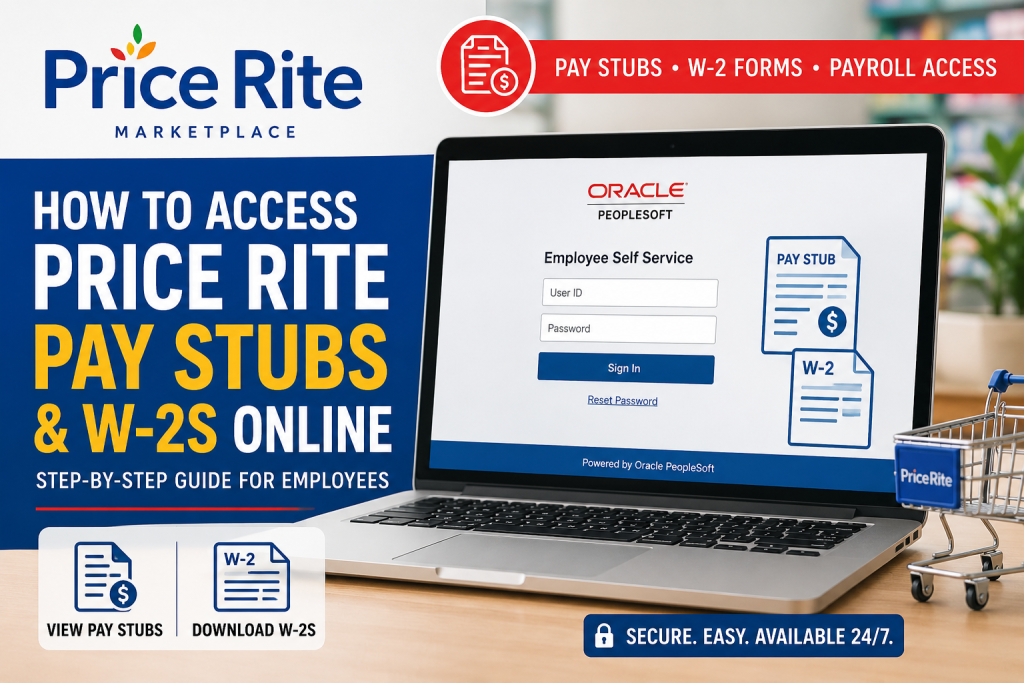
Employees of Price Rite Marketplace can conveniently access their pay stubs and tax forms online through the Wakefern Oracle PeopleSoft Employee Self-Service (ESS) portal. The platform allows associates to securely review payroll history, download payslips, print W-2 forms, and manage employment-related information from any internet-connected device. Whether you are a current employee or need payroll documents for tax filing, loan applications, or income verification, this guide explains everything you need to know about accessing your Price Rite pay stubs and W-2s online.
About Price Rite Marketplace
Price Rite Marketplace is a discount supermarket chain owned by Wakefern Food Corporation, the same retail cooperative behind ShopRite and The Fresh Grocer. Founded in 1995, Price Rite operates across several Northeastern states and is recognized for delivering affordable groceries, fresh produce, and private-label products.
The company emphasizes value pricing, locally sourced products, and accessible customer service while employing thousands of associates throughout its stores and distribution operations.
Price Rite Employee Payroll Portal
Current and eligible employees can access payroll documents through the Wakefern Oracle PeopleSoft ESS portal:
Official Portal:
https://ess.wakefern.com/
The portal provides access to:
- Online pay stubs
- W-2 tax forms
- Payroll history
- Compensation records
- Employee self-service features
- Benefits and employment information
The Oracle PeopleSoft login interface is shared across Wakefern-owned banners, including Price Rite Marketplace.
How to Access Price Rite Pay Stubs Online
Follow these simple steps to view or download your Price Rite payslips online.
Step 1: Visit the ESS Portal
Open your web browser and navigate to:
You will arrive at the Oracle PeopleSoft Employee Self-Service login page.
Step 2: Sign In to Your Account
Enter your:
- User ID
- Password
Then click Sign In.
If you forgot your credentials, use the Reset Password option available on the login screen.
Step 3: Open Employee Self Service
After logging in:
- Select Self Service
- Navigate to Payroll and Compensation
- Click View Paycheck
This section displays your payroll records in chronological order.
Step 4: View or Download Your Pay Stub
Inside the View Paycheck section:
- Select the paycheck date you want to review
- Click the View Paycheck icon
- Check the View PDF option for a downloadable version
Your pay stub PDF may open in a new browser window, so ensure pop-up blockers are disabled.
Information Available on Your Price Rite Pay Stub
Your online payslip typically contains detailed payroll information, including:
- Gross earnings
- Net pay
- Hours worked
- Overtime pay
- Federal and state tax withholdings
- Before-tax deductions
- After-tax deductions
- Employer-paid benefits
The PeopleSoft payroll interface organizes these details into sections such as:
- Tax Data
- Hours and Earnings
- Before-Tax Deductions
- After-Tax Deductions
How to Access Your Price Rite W-2 Online
Employees can also retrieve year-end tax forms through Oracle PeopleSoft.
Steps to Download Your W-2
- Log into the ESS portal
- Go to Self Service
- Open Payroll and Compensation
- Select the W-2/W-2c Forms option
- Choose the tax year
- Download or print your W-2 form
The PeopleSoft system supports online W-2 access and printing for employees.
First-Time Login Instructions
If you are a new employee and accessing the system for the first time:
- Your account may not become active until your official start date
- You may need to create or reset your password before initial login
- Access is available from both workplace and home internet connections
For login issues, contact your store management or Wakefern payroll support team.
Can Former Employees Access W-2s?
In many cases, former Price Rite employees can still retrieve W-2 forms online if their ESS access remains active. If your login credentials no longer work, you may need to:
- Contact Human Resources
- Reach out to payroll administration
- Request mailed tax documents
- Reset your ESS password
Because W-2 access policies may vary by employment status, it is best to contact Price Rite HR directly for assistance.
Benefits of Online Payroll Access
Using the Oracle PeopleSoft ESS portal offers several advantages:
1. 24/7 Availability
Employees can review payroll information anytime from any location.
2. Faster Tax Filing
Digital W-2 access simplifies annual tax preparation.
3. Secure Payroll Management
Oracle PeopleSoft uses secure authentication protocols to protect employee data.
4. Easy Recordkeeping
Employees can download and store PDF copies for future reference.
Common Login Problems and Solutions
Forgot Password
Use the Reset Password feature on the ESS login page.
Account Locked
Wait several minutes and try again, or contact support.
PDF Not Opening
Disable browser pop-up blockers and ensure PDF software is installed.
Incorrect Payroll Information
Contact payroll administration immediately for corrections.
Tips for Secure Access
To protect your payroll information:
- Never share your login credentials
- Use strong passwords
- Log out after each session
- Avoid public Wi-Fi when accessing payroll records
- Update your password regularly
Final Thoughts
The Wakefern Oracle PeopleSoft ESS portal makes it easy for Price Rite employees to access pay stubs and W-2 forms online. With secure self-service functionality, employees can quickly review payroll history, print tax documents, and manage compensation records without visiting HR in person.
By following the steps outlined above, you can securely access your Price Rite payroll documents anytime through the official ESS portal.
FAQ – Price Rite Pay Stubs and W-2s Online
1. What portal does Price Rite use for pay stubs?
Price Rite employees use the Wakefern Oracle PeopleSoft Employee Self-Service (ESS) portal to access pay stubs and payroll information online.
2. What is the official Price Rite ESS login website?
The official employee payroll portal is:
https://ess.wakefern.com
3. How do I log into the Price Rite payroll portal?
Visit the ESS website, enter your User ID and password, and click the Sign In button.
4. Where can I view my Price Rite pay stubs?
After logging in, navigate to:
Self Service → Payroll and Compensation → View Paycheck
5. Can I download my pay stub as a PDF?
Yes. Employees can select the View PDF option to download or print a PDF copy of their payslip.
6. How do I access my Price Rite W-2 online?
Log into the ESS portal and go to:
Self Service → Payroll and Compensation → W-2/W-2c Forms
Then select the tax year to download your W-2.
7. Can former employees access Price Rite W-2 forms?
In many cases, former employees can still access W-2 forms online if their ESS account remains active. Otherwise, they should contact HR or payroll support.
8. What should I do if I forgot my ESS password?
Use the Reset Password feature on the login page or contact payroll support for assistance.
9. Why is my Price Rite pay stub not opening?
Your browser may be blocking pop-ups. Disable pop-up blockers and try opening the PDF again.
10. Can I access the ESS portal from home?
Yes. The Oracle PeopleSoft ESS portal is accessible from any device with an internet connection.
11. What information appears on a Price Rite pay stub?
A pay stub typically includes:
- Gross pay
- Net pay
- Taxes withheld
- Hours worked
- Overtime
- Deductions
- Employer-paid benefits
12. When are W-2 forms available online?
W-2 forms are generally available by the end of January each year for the previous tax year.
13. Is the Price Rite payroll portal secure?
Yes. Oracle PeopleSoft uses secure login authentication to protect employee payroll and tax information.
14. Can employees print their W-2 forms?
Yes. Employees can download and print W-2 forms directly from the ESS portal.
15. Who owns Price Rite Marketplace?
Price Rite Marketplace is owned by Wakefern Food Corporation, the retail cooperative behind ShopRite and several other supermarket banners.

