
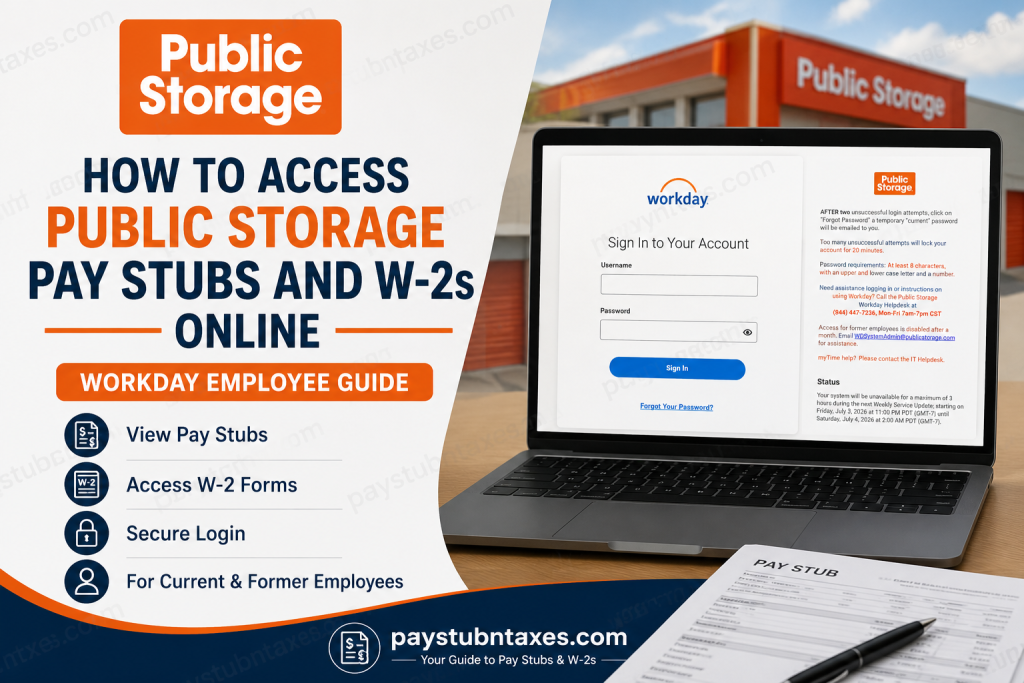
Public Storage employees can conveniently access their pay stubs, W-2 tax forms, benefits, and other employment information through the company’s Workday portal. Whether you need to download your latest paycheck, retrieve tax documents for filing season, or update your personal information, Workday serves as a centralized, secure, and user-friendly platform for managing your employment records. As the largest self-storage company in the United States, Public Storage employs more than 5,900 team members across thousands of locations nationwide and continues to invest heavily in technology that streamlines the employee experience.
About Public Storage
Founded in 1972, Public Storage has grown into the nation’s leading self-storage provider, operating thousands of facilities across the United States and Europe. The company is renowned not only for its extensive network of storage locations but also for its strong workplace culture, inclusive environment, and commitment to employee development. With its signature “It’s Great To Be Orange” philosophy, Public Storage empowers its employees with digital tools that simplify payroll and human resources administration.
Public Storage Workday Login Portal
Employee Login URL:
https://wd5.myworkday.com/publicstorage/login.flex
Through Workday, employees can:
- View and download pay stubs
- Access W-2 tax forms
- Update personal and contact information
- Manage direct deposit details
- Enroll in or modify benefits
- Submit and review timesheets
- Apply for internal job opportunities
- Review employment documents and compensation information
How to Access Public Storage Pay Stubs Online
Obtaining your pay statements through Workday takes only a few minutes.
Step 1: Sign in to Workday
Visit: https://wd5.myworkday.com/publicstorage/login.flex
Enter your:
- Username
- Password
Then click Sign In.
Step 2: Open Your Employee Profile
Once logged in, navigate to your profile dashboard.
Step 3: Access the Pay Section
Select: Profile → Pay → Payslips
The system will display a list of available pay periods.
Step 4: Select Your Pay Statement
Choose the desired pay period to open your pay stub.
Step 5: Download or Print
You can:
- View the payslip online
- Download the PDF copy
- Print a hard copy for your records
Workday also allows employees to save multiple historical pay statements electronically.
How to Access Public Storage W-2 Forms Online
Tax season becomes considerably easier when your W-2 forms are stored digitally.
Step 1: Log in to Workday
Sign into your employee account.
Step 2: Open the Pay Dashboard
Navigate to: Pay → My Tax Documents
Step 3: Locate Your W-2 Form
All available W-2 forms will appear under the My Tax Documents section.
Step 4: View or Print
Click View/Print to open the document.
You may then:
- Download the W-2
- Print the form
- Save an electronic copy for tax filing purposes
Employees generally receive a notification once new tax forms become available.
Forgot Your Public Storage Workday Password?
If you cannot access your account:
- Click Forgot Password on the login page.
- After two unsuccessful login attempts, a temporary password will be emailed to you.
- Use the temporary password to regain access.
Password Requirements
Your password must contain:
- At least 8 characters
- One uppercase letter
- One lowercase letter
- One number
Account Lockout Policy
To protect employee information, Public Storage enforces strict login security measures.
- Multiple unsuccessful attempts will lock your account for 20 minutes.
- Wait for the lockout period to expire before attempting another login.
Public Storage Workday Help Desk
If you experience technical issues accessing your account, assistance is readily available.
Public Storage Workday Helpdesk
📞 (844) 447-7236
🕒 Monday–Friday, 7:00 AM–7:00 PM CST
Email Support
📧 WDSystemAdmin@publicstorage.com
For issues specifically related to myTime, employees should contact the company’s IT Helpdesk.
Can Former Employees Access Public Storage Pay Stubs and W-2s?
Former employees should be aware that:
- Workday access is disabled approximately one month after separation from employment.
- If you need copies of your pay stubs or W-2 forms after your account has been deactivated, contact:
📧 WDSystemAdmin@publicstorage.com
The HR or payroll team can provide additional guidance regarding tax documents and employment records.
Benefits of Using Workday at Public Storage
The Workday platform offers numerous advantages:
24/7 Access
Employees can retrieve payroll information anytime and from virtually anywhere.
Secure Document Storage
Pay statements and tax documents remain securely stored online.
Paperless Payroll
Electronic access reduces paperwork and simplifies record-keeping.
Self-Service Convenience
Employees can update personal information without contacting HR.
Faster Tax Preparation
Digital W-2 access streamlines annual tax filing.
Troubleshooting Public Storage Workday Login Issues
If you cannot sign in:
Verify Your Credentials
Double-check your username and password.
Reset Your Password
Use the Forgot Password feature.
Clear Browser Cache
Old cookies may interfere with login functionality.
Try Another Browser
Switching browsers can resolve compatibility issues.
Contact Support
Call the Workday Helpdesk if problems persist.
Final Thoughts
Public Storage’s Workday platform places essential payroll and employment information at employees’ fingertips. Whether you need to review a recent paycheck, download your W-2, update direct deposit information, or manage benefits, the portal provides a seamless self-service experience. By familiarizing yourself with the system and keeping your login credentials secure, you can access critical employment documents whenever you need them and significantly simplify your payroll and tax management responsibilities.
Frequently Asked Questions
1. How do I access my Public Storage pay stubs online?
Log into the Public Storage Workday portal and go to Pay → Payslips to view and download your pay statements.
2. What is the Public Storage Workday login URL?
The official login page is: https://wd5.myworkday.com/publicstorage/login.flex.
3. How can I download my Public Storage W-2 form?
Sign in to Workday and navigate to Pay → My Tax Documents, then select your W-2 and click View/Print.
4. Can I print my pay stubs from Workday?
Yes. Workday allows employees to print or download PDF copies of their pay statements.
5. What should I do if I forget my Workday password?
Click Forgot Password on the login page. After two unsuccessful login attempts, a temporary password will be emailed to you.
6. How long will my account be locked after multiple failed login attempts?
Too many unsuccessful login attempts will lock your account for 20 minutes.
7. What are the Public Storage password requirements?
Passwords must contain:
- At least 8 characters
- One uppercase letter
- One lowercase letter
- One number
8. Can former employees access Public Storage Workday?
No. Access is disabled approximately one month after employment ends.
9. How can former employees obtain their W-2 forms?
Former employees should email WDSystemAdmin@publicstorage.com for assistance.
10. Can I access Workday from my phone?
Yes. Employees can use a mobile browser or the Workday mobile app.
11. Does Workday allow me to update direct deposit information?
Yes. Employees can manage direct deposit and payment elections through Workday.
12. Can I update my personal information in Workday?
Yes. Workday allows employees to update addresses, phone numbers, emergency contacts, and other personal details.
13. Who should I contact for Workday login assistance?
Contact the Public Storage Workday Helpdesk at (844) 447-7236, Monday through Friday from 7:00 AM to 7:00 PM CST.
14. What other features are available in Public Storage Workday?
Employees can manage benefits, submit timesheets, view compensation information, and apply for internal job opportunities.
15. Is Public Storage Workday secure?
Yes. Workday uses enterprise-grade security measures to protect employee payroll and personal information.

