
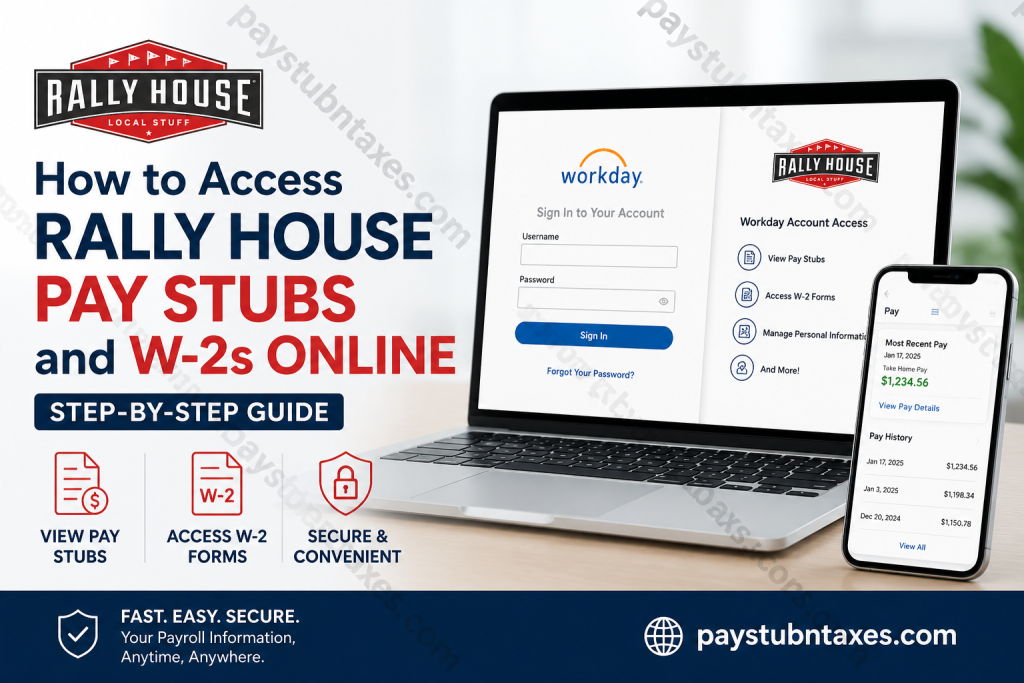
Employees at Rally House can conveniently access their payroll information, pay stubs, and annual tax documents through the Workday self-service portal. Whether you are a current team member or a former employee preparing for tax season, Workday provides a secure and streamlined method for viewing, downloading, and printing essential payroll records anytime and from virtually anywhere. Rally House, widely recognized for its expansive collection of sports apparel, local merchandise, gifts, and home décor representing NCAA, NFL, MLB, NBA, NHL, and MLS teams, continues to invest in digital tools that simplify the employee experience. Through the Workday platform, team members can manage payroll records efficiently without relying on paper copies or in-store assistance.
What Is the Rally House Workday Portal?
The Rally House Workday portal is an employee self-service platform designed to centralize payroll, tax, scheduling, and employment-related information. Employees can use Workday to:
- View and download pay stubs
- Access W-2 tax forms
- Review payroll deductions and taxes
- Update direct deposit information
- Manage personal information
- Access compensation and employment records
Employees may access the system through both desktop browsers and the official Workday mobile application.
Rally House Workday Login Information
To sign in to your Workday account, employees should use the credentials provided during onboarding.
Rally House Workday Login URL
Organization ID
When accessing Workday through the mobile application, employees may be asked to enter the Organization ID:
Organization ID: rallyhouse
How to Access Rally House Pay Stubs Online
Rally House employees can access electronic pay slips shortly before each payday through the Workday portal.
Access Pay Stubs on Desktop
Follow these steps to view your pay stubs online:
- Visit the Rally House Workday login page.
- Enter your Workday username and password.
- After logging in, open the Menu section.
- Select the Pay application.
- Click Payslips under the payroll section.
- Choose the desired pay period.
- Download or print your pay stub as needed.
Employees using company computers may also find a direct Workday shortcut icon on the desktop for quicker access.
How to Access Rally House Pay Stubs on the Workday Mobile App
The Workday mobile app allows employees to check payroll information directly from their smartphones.
Steps to View Pay Slips in the Workday App
- Open the Workday mobile application.
- Log in using your Rally House credentials.
- Tap the Pay worklet from the Apps section.
- Select View Payslips.
- Open your most recent paycheck.
- Tap View Pay Details to review earnings, taxes, deductions, PTO, holiday pay, and hourly breakdowns.
The mobile version also provides a detailed breakdown of earnings categories, making it easier for employees to verify regular hours, overtime, holiday pay, and shift differentials.
How to Access Rally House W-2 Forms Online
Rally House employees can retrieve annual W-2 tax forms electronically through Workday. Electronic copies are generally made available no later than January 31 each year.
Important W-2 Availability Information
- 2026 W-2 forms will be available electronically by January 31, 2027
- Employees who selected mailed delivery will receive paper copies at the home address listed in Workday
- Former employees may still access tax forms if their Workday account remains active
Steps to View and Download Your W-2
- Log in to the Rally House Workday portal.
- Open the Menu icon.
- Select the Pay application.
- Under the View section, click My Tax Documents.
- Locate the correct tax year.
- Select View/Print next to the W-2 form.
- Download or print the document for your records.
Depending on browser settings, users may need to enable pop-ups in order to download the tax document successfully.
Forgot Your Workday Password?
If you cannot access your account:
- Open the Rally House Workday login page.
- Click Forgot Your Password?
- Follow the verification instructions to reset your credentials.
If login problems continue, contact the Rally House support center for assistance.
Rally House Payroll Support Contact
For payroll, Workday login, or W-2 assistance, employees may contact the Rally House support center directly.
Support Number
Phone: 913-289-5457
Benefits of Electronic Pay Stubs and W-2 Forms
Using Workday for payroll management offers several advantages:
- 24/7 secure access
- Faster retrieval of payroll records
- Reduced paper clutter
- Easy tax preparation
- Mobile-friendly payroll access
- Secure storage of employment documents
Employees can instantly download historical payroll information whenever required for loans, housing applications, tax filing, or employment verification.
About Rally House
Rally House is a rapidly growing specialty retail company offering licensed sports apparel, gifts, collectibles, and regional merchandise representing professional and collegiate teams across the United States. Originally evolving from Kansas Sampler, the company now operates hundreds of retail locations throughout the Midwest, Northeast, and Southern United States while maintaining a strong commitment to localized customer experiences and community engagement.
Known for its exceptional customer service and passionate sports culture, Rally House continues to expand its footprint while creating career opportunities in retail leadership, operations, merchandising, and customer service.
Final Thoughts
Accessing Rally House pay stubs and W-2 forms online is a straightforward process through the Workday employee self-service portal. Whether using a desktop browser or the Workday mobile application, employees can securely retrieve payroll records, tax documents, and earnings information in just a few minutes. By keeping your contact information updated and enabling electronic tax delivery, you can ensure faster access to important employment records throughout the year.
Frequently Asked Questions (FAQ)
1. How do I access my Rally House pay stubs online?
You can access your pay stubs by logging into the Rally House Workday portal and selecting the Pay section. From there, open Payslips to view or download your paycheck records.
2. What is the Rally House Workday login URL?
The official Workday login page is: https://wd5.myworkday.com/rallyhouse/login.flex.
3. What is the Rally House Workday Organization ID?
The Organization ID for the Workday mobile app is: rallyhouse
4. When are Rally House pay stubs available?
Pay stubs are generally available in Workday the day before payday.
5. How can I view my Rally House W-2 online?
Log into Workday, open the Pay application, select My Tax Documents, and click View/Print next to the applicable W-2 form.
6. When will Rally House W-2 forms be available?
Electronic W-2 forms are typically available by January 31 each year.
7. Will Rally House mail my W-2 form?
Yes. If you selected paper delivery, your W-2 will be mailed to the address listed in Workday no later than January 31.
8. Can former Rally House employees access Workday?
Former employees may still access Workday to retrieve W-2 forms and previous payroll records if their account remains active.
9. How do I reset my Rally House Workday password?
Click the “Forgot Your Password?” link on the Workday login page and follow the account recovery instructions.
10. Can I access Rally House payroll information on my phone?
Yes. Employees can use the Workday mobile app to access pay stubs, W-2s, payroll history, and tax documents securely.
11. How do I download my pay stub from Workday?
After opening the desired payslip, use the download or print option to save a PDF copy of your paycheck.
12. Why are my hours different on the initial mobile pay view?
The initial summary screen may not include PTO, holiday pay, or additional earnings categories. Open View Pay Details and check the Earnings section for the complete breakdown.
13. What information appears on a Rally House pay stub?
A pay stub may include gross pay, taxes, deductions, PTO, holiday pay, overtime, shift differentials, and net pay information.
14. Who should I contact for Rally House payroll support?
For payroll or Workday assistance, employees can contact the Rally House support center at: 913-289-5457
15. Is Workday secure for accessing payroll documents?
Yes. Workday uses secure authentication and encrypted access to protect employee payroll and tax information.

