
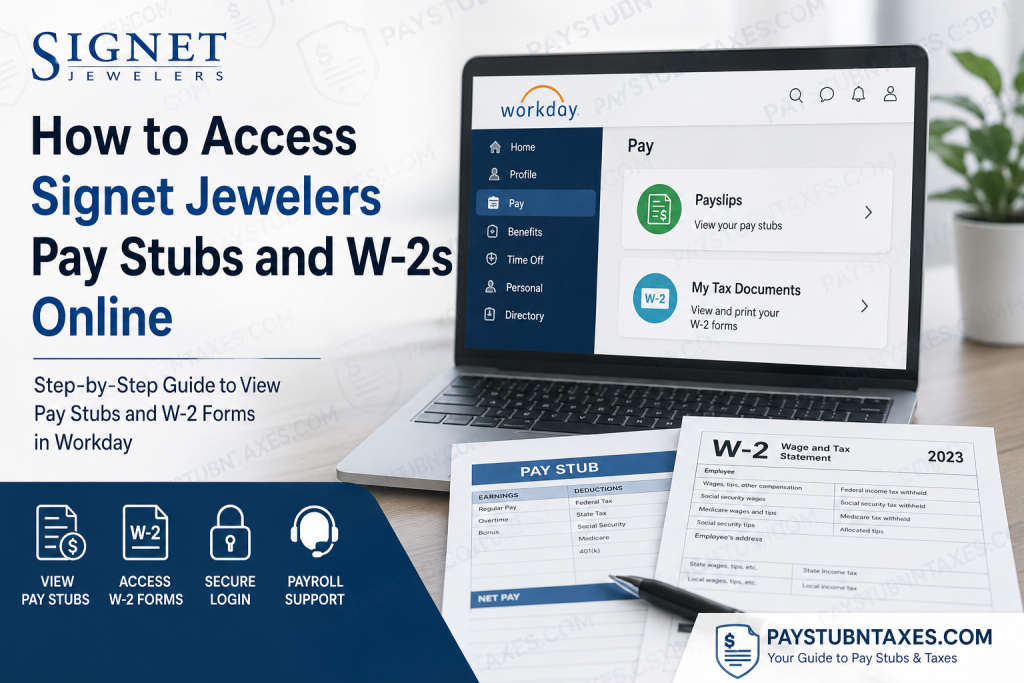
Signet Jewelers is one of the world’s largest specialty jewelry retailers, operating approximately 2,600 stores across renowned brands including Kay Jewelers, Zales, Jared, Banter by Piercing Pagoda, Blue Nile, Diamonds Direct, Peoples Jewellers, H.Samuel, and Ernest Jones. The company continues to distinguish itself through its purpose-driven culture, sustainability initiatives, and commitment to employee development. For active employees, Signet Jewelers provides secure online access to payroll and tax information through the Workday self-service portal. Through this platform, associates can conveniently review payslips, download W-2 forms, manage tax withholding preferences, update direct deposit details, and maintain personal employment information from virtually anywhere. This comprehensive guide explains how to access your Signet Jewelers pay stubs and W-2s online through Workday, reset your login credentials, update your mailing address, and contact payroll support when necessary.
What Is the Signet Jewelers Workday Portal?
Workday is Signet Jewelers’ cloud-based Human Capital Management (HCM) and payroll platform designed to streamline employee self-service functions. The portal serves as a centralized digital workspace where associates can manage payroll, benefits, tax documentation, scheduling, and employment records.
Through Workday, Signet associates can:
- Access current and previous pay stubs
- View and print annual W-2 tax forms
- Update direct deposit information
- Modify federal and state tax withholding elections
- Review compensation history
- Manage personal contact details
- Request time off and review PTO balances
- Access benefits and payroll records
The Workday homepage functions as the central hub for employee tasks and payroll-related activities, providing streamlined navigation and productivity tools.
Signet Jewelers Workday Login Portal
Official Employee Login Link
Employees can access the Signet Workday portal using the following secure login page:
To sign in successfully:
- Open the Workday login page
- Select the company Single Sign-On (SSO) option
- Enter your company username and password
- Complete any required multi-factor authentication steps
- Access your Workday dashboard
How to View Signet Jewelers Pay Stubs Online
Once logged into Workday, employees can access both current and historical pay statements directly from the payroll section.
Steps to Access Payslips
- Log into Workday
- Select your Profile icon
- Navigate to Pay
- Click Payslips
- Choose the desired pay period
- Download or print your pay statement
The Pay section within Workday contains detailed payroll records, including gross earnings, deductions, taxes, benefit contributions, and net pay information.
Employees may also use Workday’s Quick Tasks or Top Apps sections to access payroll information more efficiently.
How to Access Signet Jewelers W-2 Forms Online
Employees who consented to electronic W-2 delivery can retrieve and print tax documents directly through Workday once forms become available.
Steps to View W-2 Forms
- Sign in to Workday
- Open your employee Profile
- Select Pay
- Click My Tax Documents
- Choose the appropriate tax year
- Download or print your W-2 form
The Workday Pay section includes access to tax documents such as W-2 and 1099 forms, along with payment history and tax elections.
Employees who previously opted into Electronic W-2 Consent can generally access forms online as soon as payroll processing is finalized for the tax year.
Paper W-2 Mailing Information
Employees who did not consent to electronic delivery will receive paper W-2 statements by mail no later than January 31 following the close of the taxable year.
Because tax forms are mailed to the address currently stored in Workday, associates should verify that their contact information remains accurate before year-end.
How to Update Your Mailing Address in Workday
Maintaining an accurate address is critical for tax document delivery and payroll communication.
Steps to Update Address Information
- Log into Workday
- Open your Profile Menu
- Select Contact
- Edit your Home Contact Information
- Save the updated address
Workday allows employees to manage home addresses, phone numbers, emergency contacts, and personal email information directly through self-service functionality.
How to Reset Your Signet Workday Password
If you forget your Workday or SSO credentials, Signet provides dedicated HR support for password recovery and login assistance.
Password Reset Support
Email Support
- HRExpress@jewels.com
Phone Support
- 1-800-877-8821
The employee contact resource additionally confirms that Workday password reset assistance is available through HRExpress support services.
Payroll Support Contact Information
For payroll-related questions beyond basic self-service access, employees may contact Signet payroll support directly.
Payroll Assistance
Payroll Email
- pay@signetjewelers.com
Payroll Phone Number
- 1-800-877-8821
Employees experiencing issues involving missing PTO balances, payroll discrepancies, or payment concerns may also coordinate with their manager when appropriate.
Additional Workday Features for Signet Associates
In addition to payroll and tax document access, Workday offers a broad range of employee self-service tools designed to improve administrative efficiency.
Workday Self-Service Capabilities
Associates can:
- Update direct deposit accounts
- Review federal and state tax withholding
- Manage benefit elections
- Track PTO balances
- Submit time-off requests
- View compensation history
- Access employment records
- Maintain emergency contact details
Workday’s personalized dashboard includes Quick Tasks, notifications, apps, reports, and intelligent recommendations tailored to each employee’s role and responsibilities.
Common Workday Login Problems and Solutions
Incorrect Username or Password
Ensure you are using your active company SSO credentials rather than a personal email address.
Locked Account
Contact HRExpress support to unlock your account or reset authentication settings.
Browser Compatibility Issues
Use an updated version of Chrome, Edge, Firefox, or Safari and clear your browser cache if pages fail to load properly.
Missing W-2 Forms
Verify whether you opted into Electronic W-2 Consent. If not, your tax document will arrive by mail.
Inactive Employee Access
Former employees may need to contact HR or payroll support for tax document retrieval assistance.
Tips for Secure Access to Payroll Information
To protect sensitive payroll and tax records:
- Never share your Workday credentials
- Use secure internet connections
- Enable multi-factor authentication when available
- Log out after each session
- Regularly update your password
- Monitor your payroll information for unauthorized changes
Final Thoughts
The Signet Jewelers Workday portal provides employees with a secure, efficient, and user-friendly method for accessing payroll information and tax records online. Whether you need to review your latest payslip, download a W-2 form, update your tax withholding elections, or manage direct deposit information, Workday centralizes these essential functions within a single platform. By maintaining updated personal information and enabling electronic tax document delivery, associates can ensure faster access to important payroll records while reducing delays associated with paper mailing. Employees who encounter technical difficulties or payroll-related concerns should contact HRExpress or the Signet payroll department for prompt assistance.
Frequently Asked Questions
1. How do I access my Signet Jewelers pay stubs online?
You can access your pay stubs by logging into the Signet Jewelers Workday portal and navigating to Profile > Pay > Payslips.
2. What is the official Signet Jewelers Workday login website?
The official Workday login portal is: https://wd1.myworkday.com/signetjewelers/
3. Can former Signet employees still access Workday?
Former employees may have limited access depending on company policy. If you cannot log in, contact payroll or HR support for assistance retrieving tax documents.
4. Where can I find my W-2 form in Workday?
After signing into Workday, go to: Profile > Pay > My Tax Documents
There you can download and print your W-2.
5. When will Signet Jewelers release W-2 forms?
Electronic W-2 forms are typically available once payroll processing is complete for the tax year. Paper copies are mailed by January 31.
6. What happens if I did not consent to electronic W-2 delivery?
If you did not enroll in electronic W-2 delivery, Signet Jewelers will mail a paper W-2 to your address on file.
7. How do I update my mailing address in Workday?
You can update your address through: Profile > Contact > Home Contact Information
Always keep your address current to avoid delays receiving tax documents.
8. What should I do if I forgot my Workday password?
For password resets, contact HRExpress:
- Email: HRExpress@jewels.com
- Phone: 1-800-877-8821
9. How can I contact Signet Jewelers payroll support?
You can contact payroll support through:
- Email: pay@signetjewelers.com
- Phone: 1-800-877-8821
10. Can I print my pay stubs from Workday?
Yes. Workday allows employees to download and print current and previous payslips directly from the payroll section.
11. Does Workday allow employees to update direct deposit information?
Yes. Employees can manage direct deposit accounts and payment elections directly within Workday.
12. Can I view previous years’ W-2 forms online?
If available in your Workday account, previous tax documents can be viewed and downloaded from the My Tax Documents section.
13. Is Workday accessible on mobile devices?
Yes. Workday supports mobile access through compatible web browsers and the Workday mobile app.
14. What information appears on a Signet Jewelers pay stub?
Pay stubs generally include:
- Gross earnings
- Hours worked
- Taxes withheld
- Benefit deductions
- Retirement contributions
- Net pay
- PTO balances
15. Is the Signet Workday portal secure?
Yes. Workday uses enterprise-level security and authentication protocols to help protect employee payroll and personal information.

