
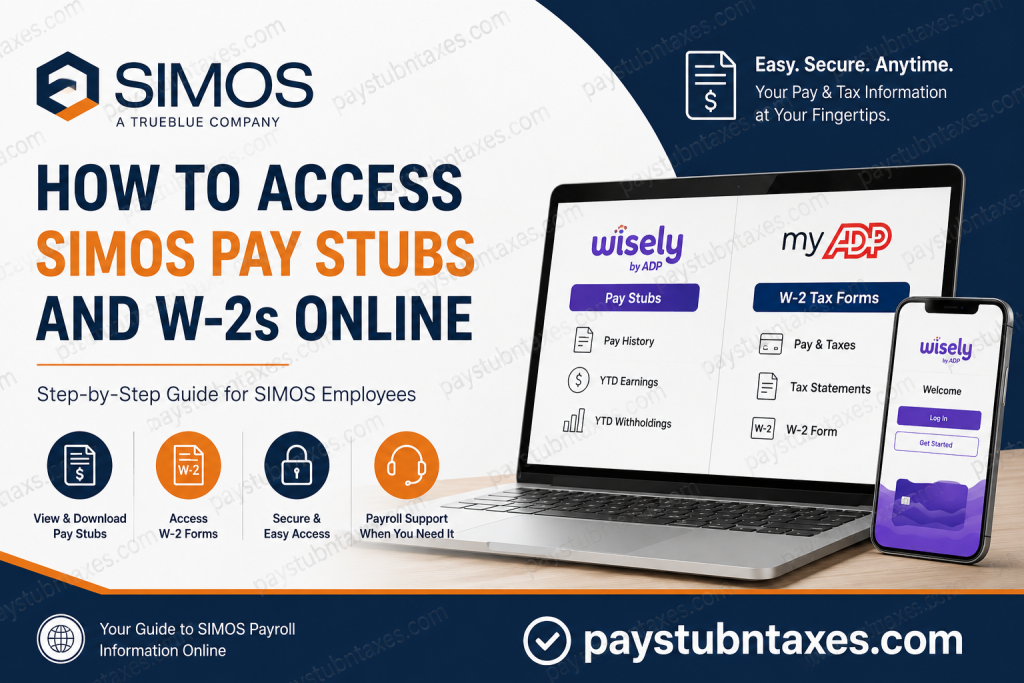
Working for SIMOS means being part of a performance-driven workforce solutions company that specializes in manufacturing, distribution, and logistics operations across the United States. As a subsidiary of TrueBlue, SIMOS provides employees with convenient online access to payroll information, including pay stubs and annual tax documents. Whether you need to download your latest paycheck details, verify year-to-date earnings, or retrieve your W-2 for tax filing purposes, this guide walks you through the entire process.
SIMOS Employee Payroll Overview
SIMOS employees can access:
- Current and previous pay stubs
- Year-to-date earnings and tax withholdings
- Annual W-2 tax forms
- Payment history
- Electronic tax documents
- Personal payroll information updates
Payroll services are administered through two secure platforms:
- Wisely by ADP – for online pay stub access.
- ADP Employee Portal – for W-2 forms and tax documents.
These systems are available to all associates, including employees who do not receive wages through a Wisely pay card.
How to Access SIMOS Pay Stubs Online
SIMOS employees can view their pay stubs through the Wisely portal.
Step 1: Visit the Wisely Login Page
Go to: https://www.mywisely.com/app/main/login
You will see the Welcome to Wisely screen with options to:
- Get Started
- Log In
- Activate Wisely Card
Step 2: Log Into Your Account
Enter:
- Username
- Password
If you are a first-time user, select Get Started and create your account.
Step 3: Open Payroll Information
After signing in:
- Navigate to Pay History.
- Select the desired pay period.
- View your pay stub online.
- Download or print a copy for your records.
What Information Appears on Your SIMOS Pay Stub?
Your online pay statement generally includes:
- Employee name and ID
- Pay period dates
- Gross earnings
- Regular and overtime hours
- Federal and state tax deductions
- Benefits deductions
- Net pay
- Year-to-date earnings
- Year-to-date tax withholdings
Online pay stubs display the most accurate YTD earnings and withholding information.
How to Access SIMOS W-2 Forms Online
SIMOS employees can obtain their W-2 forms through the ADP employee portal.
Step 1: Visit ADP
Go to: https://my.adp.com
Step 2: Register Your Account
Click: Register Now
Then:
- Select Find Me.
- Verify your identity.
- Create your username and password.
If the system cannot locate your account, choose: I Have a Registration Code
Enter the organizational registration code: TrueB-W2
This code is specifically assigned to employees of TrueBlue companies, including SIMOS.
How to Download Your W-2
Once logged in:
- Select Pay & Taxes.
- Click Tax Statements.
- Choose the applicable tax year.
- Download or print your W-2.
Important W-2 Deadlines
Update Personal Information
Employees needing to update their address or other information should do so before: December 27
This helps ensure accurate W-2 delivery.
Electronic W-2 Delivery
Employees who opt for electronic delivery receive an email notification once the W-2 becomes available.
W-2s are generally available online by: January 31
Paper W-2 Delivery
Employees who do not choose electronic delivery will receive paper W-2s by mail beginning: January 31
Replacement W-2 Forms
Reissued W-2s are generally unavailable until: After February 15.
How to Activate a Wisely Pay Card
New employees who receive a Wisely card can activate it by:
- Visiting https://www.activatewisely.com
- Calling 866-313-6901
During activation, you will create a personal identification number (PIN).
Benefits of the Wisely Card and App
The myWisely app offers numerous features, including:
- Balance monitoring
- Transaction history
- Savings envelopes
- Cash-back rewards
- Mobile wallet compatibility
- Card locking and unlocking
- Text and email alerts
- Travel protection
- Nearby ATM locator
Employees can also transfer funds to a personal bank account directly from the app.
Forgot Your ADP Username or Password?
If you forget your login credentials:
- Visit my.adp.com.
- Click:
- Forgot User ID
- Forgot Password
- Complete identity verification.
- Reset your account information.
ADP also offers the ADP Mobile Solutions App, allowing employees to access W-2 forms and payroll information on the go.
SIMOS Payroll Contact Information
Payroll Questions, Employee Verifications and Garnishments
Phone: (800) 610-8920, Option 3
W-2 Questions
Phone: (800) 610-8920, Option 1
Email Support
Email: hr-advice@TrueBlue.com
Common Issues and Solutions
| Problem | Solution |
| Cannot log into Wisely | Reset password or contact payroll support |
| W-2 missing from ADP | Confirm registration and electronic delivery preferences |
| Address changed | Update information before December 27 |
| Lost Wisely card | Lock the card in the app and request a replacement |
| Incorrect pay stub | Contact payroll immediately |
Final Thoughts
SIMOS has streamlined payroll administration by giving employees secure, round-the-clock access to both pay statements and tax forms. Through the Wisely and ADP platforms, associates can retrieve earnings information, download W-2s, monitor transactions, and manage their payroll records without waiting for paper documents. By registering your accounts early and opting for electronic delivery, you can receive your tax documents faster and avoid unnecessary delays during tax season.
Frequently Asked Questions
1. How do I access my SIMOS pay stubs online?
You can log into the Wisely portal at mywisely.com/app/main/login and access your pay stubs under the Pay History section.
2. Can I view my pay stubs if I do not have a Wisely pay card?
Yes. All SIMOS associates can access online pay stubs through Wisely, even if they are not paid via a Wisely card.
3. Where can I download my SIMOS W-2?
Your W-2 can be downloaded from my.adp.com under the Pay & Taxes section.
4. What is the ADP registration code for SIMOS employees?
The organizational registration code is: TrueB-W2
5. When are SIMOS W-2 forms available?
Electronic W-2 forms are generally available by January 31 each year.
6. When are paper W-2s mailed?
Paper W-2s begin mailing on January 31 if you did not elect electronic delivery.
7. How do I register for an ADP account?
Visit my.adp.com, click Register Now, and follow the identity verification process.
8. What information appears on my SIMOS pay stub?
Your pay stub typically includes:
- Gross pay
- Net pay
- Taxes withheld
- Hours worked
- Deductions
- Year-to-date earnings
9. How do I update my address for my W-2?
You should contact your local SIMOS team or update your information before December 27 to ensure accurate W-2 delivery.
10. I forgot my ADP password. What should I do?
Click Forgot Password on the ADP login page and follow the recovery instructions.
11. Can I receive my W-2 electronically?
Yes. You may opt into paperless delivery through your ADP account.
12. How do I activate my Wisely card?
Activate your card online at activatewisely.com or call 866-313-6901.
13. Can I download my pay stubs as PDFs?
Yes. The Wisely portal allows employees to download and print their pay statements.
14. Who do I contact for payroll questions?
Call: (800) 610-8920, Option 3 for payroll questions and employment verifications.
15. Who do I contact for W-2 assistance?
Call: (800) 610-8920, Option 1 or email: hr-advice@TrueBlue.com for W-2 support.

