
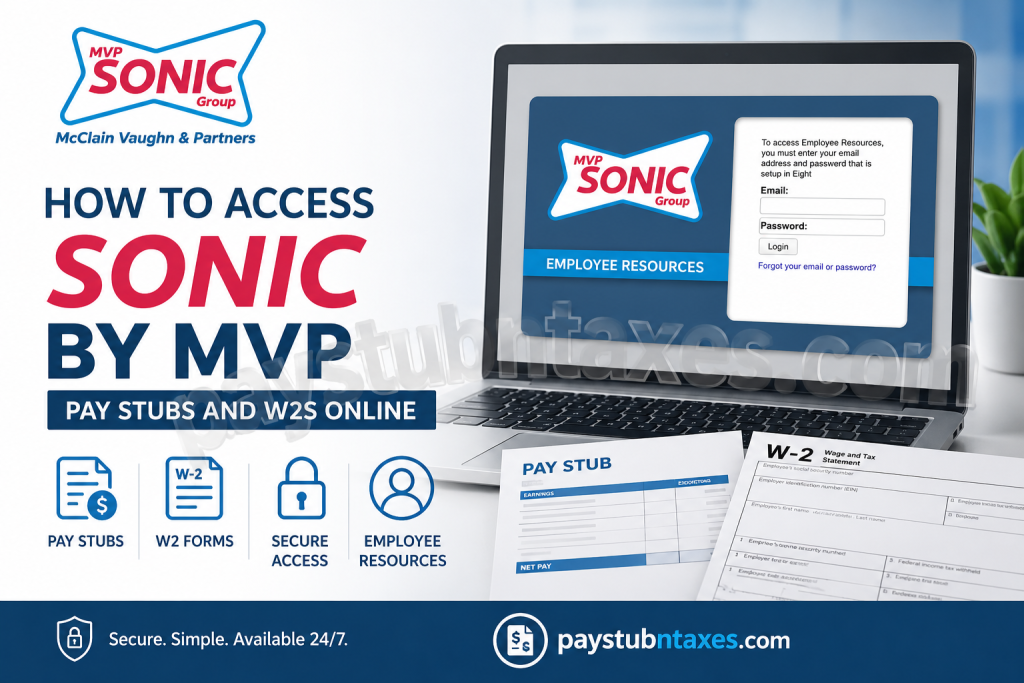
Employees of SONIC Drive-In locations operated by McClain Vaughn & Partners (MVP Sonic Group) can conveniently access payroll and tax documents online through the Employee Resource Portal. Whether you are a current employee looking for weekly pay stubs or a former employee needing a copy of your W-2 for tax filing purposes, the online system provides a secure and efficient method for managing employment records. McClain Vaughn & Partners Sonic Group has established itself as one of the most successful SONIC franchise operators in the southern United States. With decades of operational excellence and expansion across Mississippi, Alabama, and Florida, MVP Sonic Group continues to provide employees with streamlined digital payroll services designed to simplify access to essential employment documentation.
About McClain Vaughn & Partners Sonic Group
Buddy McClain began his journey with SONIC Drive-In as a manager in training and rapidly advanced within the organization. Over the years, McClain and his longtime business partner Bruce Vaughn expanded their franchise operations across multiple states, transforming MVP Sonic Group into one of the most recognized SONIC franchise networks in the region.
Today, MVP Sonic Group primarily focuses on operating SONIC locations throughout Mississippi and continues to support employees through modern onboarding and payroll management systems.
How to Access SONIC by MVP Pay Stubs and W2s Online
Employees can retrieve payroll information through the Employee Resource Portal maintained by McClain Vaughn & Partners Sonic Group.
Employee Resource Portal Login
Current and eligible former employees may log into the Employee Resource system using the email address and password established during onboarding through the Eight platform.
Employee Resource Portal:
https://www.login28.com/mhv_employeelogin.asp
The portal allows employees to:
- View and download W-2 forms
- Print pay stubs online
- Update mailing addresses
- Modify W-4 tax withholding information
- Reset login credentials
- Manage personal employee records
The login screen requires:
- Registered email address
- Password created during onboarding
Employees who forget their credentials may use the “Forgot your email or password?” option available on the login page.
How Current Employees Can Access Pay Stubs
Active employees working at participating Mississippi SONIC locations can access their payroll information online at any time.
Steps to Retrieve Pay Stubs
- Visit the Employee Resource Portal.
- Enter your onboarding email address.
- Input your password.
- Click the “Login” button.
- Navigate to the payroll or pay stub section.
- Select the desired pay period.
- Download or print your pay stub instantly.
The portal provides secure, paperless access to payroll information, eliminating the need for physical paycheck records.
According to the employee resource information provided by MVP Sonic Group, active employees may also update addresses and W-4 forms directly through the portal.
How to Download Your SONIC by MVP W-2 Form
W-2 tax forms are made available electronically through the Employee Resource Portal.
Steps to Download W-2 Forms
- Access the Employee Resource login page.
- Sign in using your registered credentials.
- Navigate to the “W2” or “Tax Documents” section.
- Select the applicable tax year.
- Download and print your W-2 form for tax filing.
MVP Sonic Group does not mail or print duplicate W-2 copies because employees are expected to retrieve them electronically through the online portal.
Information for Former Employees
Former employees retain temporary access to the Employee Resource Portal for tax-related purposes.
However, access is limited to the period beginning February 1st through the annual tax filing deadline.
Former Employee Login Assistance
Former employees who cannot access their account may:
- Reset their password
- Update their email address
- Recover account access using the “I forgot my Password” option
To change the email address associated with the account, employees must correctly answer the security questions established during the onboarding process.
Wage Verification Requests
Employees requiring official wage verification for housing, employment, or financial purposes may contact the payroll department directly.
Payroll Verification Contact Information
Fax: 601-914-3401
Payroll Specialist Email:
Rebecca_keene@mcclainsonics.com
The payroll department can assist with employment verification requests and payroll-related inquiries.
Troubleshooting Employee Resource Login Issues
If you experience difficulties accessing the portal, consider the following troubleshooting steps:
1. Verify Your Email Address
Ensure you are using the same email address provided during onboarding through the Eight system.
2. Reset Your Password
Use the password recovery option on the login page if your password is incorrect or expired.
3. Check Security Question Responses
Former employees updating email information must answer their original onboarding security questions accurately.
4. Clear Browser Cache
Sometimes outdated browser data may interfere with login sessions. Clearing cache and cookies often resolves access problems.
5. Contact Payroll Support
If all else fails, contact the payroll specialist for further assistance.
Important Notes for Employees
- The Employee Resource Portal is intended primarily for Mississippi employees of MVP Sonic Group.
- Employees should retain updated contact information within the system to avoid payroll or tax document access interruptions.
- Electronic access to W-2 forms helps expedite tax filing and reduces delays associated with mailed documents.
- Payroll records are securely maintained within the employee portal environment.
Final Thoughts
McClain Vaughn & Partners Sonic Group has implemented a streamlined and secure online payroll system that enables employees to access pay stubs, W-2 forms, and tax information conveniently from virtually anywhere. By utilizing the Employee Resource Portal, both current and former employees can efficiently manage payroll records without the inconvenience of paper documentation or in-person requests. Whether you need immediate access to your latest pay statement or require a W-2 for tax preparation, the MVP Employee Resource Portal provides a reliable and user-friendly solution for all essential payroll and employment documentation needs.
Frequently Asked Questions
1. How do I access my SONIC by MVP pay stubs online?
You can log into the Employee Resource Portal using the email address and password created during onboarding.
2. Where can I download my W-2 form?
W-2 forms are available within the Employee Resource Portal under the tax documents section.
3. Does MVP Sonic Group mail W-2 forms?
No. Employees are expected to retrieve and print W-2 forms electronically through the online portal.
4. Can former employees still access the portal?
Yes, but only from February 1st through the tax filing deadline.
5. What should I do if I forgot my password?
Use the “Forgot your email or password?” option on the login page to reset credentials.
6. How do I update my email address?
Former employees can update their email address by verifying security questions established during onboarding.
7. Can I change my W-4 online?
Yes. Current employees can update W-4 withholding information directly through the Employee Resource Portal.
8. Who do I contact for wage verification?
You may send wage verification requests by fax to 601-914-3401 or email Rebecca_keene@mcclainsonics.com.

