
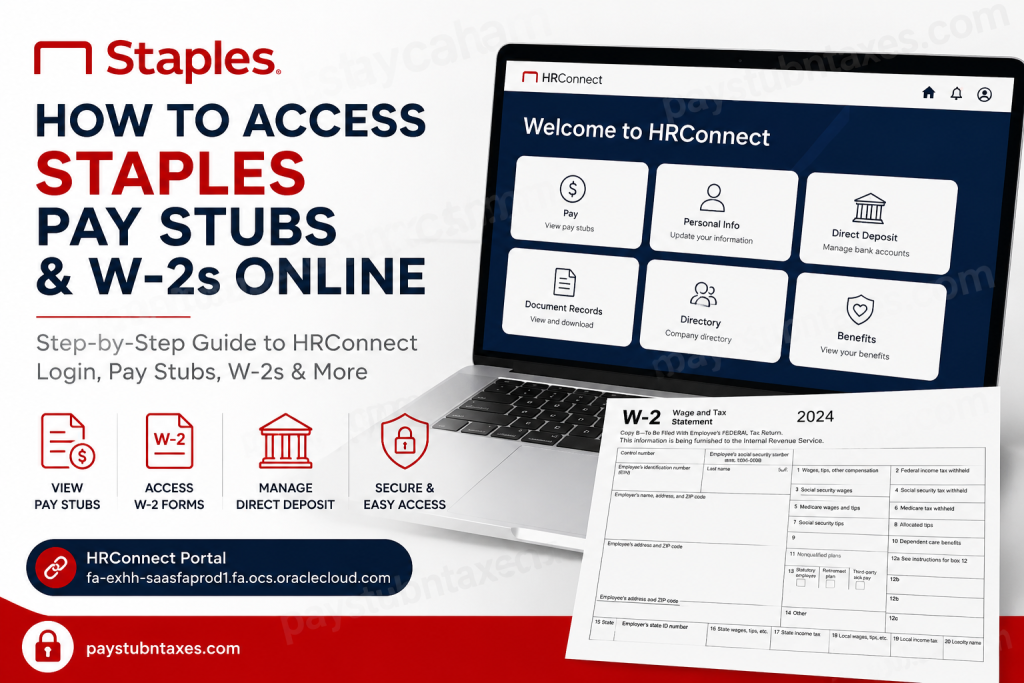
For nearly four decades, Staples has remained one of North America’s most recognized workplace solutions providers, serving businesses and consumers through retail stores, e-commerce, and B2B services. Since January 2024, Staples has modernized its employee self-service experience by transitioning payroll and HR functions to the new HRConnect platform. If you are a current or former Staples employee, this guide explains exactly how to access your pay stubs, W-2 forms, direct deposit information, and payroll records online.
Staples Payroll Portal Overview
Beginning January 2, 2024, Staples employees started using HRConnect, an Oracle Cloud-based self-service portal for payroll and HR management. The platform allows employees to:
- View and download pay stubs
- Access W-2 tax forms
- Update direct deposit details
- Manage personal information
- View organizational structure and reporting managers
- Access employment-related documents
Employees can log in through the Oracle Cloud HRConnect portal:
Portal Link:
Staples HRConnect Portal
The platform also supports Staples SSO authentication for active employees.
How to Log In to Staples HRConnect
For Active Employees
Current employees should:
- Visit the HRConnect portal
- Click “Sign in with Staples SSO”
- Enter your Staples SSO credentials
- Complete multi-factor authentication if prompted
The Oracle Cloud sign-in page includes a dedicated Staples SSO option for streamlined access.
First-Time HRConnect Login Instructions
Employees accessing HRConnect for the first time may use the temporary credentials format introduced during the 2024 migration.
User ID
- Your Person Number (Employee ID)
Temporary Password Format
$$ + Birth Year + Last 4 Digits of SSN + aAExample
If:
- Birth year = 1977
- Last four digits of SSN = 2241
Then your password would be: $$19772241aA
After signing in, you should immediately create a new secure password.
How to Find Staples Pay Stubs Online
Once logged into HRConnect:
Step-by-Step Instructions
- Open HRConnect
- Navigate to Home
- Click “Show More”
- Select “Document Records”
- Open the Filters section
- Uncheck:
- Payroll
- Expired
- Click Apply
- Locate your pay statement
- Click the glasses icon to open the document
- Download the PDF copy
Pay stubs and tax forms are stored inside the Document Records section rather than Document Delivery.
How to Access Staples W-2 Forms Online
Staples W-2 forms are also available through HRConnect.
Quick Access Method
- Log in to HRConnect
- Go to Document Records
- Use the filter settings
- Select the W-2 document category
- Click the view icon
- Download or print your W-2 PDF
Accessing Older Pay Stubs and W-2s Before December 29, 2023
HRConnect only stores newer payroll data. If you need historical records from before December 29, 2023, you must use the legacy Associate Connection (AC) portal.
Older records available in Associate Connection may include:
- Historical pay stubs
- Previous W-2 forms
- Earlier payroll records
- Legacy employment information
While HRConnect now manages current payroll data, Associate Connection continues to retain archived information from prior years.
Staples Schedule Access Has Changed
Staples removed scheduling features from Associate Connection after the HRConnect rollout.
Employees must now use the UKG Workforce/Kronos mobile app to:
- View schedules
- Check timecards
- Review PTO balances
- Monitor accruals
- View audits
However, employees cannot clock in or out remotely through the mobile application.
HRConnect Features Employees Should Know
The new HRConnect platform offers several improvements over the older Associate Connection system:
Key Features
- Modern Oracle Cloud interface
- Easier direct deposit management
- Centralized payroll records
- Organizational directory visibility
- Mobile-friendly access
- Improved document management
Employees can also update:
- Emergency contacts
- Personal information
- Banking details
- Tax-related records
Troubleshooting HRConnect Login Issues
If you cannot access HRConnect:
Try These Solutions
- Reset your password
- Use Staples SSO instead of manual login
- Verify your Employee ID
- Clear browser cache and cookies
- Try another browser
- Use the Oracle Cloud sign-in page directly
Some employees reported temporary access issues during the migration period, particularly when switching from Associate Connection to HRConnect.
Staples HR Support Contact Information
If you still cannot access your pay stubs or W-2 forms, contact Staples HR Services directly.
HR Services Phone Number: 888-490-4747
HR representatives can assist with:
- Password resets
- W-2 retrieval
- Payroll corrections
- HRConnect access problems
- Direct deposit issues
Final Thoughts
Staples has significantly modernized its employee payroll and HR systems with the rollout of HRConnect. While the transition from Associate Connection introduced several changes, the new Oracle Cloud-based platform provides a cleaner interface, centralized payroll access, and improved document management capabilities. Whether you need your latest pay stub, annual W-2 tax form, or direct deposit settings, HRConnect now serves as the primary destination for Staples employee payroll services.
Frequently Asked Questions (FAQ)
1. Does Staples use HRConnect for payroll?
Yes. Since January 2024, Staples employees access payroll documents and W-2 forms through HRConnect.
2. Where are Staples W-2 forms located?
W-2 forms are available inside the Document Records section of HRConnect.
3. Can former employees access HRConnect?
Some former employees may still have access depending on account status and termination timing.
4. Where can I find pay stubs from 2023 or earlier?
Older payroll records are stored in the legacy Associate Connection portal.
5. Can I view my Staples schedule in HRConnect?
No. Schedules are now managed through the UKG Workforce/Kronos app.
6. What is the HRConnect login link?
The official HRConnect portal is: HRConnect Login
7. How do active employees sign in?
Current employees should use the “Sign in with Staples SSO” option.
8. What if my temporary password does not work?
Contact Staples HR Services or reset your credentials through the portal.
9. Can I download my W-2 as a PDF?
Yes. HRConnect allows you to view and download W-2 forms in PDF format.
10. Does HRConnect support direct deposit updates?
Yes. Employees can modify banking information directly inside the portal.
11. Is Associate Connection still active?
Yes, but primarily for older payroll and employment records.
12. Can I access HRConnect on mobile devices?
Yes. HRConnect is mobile-compatible.
13. What documents are stored in Document Records?
Pay stubs, W-2 forms, payroll notices, and employment documents.
14. Does Staples use Oracle Cloud?
Yes. HRConnect operates on Oracle Cloud infrastructure.
15. Who do I contact for payroll help?
Call Staples HR Services at 888-490-4747.

