
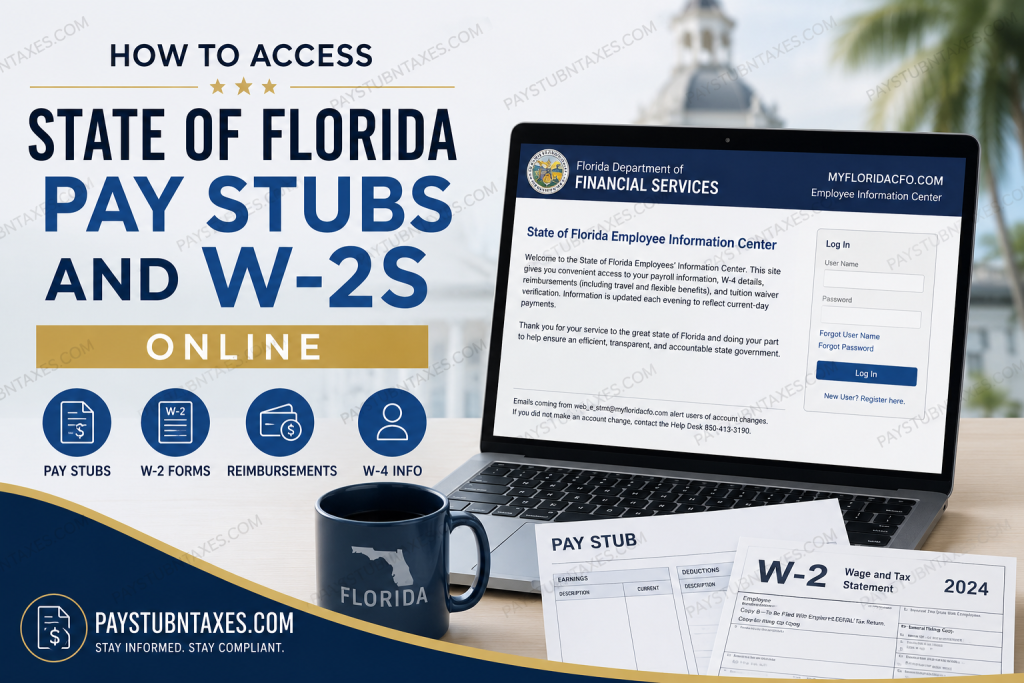
The State of Florida has embraced digital payroll management, enabling employees to access their pay records, tax forms, and reimbursement information conveniently through the State of Florida Employee Information Center (EIC). Whether you need to download your latest pay stub, retrieve your annual Form W-2, or update your tax withholding information, the Employee Information Center offers a secure and user-friendly platform available around the clock. As one of the nation’s largest state governments, Florida employs thousands of public servants across numerous agencies and departments. To streamline payroll administration and enhance transparency, the state provides an online portal where employees can manage essential payroll documents without the need for paper statements.
What Is the State of Florida Employee Information Center?
The State of Florida Employee Information Center (EIC) is an online self-service portal that allows state employees to access and manage payroll-related information, including:
- Current and historical pay stubs
- Form W-2 wage and tax statements
- W-4 tax withholding information
- Travel reimbursements
- Flexible benefits reimbursements
- Tuition waiver verification
- Annual Earnings and Benefits Statements (AEBS)
The system updates each evening to reflect the most recent payroll activity, ensuring that employees have timely access to their financial records.
How to Access State of Florida Pay Stubs Online
Accessing your pay stubs through the Employee Information Center is straightforward.
Step 1: Visit the Employee Information Center
Go to the State of Florida Employee Information Center login page.
Step 2: Enter Your Credentials
Provide your:
- User Name
- Password
Then click Log In.
Step 3: Navigate to Payroll Information
After signing in, you can:
- View current and previous pay statements
- Download or print copies of pay stubs
- Review deductions and benefits information
- Verify direct deposit details
Information displayed in the system is updated daily to reflect current payments and reimbursements.
How to Register for a New Employee Information Center Account
If this is your first time using the portal, you must register before logging in.
Information Required for Registration
To create an account, you will need:
- Social Security Number (SSN)
- Full legal last name, including suffixes if applicable
- Date of birth
The registration system emphasizes entering your name exactly as it appears on your federal tax records to avoid authentication issues.
Registration Steps
- Open the Employee Information Center.
- Click New User? Register Here.
- Enter your:
- Social Security Number
- Last Name
- Date of Birth
- Follow the prompts to create your username and password.
- Set up your security questions and complete registration.
How to Access Your State of Florida W-2 Online
Employees can obtain their annual Form W-2 electronically through the Employee Information Center.
Steps to Download Your W-2
- Log in to the Employee Information Center.
- Navigate to Payroll Information.
- Select W-2 Wage and Tax Statements.
- Choose the desired tax year.
- Download or print the document for your records.
Electronic access eliminates the need to wait for paper forms and provides immediate availability once W-2 statements are issued.
Accessing Annual Earnings and Benefits Statements (AEBS)
The State of Florida also provides Annual Earnings and Benefits Statements, commonly known as AEBS, through the Employee Information Center.
These statements summarize:
- Annual wages
- Benefits information
- Overtime compensation
- Taxable earnings
Employees who worked overtime may need to review their AEBS carefully because overtime calculations can affect annual compensation figures. The statements are generally available by February 1 following the close of the tax year.
Forgot Your Username or Password?
The login page provides convenient recovery options.
Forgot User Name
Select Forgot User Name and follow the verification process.
Forgot Password
Click Forgot Password and answer your security questions to reset your credentials.
If self-service recovery does not resolve the issue, contact the Employee Information Center Help Desk.
Security Tips for Employee Information Center Users
The State of Florida encourages employees to protect their payroll information by:
- Keeping passwords confidential
- Avoiding password sharing
- Using updated antivirus software
- Accessing the portal only from secure devices
- Logging out after each session
Employees should also remain vigilant regarding suspicious account activity.
Important Email Notification
The State of Florida sends account-change notifications from: web_e_stmt@myfloridacfo.com
If you receive an email indicating an account change that you did not authorize, immediately contact the Help Desk at: 850-413-3190
Prompt reporting can help prevent unauthorized access to your payroll information.
About the Florida Department of Financial Services
The Florida Department of Financial Services (DFS) is led by the state’s elected Chief Financial Officer and State Fire Marshal. The department was established in January 2003 through the consolidation of several state agencies, including the Department of Insurance, Treasury, State Fire Marshal, and Department of Banking and Finance. Today, the department consists of twelve divisions and employs approximately 2,000 individuals dedicated to financial transparency, consumer protection, and fiscal accountability.
State of Florida Employee Information Center Contact Information
State Payrolls
200 East Gaines Street
Tallahassee, FL 32399-0356
Employee Information Center Help Desk:
Phone: 850-413-3190
Email Notifications:
web_e_stmt@myfloridacfo.com
Final Thoughts
The State of Florida Employee Information Center has transformed payroll administration by placing essential financial documents at employees’ fingertips. Whether you need to review a recent paycheck, print a W-2 for tax filing, or verify reimbursement information, the portal provides a secure and efficient solution that eliminates unnecessary paperwork and saves valuable time. By maintaining your login credentials and monitoring account notifications, you can enjoy seamless access to your payroll information whenever you need it.
Frequently Asked Questions
1. How do I access my State of Florida pay stubs online?
Log in to the Employee Information Center (EIC) and navigate to the Payroll Information section to view or print your pay stubs.
2. Where can I download my State of Florida W-2 form?
After signing in to the EIC portal, select the W-2 section and choose the applicable tax year to download your form.
3. What is the State of Florida Employee Information Center?
It is a secure online portal that allows employees to access payroll records, W-2 forms, reimbursements, W-4 information, and other employment-related documents.
4. How do I register for a new EIC account?
Click “New User? Register Here” and enter your Social Security Number, legal last name, and date of birth to create your account.
5. What if I forgot my username?
Use the Forgot User Name link on the login page and follow the account recovery instructions.
6. How do I reset my password?
Click Forgot Password on the login screen and complete the identity verification process to create a new password.
7. Can I print my pay stubs?
Yes. The EIC portal allows employees to download and print current and historical pay statements.
8. When are W-2 forms available online?
W-2 forms are generally available each year before the IRS filing deadline and can be downloaded electronically through the portal.
9. Can former employees access their W-2 online?
Former employees may still have access to their tax documents. If access is unavailable, contact the State Payroll Help Desk.
10. How often is payroll information updated?
Payroll information in the Employee Information Center is updated every evening.
11. Can I view reimbursement information online?
Yes. The portal includes travel reimbursements and flexible benefits reimbursement information.
12. Can I update my W-4 information online?
Yes. Employees can review and manage their W-4 tax withholding information through the Employee Information Center.
13. What is an Annual Earnings and Benefits Statement (AEBS)?
The AEBS is a yearly summary of an employee’s earnings, benefits, and overtime compensation.
14. What should I do if I receive an email from web_e_stmt@myfloridacfo.com about an account change?
If you did not make the change, immediately contact the Help Desk at 850-413-3190.
15. Who do I contact for Employee Information Center support?
For assistance with login issues or payroll records, contact the State Payroll Help Desk at 850-413-3190.

