
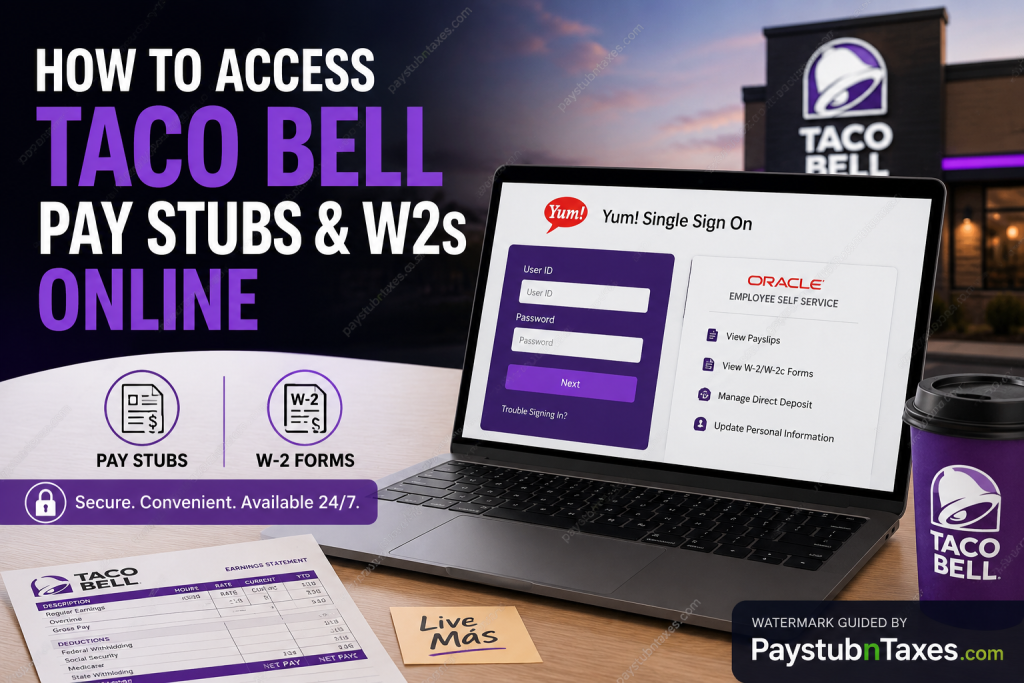
Working at Taco Bell comes with more than just serving legendary tacos and Crunchwraps. As part of the globally recognized Yum! Brands family, Taco Bell provides corporate employees with secure online access to payroll documents, including pay stubs, tax forms, and W-2 statements. Whether you are a current employee looking to download your latest payslip or a former corporate employee trying to retrieve a previous year’s W-2, this guide explains everything you need to know in a clear, professional, and user-friendly format.
About Taco Bell
Founded in California in 1962, Taco Bell has grown into the world’s largest Mexican-inspired quick-service restaurant brand. Today, the company operates more than 8,200 restaurants globally and serves over 42 million customers each week. Taco Bell is also part of Yum! Brands, one of the largest restaurant companies in the world. The company is known for innovation, inclusivity, employee development, and a workplace culture built around the philosophy of “Live Más.”
How to Access Taco Bell Pay Stubs Online
Taco Bell corporate employees can access their pay stubs through the Yum! Brands Oracle Self-Service payroll portal.
Taco Bell Employee Payroll Portal
Portal Link:
Yum! Brands Payroll Portal
Employees must sign in using their Yum! Single Sign-On credentials.
Step-by-Step Guide to View Taco Bell Pay Stubs
Step 1: Visit the Payroll Portal
Go to: pay.yum.com
You will be redirected to the Yum! Single Sign-On login page.
Step 2: Sign In
Enter your:
- Yum! User ID
- Password
Then click Next to continue.
Step 3: Open the Employee Self-Service Dashboard
After logging in successfully, navigate to the Oracle Employee Self-Service homepage.
The dashboard allows employees to manage:
- Paychecks
- Tax documents
- Direct deposit
- Benefits
- Personal information
- Payroll preferences
Step 4: Navigate to the Pay Section
From the dashboard:
- Select Me
- Click Pay
- Choose My Payslips
The payroll section contains all available paycheck records and downloadable payslip PDFs.
Step 5: Select a Pay Period
A list of available payroll periods will appear.
Click the hyperlink associated with your desired pay period to open the payslip.
Step 6: Download or Print Your Payslip
Once the PDF opens, you may:
- Download the file
- Save it to your device
- Print a paper copy for your records
What Information Appears on a Taco Bell Pay Stub?
Your Taco Bell paycheck statement typically includes:
- Employee name
- Pay period dates
- Gross earnings
- Net pay
- Federal and state tax deductions
- Overtime pay
- Benefit deductions
- Direct deposit information
- Year-to-date earnings
How to Access Taco Bell W-2 Forms Online
Taco Bell corporate employees can retrieve W-2 tax forms electronically through the same Oracle payroll platform.
Steps to Access Your W-2
Current Employees
- Log in to the payroll portal
- Open the Payroll section
- Select View W-2/W-2c Forms
- Choose the desired tax year
- Download or print your W-2
The system also allows employees to consent to paperless electronic W-2 delivery for future tax years.
Former Taco Bell Corporate Employees
Former Taco Bell corporate employees can access historical W-2 forms through:
If additional assistance is needed, employees may contact:
- Email: payroll-w2s@yum.com
- Phone: (800) 927-8287
Direct Deposit and Payroll Preferences
The Oracle payroll system also allows employees to manage payroll preferences online.
Employees can:
- Add or update direct deposit accounts
- Review paycheck history
- Manage tax withholding information
- Access compensation history
- Update mailing addresses
The payroll dashboard includes secure options for editing banking information and reviewing prior paycheck details.
What If You Work for a Taco Bell Franchise?
Not all Taco Bell restaurants are operated directly by corporate headquarters.
If you work for a franchise-owned Taco Bell location:
- Your payroll system may differ
- W-2 access procedures may vary
- Pay stub portals may not use Yum! Oracle payroll
In that case, contact your franchise Human Resources department or corporate office directly for assistance with:
- W-2 forms
- Payroll corrections
- Paycheck access
- Tax documentation
Taco Bell Employee Support Contacts
Payroll & W-2 Support
- Phone: (800) 927-8287
- Email: payroll-w2s@yum.com
Employee Assistance Helpline
Corporate employees can contact the Speak Up Helpline:
- Phone: (844) 418-4423
Common Issues When Accessing Taco Bell Pay Stubs
Forgotten Password
Use the “Trouble Signing In?” option on the Yum! login page to reset your password.
Locked Account
Multiple unsuccessful login attempts may temporarily lock your account. Contact your internal IT Helpdesk if the issue persists.
Missing W-2
If your W-2 is unavailable online:
- Verify your mailing address
- Confirm your employment classification
- Contact payroll support directly
Browser Compatibility Issues
For the best experience, use:
- Google Chrome
- Microsoft Edge
- Mozilla Firefox
Enable pop-ups for PDF paycheck downloads.
Benefits of Electronic Payroll Access
Using the Taco Bell online payroll portal offers several advantages:
- 24/7 access to payroll records
- Faster W-2 delivery
- Secure document storage
- Easy paycheck downloads
- Reduced paper clutter
- Convenient tax filing preparation
Electronic payroll systems also improve security and reduce the risk of lost documents.
Final Thoughts
Taco Bell’s Oracle Employee Self-Service platform makes it simple for corporate employees to access pay stubs, W-2 forms, and payroll information online. With secure Yum! Single Sign-On access, employees can quickly review paycheck history, update direct deposit settings, and retrieve important tax documents whenever needed. Former employees can also obtain historical W-2 forms through the Yum! Alumni portal, ensuring continued access even after employment ends. If you work for a franchise-owned Taco Bell restaurant, remember that payroll systems may differ, so contacting your local HR department is usually the fastest solution.
Frequently Asked Questions (FAQ)
1. How do I access my Taco Bell pay stubs online?
You can access Taco Bell corporate pay stubs through the Yum! Brands payroll portal at pay.yum.com using your Yum! Single Sign-On credentials.
2. Where can I download my Taco Bell W-2?
Current employees can download W-2 forms from the Oracle payroll portal, while former employees can use the Yum! Alumni Access portal.
3. What is the Taco Bell payroll portal link?
The official payroll portal is: https://pay.yum.com
4. Can former Taco Bell employees access W-2s online?
Yes. Former corporate employees can retrieve past W-2 forms through the Yum! Alumni Access website.
5. What if I forgot my Yum! login password?
Use the “Trouble Signing In?” link on the login page to reset your password.
6. Do Taco Bell franchise employees use the same payroll system?
Not always. Franchise locations may use separate payroll providers and HR systems.
7. How can I contact Taco Bell payroll support?
You can email payroll-w2s@yum.com or call (800) 927-8287.
8. Can I print my Taco Bell pay stubs?
Yes. Payslips are available as downloadable PDF files that can be printed anytime.
9. Does Taco Bell offer paperless W-2 delivery?
Yes. Employees can consent to electronic W-2 delivery through the payroll portal.
10. What information appears on a Taco Bell paycheck?
Your paycheck may include gross pay, net pay, taxes, deductions, direct deposit details, and year-to-date totals.
11. Can I update direct deposit online?
Yes. The Oracle self-service system allows employees to add or edit direct deposit accounts.
12. Why is my W-2 not available online?
Your W-2 may not yet be processed, or your payroll records may require verification through HR.
13. Is the Taco Bell payroll portal secure?
Yes. The portal uses Yum! Brands’ secure Single Sign-On authentication system.
14. Can I access payroll records from my phone?
Yes. The Oracle self-service portal supports mobile-friendly access.
15. What should I do if my account is locked?
Contact your IT Helpdesk or payroll support team for account recovery assistance.

