
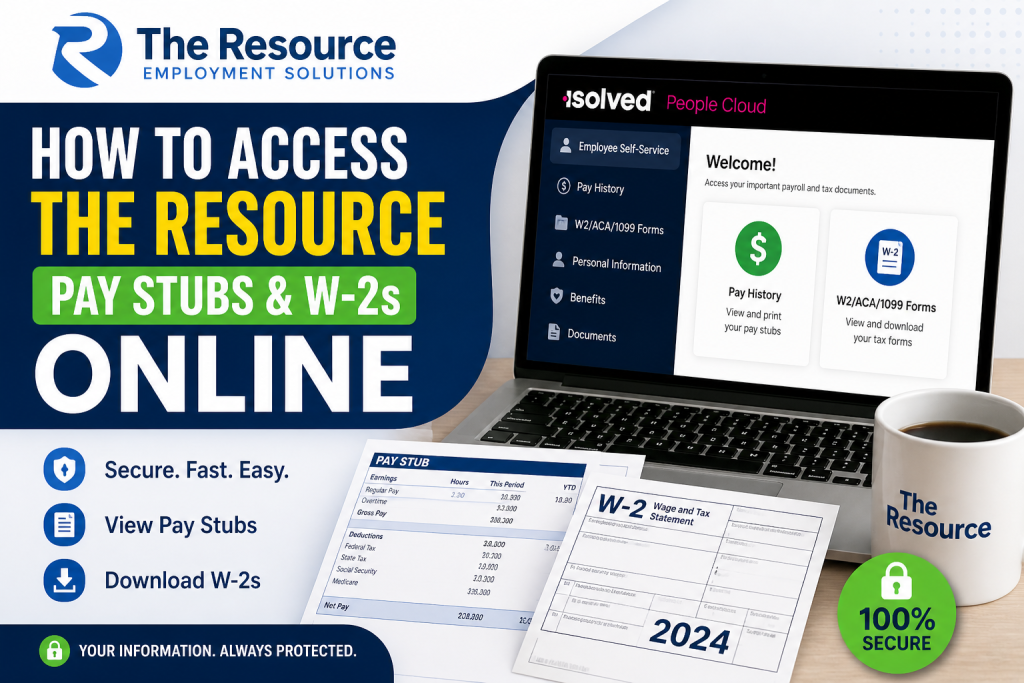
In today’s digital workplace, seamless access to payroll documents is essential for both transparency and financial management. If you are employed by The Resource, you can conveniently access your pay stubs and W-2 forms online through the secure iSolved People Cloud self-service portal. This comprehensive guide walks you through the exact steps to log in, view, download, and manage your payroll documents efficiently.
About The Resource
Since 1979, The Resource has been a trusted staffing and workforce solutions provider, helping over 100,000 individuals find meaningful employment opportunities. The company focuses on personalised service, employee development, and long-term career growth, fostering a workplace where individuals can thrive professionally and personally.
Official Payroll Portal
To access your payroll documents, use the official iSolved People Cloud login:
👉 https://employdrive.myisolved.com/cloudservice/login/
How to Access The Resource Pay Stubs Online
Follow these steps to view or print your pay stubs:
Step 1: Log in to iSolved
- Visit the login page.
- Enter your username (usually your email) and password.
- If it’s your first time, activate your account via the email sent by your employer.
Step 2: Navigate to Employee Self-Service
- Once logged in, you will see the dashboard.
- Use the left-side menu to access payroll features.
Step 3: Open Pay History
- Click on “Pay History”.
- You will see a list of all your paychecks, including:
- Gross Pay
- Net Pay
- Hours worked
- Pay dates.
Step 4: View or Print Pay Stub
- Select a specific pay period.
- Click “View/Print Pay Stub”.
- Download or print the document for your records.
How to Access W-2 Forms Online
Step 1: Log in to iSolved
Access your account using your credentials.
Step 2: Go to Tax Forms Section
- From the menu, select:
“W2/ACA/1099 Forms”.
Step 3: Select Tax Year
- Choose the relevant year.
- Your available forms will appear in a list.
Step 4: View and Download
- Click “View PDF”.
- Download or print your W-2 securely.
📌 Important: W-2 forms are typically available by January 31 each year.
First-Time Login & Account Setup
If you are a new employee:
- Check your email for an activation link.
- Enter your Authorization PIN (last 4 digits of your SSN) .
- Create a secure password (minimum 12 characters).
- Set up security questions.
- Accept terms for electronic tax delivery.
Once completed, your account will be fully activated.
Key Features of the iSolved Employee Portal
The iSolved Employee Self-Service system allows you to:
- View and download pay stubs
- Access W-2, 1099, and ACA forms
- Update direct deposit information
- Manage tax details
- View benefits and company documents
Mobile Access (iSolved Go App)
You can also access your payroll information via the iSolved Go mobile app:
- Download from Google Play or Apple App Store
- Log in using your credentials
- Access pay stubs and tax documents on the go
Troubleshooting Login Issues
If you face login problems:
- Use “Forgot Password” to reset credentials
- Ensure cookies are enabled for authentication
- Avoid multiple incorrect attempts (account may lock after 3 tries)
- Contact payroll support if needed
Pro Tips for Employees
- Bookmark the login page for quick access
- Opt for electronic tax delivery for faster W-2 access
- Regularly check your pay history for accuracy
- Enable two-factor authentication for added security
Conclusion
Accessing your The Resource pay stubs and W-2 forms online is straightforward through the iSolved People Cloud portal. With a secure login, intuitive interface, and mobile accessibility, employees can efficiently manage their payroll records anytime, anywhere. By following the steps outlined above, you can ensure quick, secure, and hassle-free access to all your essential financial documents.
Frequently Asked Questions (FAQs)
1. Where can I access The Resource pay stubs online?
You can access your pay stubs through the iSolved People Cloud portal using the official login link provided by The Resource.
2. What is the login portal for The Resource payroll?
The official payroll portal is:
https://employdrive.myisolved.com/cloudservice/login/
3. How do I view my pay stubs in iSolved?
Log in, go to Employee Self-Service, click Pay History, and select View/Print Pay Stub to download your payslip.
4. How can I download my W-2 form from The Resource?
After logging in, select W2/ACA/1099 Forms, choose the tax year, and click View PDF to download your W-2.
5. When are W-2 forms available online?
W-2 forms are typically available by January 31 each year, depending on employer processing timelines.
6. What should I do if I forgot my iSolved password?
Click “Forgot Password” on the login page, enter your username, and follow the instructions to reset your password.
7. How do I activate my iSolved account for the first time?
Use the activation link sent to your email, enter your Authorization PIN (last 4 digits of your SSN), and create a password.
8. Why is my iSolved account locked?
Your account may be locked after multiple failed login attempts. Wait or contact payroll support to unlock it.
9. Can I access my pay stubs on mobile?
Yes, download the iSolved Go app from Google Play or the Apple App Store to access payroll documents on your phone.
10. What information is included in a pay stub?
Your pay stub includes gross pay, net pay, taxes, deductions, hours worked, and year-to-date earnings.
11. Can I print my pay stubs from iSolved?
Yes, you can print your pay stubs by selecting View/Print Pay Stub and downloading the PDF version.
12. How do I update my direct deposit information?
Log in to your employee portal and navigate to the Direct Deposit section, or contact your employer if changes are restricted.
13. Are W-2 forms sent by mail as well?
Yes, you may receive a physical copy by mail unless you opt for electronic delivery.
14. What if I cannot access my W-2 online?
Contact The Resource payroll department or support team for assistance in retrieving your tax documents.
15. Is the iSolved portal secure?
Yes, iSolved uses secure login, authentication codes, and encrypted access to protect your personal and payroll data.

