
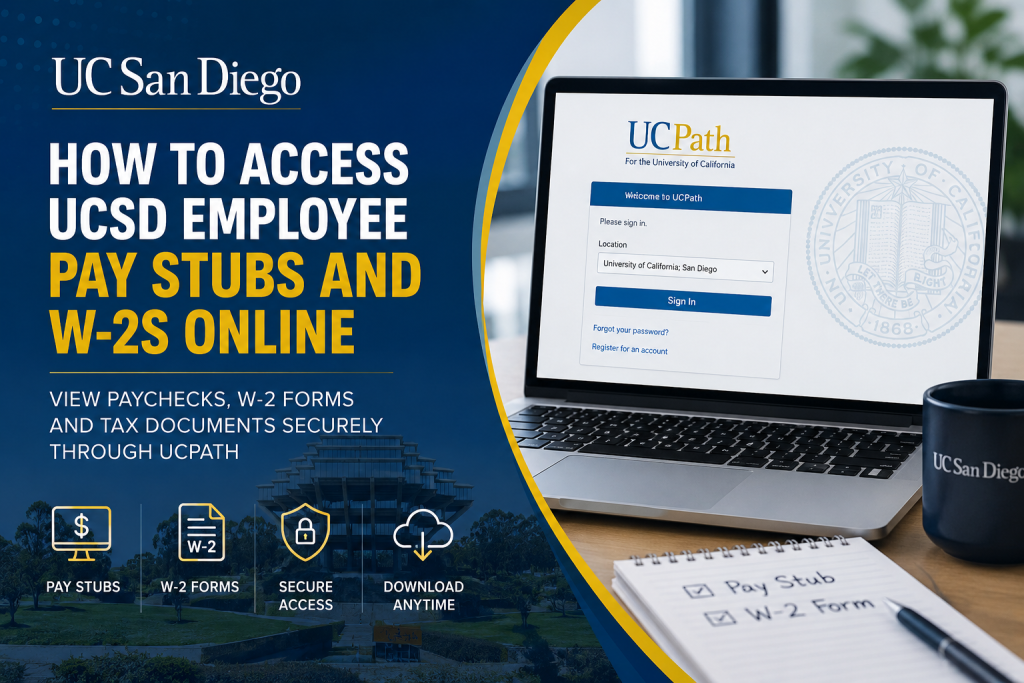
University of California, San Diego is recognized as one of the world’s leading public research universities, known for innovation, academic excellence, and transformative discoveries. Current employees can conveniently access payroll documents, including pay stubs and annual W-2 tax forms, through the secure UCPath self-service portal. The UCPath platform allows UC San Diego employees to manage payroll records, tax documents, direct deposit details, and employment information online from any device.
UCSD Employee Payroll Portal
Employees can access payroll and tax information through the official UCPath portal:
When signing in:
- Visit the UCPath website
- Select University of California, San Diego
- Enter your Active Directory credentials
- Complete Multi-Factor Authentication (MFA) if prompted
UC San Diego uses Single Sign-On (SSO) and Active Directory authentication for secure employee access.
How to Access UCSD Pay Stubs Online
Current employees can view and download electronic paycheck statements directly from UCPath.
Step-by-Step Instructions
- Go to the UCPath portal
- Sign in using your UC San Diego employee credentials
- Navigate to:
Menu > Income & Taxes > Payroll Information > Paychecks
- Select the desired paycheck date
- View, download, or print your pay stub
Paycheck statements typically include:
- Gross earnings
- Net pay
- Tax withholdings
- Retirement deductions
- Leave balances
- Year-to-date earnings
How to Access UCSD W-2 Forms Online
UCPath also provides secure access to annual W-2 tax statements.
W-2 Navigation Path
After logging into UCPath, go to:
Menu > Income & Taxes > Tax Statements > View Online W-2/W-2c
Then:
- Choose the applicable tax year
- Open the W-2 form
- Download or print the document for tax filing purposes
UCPath generally processes W-2 statements in late January each year.
Enroll in Electronic W-2 Delivery
UC San Diego employees can opt for paperless W-2 delivery for faster and more secure access.
How to Enroll
- Log into UCPath
- Navigate to:
Employee Actions > Income and Taxes > Enroll to Receive Online W-2
- Confirm enrollment status
If your account displays “CONSENT RECEIVED”, you are already enrolled in electronic delivery.
Benefits of Electronic W-2 Delivery
- Faster access to tax forms
- Reduced risk of lost mail
- Secure online storage
- Ability to download and print anytime
- Environmentally friendly option
Important Security Reminder
UC San Diego does not send W-2 forms through email attachments or text message links. Employees should avoid opening suspicious messages claiming to provide tax documents.
Always access payroll and tax forms directly through the official UCPath website.
UC San Diego Login and Password Assistance
UC San Diego employees typically use Active Directory (AD) accounts to access financial systems, including Oracle and UCPath.
If you experience login issues:
- Reset your password using the UC San Diego password tools
- Contact your department supervisor
- Reach out to the ITS Service Desk for technical support
UCSD IT Support
- Email: servicedesk@ucsd.edu
- Phone: (858) 246-4357
- Support Portal: UCSD IT Support Portal
Why UCPath Is Important for UCSD Employees
The UCPath system centralizes payroll and HR services for University of California employees. Through the platform, UCSD staff can:
- Access current and historical paychecks
- Download W-2 and W-2c tax forms
- Update tax withholding information
- Manage direct deposit settings
- Review earnings and deductions
- Maintain personal information securely
The portal offers secure, 24/7 access from virtually anywhere.
Common Reasons Employees Access W-2 Forms
UCSD employees often retrieve W-2 forms for:
- Filing federal and state income taxes
- Mortgage or loan applications
- Financial aid verification
- Employment verification
- Personal financial records
Keeping digital copies of tax forms can simplify future documentation needs.
Troubleshooting UCPath Access Issues
If you cannot access your pay stubs or W-2 forms:
Verify Your Login Credentials
Ensure you are using your correct UC San Diego Active Directory username and password.
Clear Browser Cache
Old cookies or cached sessions may interfere with login authentication.
Try Another Browser
UCPath performs best on updated browsers such as:
- Google Chrome
- Microsoft Edge
- Mozilla Firefox
- Safari
Check Multi-Factor Authentication
MFA verification may be required during login attempts.
Contact IT Support
If access problems continue, contact the UCSD ITS Service Desk for assistance.
Frequently Asked Questions
When are UCSD W-2 forms available online?
W-2 forms are generally available through UCPath in late January each year.
Can I print my UCSD pay stubs?
Yes. Employees can download and print paycheck statements directly from UCPath.
What is the official UCSD payroll portal?
The official payroll and tax portal is UCPath.
Can I access previous years’ W-2 forms?
Yes. UCPath typically stores historical W-2 statements for multiple tax years.
What should I do if I forgot my password?
Use the UC San Diego password reset tools or contact the ITS Service Desk.
Is electronic W-2 delivery secure?
Yes. Electronic delivery through UCPath is encrypted and more secure than email attachments.
Does UCSD mail paper W-2 forms?
Employees who do not opt into electronic delivery may receive paper W-2 forms by mail.
Can I access UCPath from home?
Yes. UCPath is accessible remotely using an internet-connected device.
Why is my W-2 income different from gross pay?
Certain pre-tax deductions, retirement contributions, and benefits may reduce taxable wages.
Who do I contact for payroll support?
Employees can contact UCPath support or the UC San Diego ITS Service Desk.

