
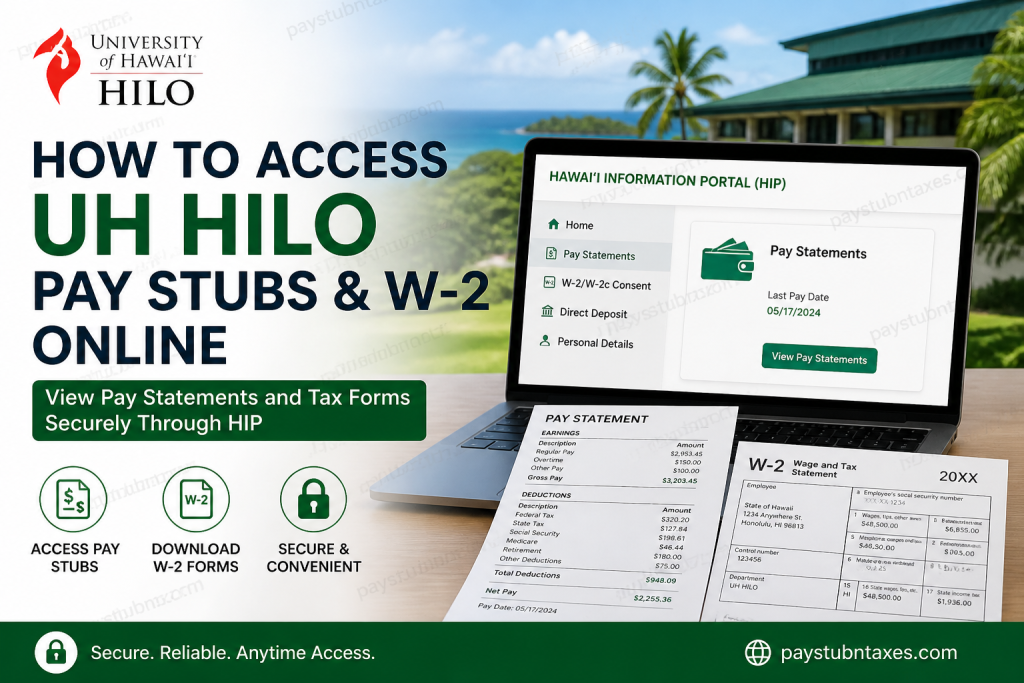
The University of Hawaiʻi at Hilo (UH Hilo) is part of the prestigious University of Hawaiʻi System, the state’s only public higher education system serving students across the Hawaiian Islands. Established as part of a statewide educational network, the University of Hawaiʻi System includes multiple universities, community colleges, research centers, and educational facilities across Hawaii. As a UH Hilo employee, you can conveniently access your pay stubs, tax documents, direct deposit information, and payroll records online through the Hawaiʻi Information Portal (HIP), the official payroll and employee self-service system used by the State of Hawaiʻi and the University of Hawaiʻi System. In this guide, you will learn exactly how to access UH Hilo pay statements and W-2 forms online, troubleshoot login issues, and retrieve payroll records securely from any device.
UH Hilo Payroll Portal Login
UH Hilo employees use the Hawaiʻi Information Portal (HIP) to manage payroll-related services online.
Official HIP Login Portal
Hawaiʻi Information Portal (HIP)
Employees sign in using their University of Hawaiʻi User ID and password.
What You Can Access Through HIP
Using the HIP employee self-service system, UH Hilo employees can:
- View and download pay stubs
- Access annual W-2 forms
- Enroll in electronic W-2 delivery
- Manage direct deposit information
- Update tax withholding forms
- Review payroll deductions
- Access historical payroll records
- Download PDF pay statements
- Print multiple copies of tax documents
The University of Hawaiʻi Office of Human Resources confirms that employees can access direct deposit, pay statements, and tax forms through HIP.
How to Access UH Hilo Pay Stubs Online
Follow these steps to retrieve your UH Hilo pay statements online:
Step 1: Visit the HIP Login Page
Go to:
UH HIP Login Portal: https://hihpsso.hip.hawaii.gov
Step 2: Enter Your UH Credentials
Log in using:
- UH Username
- UH Password
The University of Hawaiʻi CAS authentication page securely verifies employee credentials before granting access.
Step 3: Complete Multi-Factor Authentication (MFA)
Some users may be prompted to complete MFA verification for enhanced security. The University of Hawaiʻi recommends MFA for secure access to payroll services.
Step 4: Open the “Pay Statements” Tile
After logging in:
- Navigate to the HIP dashboard
- Select the Pay Statements tile
- Choose the desired pay period
- Download or print the PDF statement
HIP allows employees to archive and access pay statements for as long as they have been using the system.
Step 5: Download or Print Your Pay Stub
On desktop computers, HIP generates pay statements as downloadable PDF files. Employees can save, print, or archive copies for personal records.
If the PDF does not appear, disable your browser’s pop-up blocker temporarily.
How to Access UH Hilo W-2 Forms Online
UH employees can receive W-2 forms electronically through HIP’s Employee Self Service system.
Steps to Retrieve Your W-2
Step 1: Log Into HIP
Access the portal:
Step 2: Navigate to the W-2 Section
Inside the HIP dashboard:
- Click W-2/W-2c Consent
- Open available tax forms
- Select the tax year
- Download or print your W-2
Step 3: Enable Electronic W-2 Delivery
Employees who consent to electronic W-2 delivery receive several benefits:
- Earlier access to tax forms
- Reduced risk of lost mail
- 24/7 online availability
- Ability to print multiple copies
- Multi-year online storage
These features are officially supported by the University of Hawaiʻi payroll system.
How to Opt Out of Paper W-2 Forms
HIP allows employees to receive W-2 statements electronically only.
To enable paperless delivery:
- Log into HIP
- Open the W-2/W-2c Consent tile
- Check the consent box
- Submit your preferences
The State of Hawaiʻi otherwise mails paper W-2 forms to employees who do not opt in electronically.
Can Former UH Hilo Employees Access HIP?
Yes. Former State of Hawaiʻi employees generally retain HIP access for up to 120 days after termination to retrieve final pay statements and tax records.
However, the University of Hawaiʻi Office of Human Resources notes that HIP access eventually terminates once employment ends.
Former employees should download all important payroll and tax documents before access expires.
Common HIP Login Problems and Solutions
Forgot Your Password
Use the password recovery tools available on the HIP login page or contact your campus IT support team.
Browser or Cache Errors
HIP recommends:
- Clearing browser cache
- Using private/incognito mode
- Disabling pop-up blockers
- Updating your browser
Access Outside the United States
HIP may restrict access from locations outside the United States for security purposes.
Understanding Your UH Hilo Pay Stub
Your pay statement may include:
- Gross earnings
- Net pay
- Federal taxes
- Hawaii state taxes
- Retirement contributions
- Medicare deductions
- Direct deposit allocations
- Pre-tax deductions
- Insurance premiums
- Deferred compensation deductions
HIP also allows employees to expand each payroll category for detailed earnings and deduction information.
Payroll Support Contact Information
If you need payroll assistance, contact the University of Hawaiʻi Payroll Office.
UH Payroll Office
- Phone: (808) 956-7161
- Office: Financial Management Office, Honolulu, Hawaiʻi
Benefits of Using HIP Payroll Self-Service
Using HIP offers several advantages for UH Hilo employees:
- Secure online access
- Fast retrieval of tax forms
- Mobile-friendly payroll access
- Electronic document storage
- Reduced paperwork
- Immediate access to payroll history
- Convenient W-2 management
- Environmentally friendly paperless delivery
Final Thoughts
The Hawaiʻi Information Portal (HIP) makes it easy for UH Hilo employees to manage payroll and tax records online. Whether you need current pay stubs, historical payroll records, or annual W-2 forms, HIP provides a secure and convenient self-service solution accessible from both desktop and mobile devices. Employees are strongly encouraged to enroll in electronic W-2 delivery for faster and more reliable access to tax documents each year. For uninterrupted access, always keep your UH credentials updated and download important payroll records before leaving university employment.
Frequently Asked Questions (FAQ)
1. How do I access UH Hilo pay stubs online?
Visit the Hawaiʻi Information Portal (HIP), log in with your UH credentials, and select the “Pay Statements” tile to view or download your pay stubs.
2. What website does UH Hilo use for payroll access?
UH Hilo employees use the Hawaiʻi Information Portal (HIP) for payroll services, tax forms, and direct deposit management.
3. Can I download UH Hilo pay statements as PDFs?
Yes. HIP generates downloadable PDF pay statements that employees can save, print, or archive for personal records.
4. How do I get my UH Hilo W-2 form online?
Log in to HIP, open the “W-2/W-2c Consent” section, select the appropriate tax year, and download your W-2 form electronically.
5. Can former UH Hilo employees still access W-2 forms?
Yes. Former employees generally retain HIP access for up to 120 days after separation to retrieve final pay statements and tax documents.
6. What login credentials are required for HIP?
Employees must use their University of Hawaiʻi username and password to access HIP payroll services.
7. Does HIP support mobile access?
Yes. HIP works on smartphones and tablets, allowing employees to review payroll information on mobile devices.
8. Why is my UH Hilo pay stub not opening?
Your browser’s pop-up blocker may be preventing the PDF file from loading. Disable pop-up blocking and try again.
9. Can employees receive electronic W-2 forms only?
Yes. Employees can opt out of paper W-2 delivery by enabling electronic consent inside HIP.
10. Is Multi-Factor Authentication (MFA) required for HIP?
Some users may be required to complete MFA verification for additional account security when accessing payroll services.
11. How long are pay statements stored in HIP?
HIP archives payroll statements for as long as employees have been using the system.
12. What should I do if I forget my HIP password?
Use the password recovery tools on the login page or contact UH IT support for assistance.
13. Can UH Hilo employees access HIP outside the United States?
HIP access may be restricted outside the United States due to security policies.
14. What payroll information appears on a UH Hilo pay stub?
Pay statements typically include gross earnings, taxes, deductions, retirement contributions, insurance deductions, and net pay details.
15. Who should I contact for UH Hilo payroll assistance?
Employees should contact the University of Hawaiʻi Payroll Office or their department payroll representative for payroll-related questions.

