
At Unilever USA, employees power some of the world’s most recognizable brands, including Dove, Hellmann’s, Liquid I.V., TRESemmé, and Vaseline. With operations across all 50 states, advanced research facilities, and a people-first workplace culture, Unilever continues to lead the global consumer goods industry. If you are a current Unilever employee in the United States, you can conveniently access your pay stubs, payroll history, and W-2 tax forms online through the Workday self-service portal. The platform allows employees to securely manage payroll documents anytime from a desktop or mobile device.
Unilever Workday Login Portal
Employees can access payroll documents through the official Workday portal:
Workday Login:
Unilever Workday Portal
Login Methods
Unilever employees may have different sign-in options depending on their role:
- Office Workers:
Sign in using your Unilever corporate email address in this format:
firstname.lastname@unilever.com - Factory Workers:
Sign in using your registered Google account credentials.
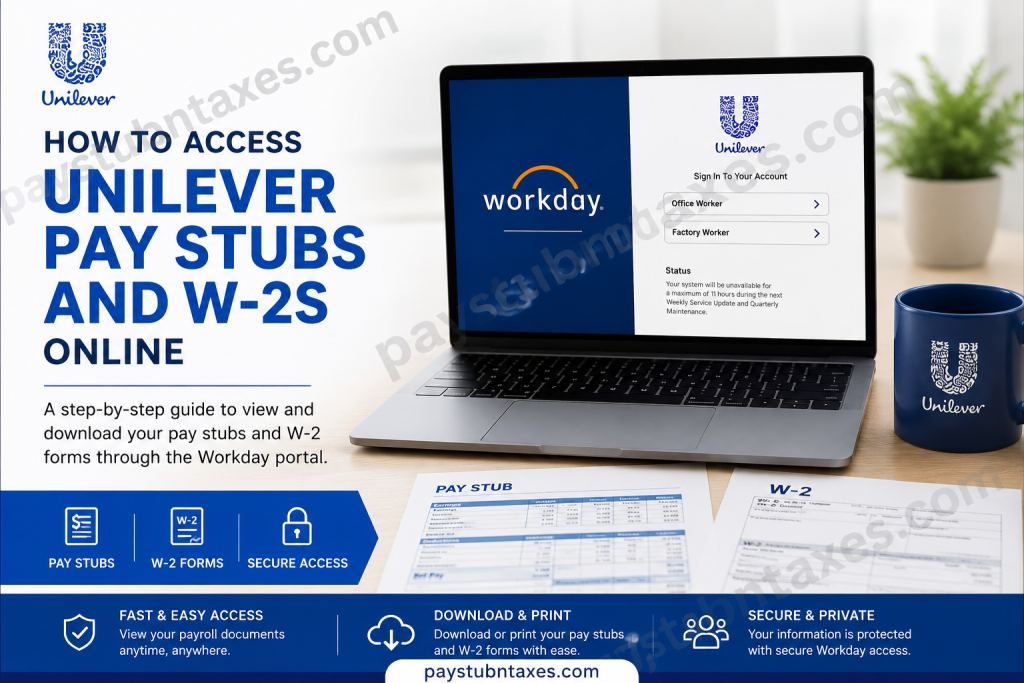
The Workday login page displays separate sign-in options for Office Workers and Factory Workers.
How to Access Unilever Pay Stubs Online
Workday allows employees to view, download, and print current and previous payslips securely.
Step-by-Step Guide to View Pay Stubs
Step 1: Log In to Workday
Visit the Unilever Workday portal and sign in using your employee credentials.
Step 2: Open the Pay Application
From the Workday homepage:
- Select View All Apps
- Choose Pay
Alternatively:
- Click the Menu icon
- Select Pay from the application list
Step 3: Open Payslips
Inside the Pay section:
- Click Payslips under the View column
Step 4: View or Print Your Payslip
You can now:
- Click View to open your pay stub
- Click Print to print a physical copy
The system displays detailed payroll information, including:
- Pay period dates
- Gross pay
- Net pay
- Taxes withheld
- Pre-tax deductions
- Post-tax deductions
- Direct deposit information
- Year-to-date totals
How to Access Unilever W-2 Forms Online
Unilever employees can also retrieve annual W-2 tax forms through Workday’s My Tax Documents section.
Steps to View and Download W-2 Forms
Step 1: Sign In to Workday
Access the Workday portal using your employee login credentials.
Step 2: Open the Pay Dashboard
From the Workday homepage:
- Select the Pay application/dashboard
Step 3: Open My Tax Documents
Inside the Pay section:
- Click My Tax Documents
Step 4: Locate Your W-2 Form
Your available W-2 forms will appear under the Year-End Tax Documents section.
Step 5: View, Print, or Download
Click:
- View/Print to open the form
- The Printer icon to print
- The Download icon to save a PDF copy
How to Update W-2 Delivery Preferences
Employees can choose whether to receive electronic or paper copies of W-2 forms.
To Update Your Printing Election:
- Open My Tax Documents
- Click Edit
- Choose your preferred delivery method:
- Electronic copy only
- Both electronic and paper copies
- Click OK
- Click Done to save changes
Accessing Pay Stubs and W-2s on Mobile Devices
Workday mobile access allows employees to retrieve payroll documents remotely.
Using the Workday mobile app, employees can:
- View payslips
- Download W-2 forms
- Access tax documents
- Check payroll history
This provides convenient access even when away from the workplace.
Troubleshooting Unilever Workday Login Issues
If you experience difficulty signing in:
Verify Your Login Type
Make sure you are selecting the correct login option:
- Office Worker
- Factory Worker
Check Your Email Format
Office employees should use: firstname.lastname@unilever.com
Reset Your Password
Use Workday’s password recovery options if needed.
Clear Browser Cache
Sometimes, stored browser data can interfere with Workday authentication.
Try Another Browser or Device
Switching browsers or using the Workday mobile app may resolve access issues.
Benefits of Using the Unilever Workday Portal
The Workday self-service system provides employees with secure and immediate access to payroll information.
Key advantages include:
- 24/7 payroll access
- Secure online document storage
- Fast W-2 downloads during tax season
- Mobile-friendly access
- Reduced paperwork
- Centralized HR and payroll management
Conclusion
Unilever’s Workday self-service portal makes payroll management simple, secure, and accessible. Whether you need to review your latest pay stub, print historical payslips, or download your W-2 form for tax filing, the platform provides a centralized and user-friendly experience for employees across the United States. With secure online access, mobile compatibility, and streamlined payroll tools, Workday helps Unilever employees manage important financial documents efficiently throughout the year.
Frequently Asked Questions (FAQs)
1. How do I access my Unilever pay stubs online?
You can access pay stubs through the Unilever Workday portal using your employee login credentials.
2. What is the Unilever Workday login link?
The official login portal is:
https://wd3-identity.myworkday.com/wday/authgwy/unilever/upc/login
3. Can former employees access Workday?
Access policies for former employees may vary. Contact Unilever HR or Payroll for assistance.
4. Where can I find my W-2 form in Workday?
Go to Pay > My Tax Documents to access available W-2 forms.
5. Can I download my W-2 as a PDF?
Yes. Workday allows you to download and save W-2 forms electronically.
6. What username should office workers use?
Office employees should use their Unilever corporate email address.
7. How do factory workers log in?
Factory workers can sign in using their Google account credentials.
8. Can I print my pay stubs from Workday?
Yes. Workday includes a print option for payslips and tax forms.
9. Is Workday accessible on mobile devices?
Yes. Employees can use the Workday mobile app to access payroll documents.
10. When are W-2 forms usually available?
W-2 forms are generally available during tax season after Payroll publishes them.
11. Can I choose paperless W-2 delivery?
Yes. Employees can select electronic-only delivery in Workday.
12. What information appears on a pay stub?
Pay stubs include gross pay, deductions, taxes, net pay, and year-to-date totals.
13. Why is my direct deposit information missing?
If no active payment elections are set up, banking details may not appear.
14. What should I do if I forgot my password?
Use the password recovery tools on the Workday login page.
15. Who should I contact for payroll issues?
Contact Unilever HR or Payroll support for account or payroll-related assistance.

