
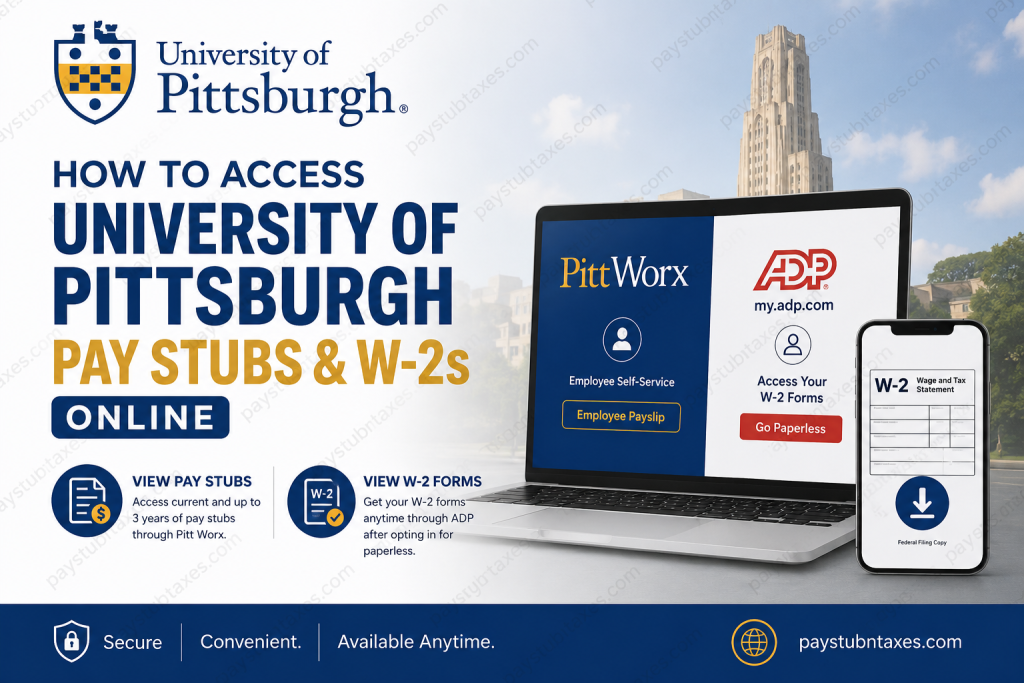
The University of Pittsburgh stands among America’s most distinguished public research institutions and is a proud member of the Association of American Universities (AAU), an elite consortium of leading research universities. With more than 35,000 students and a global reputation for innovation and groundbreaking discoveries, Pitt continues to shape the future of education, medicine, and scientific advancement. For its workforce of approximately 28,000 employees, the University of Pittsburgh offers convenient digital access to payroll records, including online payslips and annual Form W-2 tax statements. Whether you are an active employee, student worker, faculty member, or former employee, understanding how to access these documents can save considerable time and prevent unnecessary administrative headaches. This comprehensive guide explains everything you need to know about accessing your University of Pittsburgh pay stubs and W-2 forms online.
University of Pittsburgh Payroll Portal Overview
The University uses two primary platforms for payroll and tax document management:
- Pitt Worx Employee Self-Service Portal – for viewing pay statements and employment-related information.
- ADP Self-Service Portal – for accessing electronic Form W-2 tax statements and duplicate W-2 forms.
These secure systems allow employees to retrieve payroll documents anytime and from virtually anywhere.
How to View University of Pittsburgh Pay Stubs Online
Employees can access their current and previous payslips through the Pitt Worx Employee Self-Service system. The university retains online pay statements for the previous three years.
Steps to Access Payslips
Step 1: Sign in to Pitt Worx
Visit: http://login.pittworx.pitt.edu/
Log in using your University credentials.
Step 2: Navigate to Employee Payslip
After logging in: Me App → Employee Payslip
Step 3: Select Your Desired Pay Statement
Use the dropdown menus to choose:
- Select a Year
- Select a Payslip
Your pay statement will then appear and can be downloaded or printed for your records.
How Long Are Pay Stubs Available?
The University of Pittsburgh allows employees to access:
- Current pay statements are on the scheduled payday.
- Historical pay statements for up to three years.
Employees who anticipate leaving the university are strongly encouraged to download and save copies of their payslips before their access expires.
Who Loses Access to Pitt Worx?
Access to Pitt Worx may be suspended under several circumstances:
- Employees who have been terminated.
- Employees in unpaid or inactive status.
- Student workers who have not received a paycheck for more than 180 days.
- Employees who have not received a paycheck for more than 45 days.
Access generally resumes once a new paycheck is issued.
How to Access University of Pittsburgh W-2 Forms Online
The University of Pittsburgh provides electronic W-2 forms through the secure ADP platform. Both active and former employees can access their tax documents electronically, provided they enroll in paperless tax statements.
ADP Registration Information
ADP Website: https://my.adp.com
University Registration Code: UPB1-W2
Even if you already have an ADP account with another employer, you must create a new ADP account specifically for the University of Pittsburgh using this registration code.
How to Create an ADP Account
Step 1: Visit: https://my.adp.com
Step 2: Select: New User? Get Started
Step 3: Choose: I Have a Registration Code
Step 4: Enter: UPB1-W2
Step 5: Complete identity verification by:
- Entering the verification code sent to your email or mobile phone.
- Answering security questions generated from public records.
- Providing updated contact information.
How to Enroll for Electronic W-2 Statements
Once your ADP account is created:
- Sign in to ADP.
- Click your profile icon.
- Select Settings.
- Choose Go Paperless.
- Turn on Receive Paperless Statements.
- Review the consent agreement.
- Click I Agree.
- Confirmation of enrollment will appear immediately.
Important Requirements Before Enrolling
You may be unable to opt in for electronic W-2 delivery if:
- You have not yet received your first paycheck.
- You have a temporary Social Security Number on file.
Employees with temporary Social Security numbers can enroll approximately two weeks after submitting their Social Security card.
Keep Your ADP Contact Information Updated
The University strongly recommends that employees use a personal email address and mobile phone number that remain accessible after leaving the institution. University-issued email addresses and phone numbers are not recommended as primary ADP contact information.
To update your information:
- Sign in to ADP.
- Select Update Contact Information.
- Review and edit your email and phone number.
- Save your changes.
When Are W-2 Forms Available?
The University of Pittsburgh makes electronic Forms W-2 available:
No later than January 31 of each year.
Can Former Employees Access W-2 Forms?
Yes. Former employees and individuals who no longer have Pitt Worx access can still retrieve their W-2 forms directly through ADP by creating or accessing their separate ADP account and enrolling in paperless statements.
Troubleshooting Login Problems
If you cannot access Pitt Worx and none of the inactive-status conditions apply, you should submit an inquiry under:
Human Resources → System Access
For tax statement issues, account recovery, or payroll questions, employees should contact the University Payroll Department.
University of Pittsburgh Payroll Contact Information
Payroll Department Email:
payrollinquiries@upmc.edu
The payroll team can assist with:
- W-2 access issues
- Payslip requests
- Account verification problems
- System access concerns
- Duplicate tax forms
Final Thoughts
The University of Pittsburgh has streamlined payroll administration by providing secure digital access to pay statements and tax documents through Pitt Worx and ADP. Whether you are a current employee checking your latest paycheck or a former employee retrieving a duplicate W-2, the process is relatively straightforward once your online accounts are properly configured. To avoid future complications, employees should regularly download their pay statements, maintain updated contact information in ADP, and enroll in paperless tax statements well before the annual tax season arrives. These small administrative steps can save a great deal of inconvenience and ensure uninterrupted access to essential payroll records.
Frequently Asked Questions
1. How do I access my University of Pittsburgh pay stubs online?
Log in to Pitt Worx at login.pittworx.pitt.edu, click Me, and select Employee Payslip to view or download your payslips.
2. What portal does the University of Pittsburgh use for pay stubs?
The University uses the Pitt Worx Employee Self-Service portal for online pay slip access.
3. How many years of pay stubs can I view?
Employees can access up to three years of historical payslips online.
4. When are pay stubs available online?
Your current pay statement becomes available on your scheduled payday.
5. How do I get my University of Pittsburgh W-2 form?
You can access your W-2 online through ADP at my.adp.com after enrolling in paperless tax statements.
6. What is the University of Pittsburgh ADP registration code?
The registration code is: UPB1-W2
7. Can former employees access their W-2 forms?
Yes. Former employees can still access W-2 forms through ADP by creating a separate ADP account using the University’s registration code.
8. Do I need to opt in for electronic W-2 forms?
Yes. You must enroll in paperless tax statements in ADP before you can view or download electronic W-2 forms.
9. When are University of Pittsburgh W-2 forms available?
Electronic W-2 forms are generally available no later than January 31 each year.
10. Can I use an existing ADP account?
No. Even if you already have an ADP account with another employer, you must create a new ADP profile specifically for the University of Pittsburgh.
11. Why can’t I access Pitt Worx?
Access may be suspended if:
- You are terminated or inactive.
- You have not been paid in over 45 days.
- Student workers have not been paid in over 180 days.
12. How do I update my ADP contact information?
Sign in to ADP, select Update Contact Information, review your email and phone number, and save your changes.
13. Should I use my University email address in ADP?
No. The University recommends using a personal email address and mobile number that remain accessible after employment ends.
14. Can I obtain duplicate W-2 forms online?
Yes. Duplicate W-2 forms can be downloaded directly through ADP once you have enrolled in paperless statements.
15. Who should I contact for payroll assistance?
For payroll or W-2 questions, contact the University Payroll Department at: payrollinquiries@upmc.edu

