
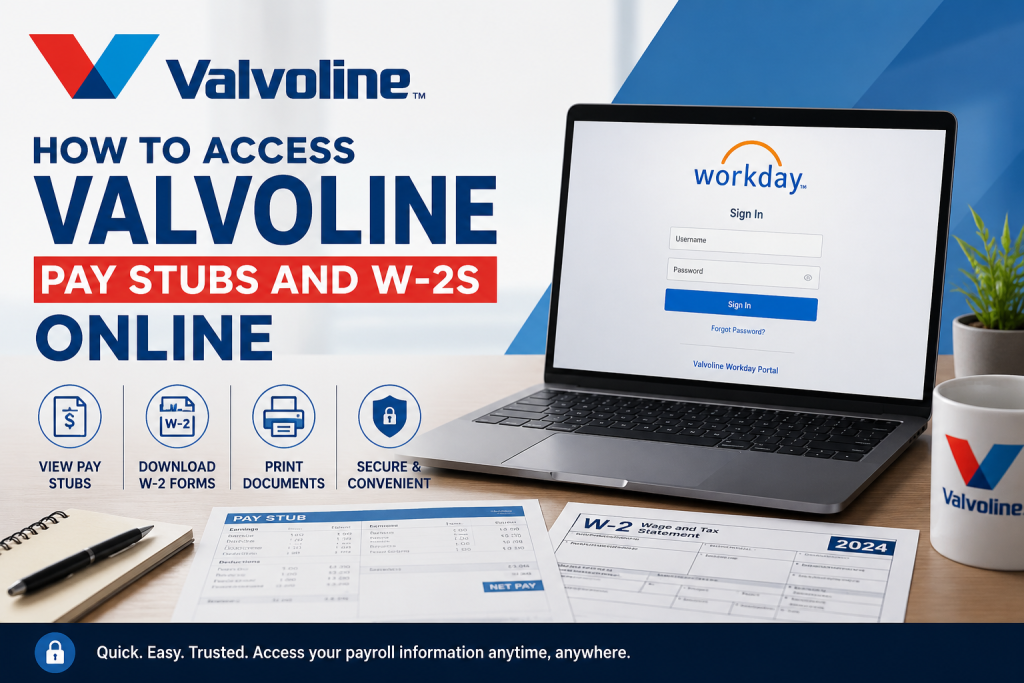
Valvoline is one of the most recognized names in automotive preventive maintenance and vehicle care services. Headquartered in Lexington, Kentucky, the company operates thousands of service locations and supports employees through modern digital HR and payroll systems. As a Valvoline employee, you can conveniently access your pay stubs, payroll history, tax forms, and W-2 statements online through the Workday self-service portal. The platform allows employees to securely manage payroll records anytime and from virtually any device. If you encounter login or payroll-related issues, you can contact Valvoline Workday support at: workday@valvoline.com
Valvoline Workday Login Portal
Current employees can access payroll and tax documents through the official Valvoline Workday portal:
Valvoline Employee Workday Login
Login Requirements
To sign in successfully, you will need:
- Your Valvoline employee username
- Your company password
- Access to Valvoline’s internal Single Sign-On (SSO) authentication system
Because the system uses secure SSO authentication, only authorized employees can access payroll and tax information.
How to Access Valvoline Pay Stubs Online
Employees can view or print current and previous payslips directly from Workday.
Step-by-Step Instructions
Step 1: Log in to Workday
Visit the Valvoline Workday portal and sign in using your SSO credentials.
Step 2: Open the Pay Application
From the Workday home page:
- Select View All Apps
- Click the Pay icon
- Navigate to the Payslips section
The payroll application allows employees to access both recent and archived payslips.
Step 3: View Your Pay Stub
- Locate the desired pay period
- Click View
- Your electronic payslip will open instantly
Employees can review:
- Gross earnings
- Net pay
- Taxes withheld
- Direct deposit information
- Benefit deductions
- Year-to-date earnings
How to Print Valvoline Payslips
Workday also provides downloadable PDF versions of payroll statements.
Print a Single Pay Stub
While viewing a payslip:
- Select Print Payslip Image
- Download or print the PDF copy
Print Multiple Payslips
To print several pay statements simultaneously:
- Choose Print Multiple Payslips
- Select the desired date range
- Confirm the payslips you want included
- Download the generated PDF file
The completed PDF becomes available for download inside Workday.
How to Access Your Valvoline W-2 Online
Employees can also retrieve annual W-2 tax forms through Workday.
Access W-2 Forms Using a Web Browser
Follow these steps:
- Sign in to Workday
- Open your Worker Profile
- Select Pay
- Click Tax Documents
- Locate the correct tax year
- Select View/Print under Employee Copy
The W-2 PDF can then be downloaded or printed for tax filing purposes.
Access Valvoline W-2s on the Workday Mobile App
Employees can also retrieve tax forms using the Workday mobile application.
Mobile Instructions
- Open the Workday app
- Tap Profile
- Select Pay
- Open Tax Documents
- Choose the applicable tax year
- Tap View/Print
This option is especially useful during tax season when employees need quick mobile access to payroll records.
Change Payslip Printing Preferences in Workday
Employees may customize how payroll statements are delivered.
To update your printing election:
- Open the Pay worklet
- Navigate to:
- View
- Payslips
- Change Payslip Printing Election
- Select your preferred printing option
- Save the changes
This feature allows employees to switch between electronic and printed payroll preferences.
Troubleshooting Valvoline Workday Login Issues
If you cannot access your payroll account, try the following:
- Verify your SSO username and password
- Ensure your internet browser is updated
- Clear browser cache and cookies
- Attempt login using another browser
- Disable VPN or ad blockers temporarily
If problems continue, contact:
- workday@valvoline.com
Benefits of Using Valvoline Workday
The Workday employee portal offers several advantages:
- 24/7 payroll access
- Secure cloud-based authentication
- Instant W-2 downloads
- Mobile-friendly payroll management
- Historical pay statement storage
- Faster tax-season preparation
Frequently Asked Questions
Can I access old Valvoline pay stubs online?
Yes. Workday stores historical payslips that employees can view or print anytime.
How do I download my Valvoline W-2?
Open the Tax Documents section inside Workday and select View/Print for the applicable tax year.
What if I forgot my Workday password?
You should contact your HR department or email workday@valvoline.com for login assistance.
Does Valvoline use Workday for payroll?
Yes. Valvoline employees access payroll records, payslips, and W-2 forms through Workday.
Can I access Workday on my phone?
Yes. Employees can use the Workday mobile app to access pay stubs and W-2 documents.
Is the Valvoline payroll portal secure?
Yes. The system uses Valvoline’s internal SSO authentication for secure employee access.
Can I print multiple pay stubs at once?
Yes. Workday allows employees to generate multi-payslip PDF files for selected date ranges.
Where can I get help with payroll issues?
Employees should contact workday@valvoline.com for payroll or Workday support.
Are W-2 forms available electronically?
Yes. Employees can download and print W-2 forms directly from Workday.
Can former employees still access Workday?
Access policies may vary. Former employees should contact Valvoline HR or Workday support for assistance.

