
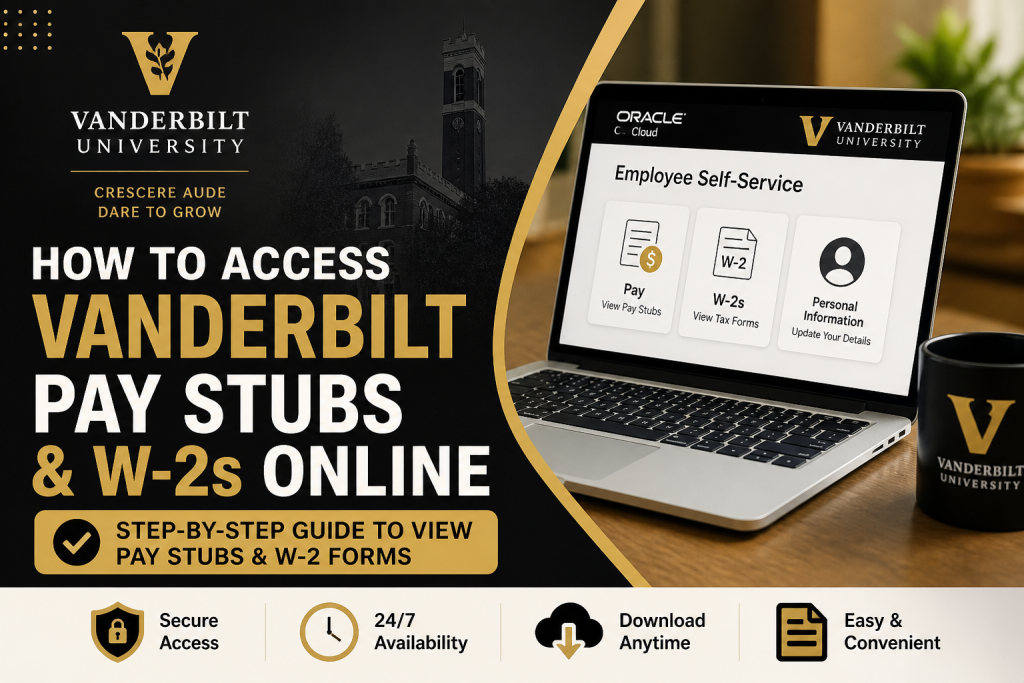
Vanderbilt University, a globally respected private research institution in Nashville, Tennessee, empowers its employees with a modern, secure, and efficient payroll system. Through Oracle Cloud Employee Self-Service (ESS), staff, faculty, and student workers can conveniently access pay stubs and tax documents anytime, anywhere. This comprehensive guide explains how to access Vanderbilt pay stubs and W-2s online, with clear step-by-step instructions and expert insights.
Overview of Vanderbilt Payroll System
Vanderbilt’s Payroll Department is dedicated to ensuring accurate, timely compensation for all employees, including staff, faculty, student workers, and temporary personnel.
Employees can:
- View and download pay stubs (payslips)
- Access W-2 tax forms
- Update personal, tax, and direct deposit details
- Track leave balances and payroll history
All of these services are managed centrally via Oracle Cloud ESS.
👉 Official login portal: https://oraclecloud.vanderbilt.edu/
How to Access Vanderbilt Pay Stubs Online
Follow these steps to retrieve your pay statements:
Step-by-Step Guide
- Log in to Oracle Cloud
- Visit the official portal
- Enter your VUNetID and password
- Navigate to Employee Self-Service
- Click on “Me” or “About Me” in the dashboard
- Access Pay Information
- Select “Pay” or “Pay Statements”
- View or Download Pay Stub
- Choose the desired pay period
- Click to view, download, or print
📌 Note: Vanderbilt confirms that employees continue to retrieve payslips directly from Oracle Cloud.
How to Access Vanderbilt W-2 Forms Online
Vanderbilt provides both paper and electronic W-2 options, with electronic delivery offering faster and more secure access.
Method 1: Access via Oracle Cloud
- Log in to Oracle Cloud
- Navigate to:
- Me → W-2s (for 2020 and later)
- You may be redirected to ADP’s W-2 portal
- Download or print your W-2
Method 2: Enable Electronic W-2 Access
To receive your W-2 digitally:
- Log into Oracle Cloud
- Go to:
- Navigator → About Me → Personal Information
- Select:
- Related Tasks → Document Delivery Preferences
- Edit W-2 settings
- Choose “Yes” for online delivery consent
Once enabled:
- You’ll receive W-2s electronically each year
- No paper copy will be mailed
📌 Electronic W-2s are typically available from January 31 through October 15 of the following year.
Method 3: Printing Your W-2
To download or print:
- Go to Personal Information
- Click “My Documents”
- Select your W-2 form
- Save or print as needed
Important Notes About W-2 Forms
- W-2 forms are issued by January 31 each year
- If you opt for electronic delivery:
- You will not receive a paper copy
- Electronic access is available 24/7
- Access may be discontinued after employment separation
- W-2 shows taxable income, which may differ from pay stubs
Troubleshooting & Support
If you encounter issues:
- Payroll inquiries: payroll@vanderbilt.edu
- Login/access issues:
- Contact your department administrator or IT support
- W-2 issues:
- Ensure your address and personal details are up to date
Benefits of Using Oracle Cloud Payroll System
Vanderbilt’s digital payroll system offers:
- ✔ Secure and confidential access
- ✔ 24/7 availability from any location
- ✔ Faster access to tax documents
- ✔ Reduced risk of lost or delayed mail
- ✔ Integrated HR and payroll management
Conclusion
Accessing your Vanderbilt pay stubs and W-2s online is straightforward through Oracle Cloud Employee Self-Service. By following the steps outlined above, you can efficiently manage your payroll records, stay compliant with tax requirements, and enjoy seamless digital access. For the best experience, ensure your login credentials are secure and your profile information is always up to date.
Frequently Asked Questions (FAQs)
1. How do I log in to Vanderbilt payroll system?
Visit the Oracle Cloud portal and sign in using your VUNetID and password to access payroll information.
2. Where can I find my Vanderbilt pay stubs?
You can find your pay stubs in Oracle Cloud under “Me” → “Pay” → “Pay Statements.”
3. How do I download my Vanderbilt pay stub?
Select the desired pay period in the Pay Statements section, then click to download or print your payslip.
4. How can I access my W-2 form online?
Log in to Oracle Cloud and navigate to “Me → W-2s” to view or download your W-2.
5. When will my W-2 be available?
W-2 forms are typically available by January 31 each year, as required by federal regulations.
6. Can I receive my W-2 electronically?
Yes, you can opt for electronic delivery by enabling it in Document Delivery Preferences within Oracle Cloud.
7. Will I still receive a paper W-2 if I choose electronic delivery?
No, once you consent to electronic delivery, paper copies will no longer be mailed.
8. How long can I access my electronic W-2?
Electronic W-2s are generally accessible from January 31 through October 15 of the following year.
9. What should I do if I forget my login credentials?
Use the password recovery option on the login page or contact Vanderbilt IT support for assistance.
10. Why doesn’t my W-2 match my final pay stub?
Your W-2 shows taxable earnings, while pay stubs reflect total earnings, which may differ.
11. Can former employees access their W-2 online?
Yes, former employees can access W-2s via Oracle or ADP depending on the tax year.
11. Can former employees access their W-2 online?
Yes, former employees can access W-2s via Oracle or ADP depending on the tax year.
13. Is Oracle Cloud available 24/7?
Yes, the system provides secure, 24/7 access to your payroll and tax documents.
14. Can I print my W-2 from Oracle Cloud?
Yes, navigate to “My Documents”, select your W-2, and print or save it.
15. What if I don’t receive my W-2 by mail?
You can retrieve it online via Oracle Cloud or contact HR for assistance.

