
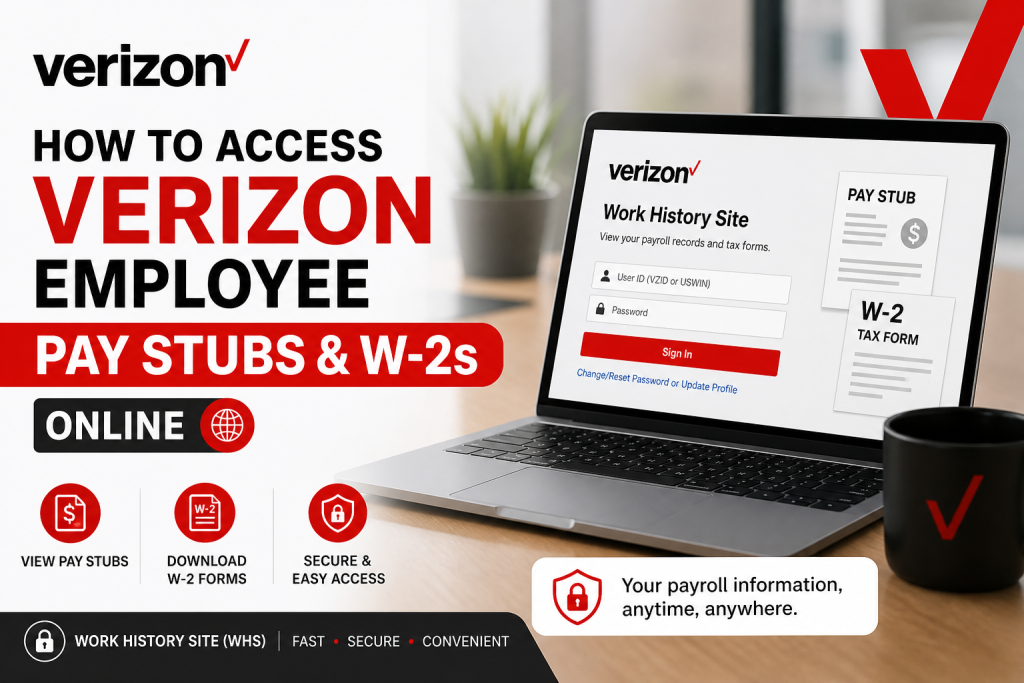
Verizon is more than just a telecommunications giant—it is a workplace that empowers individuals to innovate, grow, and thrive. As part of its employee-first culture, Verizon provides secure and convenient digital access to payroll records, ensuring transparency and ease for both current and former employees. If you are a Verizon employee or former associate, this comprehensive guide will walk you through how to access your pay stubs and W-2 tax forms online using the official Work History Site (WHS).
What Is the Verizon Work History Site (WHS)?
The Work History Site (WHS) is Verizon’s official self-service payroll portal designed for:
- Former employees
- Employees on long-term leave
- Individuals needing access to historical payroll data
Through WHS, you can:
- View historical paychecks
- Access W-2 and 1095-C tax forms
- Update tax withholding information
- Opt in for electronic tax document delivery
Official Login Portal
Access your payroll information here:
👉 https://workhistory.verizon.com/
Step-by-Step Guide to Access Verizon Pay Stubs
Step 1: Visit the Work History Site
Go to the official portal and accept the Terms & Conditions.
Step 2: Enter Your Login Credentials
Use the following details:
- User ID: Your VZID or USWIN (Windows User ID)
- Last Name: Must match company records exactly
- Default Password:
Your User ID + Your Birth YearExample: v123451990
Step 3: Complete First-Time Setup
During your first login:
- Set up security questions
- Enter a personal (non-Verizon) email address
- Create a new password
You will receive an activation email, which must be clicked within 15 minutes to complete setup
Step 4: Log In with Your New Credentials
After activation:
- Enter your User ID
- Input your last name
- Use your new password
Step 5: Access Your Pay Stubs
Once logged in:
- Navigate to “View Historical Paychecks”
- Select the desired pay period
- Download or print your pay stub
You can typically access up to 4 years of pay history online
How to Access Verizon W-2 Forms
To retrieve your W-2:
- Log in to the WHS portal
- Navigate to Tax Documents / W-2 Section
- Select the required tax year
- Download or print your W-2
📌 Verizon allows access to W-2 forms for up to 7 years
Important Login Tips
- Always enter your User ID in lowercase
- Ensure your last name matches HR records exactly
- Do not attempt password reset before initial setup
- Use a PC or laptop for best experience
Password Reset & Troubleshooting
If you forget your password:
- Click “Change/Reset Password or Update Profile”
- Answer your security questions
- If unsuccessful, reset your profile
If you cannot recall security answers:
- Attempt incorrect answers multiple times to trigger reset
- A default password will be emailed to you
For support:
📧 GlobalPayroll@VerizonWireless.com
Additional Payroll Features
The Verizon WHS portal also allows you to:
- Update federal and state tax withholding
- Opt into electronic W-2 delivery
- Manage payroll-related information
For older records beyond system limits, you may need to contact payroll support directly.
Access for Former Employees
Even after leaving Verizon:
- Your payroll records remain accessible via WHS
- Direct deposit remains active for up to 60 days post-separation
- You can still retrieve W-2 forms and historical pay data
Support Contacts
For additional assistance:
- Payroll inquiries: hranswers.us@verizon.com
- Payroll support: GlobalPayroll@VerizonWireless.com
- Severance portal help: sevteam@verizon.com
Conclusion
Verizon’s Work History Site provides a seamless, secure, and user-friendly way to access your pay stubs and W-2 forms online. By following the steps outlined above, you can quickly retrieve your payroll information anytime, anywhere. Whether you are a current employee or a former team member, Verizon ensures that your financial records remain accessible, organized, and protected.
❓ Frequently Asked Questions (FAQs)
1. How do I log in to the Verizon Work History Site?
Visit the WHS portal and enter your VZID/USWIN ID, last name, and default password (User ID + birth year). Then complete profile setup.
2. What is the default password for Verizon WHS?
Your default password is:
Your User ID + your 4-digit birth year
Example: v123451990
3. How do I access my Verizon pay stubs?
After logging in, go to “View Historical Paychecks”, select a pay period, and download or print your pay stub.
4. How many years of pay stubs are available?
You can access up to 4 years of historical paychecks online
5. How do I download my Verizon W-2 form?
Log in to WHS, navigate to the W-2/Tax Forms section, choose the year, and download your document.
6. How many years of W-2 forms can I access?
Verizon allows access to W-2 forms for up to 7 years
7. What should I do if I forget my password?
Click “Change/Reset Password” on the login page and answer your security questions to reset your password.
8. What if I forget my security question answers?
You can reset your profile after multiple failed attempts. A new default password will be sent to your email
9. Do I need a Verizon email to log in?
No. You must use a personal (non-Verizon) email to activate and manage your WHS account
10. Can former Verizon employees access pay stubs?
Yes. Former employees can continue to access payroll records through the WHS portal.
11. How do I access the Verizon Work History Site?
Use the official link:
👉 https://workhistory.verizon.com/
12. Can I update my tax withholding information online?
Yes. WHS allows you to update federal and state tax withholding forms directly.
13. What should I do if I cannot log in?
Check your credentials, ensure correct formatting, or use the “Find ID” option. If issues persist, contact payroll support.
14. How long does direct deposit remain active after leaving Verizon?
Direct deposit remains active for up to 60 days after separation
15. Who should I contact for payroll support?
You can contact:
- GlobalPayroll@VerizonWireless.com
- hranswers.us@verizon.com

