
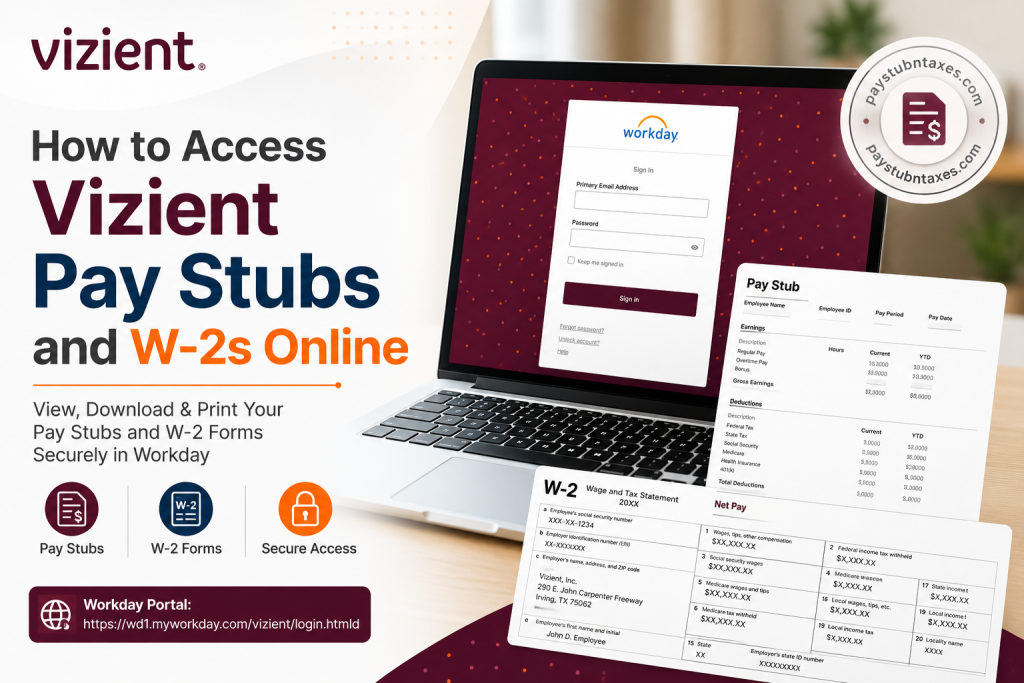
Managing your payroll documents should be straightforward, secure, and accessible whenever you need them. If you are a current employee of Vizient, you can conveniently access your pay stubs, tax documents, and other payroll information through the company’s Workday platform, authenticated via Okta Single Sign-On (SSO). Current employees who have elected electronic tax document delivery can also retrieve their W-2 forms directly from their Workday account, while paper copies continue to be mailed to employees whose home mailing addresses are on file. Whether you need a recent payslip to verify your income, download your annual W-2 for tax filing, or update your payroll preferences, this comprehensive guide walks you through every step.
About Vizient
Vizient is one of the nation’s foremost healthcare performance improvement companies, helping hospitals and healthcare providers achieve operational excellence through data-driven insights, supply chain solutions, consulting, and clinical expertise. Headquartered in Irving, Texas, the organization employs more than 5,000 professionals across the United States and collaborates with the majority of U.S. healthcare providers to improve patient care, financial sustainability, and system-wide performance. Its enterprise also includes respected organizations such as Apexus, Aptitude, Kaufman Hall, and Provista, each contributing specialized expertise across the healthcare continuum.
Does Vizient Use Workday?
Yes. Vizient uses Workday Human Capital Management (HCM) as its employee self-service platform. Through Workday, employees can securely manage numerous employment-related functions, including:
- Viewing current and previous pay stubs
- Accessing annual W-2 tax forms
- Updating direct deposit information
- Reviewing tax withholding elections
- Managing personal information
- Viewing payroll history
- Accessing employment records
Employees authenticate through Okta Single Sign-On (SSO) before entering their Workday dashboard.
Workday Portal
https://wd1.myworkday.com/vizient/login.htmld
How to Log in to Vizient Workday
Follow these simple steps:
- Visit the Vizient Workday login page.
- Enter your Primary Email Address.
- Click Next or continue to authentication.
- Complete authentication through Okta Single Sign-On (SSO).
- Enter your password.
- Complete multi-factor authentication (if prompted).
- Select Sign In.
- Once authenticated, your Workday homepage will appear.
From your dashboard, you can access payroll, benefits, tax documents, personal information, and employment records.
How to View Vizient Pay Stubs
After signing into Workday:
- Open your Workday Home.
- Select the Pay application.
- Click Payslips.
- A complete list of available payroll periods will appear.
- Select the desired pay period.
- Open the PDF version of your payslip.
- Download or print it for your records.
Within Workday, employees can view their pay statements by navigating to the Pay application and selecting Payslips, where each payroll period can be opened as a PDF for viewing, downloading, or printing.
Information Available on Your Pay Stub
Your Vizient pay statement typically contains:
- Employee information
- Employee ID
- Pay period
- Payment date
- Gross earnings
- Regular hours
- Overtime earnings
- Bonuses or incentive payments
- Taxes withheld
- Retirement contributions
- Insurance deductions
- Employer-paid benefits
- Net pay
- Direct deposit information
- Year-to-date earnings
How to Access Your Vizient W-2 Online
Employees who have consented to receive electronic tax forms can access their W-2 directly through Workday.
Steps
- Sign in to Workday.
- Open the Pay application.
- Select My Tax Documents.
- Locate the desired tax year.
- Select View/Print.
- Download or print your W-2.
Within Workday, annual W-2 forms are stored under My Tax Documents, allowing employees to view, print, or download their tax forms once Payroll publishes them.
Paper W-2 Delivery
If you have not elected electronic delivery, Vizient mails your W-2 to the mailing address currently listed in Workday.
To prevent delays:
- Keep your mailing address current.
- Verify your personal information before tax season.
- Update any address changes promptly within Workday.
Updating Your Mailing Address
Before W-2 forms are issued each year:
- Log in to Workday.
- Navigate to Personal Information.
- Select Contact Information.
- Update your mailing address.
- Save your changes.
Keeping your address current helps ensure timely delivery of tax documents.
Forgot Your Password?
If you cannot sign in:
- Select Forgot Password on the login screen.
- Complete your identity verification.
- Reset your password.
- Sign in again using your updated credentials.
If your account is locked, choose Unlock Account or contact HR support.
Troubleshooting Workday Login Issues
Common issues include:
Incorrect Password
Reset your password using the Forgot Password link.
Locked Account
Use the Unlock Account option or contact Human Resources.
Multi-Factor Authentication Problems
Confirm your registered authentication device is available.
Browser Problems
- Clear browser cache.
- Enable cookies.
- Try another browser.
- Use a private browsing session.
Security Tips
Always protect your payroll information by:
- Using strong passwords
- Never sharing login credentials
- Enabling multi-factor authentication
- Logging out after each session
- Accessing Workday only from trusted devices
- Monitoring your payroll activity regularly
Additional Payroll Support
If you need assistance accessing Workday, your pay statements, or W-2 forms, Vizient Human Resources can help.
HR Central
Phone: (972) 830-8660
Email: HRCentral@vizientinc.com
Vizient’s HR support provides assistance for accessibility accommodations, employee support, and general HR-related inquiries.
Conclusion
Accessing your Vizient pay stubs and W-2 forms online is quick, secure, and convenient through the company’s Workday platform, protected by Okta Single Sign-On (SSO). Whether you need to review your latest earnings, download a previous payslip, or retrieve your annual W-2 for tax filing, Workday provides a centralized employee self-service experience that allows you to manage your payroll information anytime and from virtually anywhere. To avoid delays during tax season, be sure to keep your personal information—especially your mailing address—up to date in Workday and opt for electronic W-2 delivery if you prefer instant online access. If you encounter login issues or require assistance with payroll, Vizient’s HR Central team is available to help. By taking advantage of Workday’s self-service features, you can securely access your payroll documents whenever you need them while staying organized throughout the year.
People Also Ask (FAQ)
1. How do I access my Vizient pay stubs online?
Log in to the Vizient Workday portal using your Okta SSO credentials, open the Pay application, and select Payslips to view, download, or print your pay statements.
2. What is the Vizient Workday login portal?
The Vizient Workday login portal is:
https://wd1.myworkday.com/vizient/login.htmld
3. Does Vizient use Workday for payroll?
Yes. Vizient uses Workday Human Capital Management (HCM) to manage payroll, employee records, benefits, tax documents, and other HR services.
4. How can I view my W-2 form in Workday?
After logging in, navigate to Pay > My Tax Documents, select the desired tax year, and choose View/Print to download or print your W-2.
5. Will Vizient mail my W-2?
Yes. Employees who have not consented to electronic W-2 delivery will receive a paper copy mailed to the home address on file in Workday.
6. What should I do if I forgot my Workday password?
Click the Forgot Password link on the Workday login page and follow the instructions to reset your password.
7. Can I access old pay stubs in Workday?
Yes. Workday stores previous pay statements, allowing employees to access historical payslips whenever they are needed.
8. Can I print my Vizient pay stub?
Yes. Open the desired payslip in Workday and download or print the PDF copy directly from your browser.
9. How do I update my mailing address before W-2 season?
Sign in to Workday, navigate to Personal Information > Contact Information, update your address, and save the changes before tax forms are issued.
10. Can former Vizient employees access their W-2 online?
Former employees may have limited access to Workday. If online access is unavailable, contact Vizient Human Resources for assistance in obtaining your W-2.
11. Does Vizient use Okta Single Sign-On?
Yes. Employees authenticate to Workday through Vizient’s Okta Single Sign-On (SSO) system.
12. Can I access Workday from my mobile device?
Yes. If enabled by Vizient, employees can access Workday through the Workday mobile app or a supported mobile browser.
13. What information appears on a Vizient pay stub?
A typical pay stub includes gross pay, net pay, taxes withheld, deductions, benefits, direct deposit details, pay period information, and year-to-date earnings.
14. Who should I contact if I cannot access my payroll documents?
Contact Vizient HR Central by calling (972) 830-8660 or emailing HRCentral@vizientinc.com for payroll or Workday support.
15. Is my payroll information secure in Workday?
Yes. Workday protects payroll data using secure authentication, encryption, and role-based access controls, while Okta SSO adds an additional layer of account security.

