
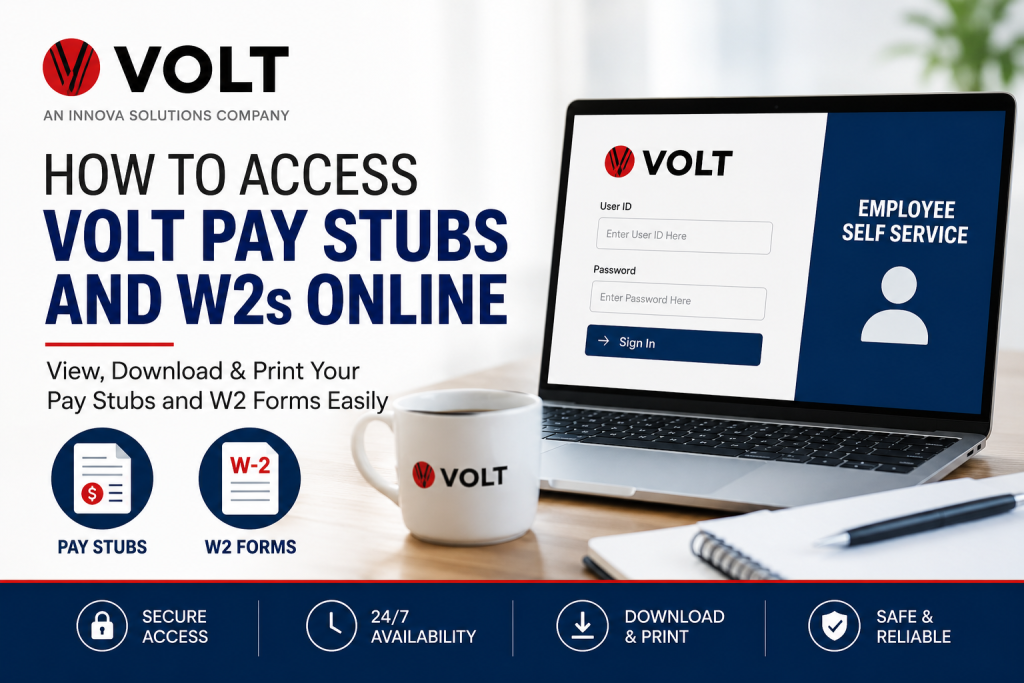
Volt, an Innova Solutions company, is a globally recognized workforce solutions provider serving businesses and professionals across multiple industries. With more than 35,000 employees and operations spanning 85 offices worldwide, Volt delivers staffing, recruitment, managed services, and workforce management solutions to Fortune 100 companies and growing enterprises alike. If you are a current or former Volt employee, you can conveniently access your pay stubs, payroll history, and W-2 tax forms online through the Volt Employee Self Service (ESS) system. The platform allows employees to review payroll details, download tax documents, update information, and manage account settings securely from anywhere.
What Is the Volt Employee Self-Service Portal?
The Volt Employee Self Service portal is a secure payroll and HR platform designed for authorized current and former employees. Through the system, users can:
- View and print pay stubs
- Access W-2 and W-2C tax forms
- Review payroll history
- Update tax and personal information
- Manage direct deposit and payroll preferences
- Recover forgotten login credentials
- Contact payroll and technical support
The ESS platform is available online 24/7 for eligible employees.
Volt Employee Self Service Login Portal
Official Login Link:
Volt ESS Login Page at https://vss.volt.com/
The secure login system is intended exclusively for authorized Volt employees and former workers.
How to Access Volt Pay Stubs Online
Follow these steps to view your Volt pay statements online:
- Visit the official Volt ESS portal.
- Enter your User ID.
- Type your password.
- Click Sign In.
- Navigate to the Payroll section.
- Answer your security question if prompted.
- Select Paychecks from the top menu.
- Open any paycheck to review or download the PDF copy.
Employees can review up to seven years of previous pay stubs directly from the portal.
How to Access Volt W2 Forms Online
To retrieve your Volt W-2 statements electronically:
- Log in to the Volt Employee Self Service system.
- Select the Payroll option.
- Complete the security verification process.
- Scroll down and select W-2/W-2C Forms.
- Choose the tax year you want to view.
- Download or print your W-2 form instantly.
The system also allows employees to:
- Review filing instructions
- Access prior-year W-2 forms
- Update electronic W-2 consent preferences
What Is Your Volt User ID?
Your Volt User ID is typically your:
- 6-digit or 7-digit Employee ID number
You can find it:
- On your paycheck
- In Volt onboarding or timekeeping emails
If you forgot your User ID:
- Click Forgot User ID on the login page.
- Select your registered email address.
- Follow the recovery instructions.
If you no longer have access to your registered email, contact Volt Technical Support.
Default Password for New Volt Employees
For newly hired employees, the temporary password format generally includes:
- First two uppercase letters of your last name
- Your SSN or National ID number without spaces or dashes
- A dollar sign ($) at the end
Example format:
KA112656789$
Employees are usually prompted to change the temporary password after their first login.
Forgot Your Volt Password?
If your password is expired or forgotten:
- Click the Forgot Password link on the login page.
- Choose your registered email address.
- Follow the instructions to reset your credentials.
If you cannot access your email account, contact Volt Technical Support for assistance.
Volt Payroll and Technical Support
Technical Support
- Phone: (888) 418-4357
- Email: VoltSelfService@volt.com
Support hours:
- Monday to Friday
- 5:00 AM – 7:00 PM PST
Payroll Hotline
- Phone/Text: (844) 880-9154
- Email: VoltPayrollHotline@volt.com
Additional Volt Employee Resources
Volt employees can also access several workforce and HR resources, including:
- Employment verification services
- DailyPay wage access
- Tax information updates
- Address changes
- Direct deposit management
- Benefits assistance
- Recruiter contact support
Troubleshooting Volt ESS Login Issues
If you experience login problems:
- Verify that your User ID is correct
- Ensure CAPS LOCK is turned off
- Reset your password using the recovery option
- Clear your browser cache and cookies
- Try another browser or device
- Contact technical support if access remains unavailable
Why Employees Prefer Electronic Pay Stubs and W2s
Accessing payroll records online offers several advantages:
- Instant access anytime
- Faster W-2 delivery
- Secure payroll document storage
- Easy printing and downloading
- Reduced paper clutter
- Convenient access for former employees
Final Thoughts
Volt’s Employee Self Service platform makes payroll and tax document management straightforward for both current and former employees. Whether you need to download a recent paycheck, retrieve historical payroll records, or access your W-2 forms during tax season, the ESS portal provides a secure and efficient solution. By keeping your login credentials updated and enabling electronic document delivery, you can ensure uninterrupted access to your important payroll information throughout the year.
Frequently Asked Questions (FAQ)
1. How do I access my Volt pay stubs online?
Log in to the Volt Employee Self Service portal, select Payroll, and open the Paychecks section.
2. What website does Volt use for payroll access?
Volt employees use the official ESS portal at vss.volt.com.
3. Can former Volt employees access W-2 forms?
Yes. Former employees can still access W-2 forms through the ESS portal if their account remains active.
4. What is my Volt User ID?
Your User ID is usually your 6-digit or 7-digit Employee ID number.
5. How do I reset my Volt ESS password?
Click the Forgot Password option on the login page and follow the reset instructions.
6. How many years of pay stubs can I access?
Employees can review up to seven years of paycheck history online.
7. Can I print my W-2 forms?
Yes. W-2 forms can be downloaded and printed directly from the portal.
8. What if I forgot my User ID?
Use the Forgot User ID feature or contact technical support.
9. Who do I contact for payroll issues?
You can contact Volt Payroll Hotline at (844) 880-9154.
10. Is the Volt ESS portal secure?
Yes. The system is designed for authorized employees and secured with login authentication.
11. Can I update my tax information online?
Yes. Employees can update tax-related information through Volt resources.
12. What should new employees use as a temporary password?
Volt typically provides a password format based on your last name and SSN/National ID.
13. Does Volt offer direct deposit management online?
Yes. Eligible employees can manage payroll preferences electronically.
14. Can I access Volt ESS from my phone?
Yes. The portal works on most modern mobile browsers.
15. What are Volt’s technical support hours?
Technical support is available Monday through Friday from 5:00 AM to 7:00 PM PST.

