
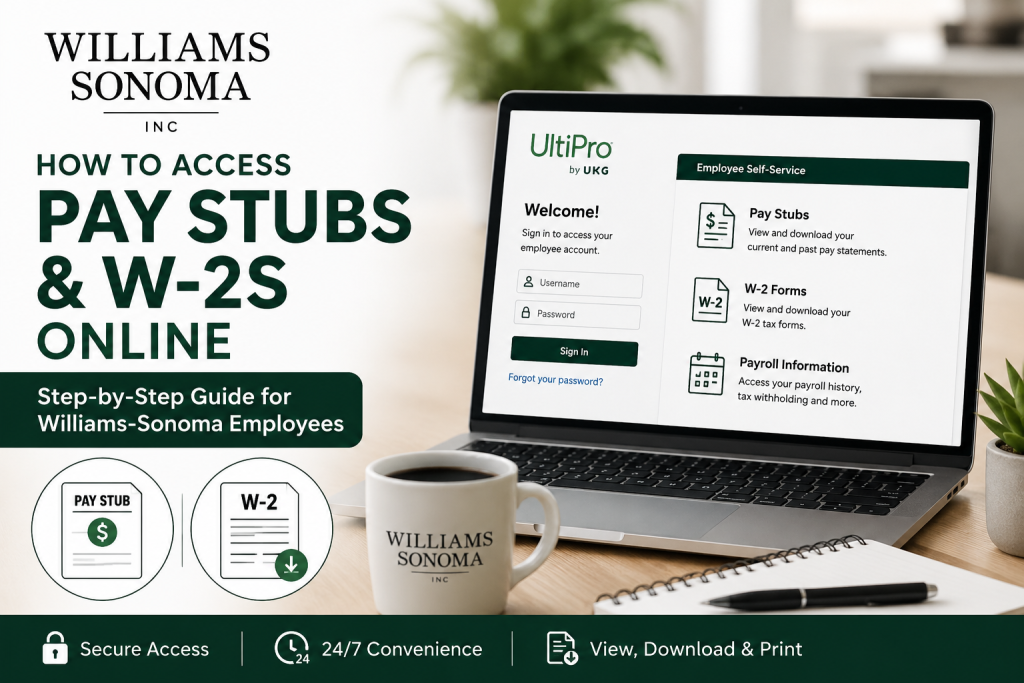
Williams-Sonoma, Inc. is one of America’s most recognized specialty retailers for premium home furnishings, cookware, furniture, and lifestyle products. Founded in 1956 by Chuck Williams in Sonoma, California, the company has grown into a multi-brand retail powerhouse that includes Pottery Barn, West Elm, Mark and Graham, Rejuvenation, and more. As an employee of Williams-Sonoma, you can conveniently access your pay stubs, payroll records, tax forms, and W-2 statements online through the UltiPro self-service payroll portal. This secure platform allows employees to manage payroll information anytime and anywhere.
Williams-Sonoma Employee Payroll Portal
Williams-Sonoma employees can access payroll and tax documents through the official UltiPro login portal:
Portal Link:
Williams-Sonoma UltiPro Portal
The portal provides employees with secure access to:
- Current and previous pay stubs
- W-2 tax forms
- Payroll history
- Direct deposit information
- Tax withholding details
- Employee profile information
- Benefits and HR resources
The UltiPro Employee Self-Service system enables employees to view and print current and historical pay statements online.
How to Log In to Williams-Sonoma UltiPro
Follow these steps to access your Williams-Sonoma payroll account online:
Step 1: Open the Official Portal
Visit the Williams-Sonoma UltiPro login page:
Williams-Sonoma Employee Login
Step 2: Enter Your Login Credentials
Input your:
- Username
- Password
If you are logging in for the first time, you may need to complete account setup and security verification.
Step 3: Complete Password Setup
Employees using UltiPro for the first time are generally required to:
- Change their default password
- Create security questions
- Configure account recovery settings
According to UltiPro, passwords must meet security requirements, including uppercase letters, lowercase letters, numbers, and special characters.
Step 4: Access Payroll Information
Once logged in:
- Navigate to Menu
- Select Myself
- Choose Pay
From there, you can:
- View pay history
- Download pay stubs
- Access W-2 forms
- Update tax withholding
- Manage direct deposit
How to View Williams-Sonoma Pay Stubs
To access your pay statements online:
- Log in to the UltiPro portal
- Go to Menu > Myself > Pay
- Select Current Pay Statement or Pay History
- Choose the desired pay date
- Download or print your pay stub
Employees can print or view current and historical pay statements through the Pay section.
Your electronic pay stub typically includes:
- Gross wages
- Net pay
- Taxes withheld
- Overtime
- Deductions
- Direct deposit information
- Year-to-date earnings
How to Access Williams-Sonoma W-2 Forms Online
Williams-Sonoma employees can also retrieve annual W-2 tax forms through UltiPro.
Steps to Access W-2 Forms
- Sign in to the UltiPro portal
- Navigate to:
Myself > Pay > W-2 - Select the appropriate tax year
- Download or print your W-2 form
Employees can manage W-2 consent settings directly within the UltiPro portal.
How to Enroll in Electronic W-2 Delivery
To receive your W-2 electronically instead of by mail:
- Log in to UltiPro
- Go to Myself > Pay > W-2
- Select Change W-2 Consent Form
- Choose electronic delivery
- Save your changes
Electronic consent allows employees to:
- Receive W-2s faster
- Reduce paper clutter
- Access tax forms securely online
- Download forms anytime
Forgot Your UltiPro Password?
If you cannot access your account:
- Click Forgot Password
- Answer your security questions
- Reset your password securely
According to the UltiPro, users may also be required to update passwords periodically for security reasons.
If your account becomes locked after multiple failed login attempts, contact Williams-Sonoma HR or payroll support for assistance.
Accessing Pay Stubs on Mobile
UltiPro also provides mobile access for employees who prefer using smartphones or tablets.
Employees can:
- View pay stubs
- Check payroll history
- Access W-2 forms
- Update profile information
- Manage direct deposit
Benefits of Using the Williams-Sonoma Payroll Portal
The Williams-Sonoma UltiPro system provides employees with several advantages:
24/7 Payroll Access
Employees can review payroll information anytime without contacting HR.
Faster W-2 Delivery
Electronic W-2 access eliminates mailing delays during tax season.
Secure Document Storage
Historical pay records remain securely archived online.
Mobile Convenience
Employees can access payroll details from virtually anywhere.
Direct Deposit Management
Workers can update banking details online.
Common Williams-Sonoma Payroll Login Issues
Incorrect Username or Password
Double-check capitalization and saved credentials.
Expired Password
UltiPro passwords may expire periodically for security purposes.
Locked Account
Too many failed login attempts can temporarily disable access.
Browser Compatibility Problems
Clear cache and cookies or try a different browser.
Mobile App Errors
Update the UltiPro app to the latest version.
Williams-Sonoma Employee Support
If you experience problems accessing your pay stubs or W-2 forms, contact:
- Williams-Sonoma Human Resources
- Payroll Department
- IT Help Desk
Employees may also find additional support materials and benefits information through the company benefits portal.
Final Thoughts
The Williams-Sonoma UltiPro self-service portal makes payroll management simple, secure, and convenient for employees. Whether you need to download your latest pay stub, access historical payroll records, or retrieve your W-2 tax forms, the platform offers an efficient digital solution available 24/7. By enrolling in electronic delivery and using the mobile-friendly system, employees can streamline payroll access while maintaining secure control over their personal employment information.
Frequently Asked Questions (FAQ)
1. How do I log in to the Williams-Sonoma employee portal?
Visit the official Williams-Sonoma UltiPro portal, enter your employee username and password, and complete any required security verification.
2. Where can I view my Williams-Sonoma pay stubs?
After logging in, go to Myself > Pay > Pay History to access current and previous pay statements.
3. Can former Williams-Sonoma employees access W-2 forms online?
Former employees may still have temporary portal access depending on company policy. If access has expired, contact HR or payroll support for assistance.
4. How do I download my W-2 form from UltiPro?
Navigate to Myself > Pay > W-2, select the desired year, and click download or print.
5. What should I do if I forgot my UltiPro password?
Use the “Forgot Password” option on the login page and answer your security questions to reset your password.
6. Can I access Williams-Sonoma payroll records on mobile?
Yes. Employees can use the UltiPro mobile app to view pay stubs, W-2 forms, and payroll history from smartphones or tablets.
7. Is the Williams-Sonoma payroll portal secure?
Yes. The UltiPro platform uses encrypted security protocols and employee authentication to protect payroll information.
8. How do I enroll in paperless W-2 delivery?
Log in to UltiPro, go to Myself > Pay > W-2, select Change W-2 Consent Form, and enable electronic delivery.
9. Can I print my pay stubs from UltiPro?
Yes. Employees can download and print both current and historical pay statements directly from the portal.
10. Why is my Williams-Sonoma account locked?
Accounts may become locked after multiple failed login attempts or due to expired passwords.
11. How often are pay stubs updated in UltiPro?
Pay statements are usually available electronically on or before payday, depending on payroll processing schedules.
12. Can I change direct deposit information online?
Yes. Go to Myself > Pay > Direct Deposit to update your banking details securely.
13. What information appears on a Williams-Sonoma pay stub?
Pay stubs typically include gross pay, net pay, taxes withheld, deductions, overtime, and year-to-date earnings.
14. Does Williams-Sonoma provide electronic payroll access 24/7?
Yes. Employees can access payroll records online anytime through the UltiPro self-service portal.
15. Who do I contact for payroll support at Williams-Sonoma?
Contact the Williams-Sonoma HR department, payroll team, or internal IT support if you experience login or payroll access issues.

