
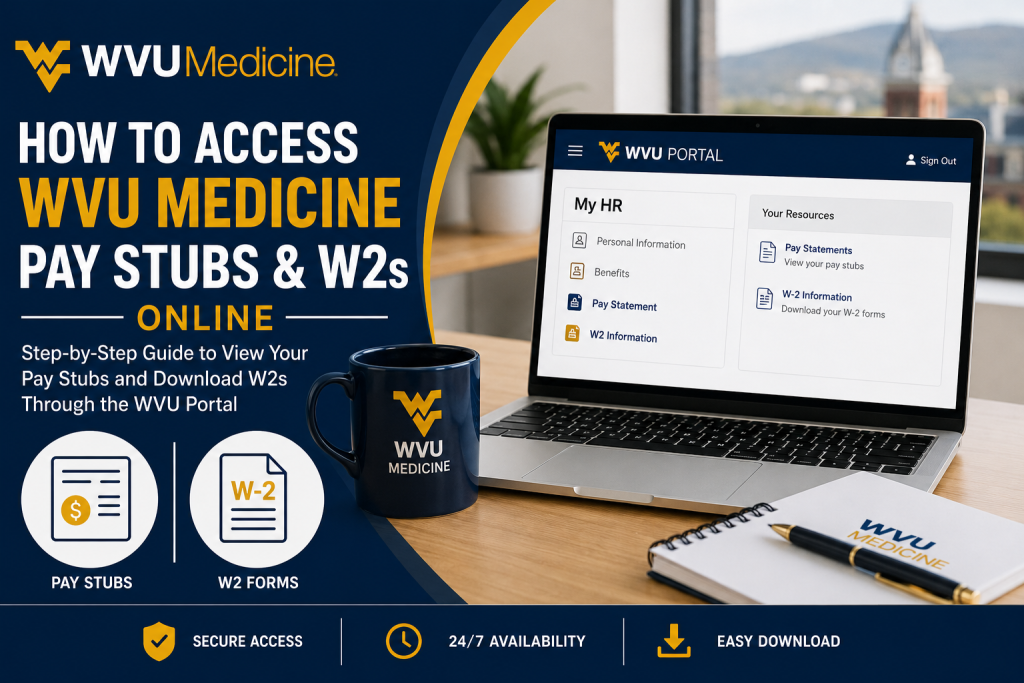
The West Virginia University Health System, operating under the brand name WVU Medicine, is the largest healthcare system and largest employer in West Virginia, serving patients across multiple states with more than 35,000 employees and 25 hospitals. As a WVU Medicine employee, you can conveniently access your pay stubs, payroll information, and W-2 tax forms online through the official WVU Portal. The system allows employees to securely review earnings, deductions, tax forms, and payroll records from virtually anywhere. In this complete guide, you will learn how to log in to the WVU Portal, download pay statements, retrieve electronic W-2 forms, troubleshoot login problems, and access payroll support services.
WVU Medicine Employee Portal Login
Employees can access payroll and tax documents through the official WVU Portal:
Portal Link:https://portal.wvu.edu/
The portal uses secure WVU login credentials and provides access to:
- Online pay statements
- Electronic W-2 forms
- Payroll deductions
- Tax information
- Employee HR services
- Personal information updates
How to Access WVU Medicine Pay Stubs Online
WVU employees can view their biweekly pay statements online through the MyHR section of the WVU Portal. Payroll information is generally available five days before payday.
Steps to Access Pay Stubs Through the WVU Portal
Step 1: Visit the WVU Portal
Go to the official WVU employee portal:
WVU Employee Portal at https://portal.wvu.edu/
Step 2: Sign In
Log in using your WVU username and password.
Step 3: Connect to VPN
You must be connected to the WVU VPN to access payroll records securely.
Step 4: Open Pay Statements
Under the My HR (VPN) section, click Pay Statement.
Step 5: Choose Pay Date
Select your preferred pay date from the dropdown menu and click Apply to view or download your pay stub.
Accessing Pay Statements on Mobile Devices
WVU employees can also access payroll information from personal smartphones or tablets using WVU’s browser-based VPN system.
Mobile Access Instructions
- Open your browser and visit:
WVU Remote Access Portal at https://remote.wvu.edu/ - Log in using your WVU credentials.
- Click the Pay Statements icon.
Supported Browsers
- Safari for Apple iOS devices
- Firefox for Android devices
Chrome may not properly display payroll statement rows on mobile devices.
How to Access WVU Medicine W2 Forms Online
WVU employees can retrieve electronic W-2 forms through the WVU Portal using the MyHR system.
Steps to Download Your WVU Medicine W-2
Step 1: Go to the WVU Portal
Visit:
Step 2: Log In
Enter your WVU username and password.
Step 3: Select the Employee Role
Open the navigation menu and choose Employee.
Step 4: Open W2 Information
Under Restricted Apps (Use VPN), locate the MyHR section and click W2 Information.
Step 5: Oracle Sign-In
An Oracle login page will appear. Sign in using your WVU username without “@mail.wvu.edu” and your password.
Step 6: Download Your W-2
Your W-2 form will automatically generate and download.
Important W2 Information for WVU Employees
According to WVU Tax Services:
- W-2 forms are mailed annually to the employee’s address on file.
- Current employees can access W-2s online through the WVU Portal.
- VPN access is required for online retrieval.
- Only the most recent W-2 is available online. Older copies require assistance from Tax Services.
How Former Employees Can Get Pay Stubs and W2s
Former WVU employees who no longer have portal access can request payroll records by contacting Payroll or Tax Services.
For Pay Stub Requests
Email:
Include:
- Your WVU ID
- Date of birth
- Contact information
For Duplicate or Previous-Year W-2 Forms
Contact:
Provide:
- Full name
- Contact phone number
- Month and year of birth
- WVUID
Never send your Social Security Number through email.
How to Update Your Mailing Address for W-2 Forms
Employees should update their mailing address before year-end to ensure W-2 delivery accuracy.
Current Employees
Update your address through the WVU Portal under Personal Information.
Former Employees
Submit a Change of Address request through WVU’s official forms system.
Common WVU Portal Login Problems and Solutions
Forgot Password
Use the WVU Login Self-Service system to reset your password.
VPN Connection Problems
You must connect to the WVU GlobalProtect VPN before accessing payroll information.
Browser Compatibility Issues
Use:
- Firefox for Android
- Safari for iPhone/iPad
Avoid Chrome on mobile devices for payroll access.
WVU Medicine Payroll Support Contact Information
Shared Services Customer Care
- Phone: 304-293-6006
- Online Chat: Available through the Shared Services website
- Shared Services Email:
Benefits of Electronic Pay Stubs and W2 Access
Using the WVU Portal offers several advantages:
- 24/7 payroll access
- Faster W-2 retrieval
- Secure document storage
- Easy downloading and printing
- Reduced paperwork
- Quick access to payroll history
- Mobile-friendly access
Final Thoughts
WVU Medicine employees can easily access pay stubs and W-2 tax forms online through the secure WVU Portal system. By using your WVU credentials and VPN connection, you can quickly retrieve payroll records, download tax forms, and manage employee information from virtually anywhere. Whether you are an active employee, faculty member, student worker, or former employee, WVU provides multiple secure options to access your payroll and tax records efficiently.
Frequently Asked Questions (FAQs)
1. How do I access my WVU Medicine pay stubs online?
You can access your pay stubs by logging into the WVU Portal, connecting to the VPN, and selecting “Pay Statement” under the MyHR section.
2. What is the official WVU Medicine employee portal?
The official employee portal is:
WVU Portal at https://portal.wvu.edu/
3. Do I need a VPN to view WVU pay stubs?
Yes. WVU requires employees to connect to the GlobalProtect VPN before accessing payroll records and W-2 forms online.
4. How can I download my WVU Medicine W-2 form?
After logging into the WVU Portal and connecting to the VPN, go to MyHR and click “W2 Information.” Your electronic W-2 will automatically generate for download.
5. When are WVU W-2 forms available online?
W-2 forms are generally available by the end of January each year, in accordance with IRS deadlines.
6. Can former WVU employees access pay stubs online?
Former employees who no longer have portal access must contact Payroll or Tax Services to request copies of payroll records or W-2 forms.
7. Who can use the WVU payroll portal?
The portal is available to WVU full-time employees, part-time employees, faculty, staff, graduate assistants, and student workers.
8. How do I access WVU pay stubs on my phone?
Employees can access pay statements on mobile devices by visiting:
Use Safari on iPhone/iPad or Firefox on Android for the best experience.
9. What should I do if I forgot my WVU Portal password?
You can reset your password using the WVU Login Self-Service system or contact WVU IT support for assistance.
10. Why can’t I open my WVU pay statement?
Most access problems occur because the VPN is not connected. Ensure you are connected to the WVU GlobalProtect VPN before attempting to open payroll documents.
11. How early are pay statements available before payday?
WVU payroll statements are typically available online five days before payday.
12. Can I print my WVU Medicine pay stubs?
Yes. Employees can download and print PDF versions of their pay statements and W-2 forms directly from the portal.
13. How do I update my address for W-2 mailing?
Current employees can update mailing addresses through the WVU Portal under Personal Information.
14. Who do I contact for WVU payroll support?
Employees can contact Shared Services Customer Care at 304-293-6006 or email sharedservices@mail.wvu.edu for payroll assistance.
15. Are previous-year W-2 forms available online?
No. Typically, only the most recent W-2 is available through the WVU Portal. Older W-2 copies must be requested from WVU Tax Services.

