
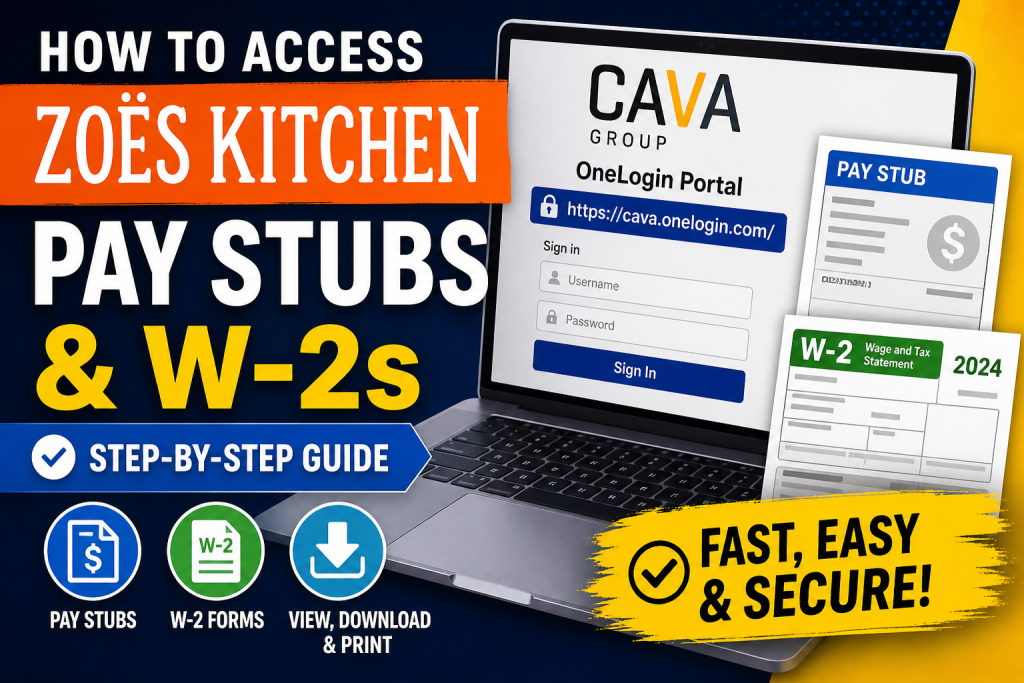
Zoës Kitchen, once a popular Mediterranean fast-casual restaurant brand, is now part of Cava Group following its acquisition. Although the brand has transitioned, former and existing employees can still access their payroll documents—such as pay stubs and W-2 forms—through designated HR systems. This guide provides a clear, professional, and SEO-optimized walkthrough to help you retrieve your financial records efficiently.
Where Zoë’s Kitchen Pay Stubs and W-2s Are Stored
Zoë’s Kitchen employees primarily accessed payroll documents via the Ultipro (UKG Pro) system, integrated through a Single Sign-On (SSO) portal called OneLogin.
Key Access Points:
- Current Login Portal: https://cava.onelogin.com/
- Legacy Portal (Discontinued): zoeskitchen.onelogin.com
- Support Email: support@cava.com
- Support Phone: +1 469-466-4357
Step-by-Step Guide to Access Pay Stubs
1. Log in to OneLogin (CAVA Portal)
- Visit: https://cava.onelogin.com/
- Enter your employee username and password (same as your work credentials)
⚠️ Note: The old Zoë’s Kitchen OneLogin portal is no longer active. All users must use the updated CAVA login system.
2. Open the Payroll System (Ultipro / UKG)
- After logging in, locate and click the Ultipro (UKG Pro) icon
- This system hosts your pay stubs and tax documents
3. Activate Your Account (First-Time Users)
If this is your first login:
- Enter required details (e.g., employee ID, date of birth)
- Verify your account via email activation link
- Set a new password
- Complete security questions
4. Access Your Pay Stubs
Once inside Ultipro:
- Navigate to “Pay” or “Earnings Statements”
- Select the desired pay period
- Download or print your pay stub instantly
How to Access W-2 Forms
Steps:
- Log in to the Ultipro dashboard
- Go to “Tax Documents” or “W-2” section
- Select the relevant tax year
- Download your W-2 form as a PDF
Mobile Access (Optional)
You can also access your payroll data via the UKG Pro mobile app:
- Download from Google Play or Apple App Store
- Enter company access code: zoeskitchen
- Log in using your credentials
Important Notes for Former Employees
- If you no longer have access to your account, contact CAVA support immediately
- Keep your employee ID and personal details ready for verification
- Request reactivation or direct delivery of your W-2
Troubleshooting Login Issues
Common Problems & Solutions:
- Forgot Password: Use the “Forgot Password” option on the login page
- Account Locked: Contact IT support
- Portal Not Loading: Ensure you’re using the updated CAVA link
- No Access After Termination: Request assistance via support email or phone
Best Practices for Payroll Access
- Always download and store copies of your pay stubs
- Retrieve your W-2 before tax deadlines
- Avoid sharing login credentials
- Use secure devices when accessing payroll systems
Conclusion
Accessing your Zoë’s Kitchen pay stubs and W-2s is straightforward once you understand the transition to CAVA’s OneLogin system and the use of Ultipro (UKG Pro). Whether you are a current or former employee, following the steps outlined above will ensure secure and uninterrupted access to your financial records.
Frequently Asked Questions (FAQs)
1. What system does Zoë’s Kitchen use for pay stubs?
Zoë’s Kitchen uses the Ultipro (UKG Pro) payroll system, accessible through the OneLogin portal.
2. What is the correct login portal for Zoë’s Kitchen employees?
Employees must now use the updated portal: https://cava.onelogin.com/, as the old Zoë’s Kitchen login is no longer active.
3. Can former employees still access their pay stubs?
Yes, former employees can access their pay stubs if their account is still active or by contacting support for assistance.
4. How do I retrieve my W-2 form?
Log in to Ultipro, go to the “Tax Documents” section, select the year, and download your W-2 form.
5. What should I do if I forgot my password?
Use the “Forgot Password” option on the login page or contact support for reset assistance.
6. Is there a mobile app for accessing pay stubs?
Yes, you can use the UKG Pro mobile app and log in with your credentials and company access code.
7. What is the company access code for the mobile app?
The company access code is typically zoeskitchen.
8. Why can’t I access the old Zoë’s Kitchen portal?
The legacy portal (zoeskitchen.onelogin.com) has been discontinued after the transition to CAVA systems.
9. Who do I contact for technical support?
You can contact CAVA support via email at support@cava.com or by phone at +1 469-466-4357.
10. Can I print my pay stubs directly?
Yes, Ultipro allows you to download and print your pay stubs in PDF format.
11. When are pay stubs available?
Pay stubs are typically available on or before your payday within the Ultipro system.
12. What details are required for first-time login?
You may need your employee ID, date of birth, and email verification to activate your account.
13. Is it safe to access payroll information online?
Yes, as long as you use the official portal and secure your login credentials.
14. What if my account is locked?
Contact IT or support to unlock your account and regain access.
15. Can I access pay stubs after leaving the company?
Yes, but access may be limited. If unavailable, request copies directly from HR or support.

