
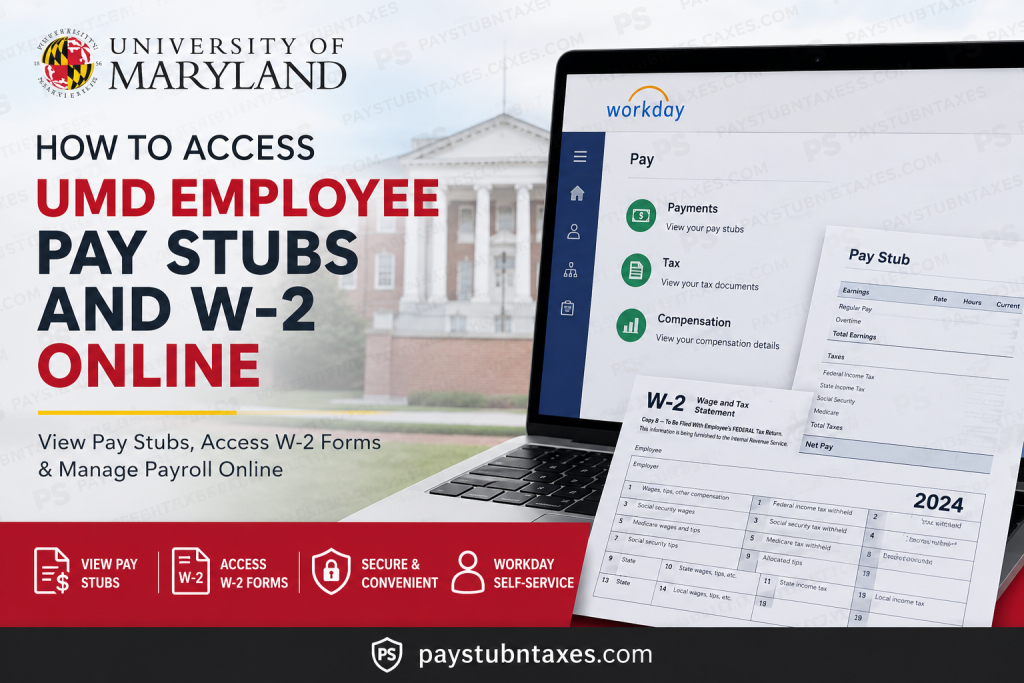
The University of Maryland (UMD), the flagship institution of the University System of Maryland, provides employees with secure digital access to payroll records, tax forms, and compensation information through Workday Self-Service and the Payroll Online Service Center (POSC). Whether you need to download your latest pay stub, print an old payslip, or consent to electronic W-2 delivery, UMD’s online payroll systems make the process straightforward and efficient.
UMD employees can conveniently manage payroll-related tasks online, including:
- Viewing and printing pay stubs
- Accessing annual W-2 tax forms
- Updating tax elections
- Managing payroll and compensation details
- Tracking time and absences
- Accessing career and HR services
UMD Workday Login Portal
UMD employees can access payroll and HR services through the official Workday portal:
UMD Workday Portal: https://go.umd.edu/1vy2
Employees must sign in using their UMD Directory ID and passphrase through the Central Authentication Service (CAS).
What Is Workday at UMD?
Workday serves as the University of Maryland’s centralized HR, Finance, and Student Information System. Employees use Workday for a wide range of employment-related services, including payroll and compensation management.
Through Workday, employees can:
- Track work hours
- Request leave and absences
- Access payroll and compensation
- View pay stubs and W-2 forms
- Manage tax elections
- Participate in learning and development
- Complete onboarding and hiring tasks
- Update personal information
How to Access UMD Pay Stubs Online
Employees can quickly view or print their payslips directly inside Workday Self-Service.
Step-by-Step Guide to View UMD Payslips
Step 1: Log Into Workday
Visit the UMD Workday portal and sign in using your UMD Directory ID and passphrase.
Step 2: Open the Benefits and Pay Menu
After logging in:
- Click Menu in the upper-left corner
- Select Benefits and Pay
- Click Pay
- Choose Payments
Step 3: View Your Payslips
Scroll to the All Payslips section.
You will see a complete list of your available pay statements. From here, you can:
- Click View to open a payslip
- Review earnings, taxes, and deductions
- Click Print to download or print the payslip
Step 4: Print Multiple Payslips
UMD employees can also print multiple pay statements simultaneously.
To do this:
- Click View All Payslips
- Select Print Multiple Payslips
- Choose the desired date range
- Generate a combined PDF file for printing
How to Access UMD W-2 Forms Online
UMD employees can receive and manage W-2 tax documents electronically through Workday and POSC.
Access W-2 Forms in Workday
Step 1: Open the Tax Section
After logging into Workday:
- Click Menu
- Select Benefits and Pay
- Choose Pay
- Click Tax
Step 2: View Available W-2 Forms
Navigate to the All Tax Documents section.
You will see a list of W-2 forms organized by tax year.
- Click View/Print
- Open the desired W-2
- Download or print the form
How to Consent to Electronic W-2 Delivery at UMD
Electronic W-2 delivery allows employees to access tax forms earlier than mailed paper copies.
Steps to Enable Electronic W-2 Access
- Go to the Tax Forms Printing Elections section
- Click Edit under Printing Election
- Select:
- Receive electronic copy of my Year End Tax Documents
- Click OK
- Click Done
How to Register for POSC (Payroll Online Service Center)
The Payroll Online Service Center (POSC) is another important payroll-related platform used by Maryland employees for W-2 access and payroll management.
Information Required for POSC Registration
Employees must provide:
- Social Security Number
- Date of Birth
- Agency Number
- Most recent paycheck advice/check number
UMD Agency Code
UMD employees should use:
Agency Code: 360222
The paycheck advice number can be found on the employee’s most recent pay stub.
Troubleshooting UMD Payroll Access Issues
If you experience issues accessing Workday or payroll records, follow these steps:
Contact Your HR Representative
Employees should first contact their Unit, Division, or College HR Representative for payroll assistance.
Contact Payroll Support
If additional support is needed, employees may email:
payroll-issue@umd.edu
UMD IT Support
For login or CAS authentication issues, contact the UMD IT Service Desk:
- Phone: 301-405-1500
Benefits of Electronic Pay Stub and W-2 Access
Using Workday and POSC provides several advantages for UMD employees:
- Secure online payroll access
- Faster W-2 availability
- Paperless document management
- Easy tax filing preparation
- 24/7 access from anywhere
- Convenient payslip printing
- Simplified payroll tracking
Frequently Asked Questions (FAQ)
1. How do I access my UMD pay stubs online?
Log in to Workday using your UMD credentials, navigate to Benefits and Pay → Pay → Payments, and open the All Payslips section.
2. Where can I find my UMD W-2 form?
You can access your W-2 in Workday under Benefits and Pay → Pay → Tax.
3. What is the UMD Workday portal link?
The official Workday portal is: https://go.umd.edu/1vy2
4. Can I receive my UMD W-2 electronically?
Yes. Employees can consent to electronic W-2 delivery through the Tax Forms Printing Elections section in Workday.
5. What is POSC?
POSC stands for Payroll Online Service Center, a Maryland payroll system used for payroll and tax document access.
6. What agency code does UMD use for POSC registration?
UMD’s agency code is 360222.
7. Can former employees access old W-2 forms?
In many cases, former employees may still access payroll records through POSC or Workday, depending on account status.
8. How do I print multiple pay stubs at once?
Use the Print Multiple Payslips option in Workday after selecting View All Payslips.
9. What should I do if I forgot my UMD passphrase?
Use the UMD CAS recovery options or contact the IT Service Desk.
10. Who should I contact for payroll problems?
Start with your HR representative, then contact payroll support if needed.
11. Can I update my tax elections in Workday?
Yes. Employees can modify federal and state tax elections in the Tax section of Workday.
12. Is Workday used only for payroll?
No. Workday also supports HR, learning, recruiting, onboarding, and performance management.
13. Are UMD payslips available as PDF downloads?
Yes. Payslips can be viewed, downloaded, and printed as PDF files.
14. Is electronic W-2 delivery faster than paper mail?
Yes. Electronic W-2 forms are typically available earlier than mailed copies.
15. Is Workday secure?
Yes. Workday access is protected through UMD’s secure Central Authentication Service (CAS).

