
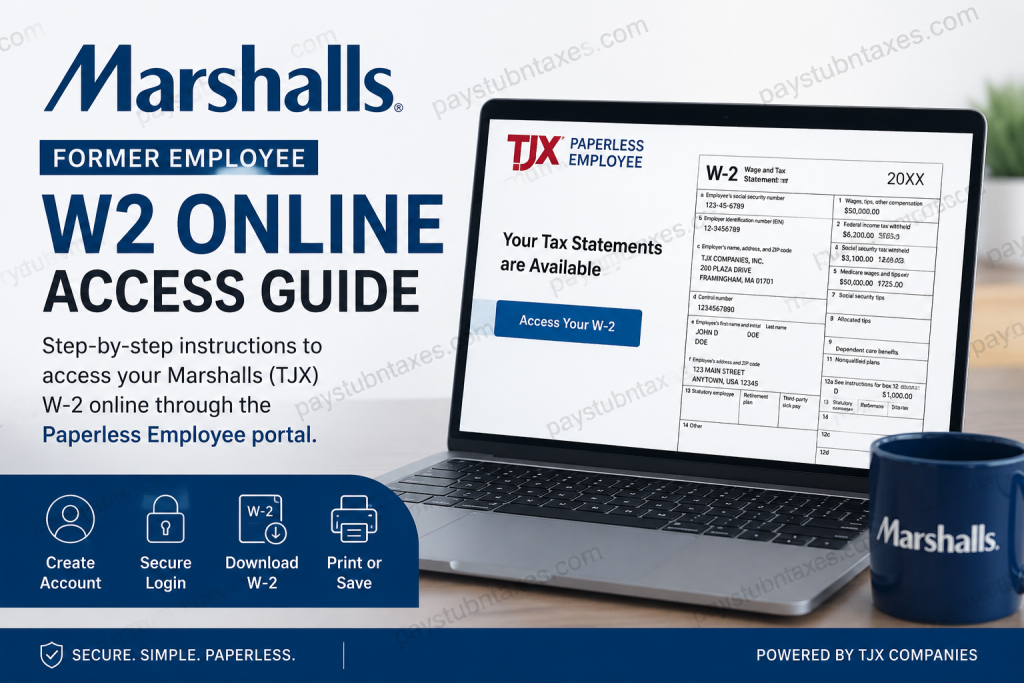
Former Marshalls employees can conveniently access their W-2 forms online through the Paperless Employee self-service portal operated by TJX Companies. Whether you need your tax document for filing returns, applying for financial services, or maintaining employment records, the online system provides a secure and efficient solution. Marshalls, one of America’s leading off-price department store chains, operates under TJX Companies alongside TJ Maxx and HomeGoods. The retailer has more than 1,000 stores across the United States and Puerto Rico and continues to expand internationally. This guide explains everything former Marshalls associates need to know about accessing W-2 forms online, creating an account, recovering login credentials, and resolving common issues.
Marshalls Former Employee W2 Portal
Former employees can retrieve year-end tax forms through the official TJX Paperless Employee portal:
Official W2 Login Portal
https://www.paperlessemployee.com/tjxcompanies
The portal allows eligible former employees to:
- View and download W-2 forms
- Access prior-year tax statements
- Print copies instantly
- Request reissued forms
- Update notification preferences
- Recover forgotten login credentials
The Paperless Employee portal is specifically designed as a secure employee self-service platform for year-end tax statements.
How to Create a Paperless Employee Account
If this is your first time using the system, you must create an online account before accessing your W-2.
Step-by-Step Registration Process
Step 1: Visit the Portal
Go to: https://www.paperlessemployee.com/tjxcompanies
Step 2: Select “Create Account”
On the login page, click the Create Account button.
Step 3: Verify Your Identity
You will need to enter:
- Social Security Number
- Date of Birth
- CAPTCHA verification
After entering the information, click Authenticate & Create Account.
Step 4: Create Login Credentials
Next, set up your account by entering:
- First and last name
- Preferred User ID
- Secure password
The system requires a strong password that meets specific security rules.
Step 5: Verify Your Contact Information
You can receive a one-time verification code through:
- Text message
- Phone call
Enter the verification code and continue setup.
Step 6: Set Security Questions
Choose and answer security questions to help recover your account in the future.
Step 7: Choose Electronic Delivery
To receive W-2 forms electronically, you must consent to electronic delivery before December 31 of the tax year.
You may also select notification preferences for:
- Email alerts
- Text notifications
- Account lockout warnings
How to Access Your Marshalls W2 Online
Once your account is active, accessing your W-2 is straightforward.
Steps to Retrieve Your W2
- Sign in to the Paperless Employee portal
- Navigate to Year-End Tax Statements
- Select the current or prior tax year
- Click Download PDF
- Save or print your W-2 form
The downloaded document can be viewed using any PDF reader such as Adobe Acrobat Reader.
The portal also allows multiple downloads during the availability period.
Forgot Your User ID or Password?
Many former employees encounter login issues after leaving the company. Fortunately, the Paperless Employee system includes self-service recovery tools.
Recover Forgotten User ID
To retrieve your User ID:
- Click Forgot User ID
- Enter your:
- Social Security Number
- Date of Birth
- Click Authenticate
Your User ID will appear after successful verification.
Reset Forgotten Password
To reset your password:
- Select Forgot Password
- Enter your User ID
- Complete CAPTCHA verification
- Verify identity through:
- Security questions
- Verification code
You will then be prompted to create a new password.
How to Request Previous Year W2 Forms
Need an older W-2?
The system allows former Marshalls employees to request reissued copies of prior-year tax forms.
Reissue Options Include:
- Instant PDF download
- Mailed physical copies
According to the portal instructions, mailed copies may take up to 10 business days for delivery.
What If You Did Not Consent to Electronic Delivery?
If you did not enroll in electronic delivery, TJX will mail your paper W-2 automatically.
Paper W-2 forms are generally postmarked on or before January 31 of the following tax year.
This ensures compliance with federal tax reporting deadlines and gives former associates adequate time to file taxes.
Unable to Verify Your Identity?
Some users may encounter verification errors while creating an account.
This usually happens when the personal information on file does not match the data entered during registration.
If this occurs:
- Contact TJX HR support
- Verify your:
- Social Security Number
- Date of Birth
- Email address
- Phone number
After updates are processed, wait approximately 2–3 business days before attempting registration again.
TJX HR Contact Information
If you experience technical problems or need assistance accessing your W-2, contact TJX Human Resources directly.
TJX HR Support Number: 1-888-627-6299
Additional TJX contact and privacy information is also available through company support resources.
About Marshalls and TJX
Marshalls has been a major force in the off-price retail industry for decades. Founded in 1956, the company later became part of TJX Companies in 1995, joining TJ Maxx to form Marmaxx, the largest off-price retailer of apparel and home fashions in the United States. Today, Marshalls operates stores throughout the United States, Puerto Rico, and Canada while continuing to grow its digital shopping platform.
Its well-known slogan remains: “Get the good stuff.”
Final Thoughts
Accessing your Marshalls former employee W-2 online is a fast and secure process through the TJX Paperless Employee portal. Once registered, former associates can instantly download tax forms, recover login credentials, and request prior-year documents without waiting for mail delivery. To avoid delays during tax season, it is highly recommended to enroll in electronic delivery and maintain updated contact information inside the portal. For any unresolved issues, TJX HR support remains available to assist former employees throughout the process.
FAQ – Marshall’s Former Employee W2 Online Access
1. How do I get my Marshalls W2 online as a former employee?
You can access your W-2 online through the TJX Paperless Employee portal by logging into your account and downloading your tax statement.
2. What is the official Marshalls former employee’s W2 website?
The official portal is: https://www.paperlessemployee.com/tjxcompanies
3. Can former Marshalls employees still access Paperless Employee?
Yes. Former employees can continue accessing their tax forms and prior-year statements through the Paperless Employee self-service portal.
4. What information do I need to create an account?
You typically need:
- Social Security Number
- Date of Birth
- Valid email or phone number for verification
5. What should I do if I forgot my User ID?
Click “Forgot User ID” on the login page and verify your identity using your personal information.
6. How do I reset my Marshalls W2 portal password?
Select “Forgot Password,” enter your User ID, complete identity verification, and create a new password.
7. Can I download previous year W2 forms?
Yes. The portal allows former employees to access current and prior-year W-2 tax statements.
8. Is there a fee to download my W2 online?
No. Downloading electronic W-2 forms through the portal is generally free.
9. When are Marshalls W2 forms available online?
W-2 forms are usually available by the end of January each year.
10. What if I did not sign up for electronic delivery?
If you did not consent to paperless delivery, your W-2 will be mailed to your address on file by January 31.
11. Can I request a mailed copy of my W2?
Yes. Former employees may request a reissued paper copy through the portal.
12. How long does it take to receive a mailed W2 copy?
Mailed copies may take up to 10 business days to arrive depending on processing and postal delivery times.
13. Why can’t the system verify my identity?
Verification issues usually occur when your personal details do not match TJX records. Contact HR to update your information.
14. Who do I contact for Marshalls W2 support?
You can contact TJX Human Resources at: 1-888-627-6299
15. Can I print my W2 directly from the portal?
Yes. Once downloaded as a PDF, you can print your W-2 immediately for tax filing or recordkeeping purposes.

