
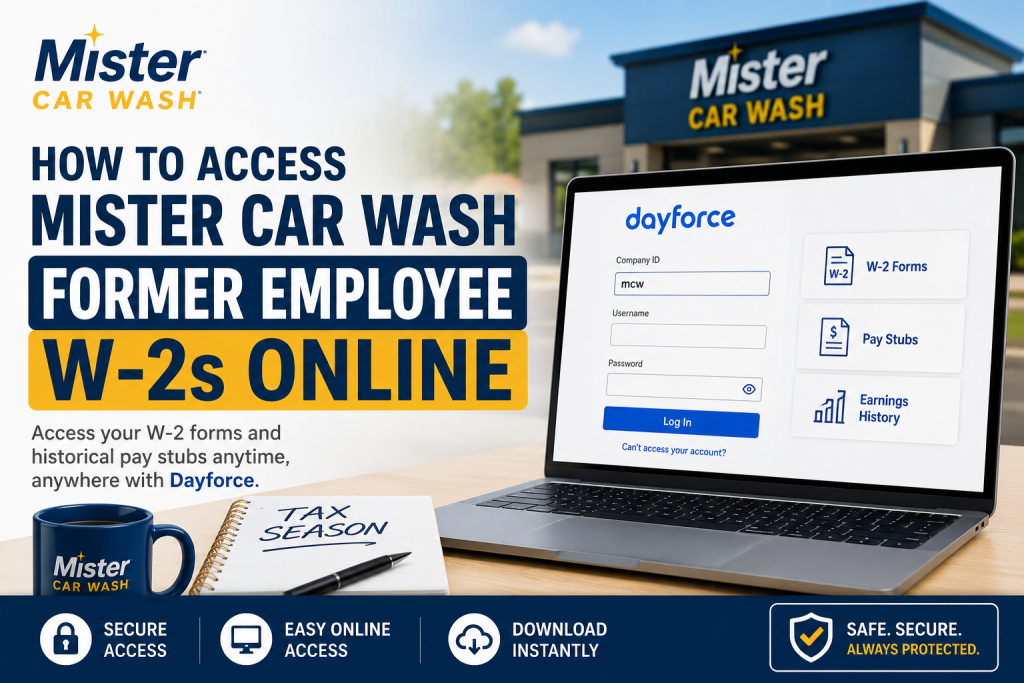
Former employees of Mister Car Wash can conveniently access their W-2 tax forms and historical pay stubs online through the Dayforce HCM self-service portal. The company provides secure digital payroll access, allowing eligible former employees to retrieve important tax and income documents quickly during tax season. Headquartered in Tucson, Arizona, Mister Car Wash operates more than 400 locations across the United States and maintains one of the largest car wash subscription programs in North America. With more than 25 years of industry experience, the company is recognized for operational excellence, elevated hospitality, and a strong commitment to employee growth and customer satisfaction.
Mister Car Wash Former Employee W-2 Portal
Former employees can access W-2 tax forms and previous earnings statements using the Dayforce payroll portal.
Dayforce Login Information
- Portal: https://www.dayforcehcm.com/mydayforce/MyDayforce.aspx
- Company ID:
mcw
The Dayforce platform allows former employees to:
- Access W-2 tax forms
- View historical pay stubs
- Download earnings statements
- Manage payroll records
- Reset passwords securely
- Access employment-related tax documents online
Step-by-Step Guide to Access Mister Car Wash W-2s
Step 1: Visit the Dayforce Login Page
Open your preferred web browser and visit the official Dayforce portal.
Enter the following login credentials:
- Company ID:
mcw - Username
- Password
After entering your details, click the Login button.
Step 2: Navigate to the Earnings Section
Once logged into the Dayforce dashboard:
- Open the Hub page
- Select the Earnings icon
- Click on the Year End Forms tab
This section stores current and previous W-2 forms.
Step 3: Download Your W-2 Form
Inside the Year End Forms section:
- Select the desired tax year
- Open the W-2 document
- Download or print the form instantly
Former employees may also access archived W-2 forms from previous years if available.
How to Access Historical Pay Stubs
Dayforce also allows former employees to retrieve past earnings statements and payroll history.
To access historical pay stubs:
- Log into Dayforce
- Open the Earnings section
- Select the desired pay period
- View, download, or print the statement
This feature is especially useful for employment verification, loan applications, tax preparation, and income tracking.
Forgot Your Dayforce Password?
If you cannot remember your password:
- Click “Can’t access your account?”
- Enter your username or registered email address
- Follow the password reset instructions sent to your email
If the reset process does not work, contact Mister Car Wash Human Resources or payroll support for assistance.
Benefits of Using Dayforce for Payroll Access
The Dayforce employee self-service platform offers several advantages for former employees:
- 24/7 access to W-2s and payroll records
- Secure cloud-based payroll management
- Fast document downloads
- Historical earnings visibility
- Easier tax filing preparation
- Convenient digital access from any location
The system is designed to simplify payroll management while improving employee accessibility and convenience.
About Mister Car Wash Employee Benefits
Mister Car Wash is known for providing competitive employee benefits and professional growth opportunities. Employees may receive access to:
- Medical, dental, and vision plans
- Paid time off programs
- Financial wellness support
- Employee assistance resources
- Career advancement opportunities
- Ongoing training and development
- Free car wash perks and company incentives
The company strongly emphasizes workplace culture, employee satisfaction, and long-term career growth.
Troubleshooting Dayforce Login Issues
If you experience problems accessing your account:
- Verify the Company ID is entered correctly as
mcw - Double-check your username and password
- Use the password recovery option
- Clear your browser cache and cookies
- Try another browser or device
- Ensure your former employee account remains active for payroll access
For unresolved issues, contact the Mister Car Wash HR or payroll department directly.
Is Dayforce Secure?
Yes. Dayforce uses secure authentication systems and privacy protections to help safeguard employee payroll and tax information. Former employees should always keep login credentials private and use secure internet connections when accessing payroll records.
Final Thoughts
Accessing Mister Car Wash former employee W-2s online is a simple and efficient process through the Dayforce HCM portal. Whether you need tax documents, historical pay stubs, or payroll records for personal verification, the Dayforce system provides fast and secure digital access from virtually anywhere. By keeping your login credentials updated and maintaining access to your registered email account, you can quickly retrieve your W-2 forms whenever needed during tax season.
Frequently Asked Questions (FAQs)
1. How do former employees access Mister Car Wash W-2s online?
Former employees can log into the Dayforce HCM portal using Company ID mcw to access W-2 forms and payroll records.
2. What is the Mister Car Wash Dayforce Company ID?
The official Dayforce Company ID for Mister Car Wash is mcw.
3. Where can I find my W-2 in Dayforce?
After logging in, go to the Earnings section and select “Year End Forms” to view and download your W-2.
4. Can former employees still access Dayforce?
Yes. Eligible former employees may continue to access Dayforce for W-2s and historical pay stubs.
5. How do I reset my Dayforce password?
Click “Can’t access your account?” on the Dayforce login page and follow the password reset instructions.
6. Can I download previous years’ W-2 forms?
Yes. Dayforce may provide archived W-2 forms from previous tax years if available.
7. Does Dayforce allow access to old pay stubs?
Yes. Historical earnings statements and payroll records can be viewed through the Earnings section.
8. Is the Dayforce portal secure?
Yes. Dayforce uses secure authentication and payroll protection measures to help safeguard employee information.
9. What browser works best for Dayforce?
Google Chrome, Microsoft Edge, and Safari generally provide the best compatibility with Dayforce.
10. Can I print my W-2 directly from Dayforce?
Yes. W-2 forms can be downloaded as PDF files and printed instantly.
11. When are W-2 forms usually available?
W-2 forms are typically released by the end of January each year.
12. What should I do if my account is locked?
Use the password recovery feature or contact Mister Car Wash HR or payroll support for assistance.
13. Can I access Dayforce from a mobile device?
Yes. Dayforce supports mobile access through compatible browsers and mobile applications.
14. Why can’t I see my W-2 in Dayforce?
Your W-2 may not yet be released, or your former employee access could require reactivation through HR support.
15. Who should I contact for payroll or W-2 assistance?
Former employees should contact Mister Car Wash Human Resources or payroll support for account and tax document assistance.

