
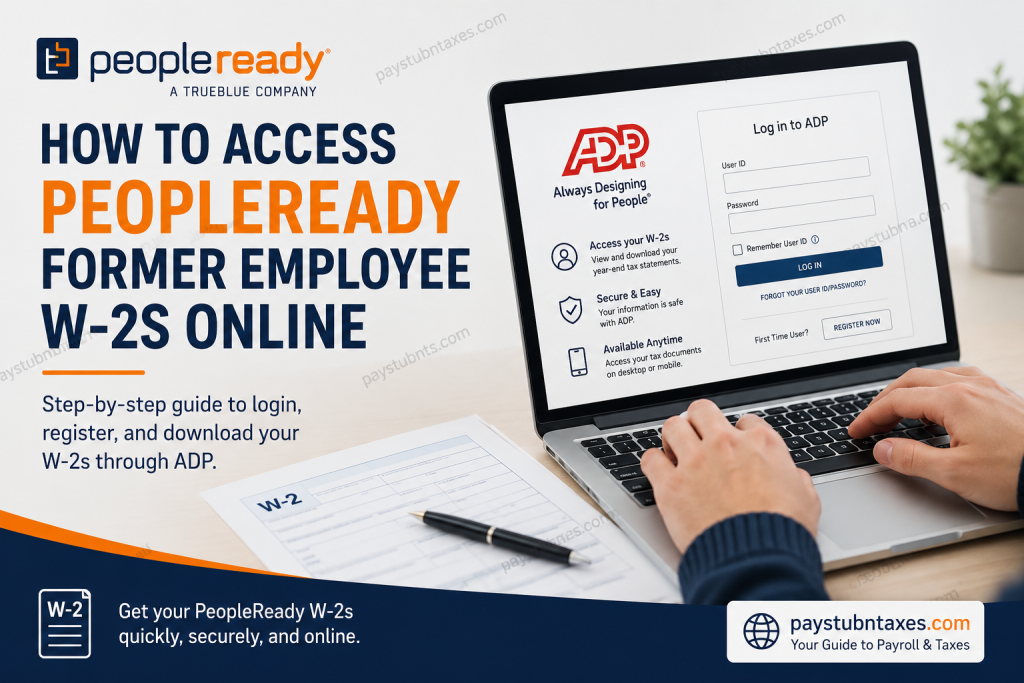
Need your PeopleReady W-2 after leaving the company? Fortunately, PeopleReady makes it relatively straightforward for both current and former associates to retrieve their year-end tax documents online through the ADP Self-Service Portal. Whether you need your W-2 to file your taxes, verify income, or replace a misplaced copy, this guide walks you through the entire process.
About PeopleReady
PeopleReady, a TrueBlue company (NYSE: TBI), is one of America’s leading staffing providers, specializing in on-demand labor and highly skilled workforce solutions. For more than three decades, the company has connected businesses with job seekers across construction, manufacturing, logistics, retail, hospitality, and numerous other industries. Through its innovative JobStack platform and extensive branch network, PeopleReady helps thousands of workers find employment opportunities throughout all 50 states.
Because many associates work on temporary or seasonal assignments, PeopleReady offers convenient digital access to payroll records and tax documents, ensuring that even former employees can obtain their W-2 forms quickly and securely.
Can Former Employees Access Their PeopleReady W-2 Online?
Yes. Former PeopleReady associates can access their W-2 forms online through the ADP Self-Service Portal, provided they complete their account registration and identity verification.
The online system enables users to:
- Download and print current and previous W-2 forms
- Receive tax documents earlier through paperless delivery
- Update personal information and contact details
- Access payroll information from virtually anywhere
How to Access Your PeopleReady W-2 Online
Step 1: Visit the ADP Portal
Go to: https://my.adp.com
This is the official ADP Employee Self-Service website used by PeopleReady and other TrueBlue companies.
Step 2: Select “Register Now”
If you have never used ADP before, click Register Now on the login page.
If you already have an account, simply sign in using your User ID and Password.
Step 3: Choose “Find Me”
ADP will ask for personal information to verify your identity, such as:
- First Name
- Last Name
- Date of Birth
- Social Security Number (SSN)
Follow the on-screen prompts carefully.
Step 4: Use the Registration Code (If Necessary)
If the “Find Me” option cannot locate your information, return to the registration page and select:
I Have a Registration Code
Enter the PeopleReady organizational registration code: TrueB-W2
Make sure to include the dash exactly as shown.
Step 5: Create Your ADP Account
After your identity has been verified:
- Create your User ID.
- Set a secure password.
- Add your email address and mobile phone number for account recovery and notifications.
Step 6: Access Your W-2
Once your account has been created:
- Log in to ADP.
- Navigate to Pay & Tax Statements.
- Select your desired tax year.
- Download or print your W-2 form.
Go Paperless for Faster Access
Former employees who opt into electronic delivery can receive their W-2 as soon as it becomes available online.
To enroll:
- Log into ADP.
- Select Go Paperless.
- Confirm your preferences.
When your W-2 becomes available, ADP will send an email notification.
Important W-2 Deadlines
Update Personal Information
If your mailing address, email address, or phone number has changed, update your information through JobStack or contact your local PeopleReady branch by December 27.
Online W-2 Availability
Employees who elect electronic delivery may receive their W-2 online by January 31.
Paper W-2 Mailing Date
If you do not choose online delivery, paper W-2 forms begin mailing on January 31 each year.
W-2 Reissues
Replacement copies generally become available after February 15.
Forgot Your ADP Username or Password?
No need to panic.
Simply visit: https://my.adp.com
Select:
- Forgot User ID
- Forgot Password
You will be asked to complete a brief identity verification process before regaining access to your account.
Download the ADP Mobile App
Former employees who prefer mobile access can also download the ADP Mobile Solutions App, available on:
- Apple App Store
- Google Play Store
The app allows users to:
- View W-2 forms
- Download tax documents
- Access payroll information
- Receive notifications when tax forms become available
Need Additional Assistance?
If you are still unable to access your PeopleReady W-2, contact the dedicated W-2 support team.
PeopleReady W-2 Call Center
Phone: 1-800-722-5840
Hours of Operation:
Monday through Friday
8:00 A.M. – 5:00 P.M. Central Time
A representative can assist with:
- Registration issues
- Identity verification problems
- Missing W-2 forms
- Reissued tax statements
- Login difficulties
Final Thoughts
Retrieving your PeopleReady W-2 after employment has ended is considerably easier than many former associates expect. Through ADP’s secure self-service portal, you can register, verify your identity, and download your tax documents in just a few minutes. By opting for electronic delivery and keeping your contact information current, you can avoid delays and gain timely access to the paperwork required for tax season. Should you encounter any obstacles along the way, PeopleReady’s dedicated W-2 support team remains available to guide you through the process and ensure that obtaining your tax documents is as smooth and hassle-free as possible.
Frequently Asked Questions
1. Can former employees access their PeopleReady W-2 online?
Yes. Former PeopleReady employees can access and download their W-2 forms through the ADP Self-Service Portal.
2. What website do I use to get my PeopleReady W-2?
Visit https://my.adp.com to access your W-2 and other payroll information.
3. What is the PeopleReady ADP registration code?
The organizational registration code is TrueB-W2.
4. Do I need to create an ADP account?
Yes. First-time users must register and create an ADP account to access their W-2 forms online.
5. What information is needed to register?
You may need your name, date of birth, Social Security Number, email address, and phone number for identity verification.
6. When are PeopleReady W-2 forms available?
Electronic and paper W-2 forms are generally available beginning on January 31 each year.
7. Can I receive my W-2 electronically?
Yes. Employees who opt for paperless delivery receive an email notification when their W-2 becomes available.
8. What if I forgot my ADP username or password?
Use the Forgot User ID or Forgot Password links on the ADP login page to recover your account.
9. Can I print my W-2 from ADP?
Yes. You can download and print your W-2 directly from the ADP portal.
10. What should I do if my address has changed?
Update your personal information in JobStack or contact your local PeopleReady branch before December 27.
11. When are paper W-2 forms mailed?
Paper W-2s begin mailing on or around January 31 each year.
12. Can I request a replacement W-2?
Yes. W-2 reissues generally become available after February 15.
13. Is there a mobile app for accessing my W-2?
Yes. You can use the ADP Mobile Solutions App on iOS and Android devices.
14. How do I contact PeopleReady for W-2 assistance?
Call the PeopleReady W-2 Call Center at 1-800-722-5840, Monday through Friday, from 8:00 A.M. to 5:00 P.M. Central Time.
15. Can I access previous years’ W-2 forms through ADP?
In many cases, ADP provides access to prior tax documents, depending on your account and retention period.

