
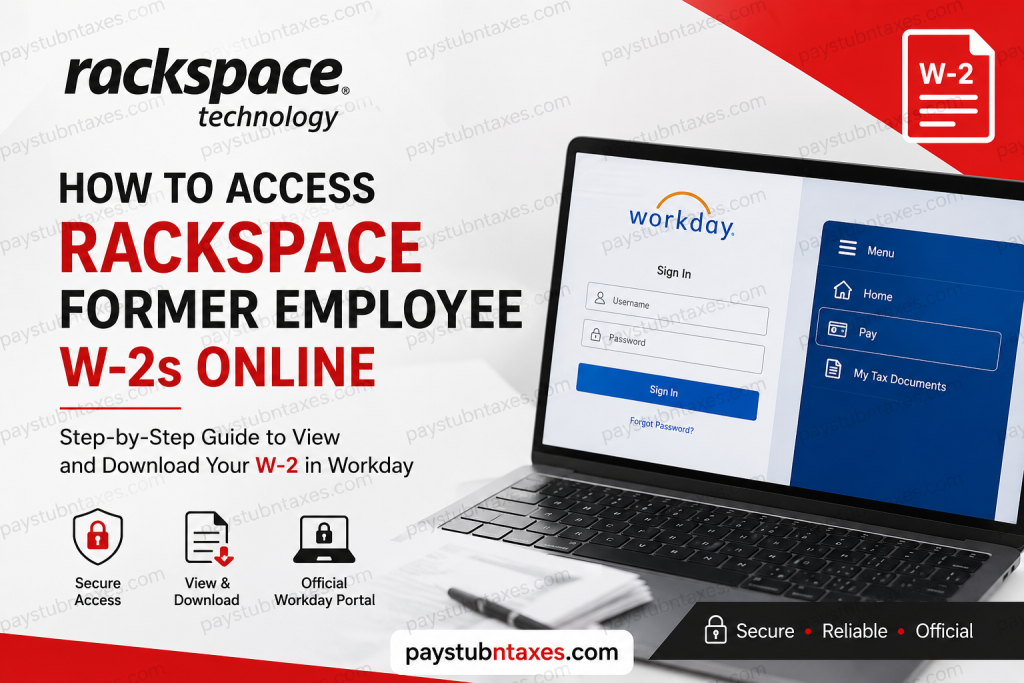
Former employees of Rackspace Technology can conveniently obtain their W-2 tax forms online through the Workday self-service platform, provided they previously elected electronic tax document delivery before separation from the company. Although access procedures differ slightly from those used by active employees, Rackspace continues to provide secure temporary access to Workday so former employees may retrieve and print their W-2 forms efficiently.
About Rackspace Technology
Rackspace Technology is widely recognized as one of the world’s leading multicloud and enterprise AI infrastructure providers, delivering mission-critical cloud, cybersecurity, applications, data, and AI solutions to organizations operating in highly regulated environments. The company supports customers in more than 120 countries and operates at global scale with extensive expertise across hybrid cloud and AI-driven enterprise operations.
Rackspace Technology specializes in governed private cloud environments, AI infrastructure, operational accountability, and managed services, helping enterprises securely deploy and scale advanced technologies while maintaining regulatory compliance and operational resilience.
Can Former Rackspace Employees Access Their W-2 Online?
Yes. Former Rackspace employees who selected electronic delivery for tax documents can access their W-2 forms online through Workday. However, because Microsoft Single Sign-On (SSO) access is revoked immediately after employment termination, former employees cannot log in using the same authentication method used during active employment.
Instead, eligible former employees are generally provided with temporary Workday credentials that permit limited access specifically for payroll and tax documentation retrieval.
Employees who selected physical mail delivery should expect their W-2 forms to be mailed to the home address listed in Workday no later than January 31, 2027.
Rackspace Former Employee Workday Login
Former employees should use the web-based Workday portal rather than the mobile application.
Official Former Employee Login Portal
Rackspace Workday Login Portal
Once you open the portal, log in using the temporary Workday username and password provided by Rackspace HR or payroll support.
It is important to understand that the Workday mobile app may no longer function after separation because the organization code typically redirects current employees through Microsoft SSO authentication only. As a result, former employees should always use the browser-based Workday portal for W-2 retrieval.
How to Access Your Rackspace W-2 in Workday
After successfully signing into Workday, follow these steps to locate and download your W-2 tax document:
Step 1: Sign In to Workday
Open the Rackspace Workday login page and enter your temporary credentials.
Step 2: Open the Menu
From the Workday home screen, locate the Menu icon in the upper-left corner.
Step 3: Navigate to the Pay Section
From the dropdown menu, select Pay to open payroll-related options.
Step 4: Select “My Tax Documents”
Inside the Pay dashboard, click My Tax Documents to access your available tax forms.
Step 5: Choose the Correct Tax Year
A table containing available W-2 forms will appear. Locate the applicable tax year and select the appropriate document.
Step 6: Wait for Processing Notification
In some cases, Workday may temporarily display a “Notify Me Later” message while the document is being generated. If this occurs, simply select the notification option and continue.
Step 7: Download and Print Your W-2
Once processing is complete, the document notification will appear under the bell icon in the top-right corner of Workday. Open the PDF version of the W-2 to download or print the form for your records.
Why Former Employees Cannot Use Microsoft SSO
Rackspace uses Microsoft SSO authentication for active employees, which is automatically disabled after employment separation. Consequently, former employees lose access to the standard enterprise authentication system and must instead use temporary Workday credentials issued for post-employment access purposes.
This security measure helps protect enterprise systems and confidential organizational data while still allowing former employees to retrieve essential payroll and tax documents.
What to Do If You Cannot Access Your W-2
If you encounter login problems or are unable to locate your W-2 form, consider the following troubleshooting steps:
- Verify that you are using the browser-based Workday portal instead of the mobile app.
- Ensure your temporary username and password are entered correctly.
- Clear your browser cache and cookies before attempting another login.
- Try accessing Workday using a private or incognito browser window.
- Confirm that your W-2 was set for electronic delivery before termination.
- Check whether your mailing address in Workday was accurate if you selected paper delivery.
If issues persist, contact Rackspace HR support directly.
Rackspace HR Contact Information
For questions regarding W-2 forms, payroll corrections, wage information, or tax withholdings, contact:
Email: askhr@rackspace.com
When contacting HR, include your full name, employee ID if available, last working date, and updated contact information to accelerate verification and support.
Important W-2 Access Tips for Former Employees
- W-2 forms are generally issued by the end of January each year.
- Temporary Workday access may expire after a limited period.
- Download and securely save your W-2 immediately after access becomes available.
- Maintain updated mailing and contact information with HR to avoid delivery delays.
- Browser access is strongly recommended over mobile access for former employees.
Final Thoughts
Rackspace Technology has streamlined the W-2 retrieval process for former employees through secure Workday self-service access. Although Microsoft SSO privileges are disabled after employment separation, temporary Workday credentials continue to provide a reliable method for accessing tax documents online. By using the browser-based Workday portal and following the proper navigation steps, former Rackspace employees can quickly download, print, and retain their W-2 forms without unnecessary delays during tax season.
Frequently Asked Questions
1. How do former employees access Rackspace W-2 forms online?
Former Rackspace employees can access W-2 forms through the Workday self-service portal using temporary login credentials provided after termination.
2. What is the official Rackspace Workday login portal?
The official former employee Workday portal is:
https://wd1-identity.myworkday.com/wday/authgwy/rackspace/upc/login?redirect=n
3. Can I still access Workday after leaving Rackspace?
Yes, but only through temporary Workday credentials because Microsoft SSO access is revoked after termination.
4. Can former employees use the Workday mobile app?
Generally no. Former employees should use the web browser version because mobile authentication often depends on Microsoft SSO access.
5. Where can I find my W-2 inside Workday?
Navigate to: Menu → Pay → My Tax Documents
6. When will Rackspace mail paper W-2 forms?
Paper W-2 forms are typically mailed no later than January 31 each year to the address listed in Workday.
7. What should I do if I forgot my Workday password?
Use the “Forgot Your Password?” option on the login page or contact Rackspace HR support.
8. Who should I contact for W-2 issues at Rackspace?
Employees should contact: askhr@rackspace.com
9. Why does Microsoft SSO no longer work after termination?
Rackspace disables Microsoft SSO access after employment separation for security and compliance purposes.
10. Can I print my W-2 directly from Workday?
Yes. Once the PDF opens, you can download, save, or print the document instantly.
11. What if my W-2 is missing in Workday?
Wait briefly for processing completion or contact HR if the form still does not appear.
12. How long does former employee Workday access remain active?
Temporary access duration varies depending on Rackspace payroll and HR policies.
13. What information should I provide when contacting HR?
Include your full name, employee ID if available, last working date, and updated contact information.
14. Can I receive both electronic and mailed W-2 copies?
Depending on your tax document preferences, you may receive both electronic and paper copies.
15. Is the Rackspace Workday portal secure?
Yes. Rackspace uses secure authentication and controlled temporary access for former employees retrieving payroll and tax documents.

